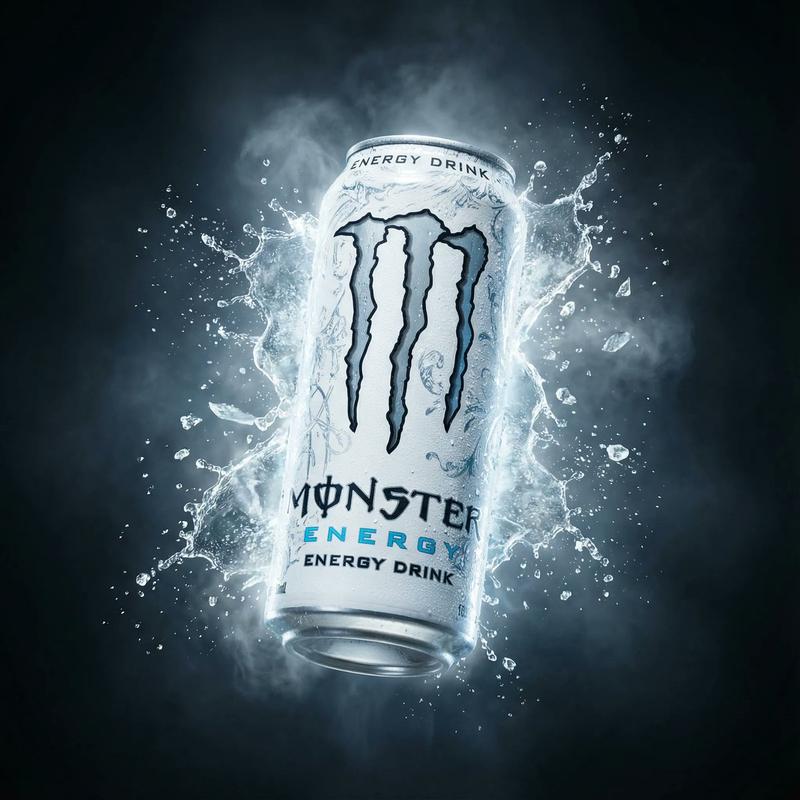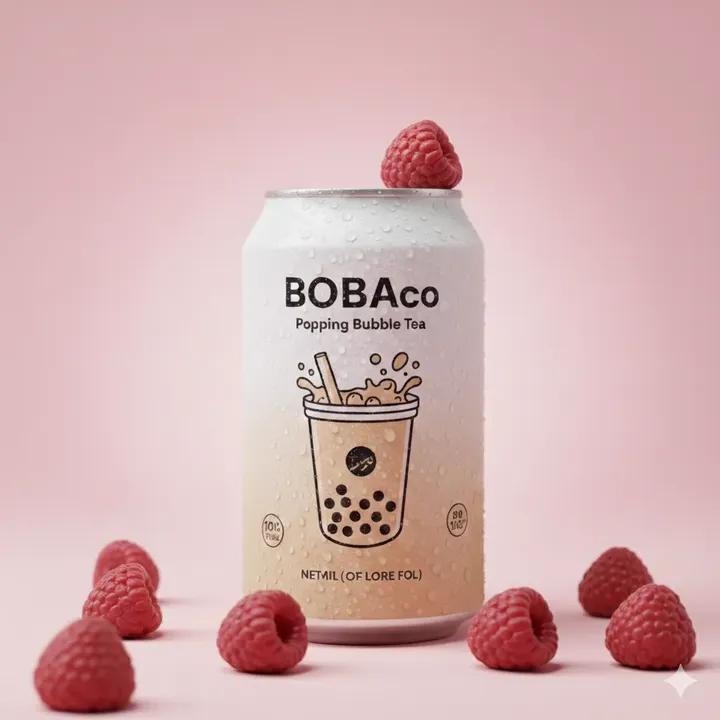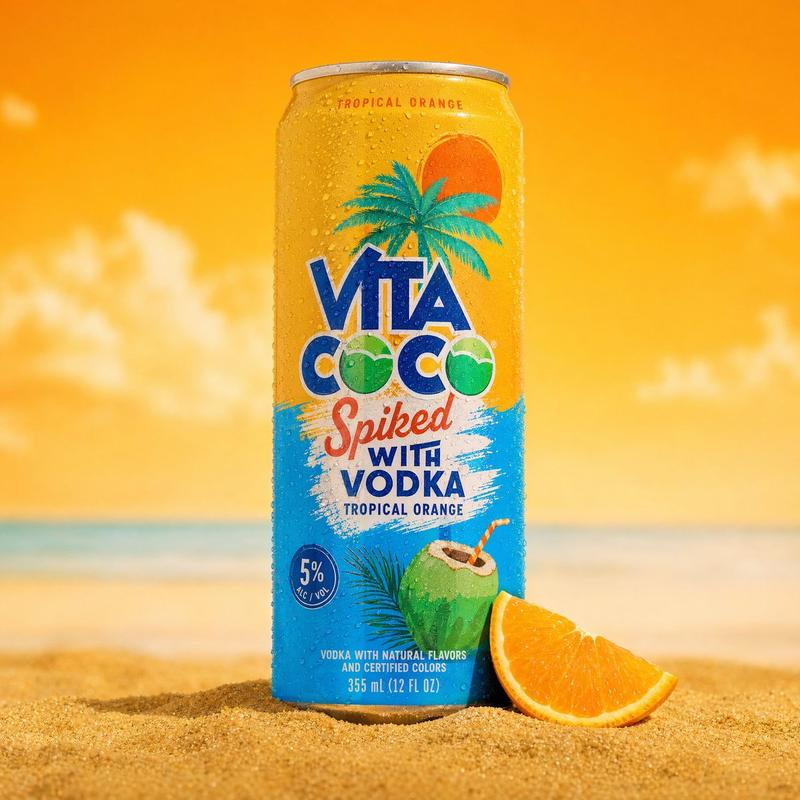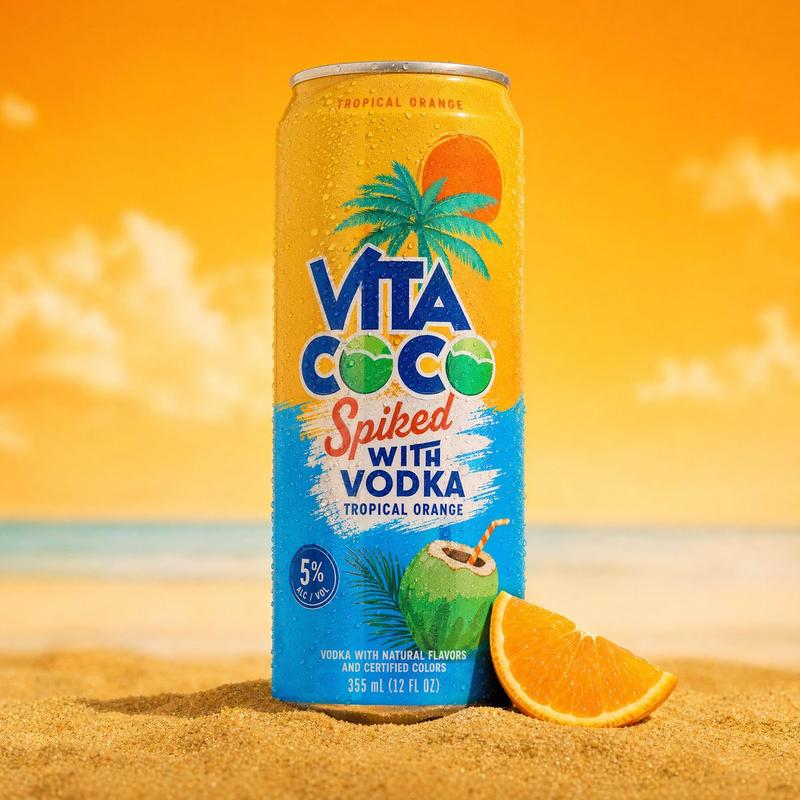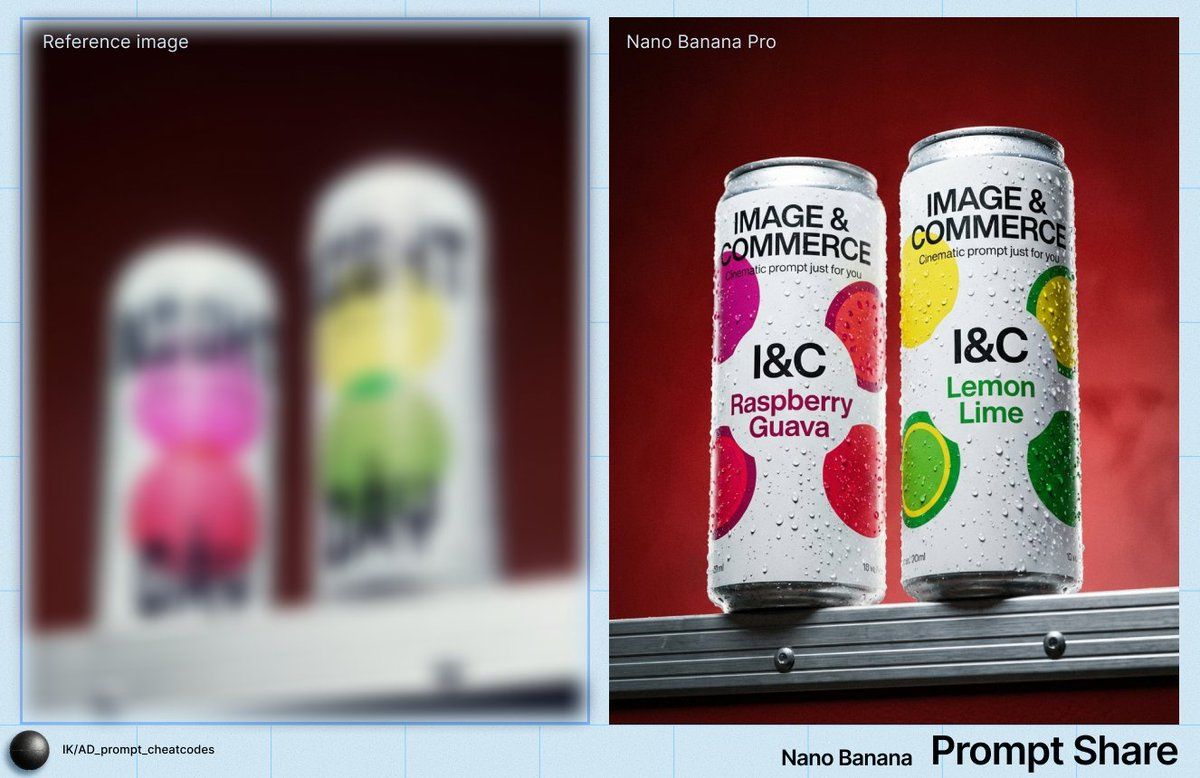
电影质感冰镇饮料微距特写
Prompt
IMAGE: Frame & Composition: The camera uses a low-angle, straight-on frontal view, positioned slightly below the subjects so the two cans rise above the horizon line; both cans are upright and vertically oriented, placed side by side with a narrow gap, occupying the central upper third of the frame; the lower edge crops into a metallic ledge that acts as a base plane, while the cans are fully visible from base to rim; the composition is symmetrical but slightly staggered in height, with the right can marginally taller in frame due to perspective; negative space dominates the upper background, reinforcing vertical emphasis and product isolation. Lighting & Atmosphere: A frontal key light, slightly elevated and centered, produces even illumination across both cans, generating dense, high-contrast specular highlights on condensation droplets; shadows are minimal and soft, indicating diffused fill from the front and sides; the moisture beads catch light sharply, suggesting a hard component within the otherwise controlled lighting setup; no atmospheric haze is present, but surface condensation creates a tactile, cold visual cue. Subject Geometry & Materiality: Each subject is a tall, cylindrical aluminum can with smooth vertical walls and rounded rims; both are coated in matte white printed labels with bold, high-contrast typography; circular color graphics are printed flat onto the surface—magenta and red on the left can, yellow and green on the right can; the aluminum surfaces are covered with uniformly distributed water droplets of varying diameters, clinging via surface tension; droplets create micro-lens effects, distorting underlying text and graphics; edges are crisp, with no deformation, indicating rigid packaging. Environmental Layering: The foreground consists of a horizontal metallic ledge with linear grooves and visible fasteners, rendered in sharp focus; the cans sit directly atop this ledge, establishing physical contact; the midground is entirely occupied by the cans; the background is a uniform, out-of-focus deep red gradient wall with subtle tonal variation and no discernible texture; no additional objects or layers are present beyond these three planes. Technical Artifacts & Color: The color palette contrasts cool whites and saturated accent colors on the cans against a warm, dark red background; saturation is moderate to high in the printed circles, while the background remains subdued; fine film grain is visible across the image, especially in the darker red areas, suggesting either high ISO or intentional texture; slight vignetting darkens the frame edges; no chromatic aberration or motion blur is visible; highlights on droplets are sharp with controlled roll-off. TEXT: Title: “IMAGE & COMMERCE”; Subtitle: “Cinematic prompt just for you” (partially visible); Body: Flavor names including “Raspberry Guava” on the left can and “Lemon Lime” on the right can; CTA: None; Logo: “I&C”; Disclaime
- Category
- Posters & Typography
- Model
- Nano Banana Pro
- Creator
- @ai_artdirector
- Source ID
- 10755
- Published
- Apr 28, 2026
Views36