纸牌风暴时尚人像海报提示词
Prompt
Use your uploaded portrait only as the identity reference. Preserve the subject’s face shape, facial features, hairstyle, hair length, skin tone, and natural body proportions. Do not copy the original portrait’s clothes, background, lighting, pose, image quality, or accessories. Create a new realistic studio photo inspired by the reference image, not an exact copy.

Prompt

Create a hyper-realistic cinematic studio portrait poster, vertical 9:16 composition.

An adult female subject sits confidently on a simple black chair in the center of the frame, full-body view, one leg crossed naturally, wearing a clean white short-sleeve fitted top, a light mint-green layered tulle skirt, white socks, and chunky white lace-up platform boots. The outfit should look stylish, youthful, and fashion editorial, but not cosplay or anime.

The subject is making a playful secretive gesture, placing one index finger gently in front of her lips while holding a playing card in the other hand. Her expression is calm, confident, slightly mysterious, with a subtle wink or half-closed eye. Natural realistic face, real skin texture, no plastic AI skin.

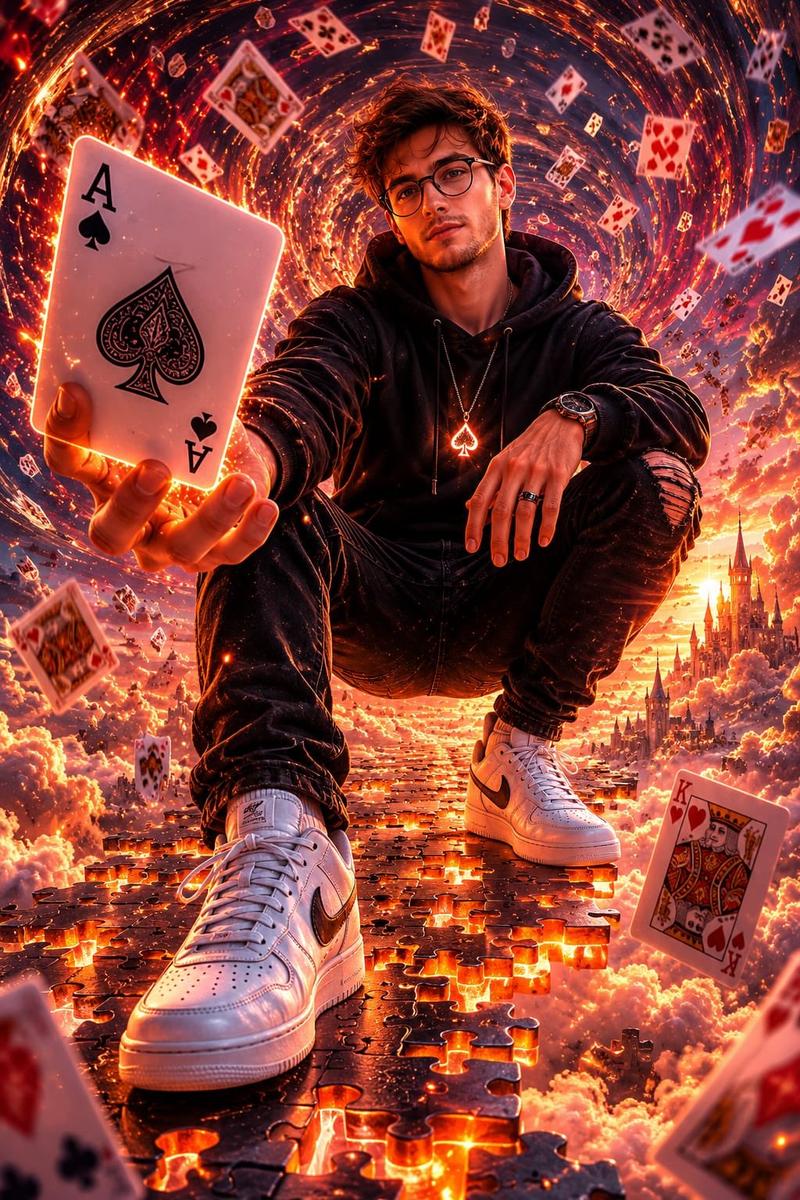
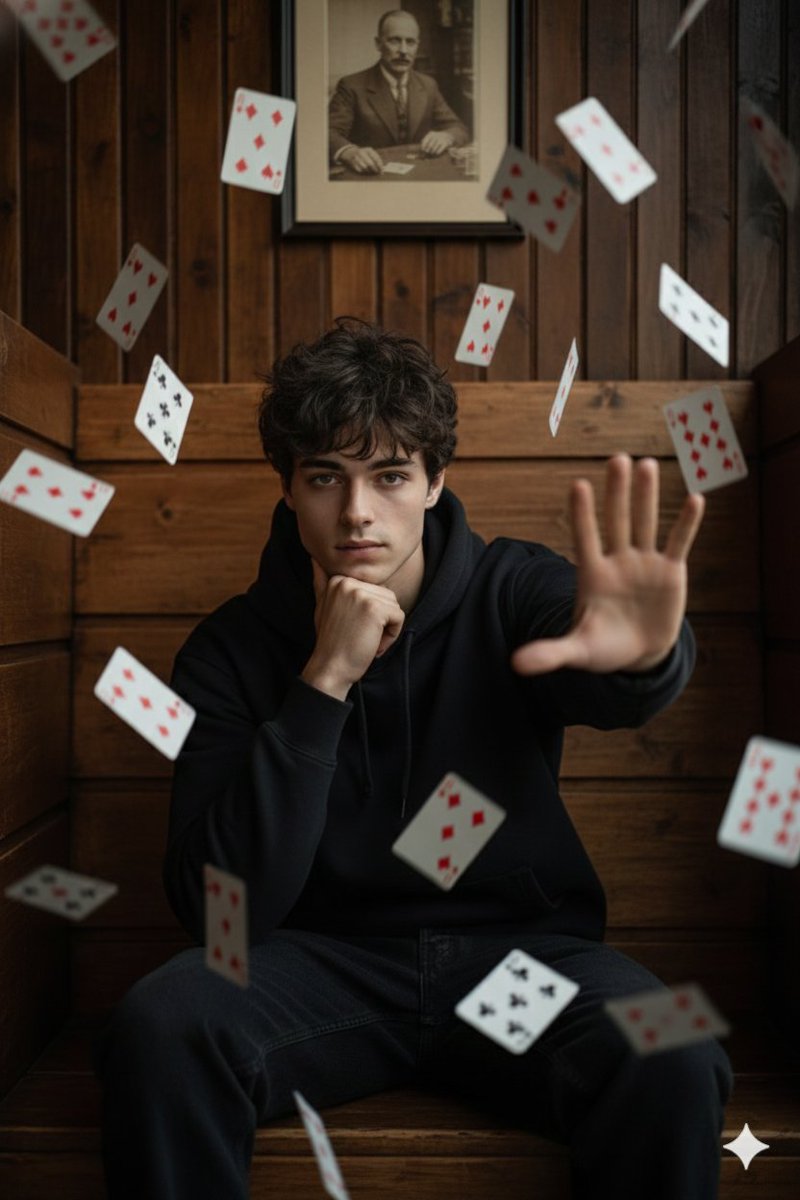
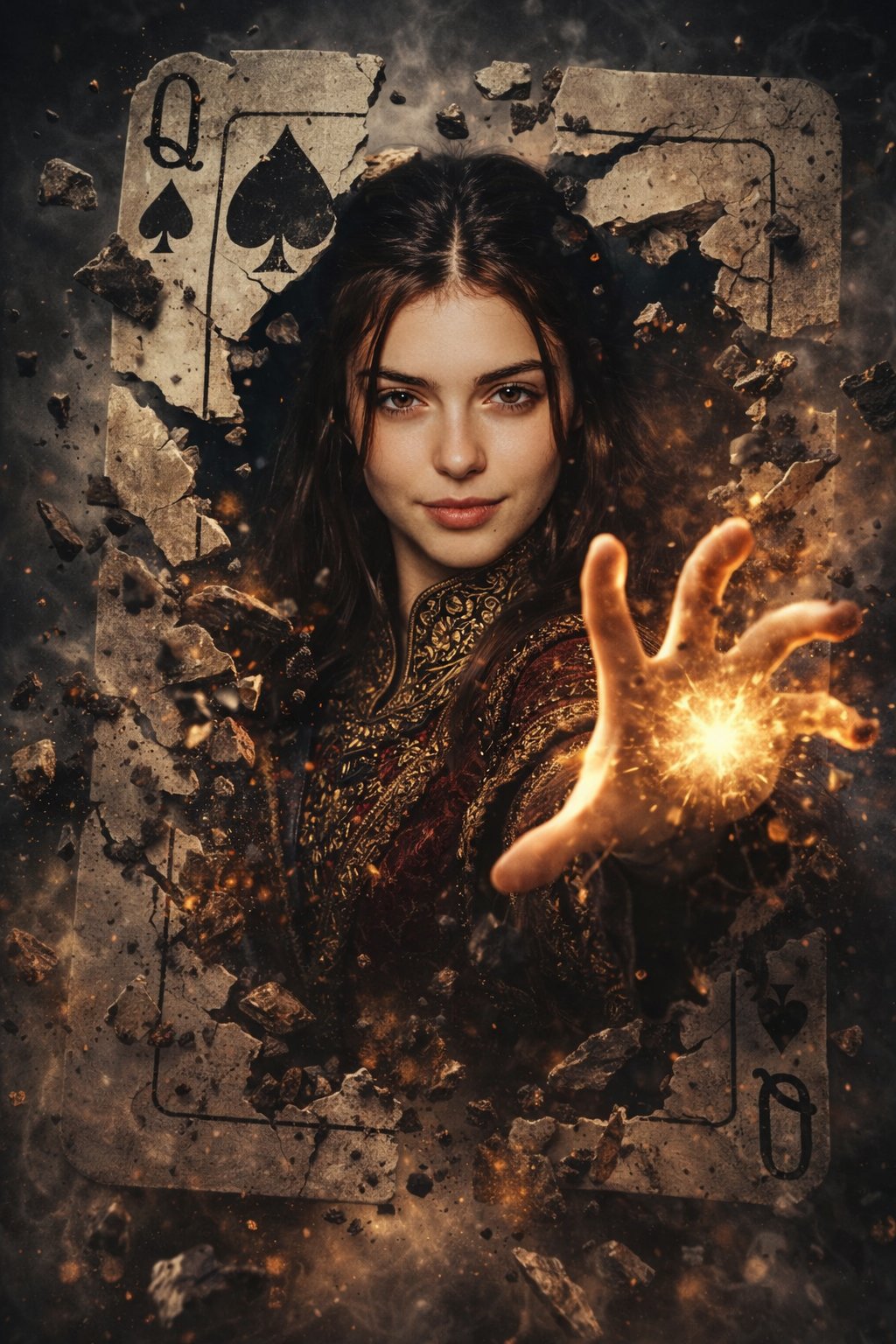
Surround her with a dramatic tunnel-like vortex of flying playing cards. Cards should appear at different depths: some huge and blurred in the foreground, some sharp around the subject, and many cards spinning in the dark background. Use strong fisheye perspective, dynamic motion blur, circular swirl movement, and depth-of-field to create a magical card-storm effect.

Background: black studio environment with a large circular motion vortex behind the subject, dramatic spotlight from above and front, soft shadows on the floor, cinematic contrast, realistic photography lighting, premium commercial poster look.

Add large bold red English typography behind the subject, partially covered by her body, clean and readable: “SHOW YOUR CARDS”. Add a small thin white subtitle under it: “THE SECRET DECK”. Typography should be integrated into the scene like a real poster, not random text.

Realistic live-action photography style, high-end commercial poster, sharp subject, natural body anatomy, realistic fabric texture, detailed playing cards, cinematic lighting, no watermark, no logo, no Chinese text.

Negative Prompt

anime, cartoon, illustration, 2D style, CGI look, plastic skin, fake face, over-smoothed skin, distorted face, bad anatomy, twisted neck, unnatural legs, extra fingers, missing fingers, deformed hands, wrong card shapes, unreadable text, random letters, Chinese text, watermark, logo, Doubao watermark, AI-generated watermark, low resolution, blurry subject, messy composition, overexposed face, duplicated body, floating limbs, creepy smile, doll-like face, unrealistic lighting, bad perspective, cluttered background.
- Category
- Posters & Typography
- Model
- ChatGPT
- Creator
- @Shinning1010
- Source ID
- 15076
- Published
- May 27, 2026
Views146