20

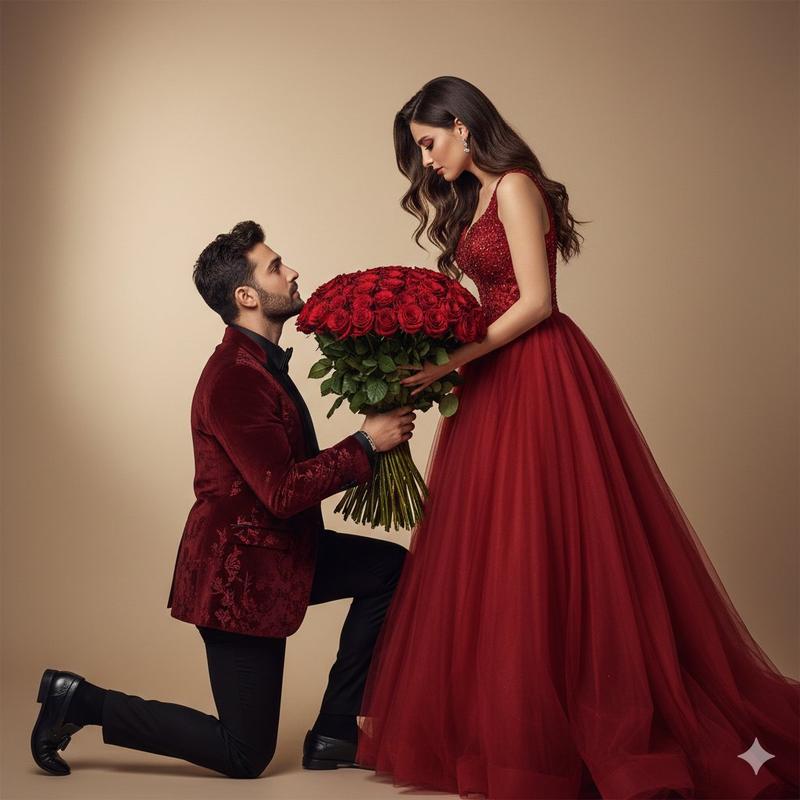
热烈红玫瑰中的电影级求婚
Enlarge

热烈红玫瑰中的电影级求婚

Prompt
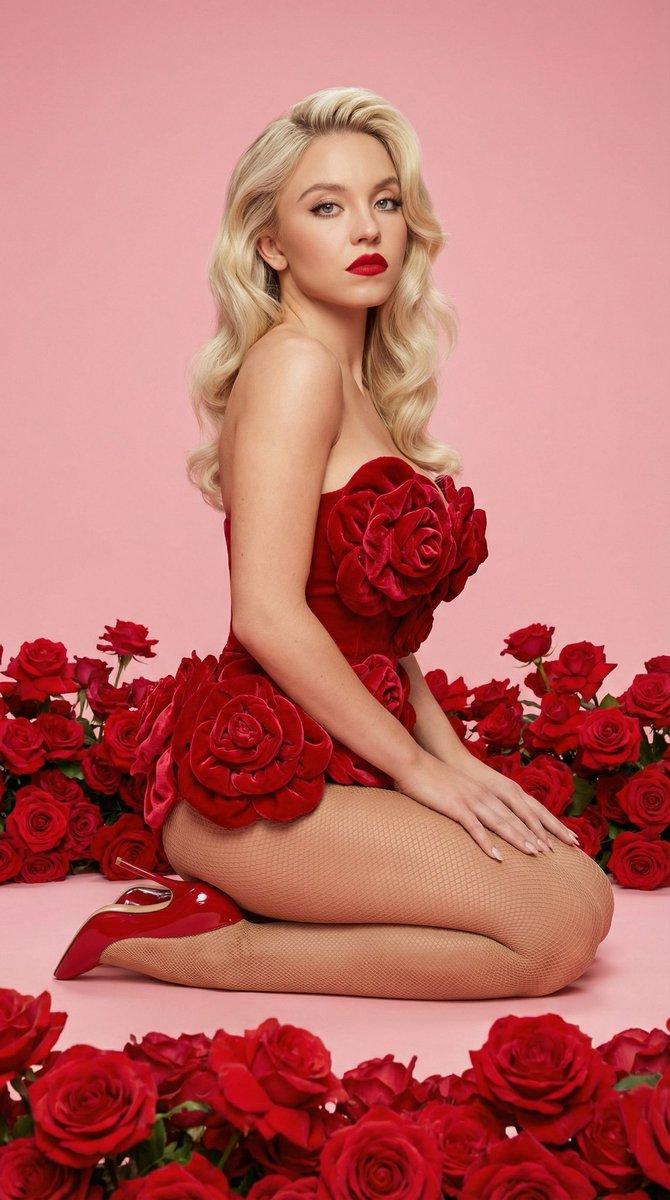
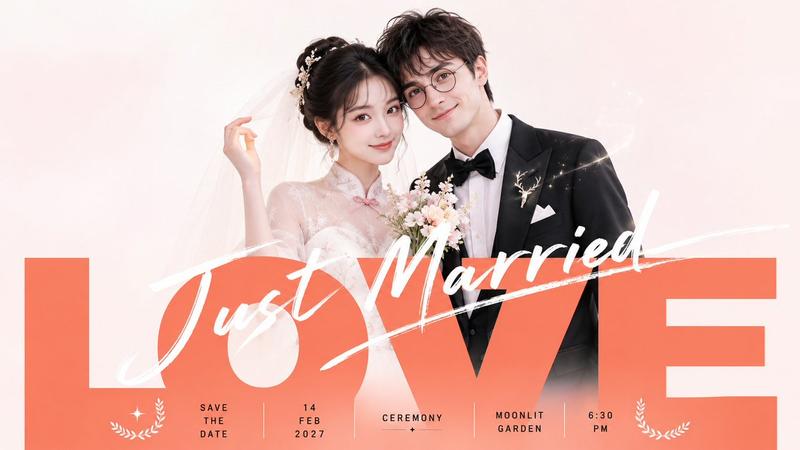
"action": "image_generation", "action_input": "{'prompt': "A high-quality, cinematic full-body shot of a romantic proposal scene. A handsome young man with the facial features of the male in s2.jpg, wearing a deep red embroidered blazer, black pants, and black loafers, is kneeling on one knee. He has stylish messy hair and is lovingly offering a massive bouquet of fresh red roses with both hands. Standing in front of him is a beautiful young woman with the facial features of the female in S1.jpg. She is wearing a stunning, flowing red ball gown with a long voluminous tulle skirt and a fitted sparkling bodice. She has long wavy hair and elegant makeup, reaching down to hold the bottom of the bouquet. They are both looking deeply into each other's eyes with intense, emotional expressions. Elegant studio-style lighting with a soft, blurred background to emphasize the couple."}"
Category
Photography & Realism
Model
Nano Banana Pro
Creator
@AbidkingB
Views31
Source ID
12024
Published
Apr 26, 2026

Guide

About "热烈红玫瑰中的电影级求婚"

What is this prompt for?

"热烈红玫瑰中的电影级求婚" AI image prompt for Nano Banana Pro (Photography & Realism). "action": "image_generation", "action_input": "{'prompt': "一张高质量的电影级全身照,描…

The full copyable prompt and example visuals above are ready for AI image generation or one-click recreate in Picva.

How to use this prompt

  1. Step 1

    Open the prompt detail

    Review the example visuals, category, and full prompt text for "热烈红玫瑰中的电影级求婚".

  2. Step 2

    Copy the prompt

    Copy the prompt body from this page, or load it directly in Studio.

  3. Step 3

    Pick a model (Nano Banana Pro)

    Prefer Nano Banana Pro. If you switch models, keep subject and composition and tweak style terms.

  4. Step 4

    Generate and export

    Recreate the look in Picva, or export into your workflow for editing and publishing.

FAQ

What is the "热烈红玫瑰中的电影级求婚" prompt?
It is an AI image-generation prompt for Nano Banana Pro in the Photography & Realism category. This page includes the full prompt text, example visuals, and a one-click recreate path in Picva.
How do I use this prompt to generate an image?
Copy the prompt from this page, or use Generate / Studio. Paste it into a compatible image model, or recreate the look in Picva with optional reference images.
Which model is this prompt for?
This page lists Nano Banana Pro. Most descriptive prompts also transfer to nearby image models such as GPT Image, Flux, or Midjourney with light style tweaks.
Can I use the result commercially?
You can usually copy the prompt for creation, but commercial use of the final image depends on the model terms, reference-image rights, and the generated content. Follow the source author and platform rules.