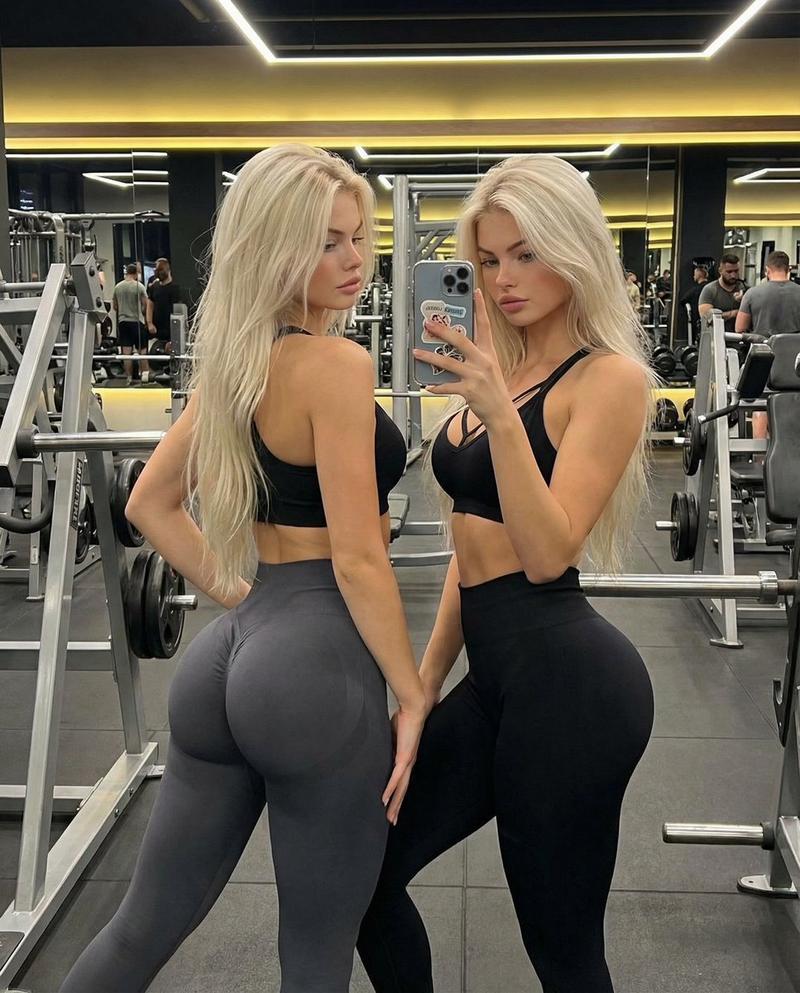
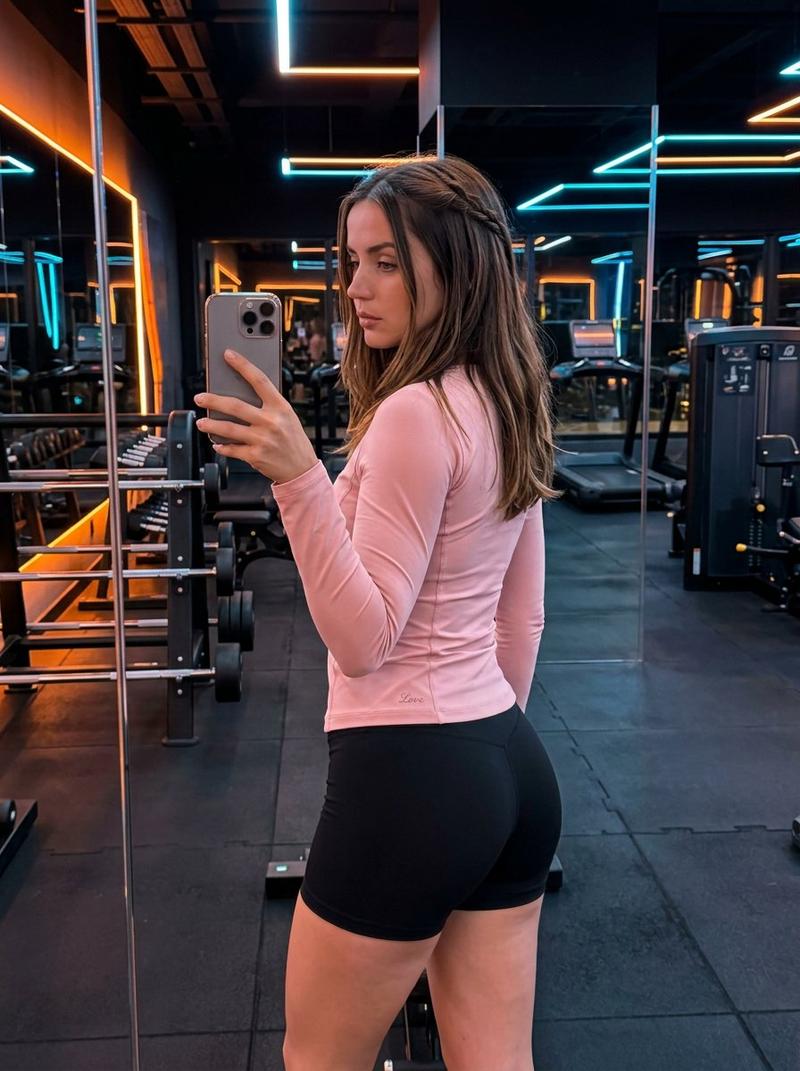
14

电影级四分屏多视角叙事
Enlarge

电影级四分屏多视角叙事

Prompt
Create a single cinematic image divided into four horizontal panels, each panel representing a different camera angle of the same scene and subject. All panels must be visually cohesive in lighting, color grading, and atmosphere. Top panel – BIRD’S-EYE SHOT: A top-down overhead view, perfectly vertical camera angle, emphasizing spatial layout and geometry. Second panel – SIDE CLOSE-UP SHOT: A close-up shot from the side profile, shallow depth of field, focusing on facial or object details with cinematic compression. Third panel – EXTREME CLOSE-UP: An extreme close-up capturing fine textures and micro details, filling the frame almost abstractly. Bottom panel – MEDIUM WIDE BACK SHOT: A medium-wide shot from behind the subject, showing posture and environment, cinematic framing, strong sense of depth. Clean horizontal separations between panels, editorial film-strip composition, high-end cinematic still, consistent subject identity across all panels.
Category
Posters & Typography
Model
Nano Banana Pro
Creator
@kaanakz
Views30
Source ID
10764
Published
Apr 29, 2026

Guide

About "电影级四分屏多视角叙事"

What is this prompt for?

"电影级四分屏多视角叙事" AI image prompt for Nano Banana Pro (Posters & Typography). 创作一张电影风格的图像,将其分成四个水平面板,每个面板都代表同一场景和主题的不同摄像机角度。 所有面板在光照、色彩分级和氛围上必须保持视觉上的连贯性。 顶部面板 – 鸟瞰…

The full copyable prompt and example visuals above are ready for AI image generation or one-click recreate in Picva.

How to use this prompt

  1. Step 1

    Open the prompt detail

    Review the example visuals, category, and full prompt text for "电影级四分屏多视角叙事".

  2. Step 2

    Copy the prompt

    Copy the prompt body from this page, or load it directly in Studio.

  3. Step 3

    Pick a model (Nano Banana Pro)

    Prefer Nano Banana Pro. If you switch models, keep subject and composition and tweak style terms.

  4. Step 4

    Generate and export

    Recreate the look in Picva, or export into your workflow for editing and publishing.

FAQ

What is the "电影级四分屏多视角叙事" prompt?
It is an AI image-generation prompt for Nano Banana Pro in the Posters & Typography category. This page includes the full prompt text, example visuals, and a one-click recreate path in Picva.
How do I use this prompt to generate an image?
Copy the prompt from this page, or use Generate / Studio. Paste it into a compatible image model, or recreate the look in Picva with optional reference images.
Which model is this prompt for?
This page lists Nano Banana Pro. Most descriptive prompts also transfer to nearby image models such as GPT Image, Flux, or Midjourney with light style tweaks.
Can I use the result commercially?
You can usually copy the prompt for creation, but commercial use of the final image depends on the model terms, reference-image rights, and the generated content. Follow the source author and platform rules.