14

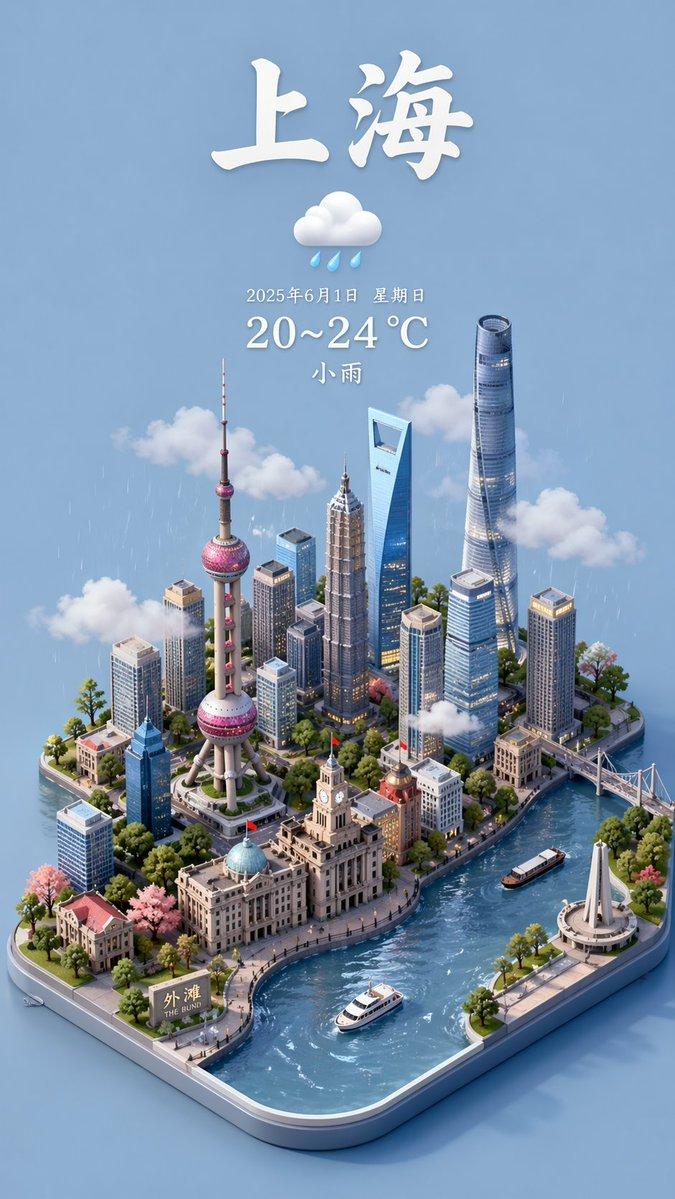
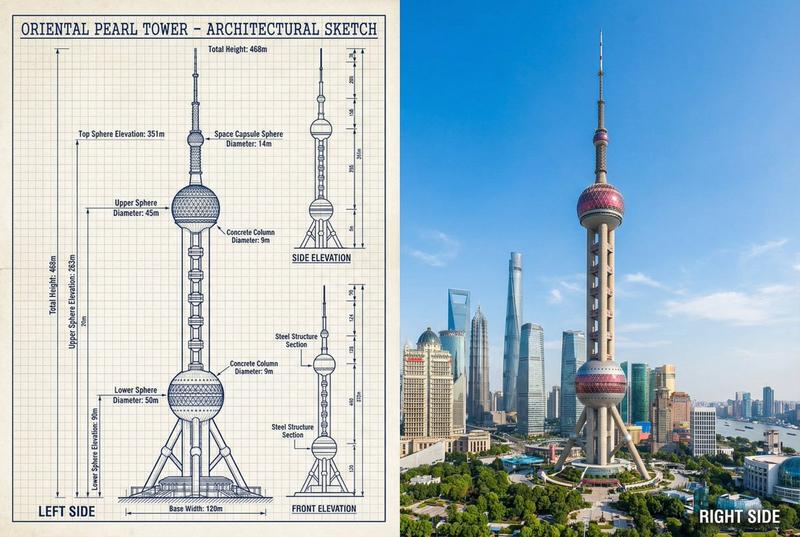
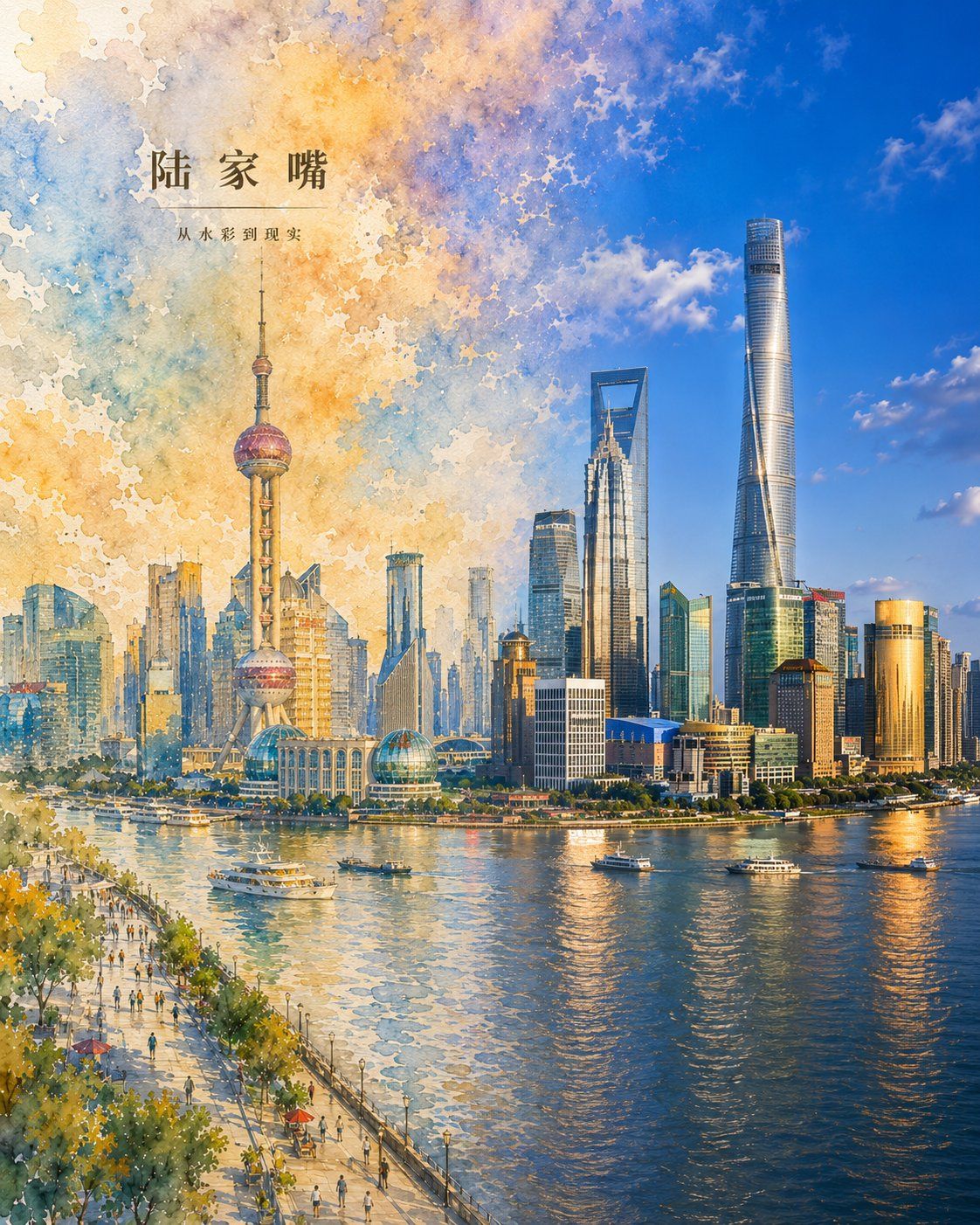
虚实交融城市印象艺术海报
Enlarge

Example images

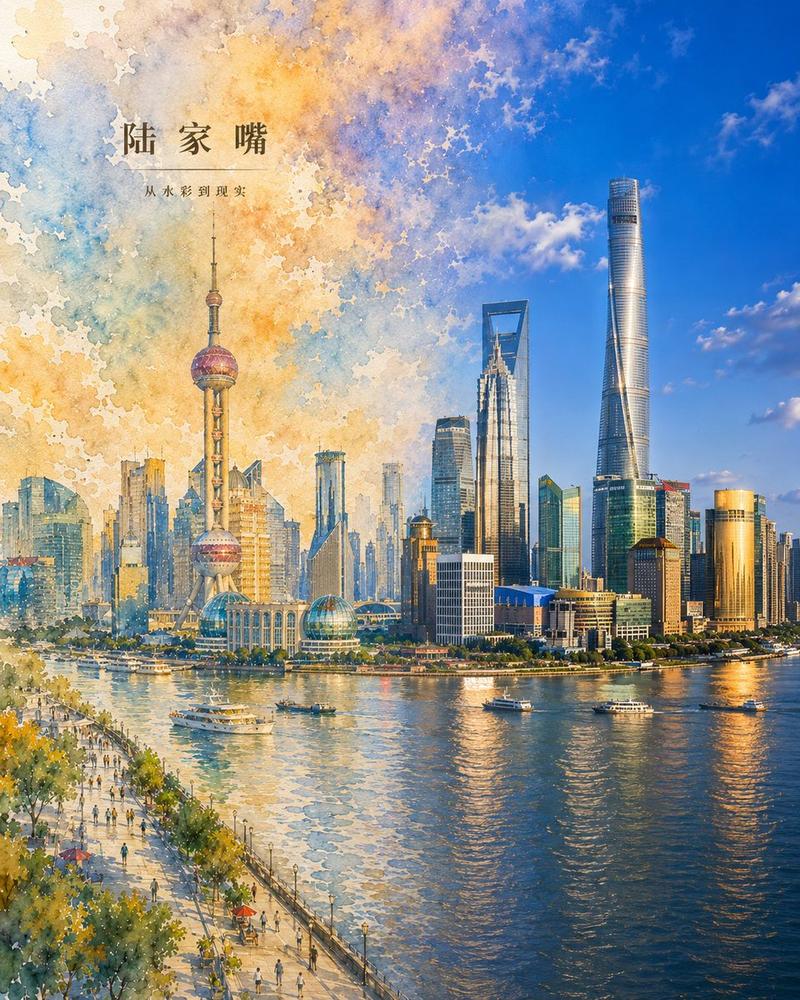
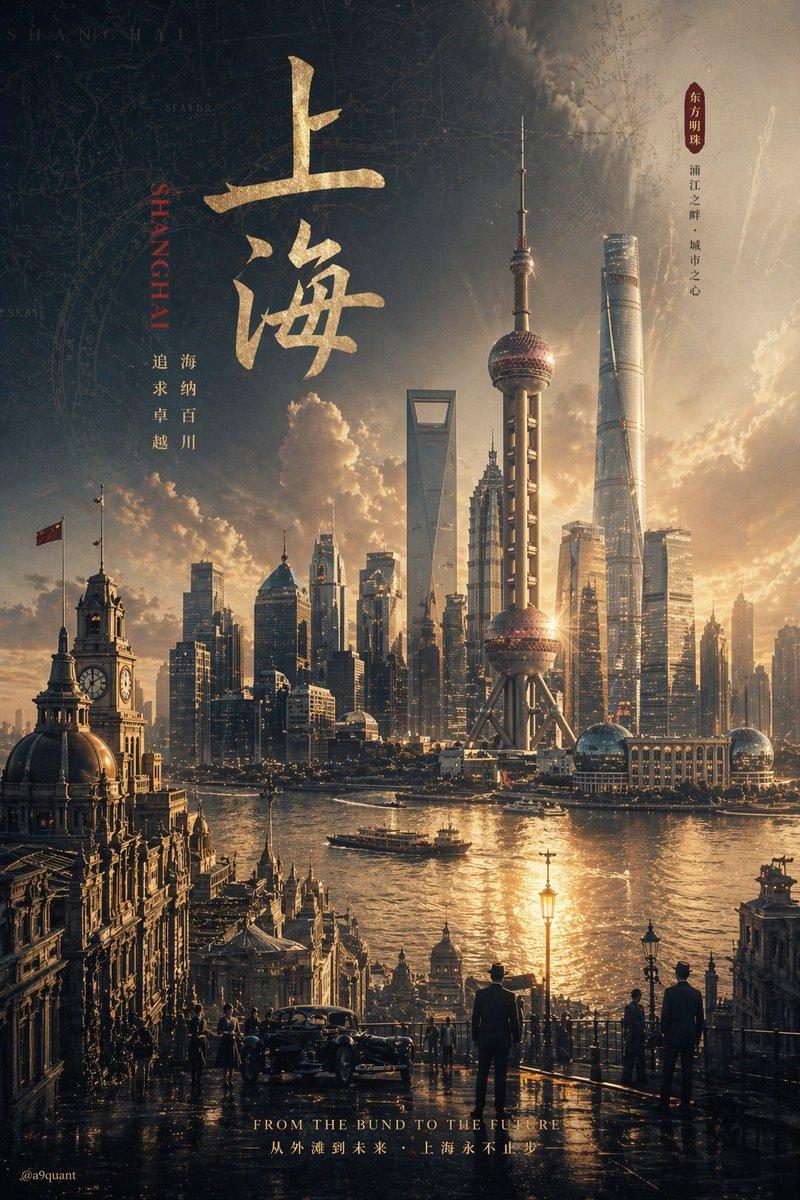
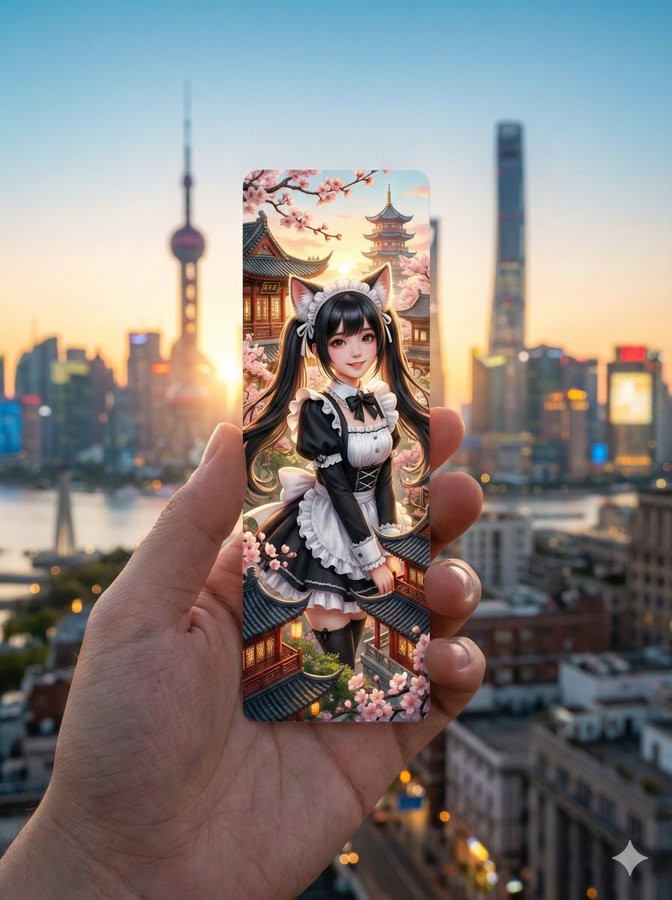
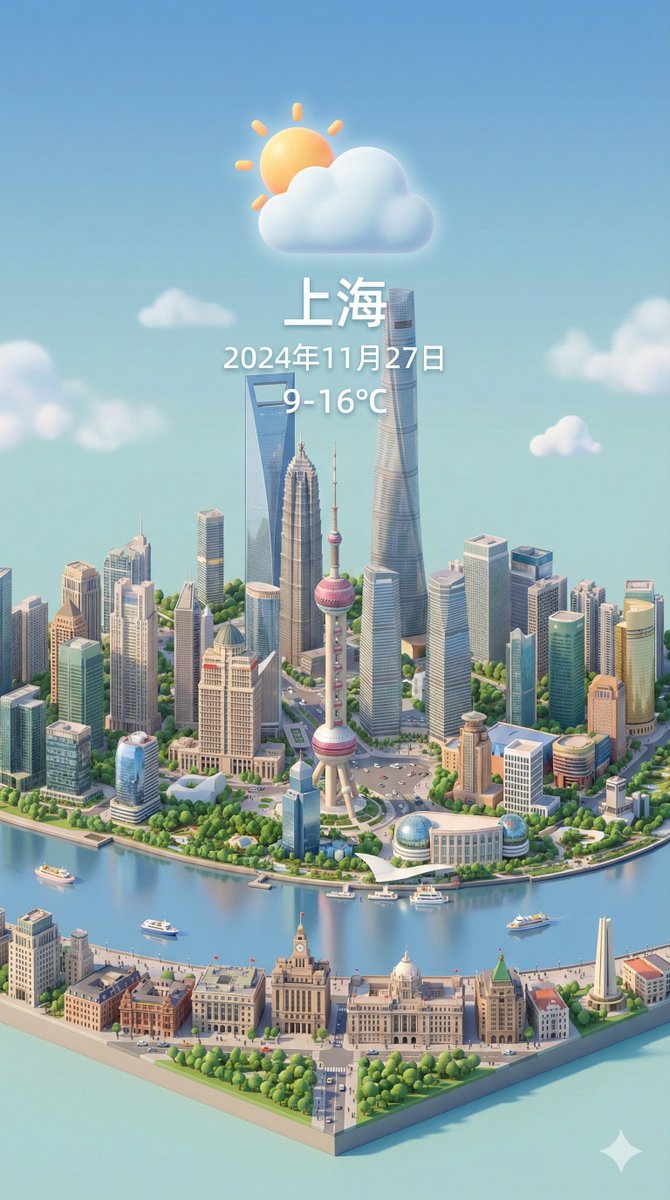
虚实交融城市印象艺术海报

Prompt
Generate a vertical city poster in the style of 'Blending Void and Reality' featuring [City Title]. Core Concept: The image presents a natural transition from 'high-fidelity realistic watercolor' on the left to a 'high-definition real cityscape' on the right within the same spatial environment, showing the city awakening from imagination into reality. Composition: Vertical 4:5 ratio, full-bleed without large white paper backgrounds. Left 1/3: Detailed realistic watercolor city with complete architecture, roads, and spatial layers. Middle: A seamless, layered transition zone where textures of sky, buildings, and water blend naturally. Right 1/3: High-definition realistic cityscape with natural lighting and modern photographic detail. Visual Style: Realistic watercolor textures (paper grain, brushstrokes) versus clear, transparent modern photography. The vibe is clean, high-end, and artistic. Palette: Sky blue, urban gray, vegetation green, and water blue with soft warm highlights. Text Requirements: Minimalist overlay with Main Title [City Title] and Subtitle 'From Watercolor to Reality' using elegant, restrained fonts. Content: Accurately depict the most recognizable landmarks and geographical features of [City Title]. Avoid: Large blank spaces, sharp cuts or collage-like edges, gibberish text, and low resolution.
Category
Posters & Typography
Model
ChatGPT
Creator
@MrLarus
Views110
Source ID
14562
Published
May 16, 2026

Guide

About "虚实交融城市印象艺术海报"

What is this prompt for?

"虚实交融城市印象艺术海报" AI image prompt for ChatGPT (Posters & Typography). 请生成一张「虚实交融 · 城市印象」风格的竖版城市海报,主题为【城市标题】。 核心概念: 整张画面从左到右呈现“高完成度写实水彩 → 虚实融合 → 高清真实城市风景”的自然过渡效果。画…

The full copyable prompt and example visuals above are ready for AI image generation or one-click recreate in Picva.

How to use this prompt

  1. Step 1

    Open the prompt detail

    Review the example visuals, category, and full prompt text for "虚实交融城市印象艺术海报".

  2. Step 2

    Copy the prompt

    Copy the prompt body from this page, or load it directly in Studio.

  3. Step 3

    Pick a model (ChatGPT)

    Prefer ChatGPT. If you switch models, keep subject and composition and tweak style terms.

  4. Step 4

    Generate and export

    Recreate the look in Picva, or export into your workflow for editing and publishing.

FAQ

What is the "虚实交融城市印象艺术海报" prompt?
It is an AI image-generation prompt for ChatGPT in the Posters & Typography category. This page includes the full prompt text, example visuals, and a one-click recreate path in Picva.
How do I use this prompt to generate an image?
Copy the prompt from this page, or use Generate / Studio. Paste it into a compatible image model, or recreate the look in Picva with optional reference images.
Which model is this prompt for?
This page lists ChatGPT. Most descriptive prompts also transfer to nearby image models such as GPT Image, Flux, or Midjourney with light style tweaks.
Can I use the result commercially?
You can usually copy the prompt for creation, but commercial use of the final image depends on the model terms, reference-image rights, and the generated content. Follow the source author and platform rules.