18

奢华泳池畔的自信黑衣女郎
Enlarge

奢华泳池畔的自信黑衣女郎

Prompt
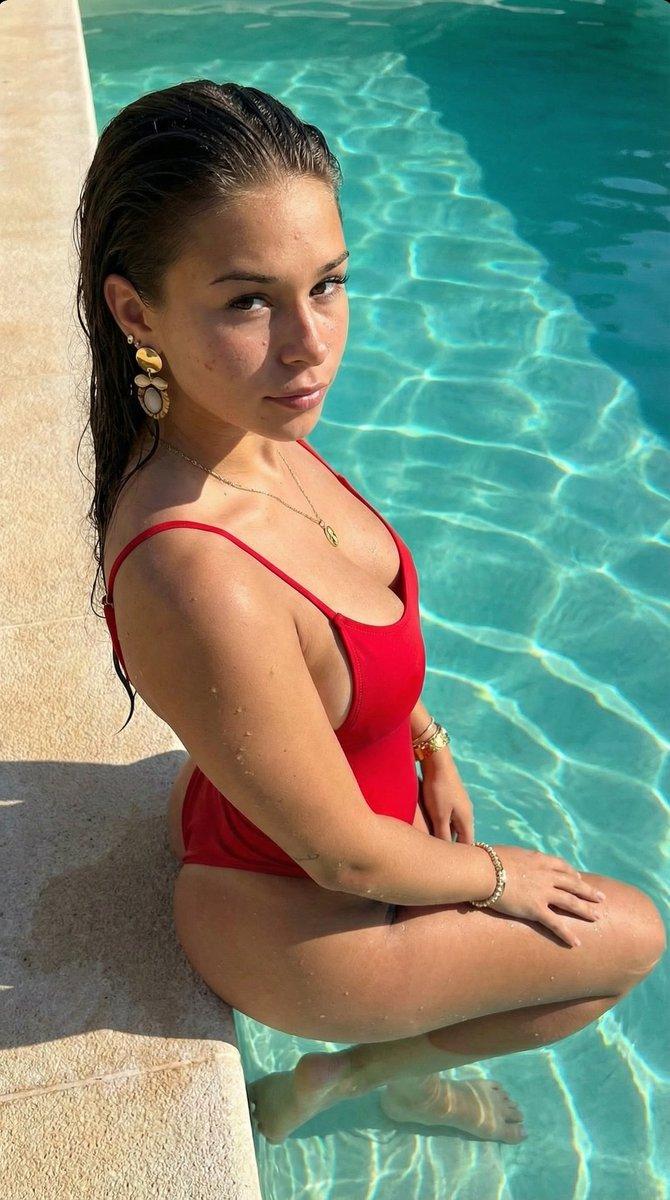
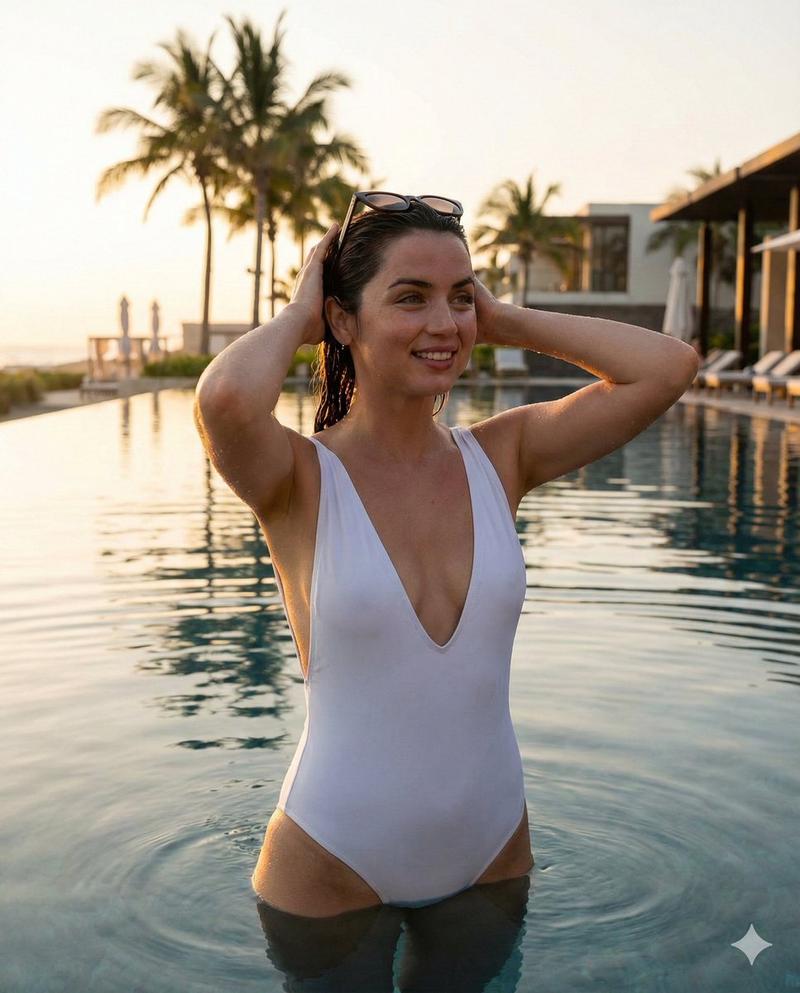
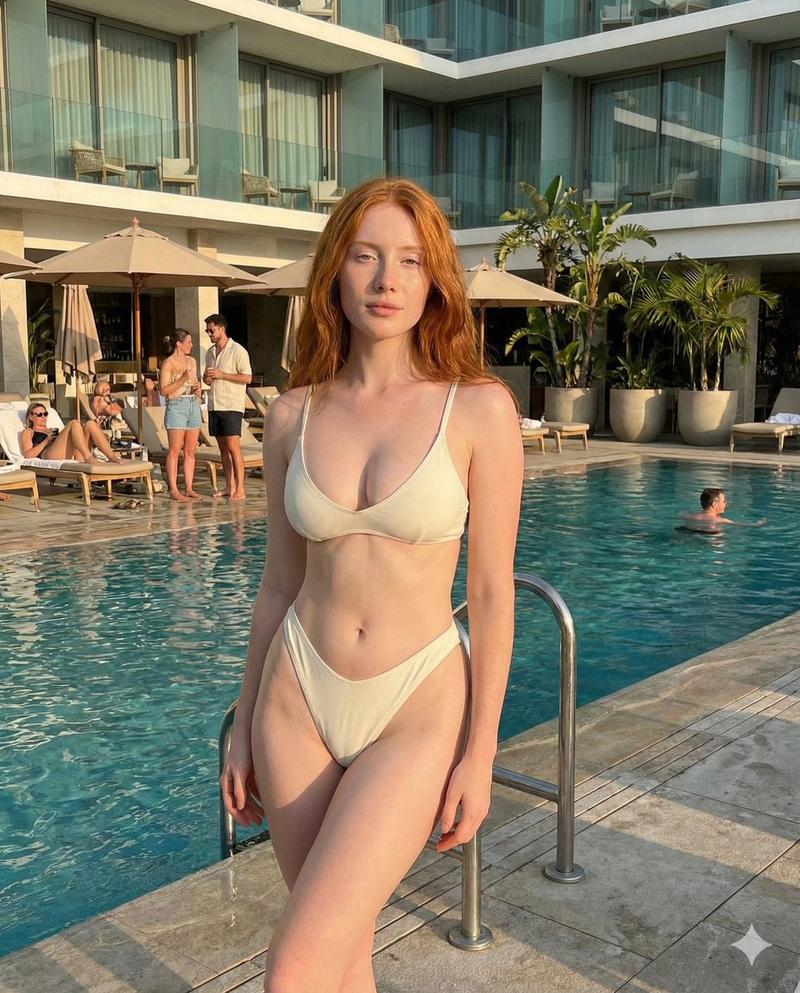
Photorealistic lifestyle portrait of a confident young woman standing poolside at a luxury resort, wearing a sleek black one-piece swimsuit with a deep V neckline. Athletic yet feminine build, natural curves, smooth sun-kissed skin. Blonde hair tied back in a loose low ponytail with soft flyaway strands. Stylish black sunglasses, calm confident expression, relaxed posture with hands gently resting near her waist. Tropical setting with palm trees, lounge chairs, and umbrellas in the background. Clear turquoise swimming pool water reflecting sunlight. Golden hour lighting with warm sun flare from the side, soft shadows, cinematic depth of field, sharp focus on subject, background slightly blurred. Ultra-realistic skin texture, natural tones, editorial fashion photography style, 85mm lens look, shallow depth of field, high dynamic range, 8K detail.
Category
Posters & Typography
Model
Nano Banana Pro
Views47
Source ID
11409
Published
Apr 23, 2026

Guide

About "奢华泳池畔的自信黑衣女郎"

What is this prompt for?

"奢华泳池畔的自信黑衣女郎" AI image prompt for Nano Banana Pro (Posters & Typography). 一张逼真的生活方式肖像,描绘了一位自信的年轻女性,她身着时尚的黑色深 V 领连体泳衣,站在豪华度假村的泳池边。她身材健美而不失柔美,曲线自然,皮肤光滑,晒成了健康的古铜…

The full copyable prompt and example visuals above are ready for AI image generation or one-click recreate in Picva.

How to use this prompt

  1. Step 1

    Open the prompt detail

    Review the example visuals, category, and full prompt text for "奢华泳池畔的自信黑衣女郎".

  2. Step 2

    Copy the prompt

    Copy the prompt body from this page, or load it directly in Studio.

  3. Step 3

    Pick a model (Nano Banana Pro)

    Prefer Nano Banana Pro. If you switch models, keep subject and composition and tweak style terms.

  4. Step 4

    Generate and export

    Recreate the look in Picva, or export into your workflow for editing and publishing.

FAQ

What is the "奢华泳池畔的自信黑衣女郎" prompt?
It is an AI image-generation prompt for Nano Banana Pro in the Posters & Typography category. This page includes the full prompt text, example visuals, and a one-click recreate path in Picva.
How do I use this prompt to generate an image?
Copy the prompt from this page, or use Generate / Studio. Paste it into a compatible image model, or recreate the look in Picva with optional reference images.
Which model is this prompt for?
This page lists Nano Banana Pro. Most descriptive prompts also transfer to nearby image models such as GPT Image, Flux, or Midjourney with light style tweaks.
Can I use the result commercially?
You can usually copy the prompt for creation, but commercial use of the final image depends on the model terms, reference-image rights, and the generated content. Follow the source author and platform rules.