同一人物角色设定图生成指令
Prompt
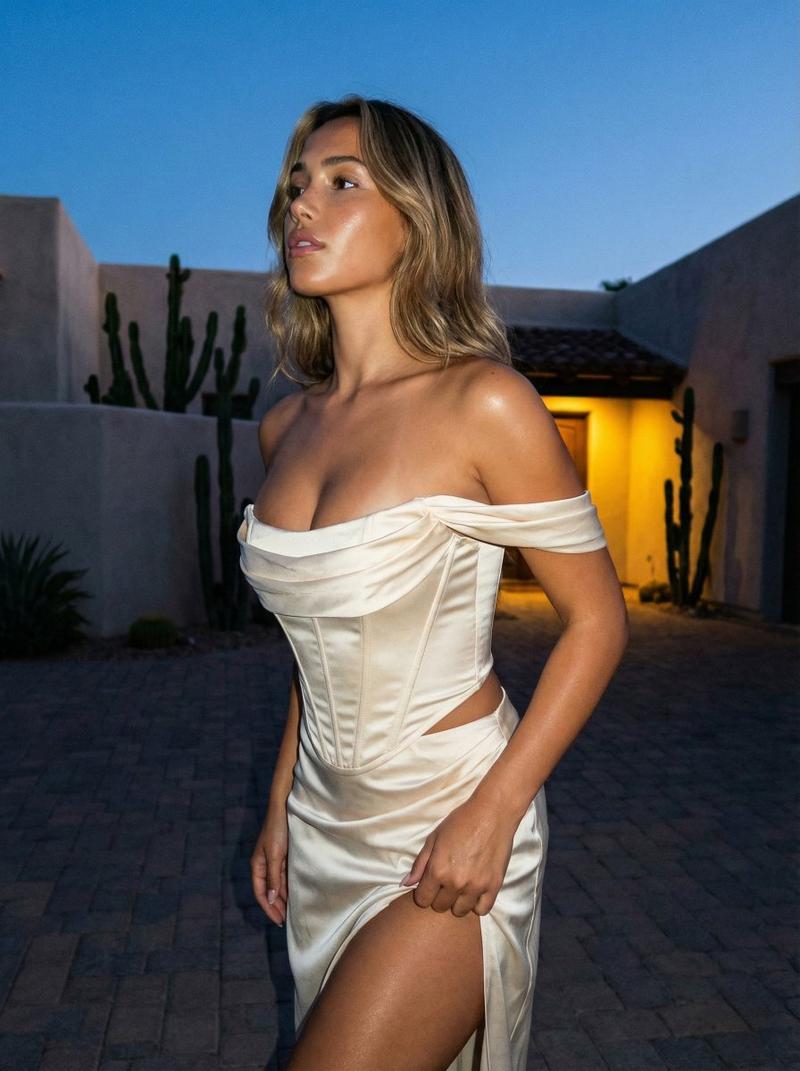
Please use the person/character in the attached image as the most important reference to create a character setting sheet that looks like the same person/character.

If the attached image is in a photorealistic style, maintain the photorealistic style; if it is in an illustration/anime/manga/3D/deformed style, maintain its art style, lines, coloring, texture, and degree of deformation.
Please do not convert to photorealism, illustration, or other art styles without authorization.

The purpose is not a personal profile introduction, but visual material for character production, AI image generation, and model fixation.
No personal profile elements such as name, age, personality, hobbies, or explanatory text are needed.
Text in the image is limited to labeling each panel with short Japanese tags; do not use English labels.

Image format:
16:9 horizontal single image. White to light gray background. High resolution. Organized with thin lines or boxes in an easy-to-read character setting sheet style layout.

Most important condition:
Please faithfully reproduce the face, eyes, eyebrows, nose, mouth, contour, hairstyle, hair color, skin or coloring texture, body type, atmosphere, and impression of the clothing from the original image.
Please do not become another person/character.
Excessive beautification, simplification, body type changes, and facial remakes are prohibited.
Disposable small objects, food, backgrounds, poses, or handheld items appearing in the original image should be excluded unless necessary for the character setting.

Clothing:
If the clothing in the original image is clear, please maintain it.
If the full body cannot be seen, supplement with natural clothing that matches the atmosphere of the original image.
Front, side, and back must use the same clothing, same hairstyle, and same body type.
Please avoid excessive exposure, underwear, swimwear, or sexy clothing.

Content to be included:
【Full body】 Front, side, back
【Facial close-up】 Front, profile, 45-degree angle
【Expressions】 Normal, smiling face, smile, serious, surprised, shy, thinking, troubled face
【Facial parts】 Eyes, eyebrows, nose, mouth, ears, contour, skin, texture
【Hair details】 Bangs, side hair, back hair, hair flow
【Other angles】 Diagonal left, diagonal right, from above, from below, back of the head

Layout:
Must be easy to read as reference material, leave neat white space, and organize contents with boxes.
Please do not make it magazine profile style, resume style, or poster style.
Please do not add long explanations, use only short Japanese tags.

Negative prompts:
Other person, other character, face change, art style change, unauthorized photorealism, unauthorized animation, hairstyle change, hair color change, inconsistent clothing, body type change, excessive beautification, excessive simplification, profile text, name, age, personality, hobbies, English labels, long explanations, garbled text, illegible text, rough layout, low resolution, facial distortion, strange eyes, broken hands, broken fingers, duplicate faces, sexy clothing, underwear, swimwear, unnecessary small objects, holding food in mouth, random objects, cluttered background
- Category
- Charts & Infographics
- Model
- ChatGPT
- Creator
- @takkun_life_ea
- Source ID
- 17413
- Published
- Jul 5, 2026
Views1