17

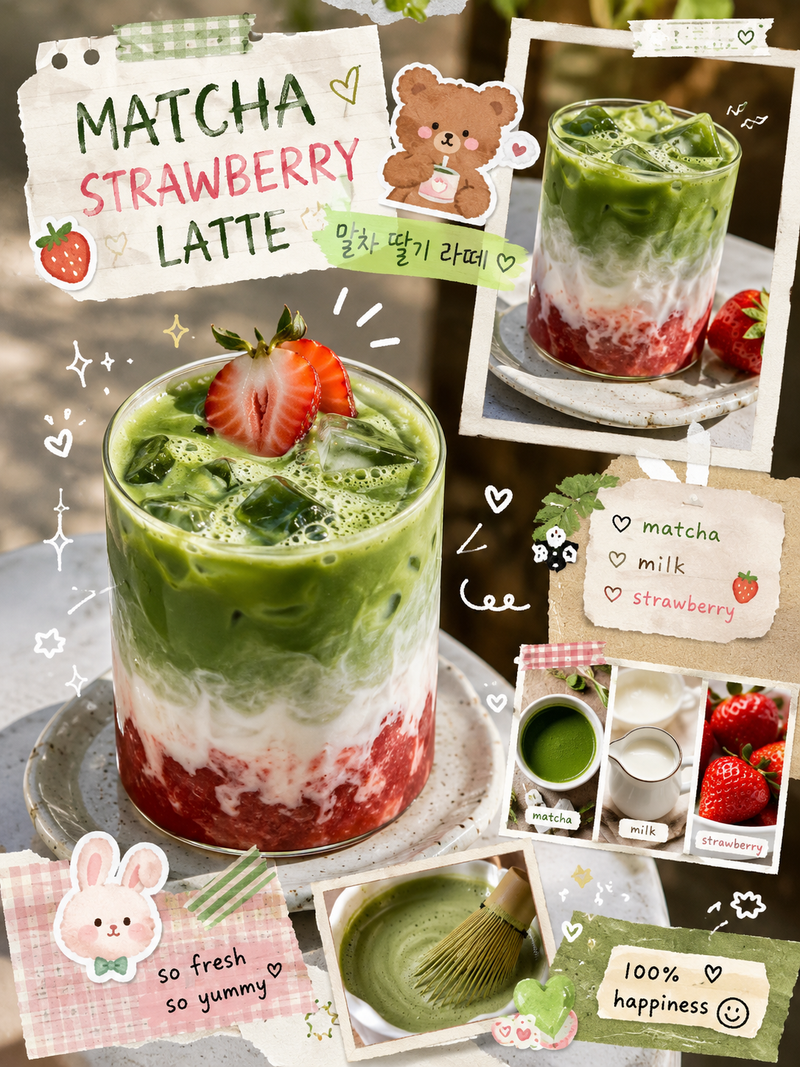
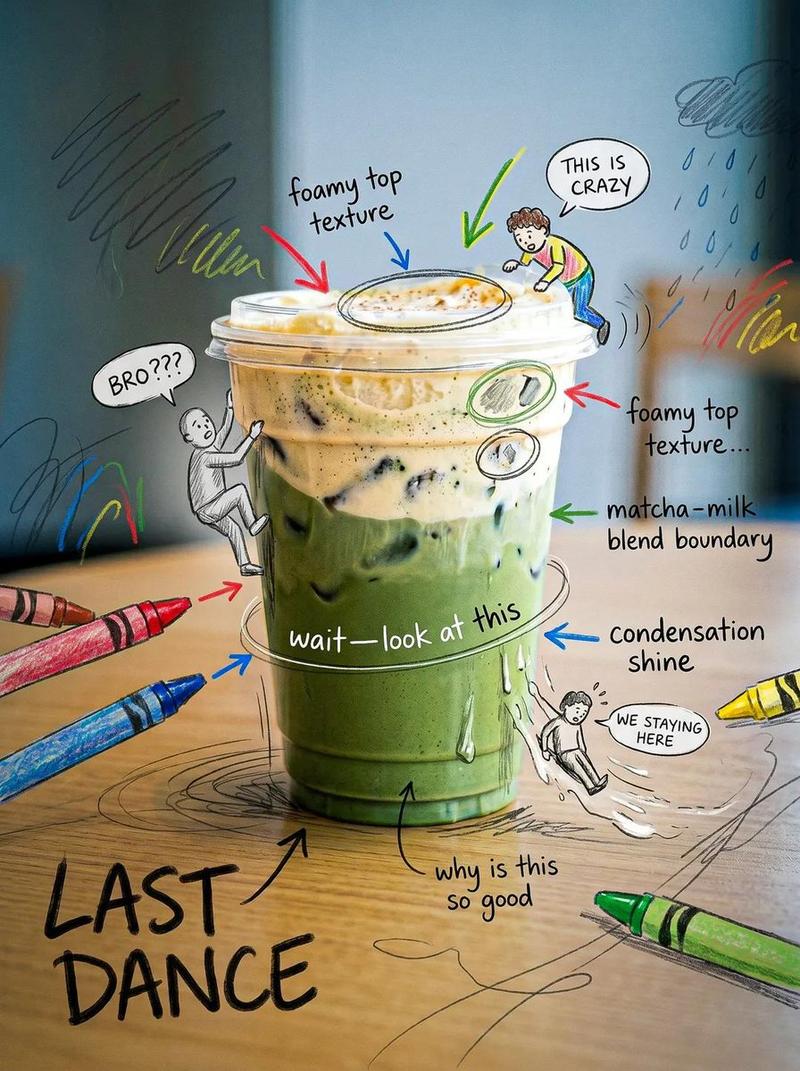
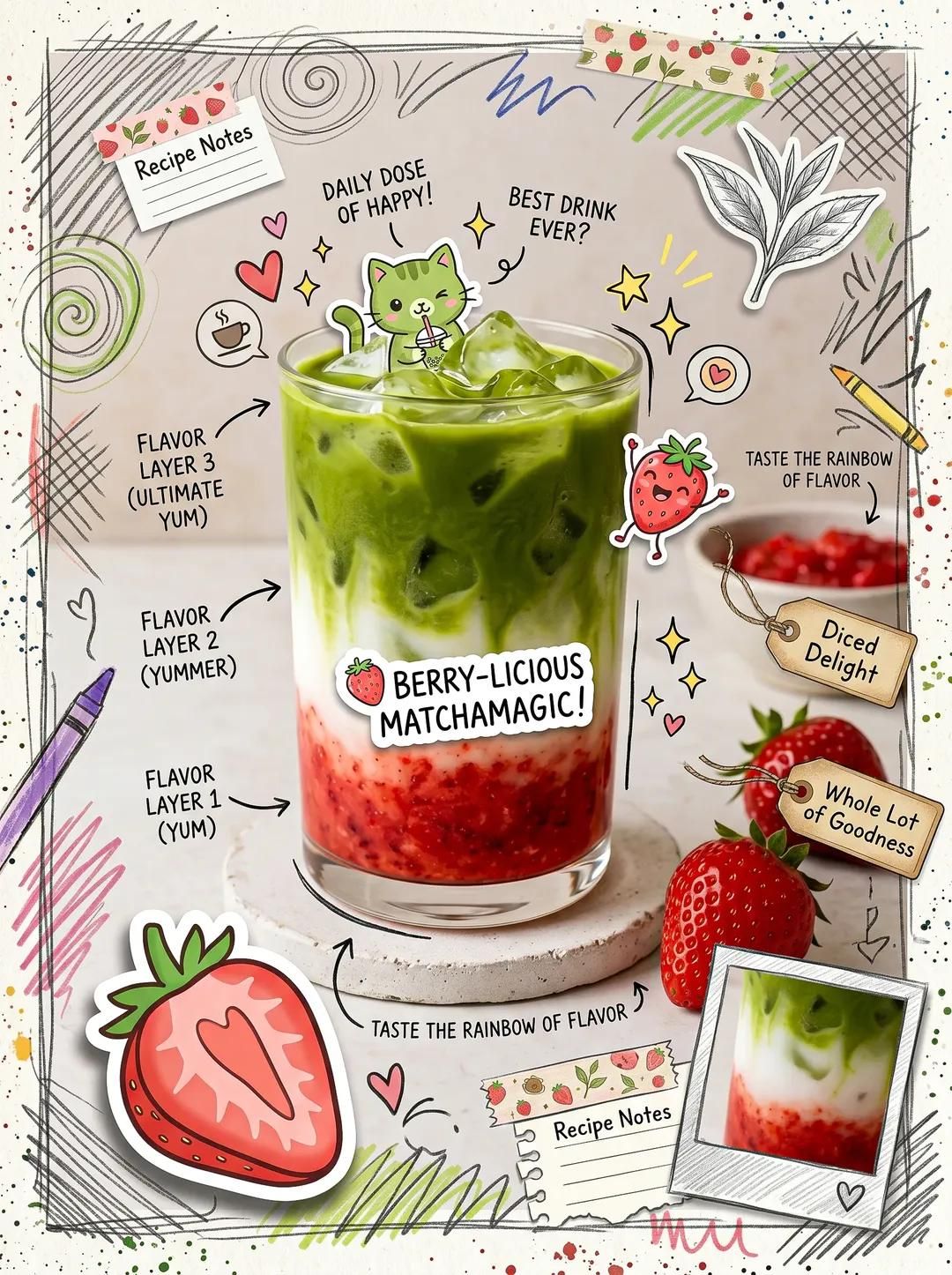
可爱抹茶拿铁手账风海报
Enlarge

Example images

可爱抹茶拿铁手账风海报

Prompt
Cute scrapbook-style food photography poster, aesthetic matcha latte drink flatlay, kawaii cafe design, layered iced matcha with strawberry puree and milk swirl, realistic drink photography mixed with doodle illustrations, playful handwritten notes and arrows, sticker collage aesthetic, cozy Pinterest cafe vibe, pastel scrapbook journal style, colorful marker doodles, cute cartoon stickers, taped paper notes, hand-drawn sparkles and hearts, aesthetic food advertisement layout, soft natural lighting, creamy textures, vibrant matcha green and strawberry red tones, ultra detailed beverage photography, trendy Gen Z cafe aesthetic, Korean-inspired scrapbook design, whimsical social media poster style, realistic ice cubes and layered drink textures.
Category
Posters & Typography
Model
ChatGPT
Creator
@Taaruk_
Views72
Source ID
14818
Published
May 21, 2026

Guide

About "可爱抹茶拿铁手账风海报"

What is this prompt for?

"可爱抹茶拿铁手账风海报" AI image prompt for ChatGPT (Posters & Typography). 可爱的剪贴簿风格美食摄影海报,唯美的抹茶拿铁饮品平铺图,卡哇伊咖啡馆设计,带有草莓果泥和牛奶漩涡的分层冰抹茶,写实的饮品摄影与涂鸦插图相结合,俏皮的手写笔记和箭头,贴纸拼贴美学,舒适的P…

The full copyable prompt and example visuals above are ready for AI image generation or one-click recreate in Picva.

How to use this prompt

  1. Step 1

    Open the prompt detail

    Review the example visuals, category, and full prompt text for "可爱抹茶拿铁手账风海报".

  2. Step 2

    Copy the prompt

    Copy the prompt body from this page, or load it directly in Studio.

  3. Step 3

    Pick a model (ChatGPT)

    Prefer ChatGPT. If you switch models, keep subject and composition and tweak style terms.

  4. Step 4

    Generate and export

    Recreate the look in Picva, or export into your workflow for editing and publishing.

FAQ

What is the "可爱抹茶拿铁手账风海报" prompt?
It is an AI image-generation prompt for ChatGPT in the Posters & Typography category. This page includes the full prompt text, example visuals, and a one-click recreate path in Picva.
How do I use this prompt to generate an image?
Copy the prompt from this page, or use Generate / Studio. Paste it into a compatible image model, or recreate the look in Picva with optional reference images.
Which model is this prompt for?
This page lists ChatGPT. Most descriptive prompts also transfer to nearby image models such as GPT Image, Flux, or Midjourney with light style tweaks.
Can I use the result commercially?
You can usually copy the prompt for creation, but commercial use of the final image depends on the model terms, reference-image rights, and the generated content. Follow the source author and platform rules.