16

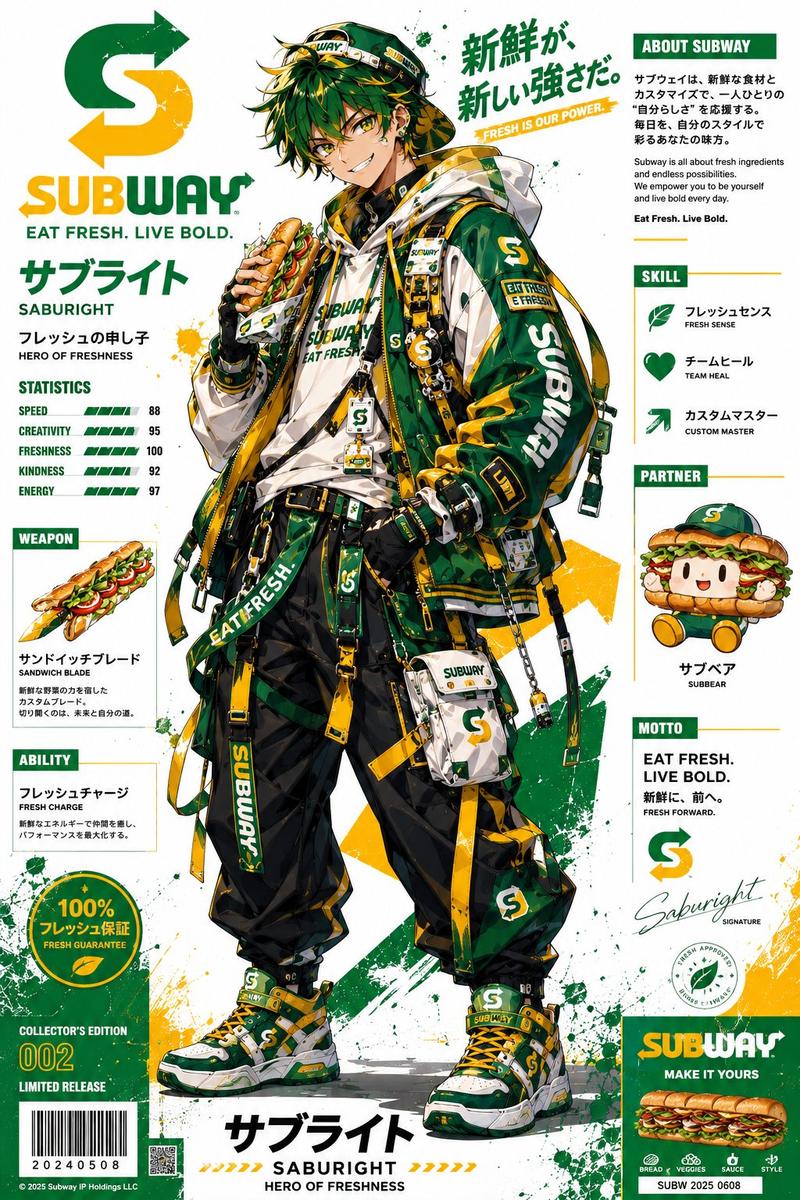
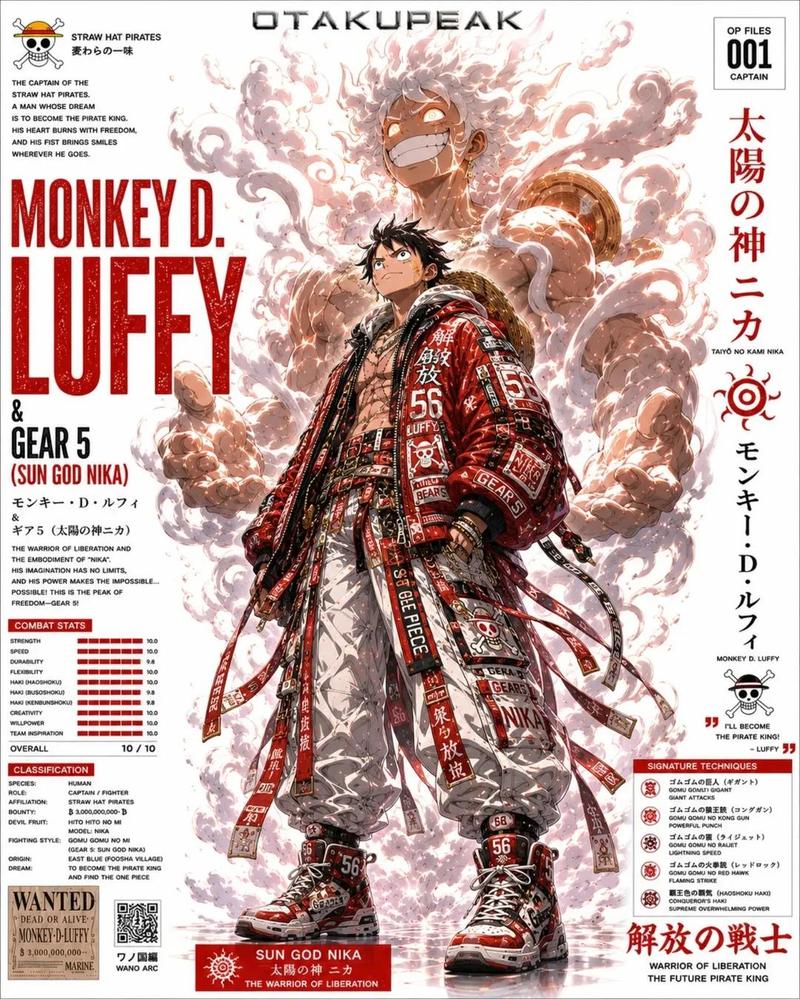
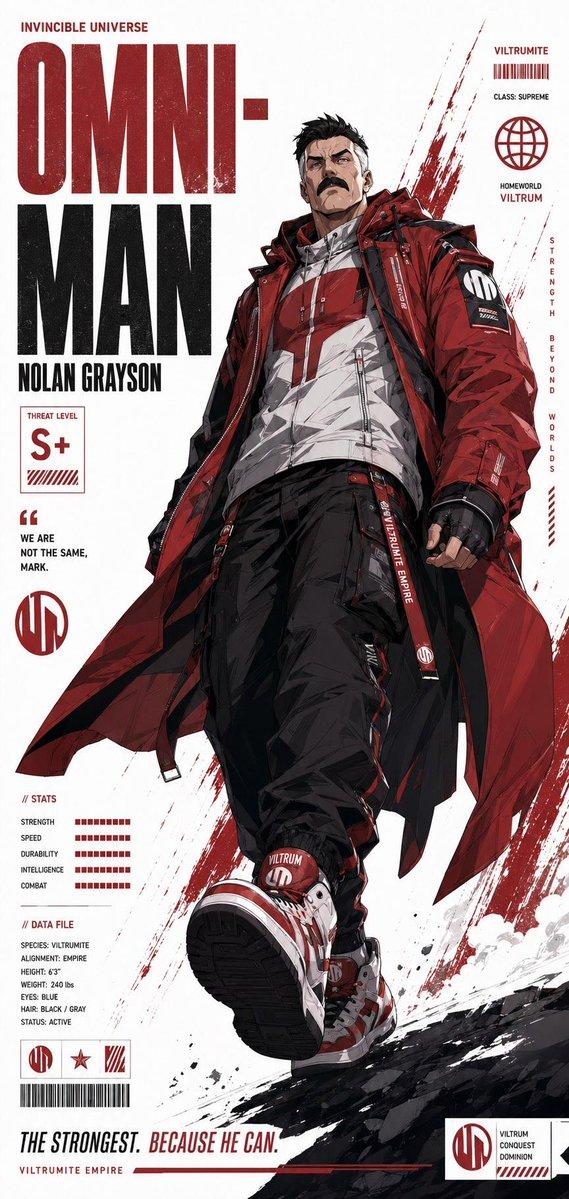
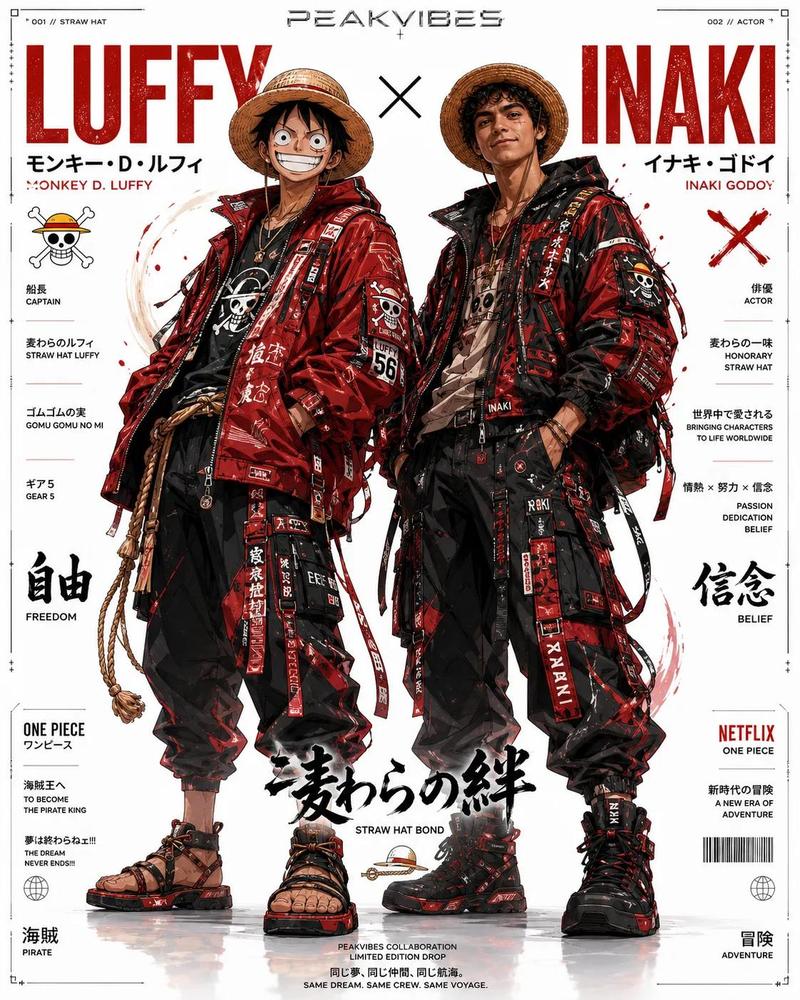
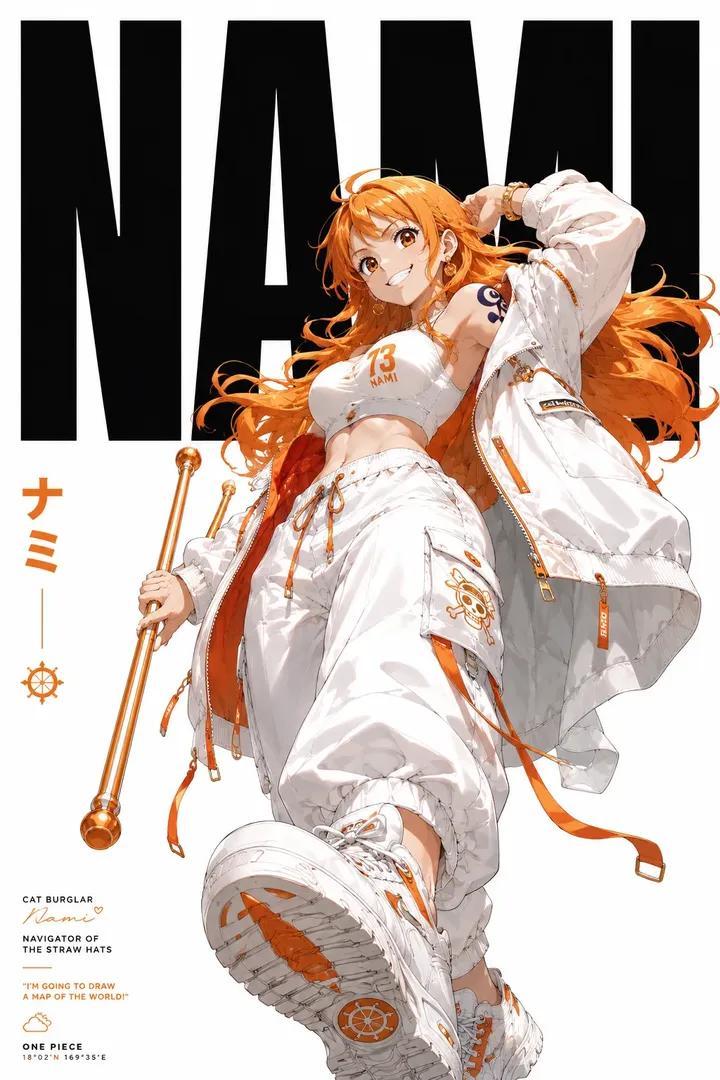
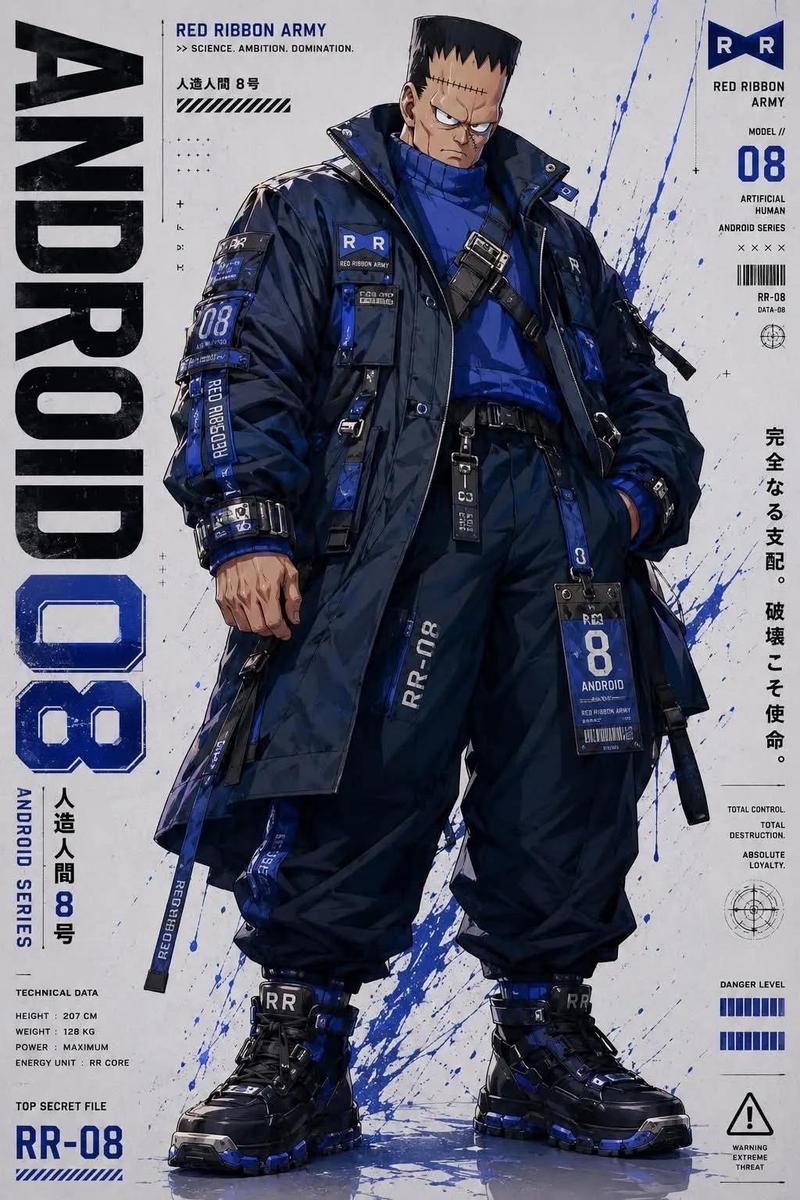
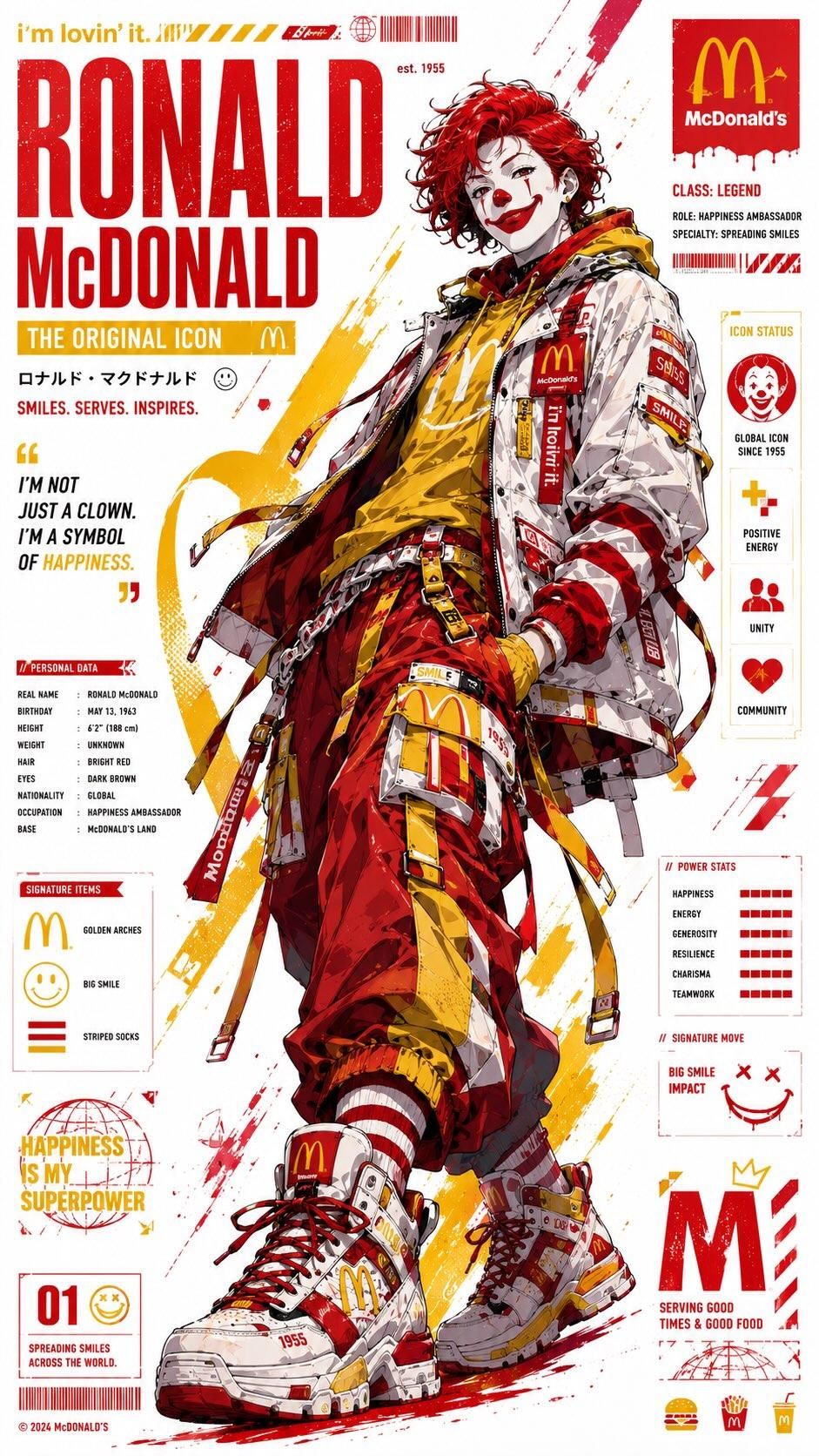
机能潮流风格动漫品牌吉祥物商业海报
Enlarge

Example images

机能潮流风格动漫品牌吉祥物商业海报

Prompt
Ultra-detailed anime brand mascot poster, full-body character redesign inspired by iconic fast-food branding, cyber streetwear fashion, oversized techwear jacket, layered straps, utility belts, cargo pants, branded sneakers, chains, patches, mascot-themed accessories, dynamic confident pose, clean white poster background with bold red/yellow/orange graphic accents, manga-style linework, cel-shaded anime rendering, high-fashion hypebeast aesthetic, Japanese typography, infographic-style layout, promotional side panels, fictional stats and profile sections, logos, slogans, barcode elements, paint splashes, distressed print texture, collectible character card design, commercial advertising meets anime editorial, vibrant color blocking, cinematic lighting, ultra sharp details, energetic composition, luxury streetwear branding, modern poster design, vertical format, premium anime key visual, highly stylized, artstation quality.
Category
Charts & Infographics
Model
ChatGPT
Creator
@Taaruk_
Views122
Source ID
14500
Published
May 15, 2026

Guide

About "机能潮流风格动漫品牌吉祥物商业海报"

What is this prompt for?

"机能潮流风格动漫品牌吉祥物商业海报" AI image prompt for ChatGPT (Charts & Infographics). 超详细动漫品牌吉祥物海报,灵感源自标志性快餐品牌的全身角色重新设计,赛博街头潮流时尚,大号机能夹克,多层带子,多功能腰带,工装裤,品牌运动鞋,链条,补丁,吉祥物主题配饰,充…

The full copyable prompt and example visuals above are ready for AI image generation or one-click recreate in Picva.

How to use this prompt

  1. Step 1

    Open the prompt detail

    Review the example visuals, category, and full prompt text for "机能潮流风格动漫品牌吉祥物商业海报".

  2. Step 2

    Copy the prompt

    Copy the prompt body from this page, or load it directly in Studio.

  3. Step 3

    Pick a model (ChatGPT)

    Prefer ChatGPT. If you switch models, keep subject and composition and tweak style terms.

  4. Step 4

    Generate and export

    Recreate the look in Picva, or export into your workflow for editing and publishing.

FAQ

What is the "机能潮流风格动漫品牌吉祥物商业海报" prompt?
It is an AI image-generation prompt for ChatGPT in the Charts & Infographics category. This page includes the full prompt text, example visuals, and a one-click recreate path in Picva.
How do I use this prompt to generate an image?
Copy the prompt from this page, or use Generate / Studio. Paste it into a compatible image model, or recreate the look in Picva with optional reference images.
Which model is this prompt for?
This page lists ChatGPT. Most descriptive prompts also transfer to nearby image models such as GPT Image, Flux, or Midjourney with light style tweaks.
Can I use the result commercially?
You can usually copy the prompt for creation, but commercial use of the final image depends on the model terms, reference-image rights, and the generated content. Follow the source author and platform rules.