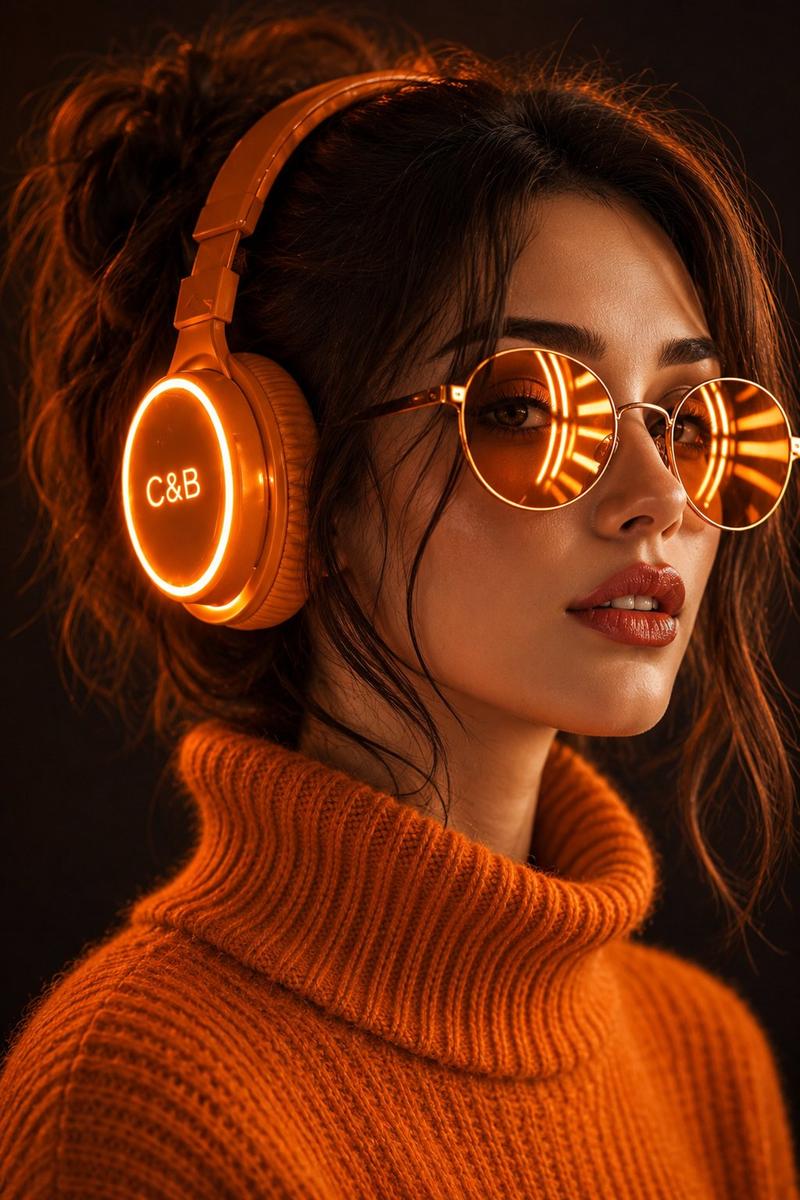
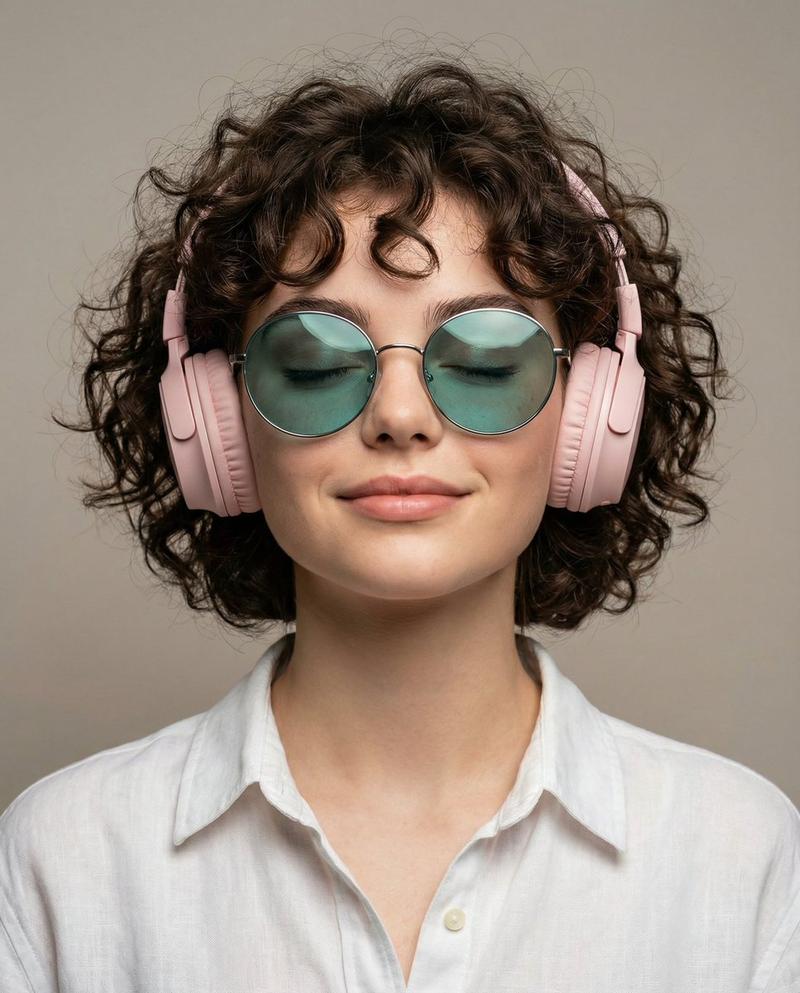
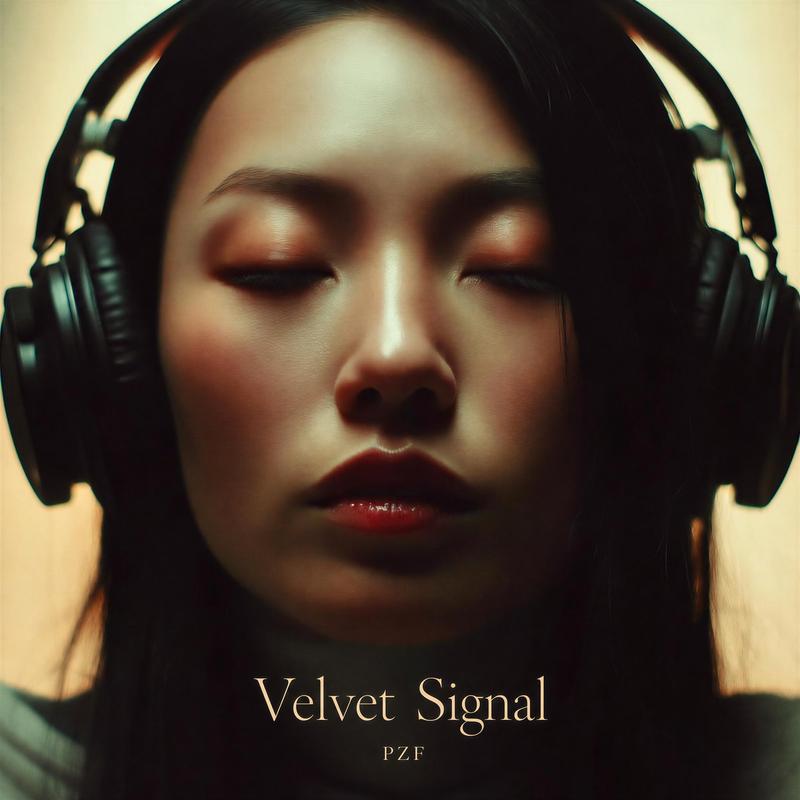
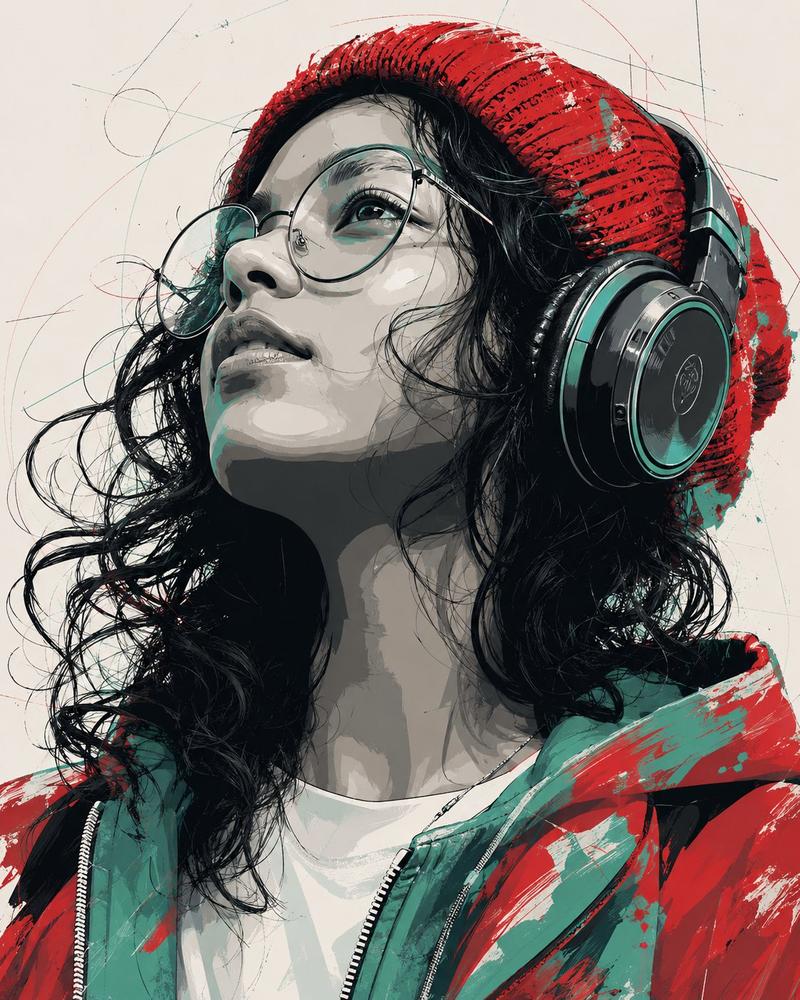
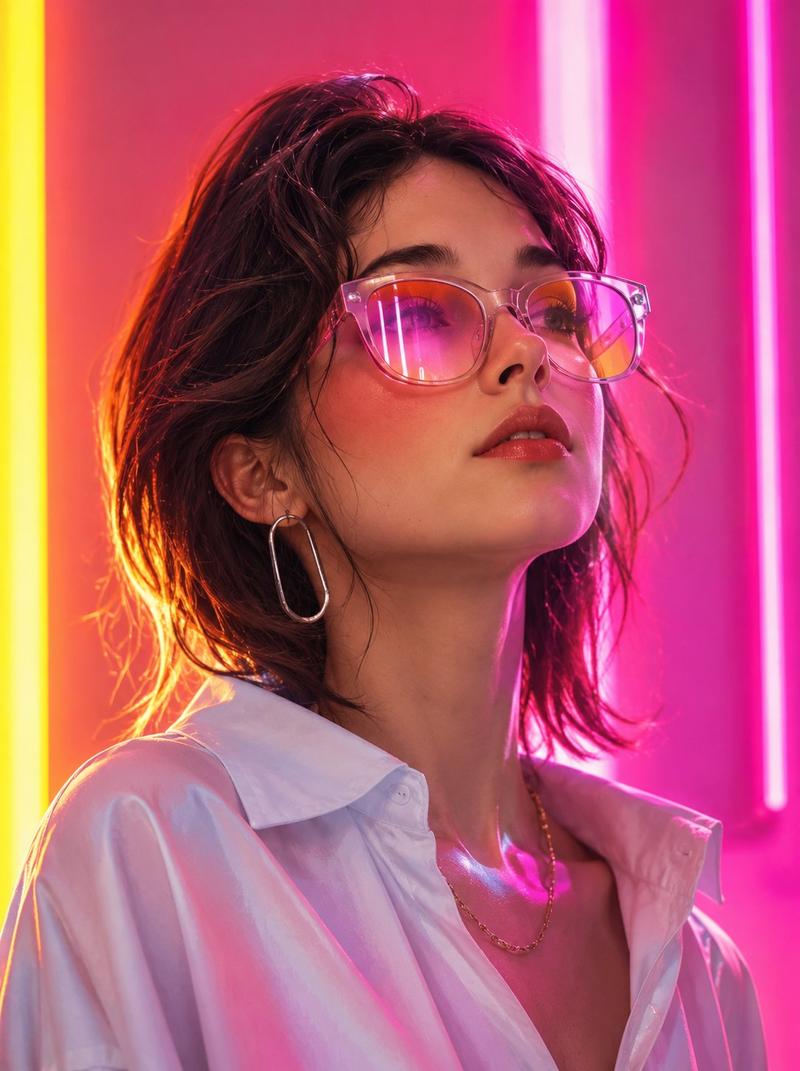
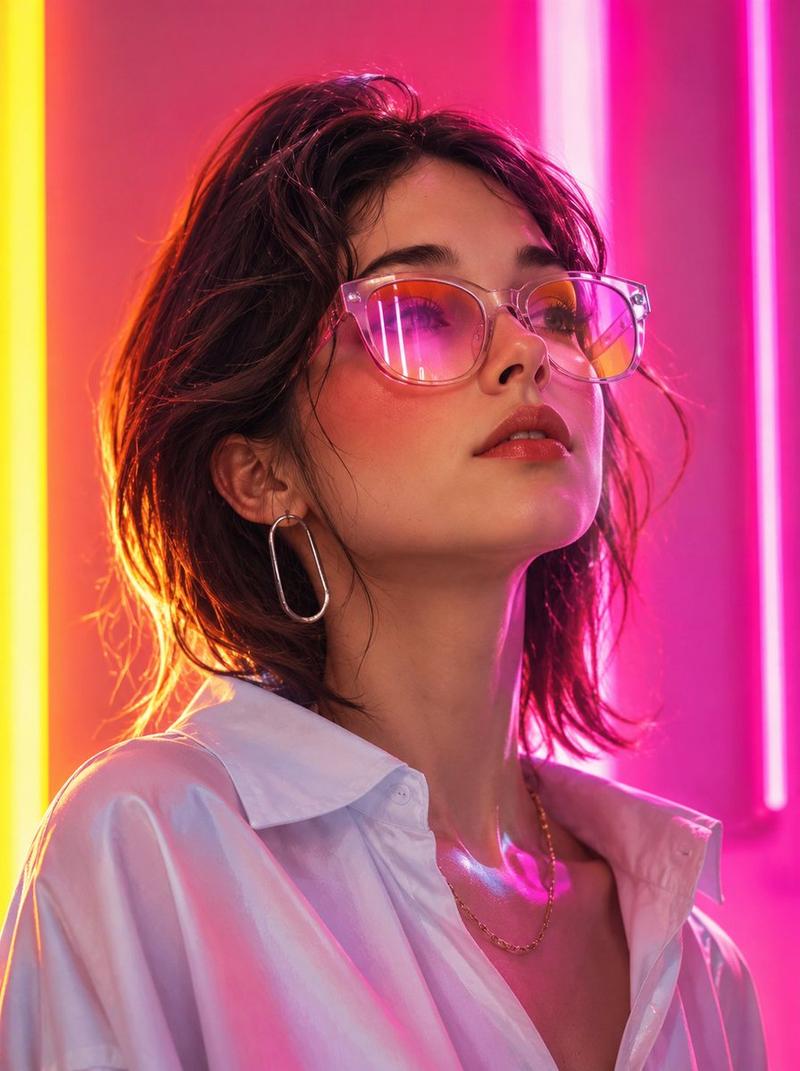
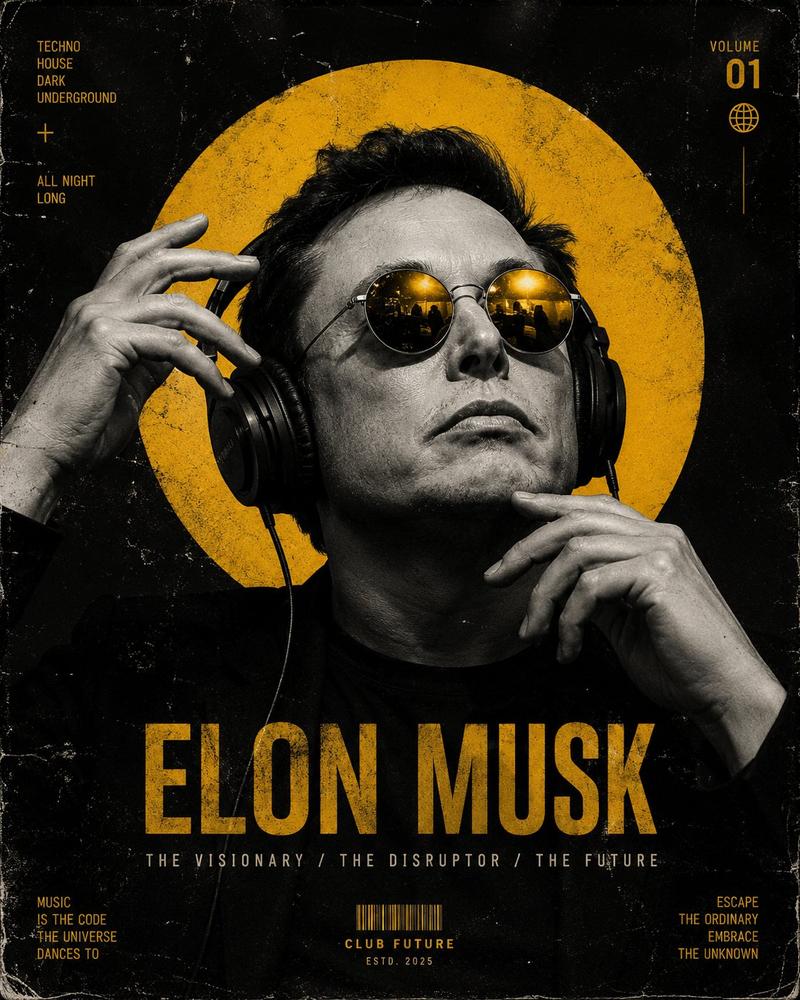
赛博朋克霓虹绿发光耳机少女肖像
Prompt
"image_type": "stylized neon cyber portrait",
  "resolution_target": "8K",
  "orientation": "vertical portrait",
  "composition": {
    "camera_angle": "close-up portrait, slightly angled left profile",
    "framing": "head and upper shoulders",
    "subject_position": "subject centered, face turned slightly to the left",
    "focus": "sharp focus on face, glasses, and headphones",
    "depth_of_field": "shallow depth of field with blurred background"
  },
  "subject": {
    "gender_presentation": "female",
    "age_appearance": "young adult",
    "skin": {
      "tone": "fair skin illuminated by green neon lighting",
      "texture": "smooth skin with soft highlights"
    },
    "face": {
      "shape": "oval",
      "expression": "neutral, slightly parted lips",
      "nose": "small straight nose",
      "lips": "natural pink lips with soft gloss"
    },
    "eyes": {
      "visibility": "partially visible behind reflective glasses",
      "reflection": "bright green radial neon reflections inside lenses"
    }
  },
  "hair": {
    "color": "dark brown",
    "style": "short bob haircut",
    "length": "chin-length",
    "texture": "soft, slightly layered",
    "bangs": "light bangs across the forehead"
  },
  "clothing": {
    "top": {
      "type": "turtleneck sweater",
      "color": "neon green",
      "material_texture": "ribbed knit fabric",
      "fit": "close-fitting"
    }
  },
  "accessories": {
    "glasses": {
      "type": "round glasses",
      "frame_color": "thin metallic frame",
      "lens_reflection": "green neon radial pattern reflection",
      "size": "large round lenses"
    },
    "headphones": {
      "type": "over-ear headphones",
      "color": "neon green",
      "earcup_design": "circular earcups with glowing outer ring",
      "earcup_text": "C&B",
      "lighting": "bright neon ring illumination around earcup"
    }
  },
  "lighting": {
    "primary_color": "green neon",
    "style": "cyberpunk neon glow",
    "source": "headphones and reflected light",
    "effect": "soft green illumination across face and clothing",
    "contrast": "bright neon subject against darker background"
  },
  "background": {
    "color": "dark green",
    "texture": "soft gradient",
    "detail": "minimal, smooth blurred background"
  },
  "visual_effects": {
    "glow": "neon glow around headphones and reflections in glasses",
    "reflection": "radial LED style reflection pattern in lenses",
    "color_palette": ["neon green", "dark green", "skin tones", "dark brown"]
  },
  "text_overlay": {
    "visible_text": [
      "AI DESIGN BY",
      _____________"
    ],
    "position": "bottom center",
    "color": "white"
  },
  "render_style": {
    "style": "hyperrealistic digital illustration",
    "detail_level": "extremely high detail",
    "quality": "ultra sharp",
    "finish": "cinematic neon aesthetic"
  }
}- Category
- Posters & Typography
- Model
- ChatGPT
- Creator
- @akkiwani703
- Source ID
- 14662
- Published
- May 19, 2026
Views84