14

赛博朋克霓虹街头时尚人像
Enlarge

赛博朋克霓虹街头时尚人像

Prompt
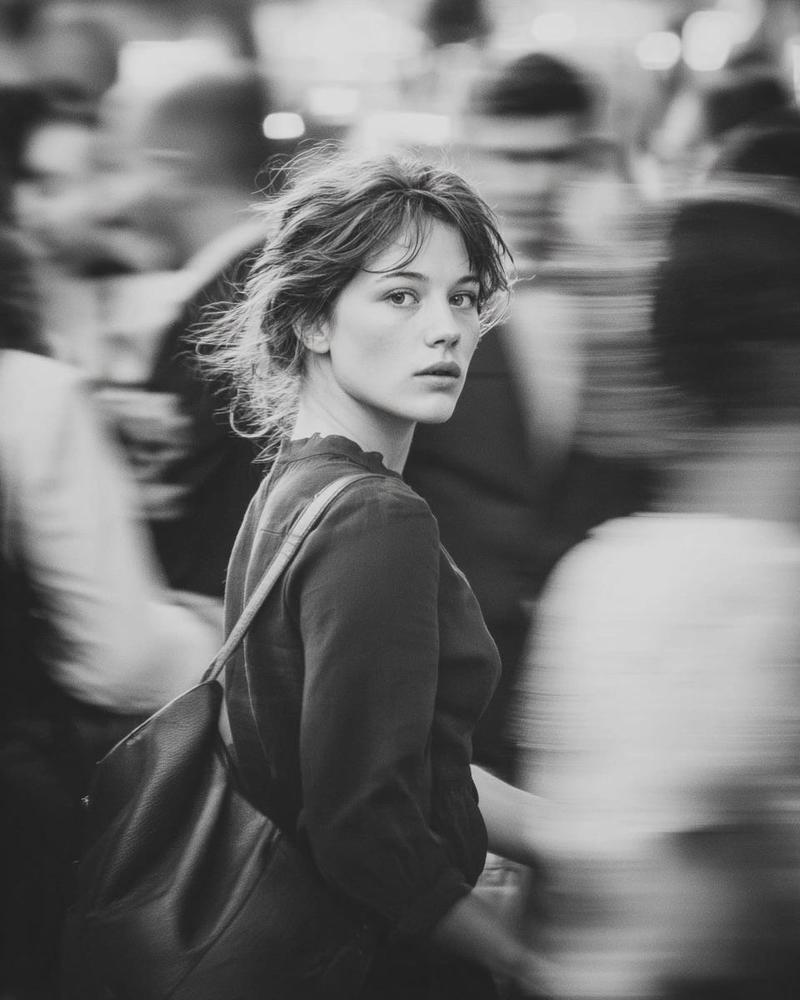
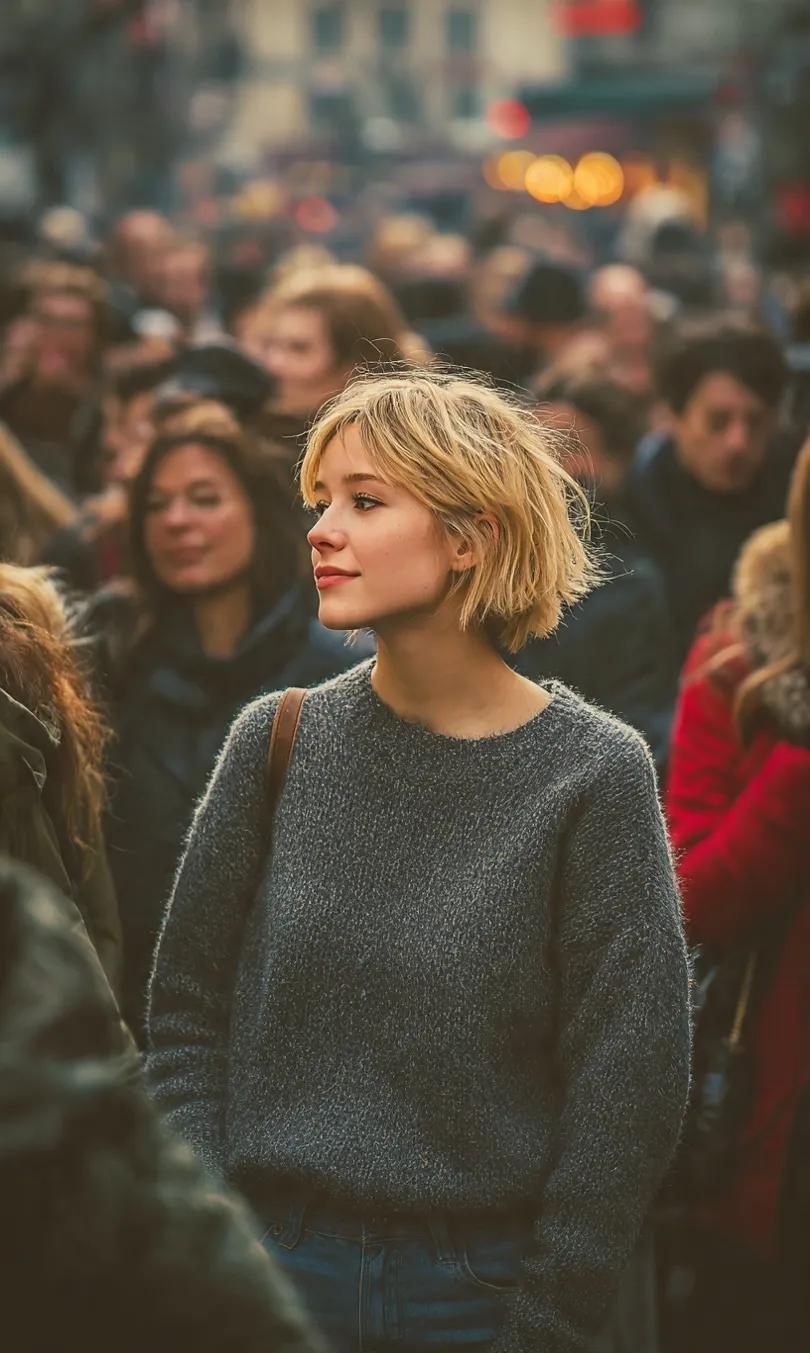
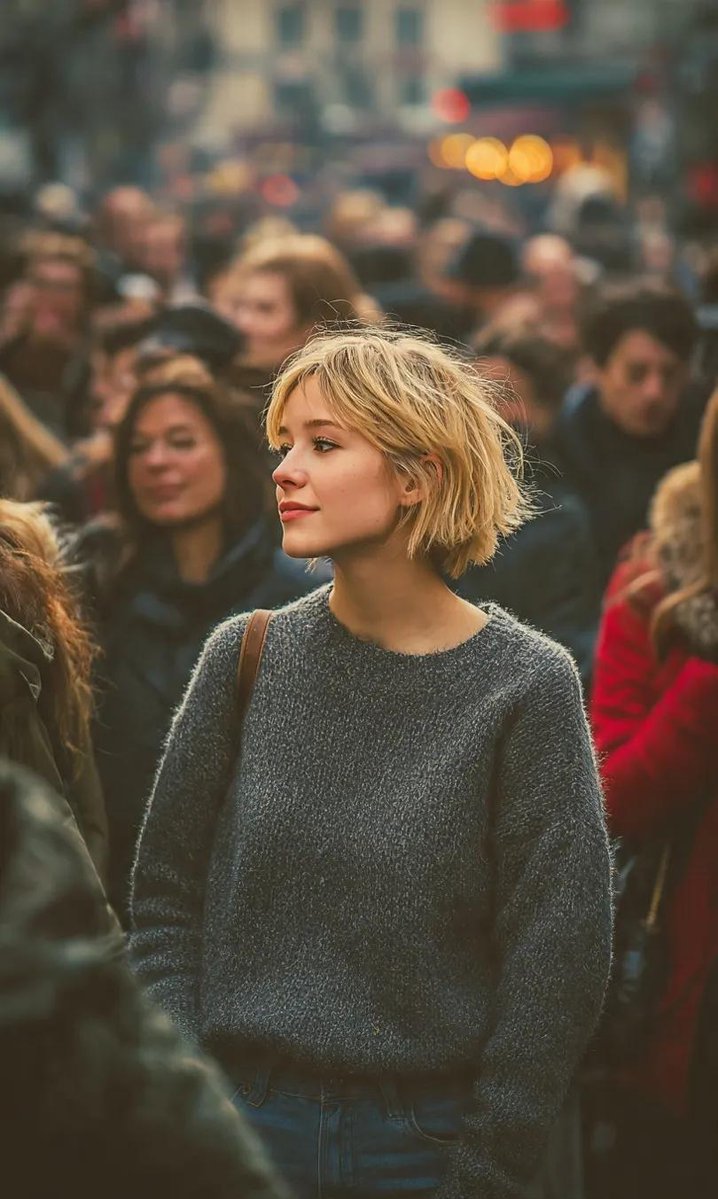
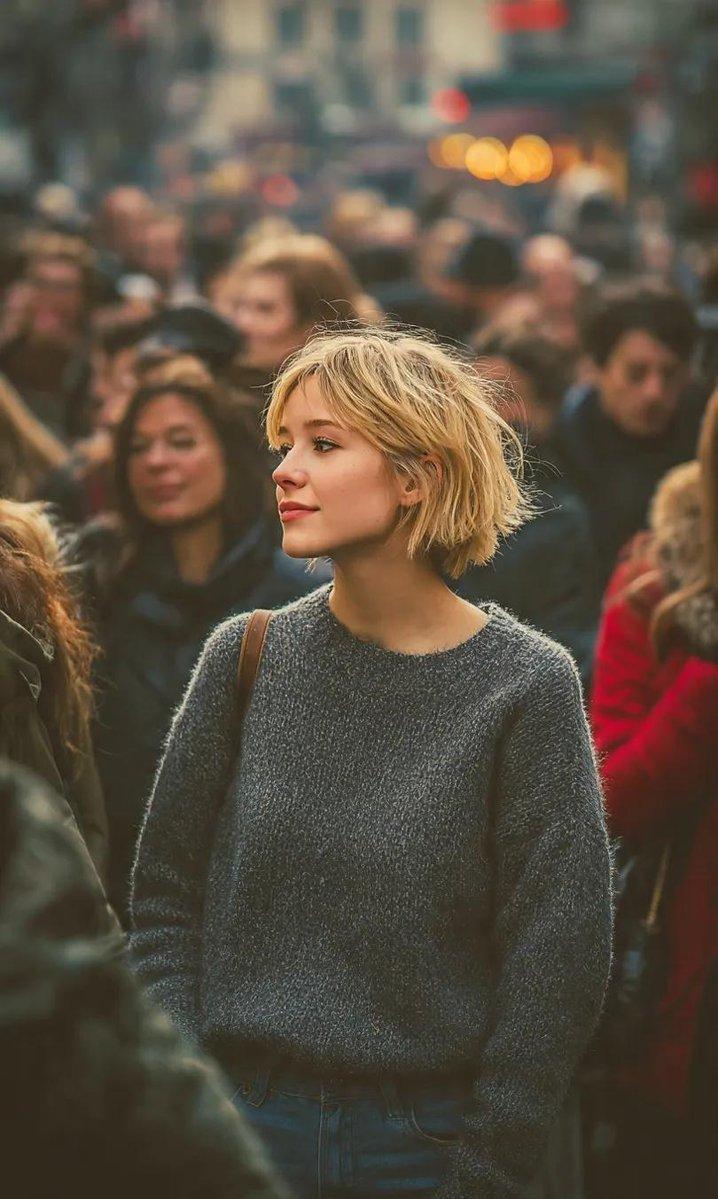
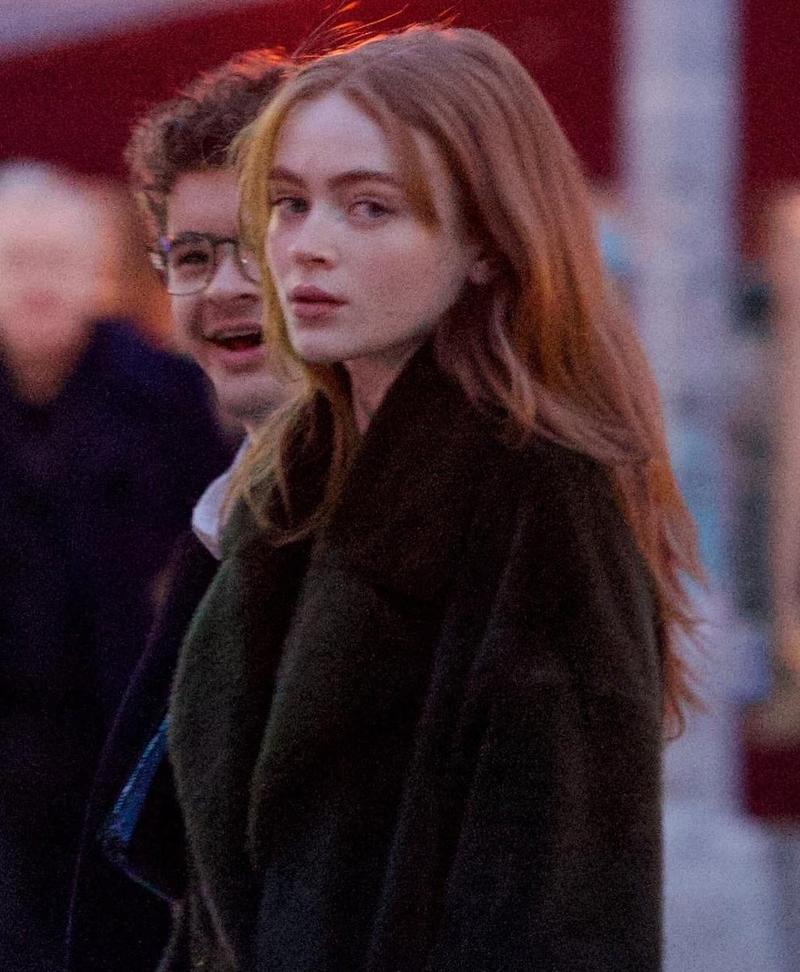
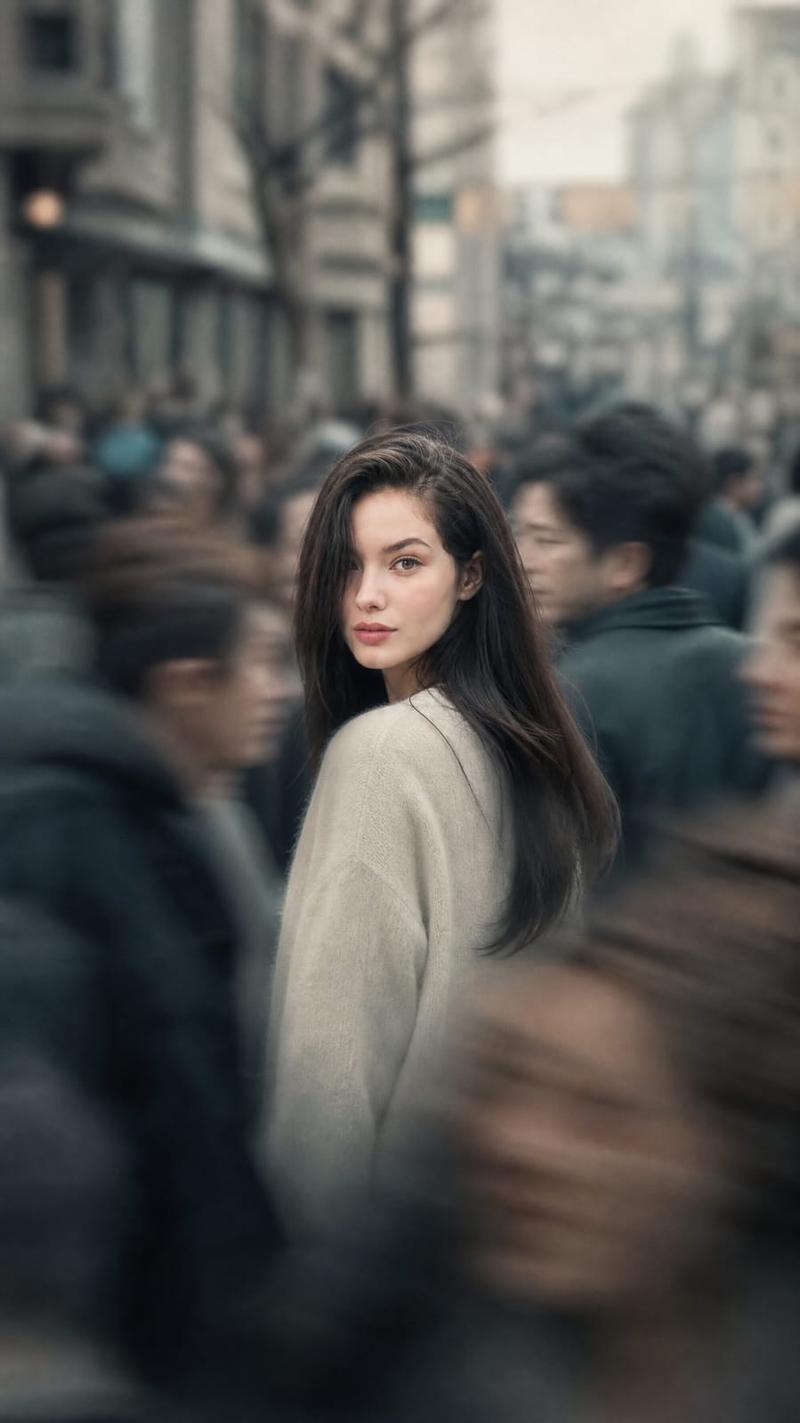
Ultra-realistic cinematic portrait of a stylish young woman standing in a crowded street, surrounded by soft motion-blurred people. Neon city lights in teal, cyan, magenta, and warm orange glowing in the background, heavy bokeh, shallow depth of field. Subject sharply in focus, confident intense gaze toward camera, sleek short bob haircut, wearing a glossy black high-fashion outfit with a modern futuristic edge. Dramatic cinematic lighting with teal-and-orange color grading, rim light outlining the face, realistic skin texture, natural makeup, moody atmosphere. Shot on a full-frame camera, 85mm lens, f/1.4, street photography meets fashion editorial style, cyberpunk mood, ultra-detailed, photorealistic, 8K quality.
Category
Posters & Typography
Model
Nano Banana Pro
Creator
@Taaruk_
Views43
Source ID
11224
Published
Apr 26, 2026

Guide

About "赛博朋克霓虹街头时尚人像"

What is this prompt for?

"赛博朋克霓虹街头时尚人像" AI image prompt for Nano Banana Pro (Posters & Typography). 超现实电影感肖像,一位时尚年轻女性站在拥挤的街道上,周围是柔和的动态模糊人群。背景中,青色、青绿色、品红色和暖橙色 的霓虹城市灯光闪烁,焦外虚化强烈,景深较浅。主体清晰…

The full copyable prompt and example visuals above are ready for AI image generation or one-click recreate in Picva.

How to use this prompt

  1. Step 1

    Open the prompt detail

    Review the example visuals, category, and full prompt text for "赛博朋克霓虹街头时尚人像".

  2. Step 2

    Copy the prompt

    Copy the prompt body from this page, or load it directly in Studio.

  3. Step 3

    Pick a model (Nano Banana Pro)

    Prefer Nano Banana Pro. If you switch models, keep subject and composition and tweak style terms.

  4. Step 4

    Generate and export

    Recreate the look in Picva, or export into your workflow for editing and publishing.

FAQ

What is the "赛博朋克霓虹街头时尚人像" prompt?
It is an AI image-generation prompt for Nano Banana Pro in the Posters & Typography category. This page includes the full prompt text, example visuals, and a one-click recreate path in Picva.
How do I use this prompt to generate an image?
Copy the prompt from this page, or use Generate / Studio. Paste it into a compatible image model, or recreate the look in Picva with optional reference images.
Which model is this prompt for?
This page lists Nano Banana Pro. Most descriptive prompts also transfer to nearby image models such as GPT Image, Flux, or Midjourney with light style tweaks.
Can I use the result commercially?
You can usually copy the prompt for creation, but commercial use of the final image depends on the model terms, reference-image rights, and the generated content. Follow the source author and platform rules.