18

赛博朋克黑金机能风侧颜
Enlarge

赛博朋克黑金机能风侧颜

Prompt
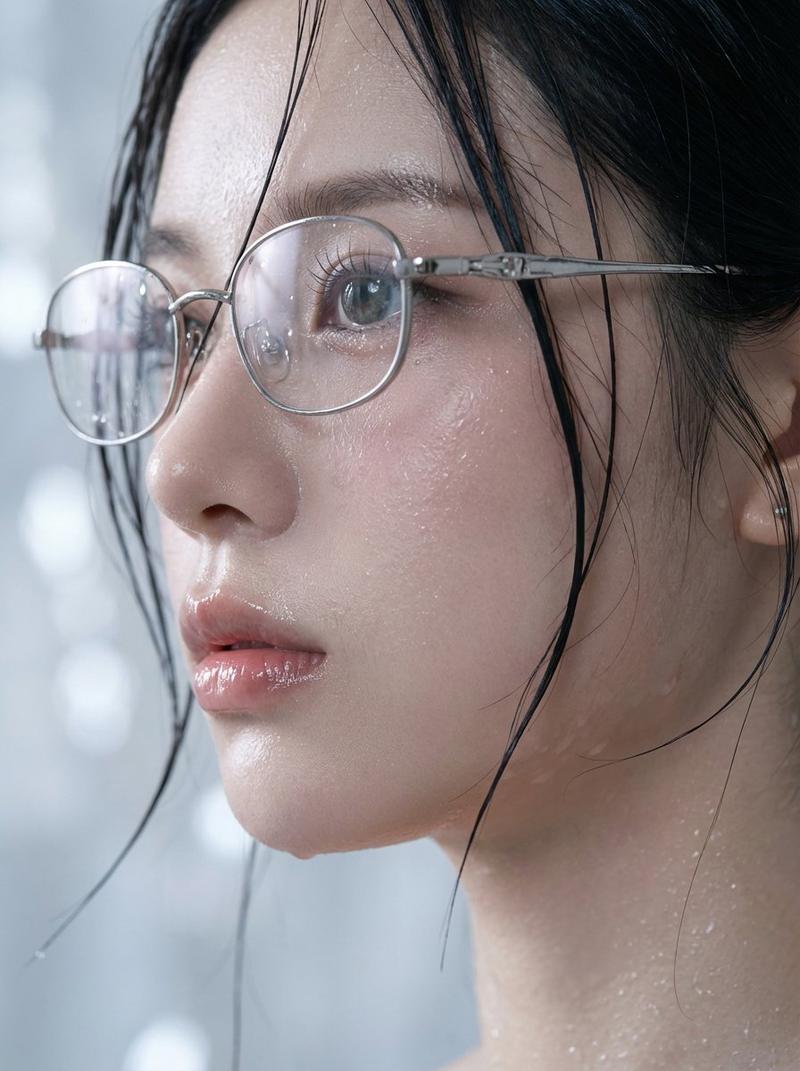
Futuristic cyberpunk portrait of a young woman in side profile, wearing oversized reflective yellow smart glasses with digital UI reflections on the lenses, messy black hair tied in a loose bun with soft strands falling across her face, glowing golden circuitry patterns integrated into her skin and high-neck black techwear outfit, intricate microchip and data-stream line art flowing across her neck and shoulders, minimal clean golden background, soft studio lighting, ultra-detailed skin texture, sharp focus, cinematic composition, high contrast black and gold color palette, sci-fi fashion editorial style, 85mm lens, shallow depth of field, volumetric light, 8k render, unreal engine, octane render
Category
UI & Interfaces
Model
Nano Banana Pro
Creator
@rovvmut_
Views74
Source ID
12569
Published
Apr 16, 2026

Guide

About "赛博朋克黑金机能风侧颜"

What is this prompt for?

"赛博朋克黑金机能风侧颜" AI image prompt for Nano Banana Pro (UI & Interfaces). 未来主义赛博朋克风格的年轻女性侧面肖像,她戴着超大号反光黄色智能眼镜,镜片上反射着数字 UI 界面,凌乱的黑发松散地盘成发髻,柔软的发丝垂落在脸颊。她的皮肤和高领黑色科技服装上融入…

The full copyable prompt and example visuals above are ready for AI image generation or one-click recreate in Picva.

How to use this prompt

  1. Step 1

    Open the prompt detail

    Review the example visuals, category, and full prompt text for "赛博朋克黑金机能风侧颜".

  2. Step 2

    Copy the prompt

    Copy the prompt body from this page, or load it directly in Studio.

  3. Step 3

    Pick a model (Nano Banana Pro)

    Prefer Nano Banana Pro. If you switch models, keep subject and composition and tweak style terms.

  4. Step 4

    Generate and export

    Recreate the look in Picva, or export into your workflow for editing and publishing.

FAQ

What is the "赛博朋克黑金机能风侧颜" prompt?
It is an AI image-generation prompt for Nano Banana Pro in the UI & Interfaces category. This page includes the full prompt text, example visuals, and a one-click recreate path in Picva.
How do I use this prompt to generate an image?
Copy the prompt from this page, or use Generate / Studio. Paste it into a compatible image model, or recreate the look in Picva with optional reference images.
Which model is this prompt for?
This page lists Nano Banana Pro. Most descriptive prompts also transfer to nearby image models such as GPT Image, Flux, or Midjourney with light style tweaks.
Can I use the result commercially?
You can usually copy the prompt for creation, but commercial use of the final image depends on the model terms, reference-image rights, and the generated content. Follow the source author and platform rules.