20

波斯地毯上的暗黑尤物
Enlarge

波斯地毯上的暗黑尤物

Prompt
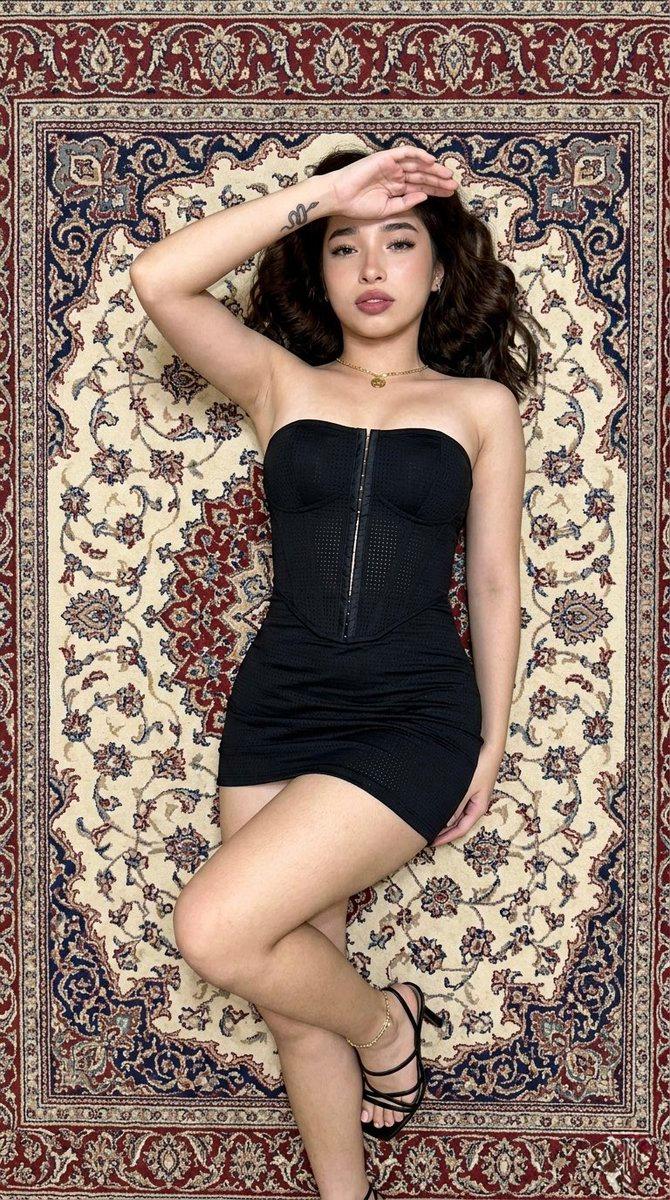
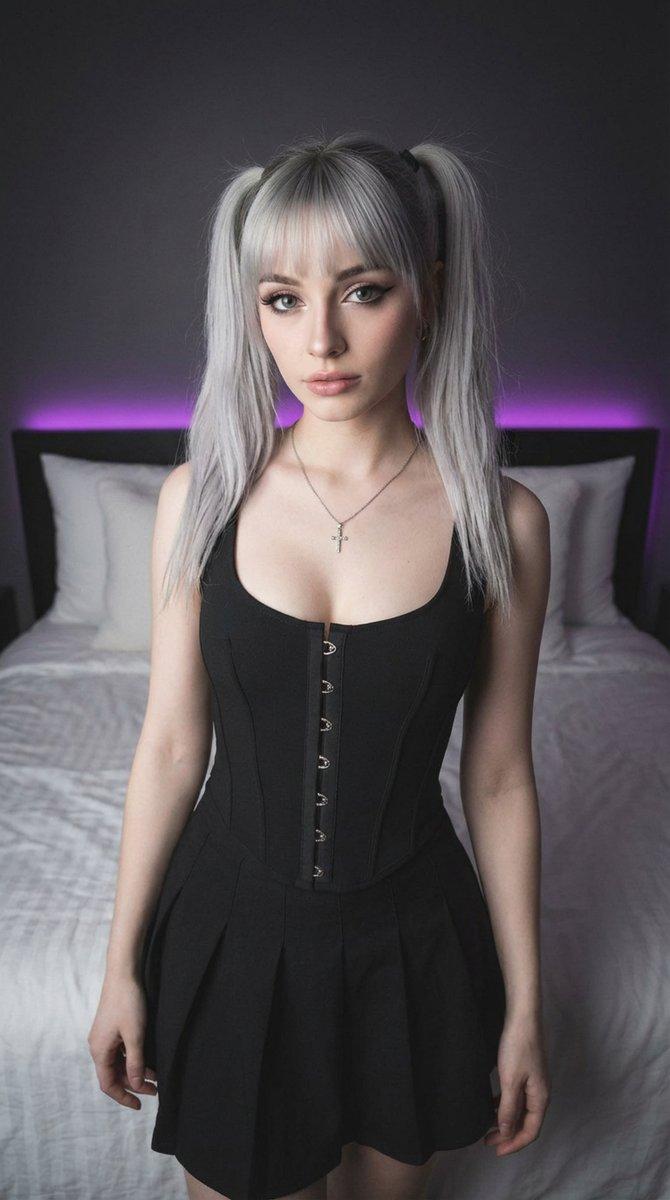
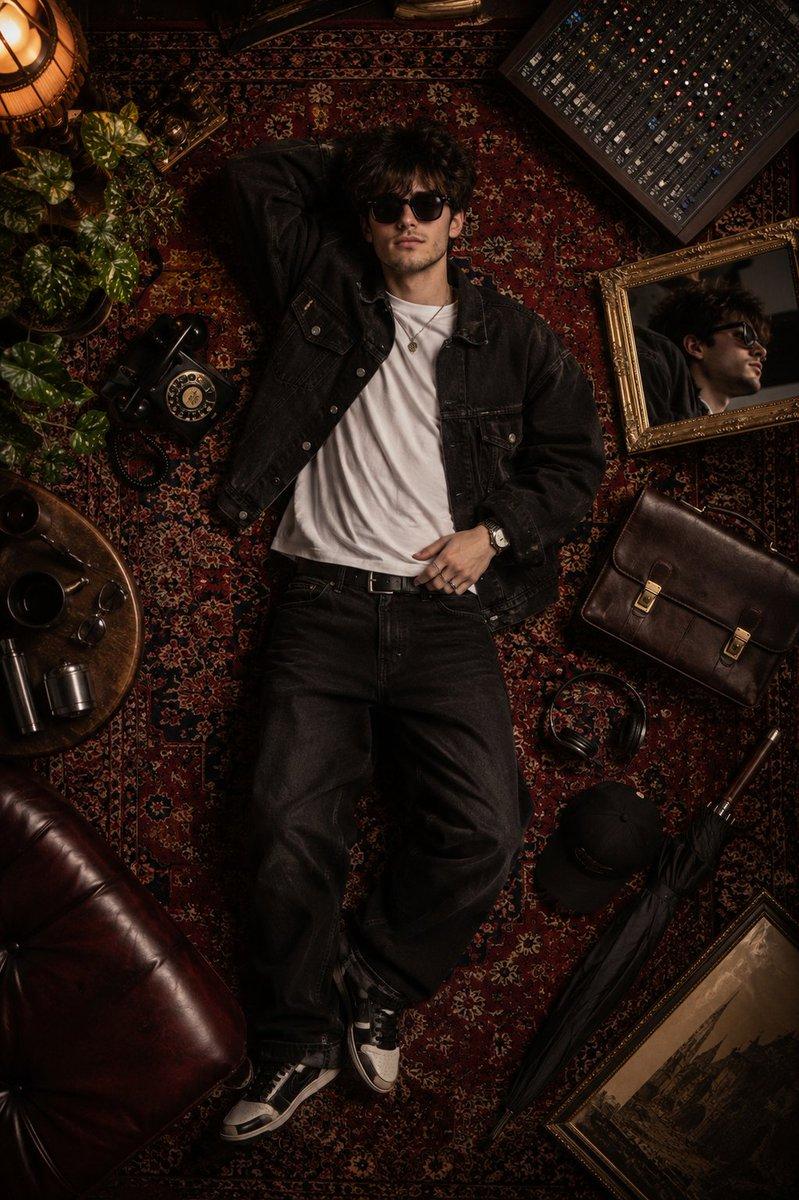
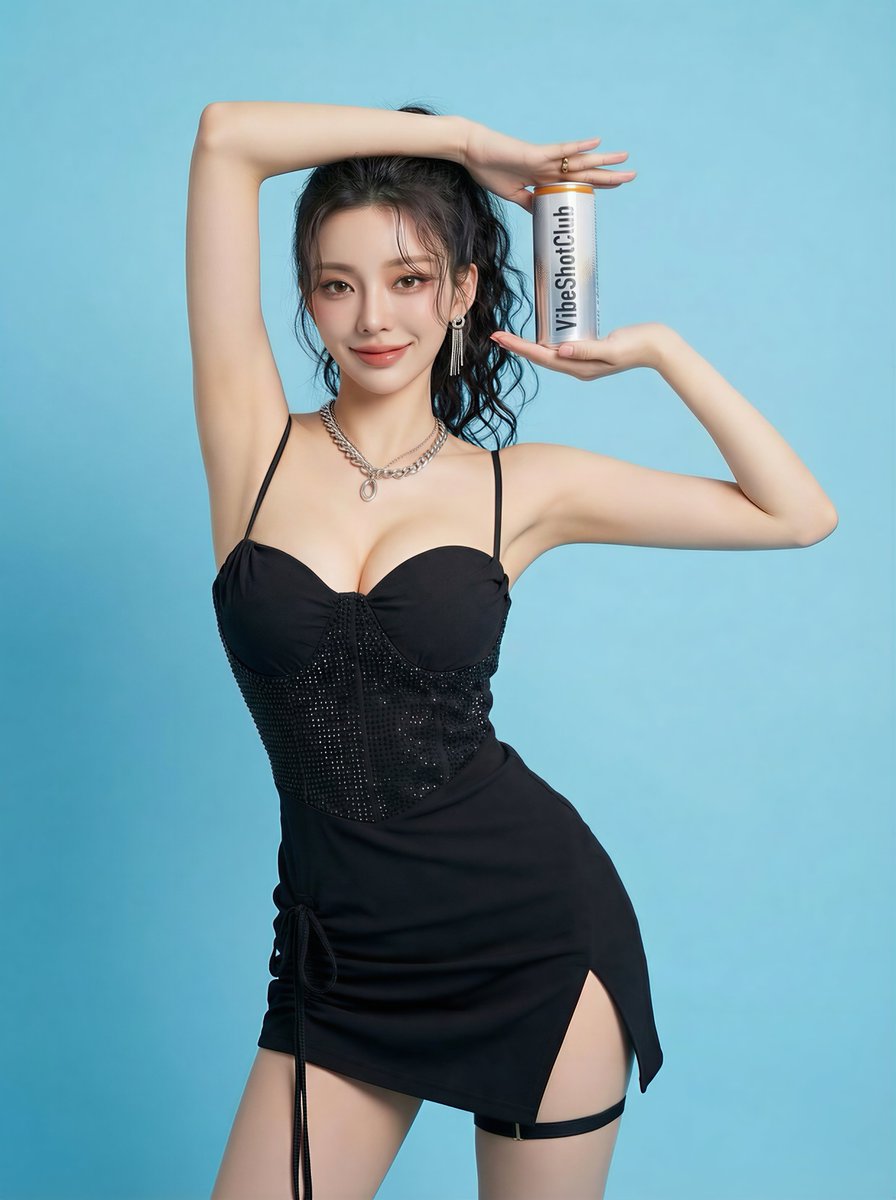
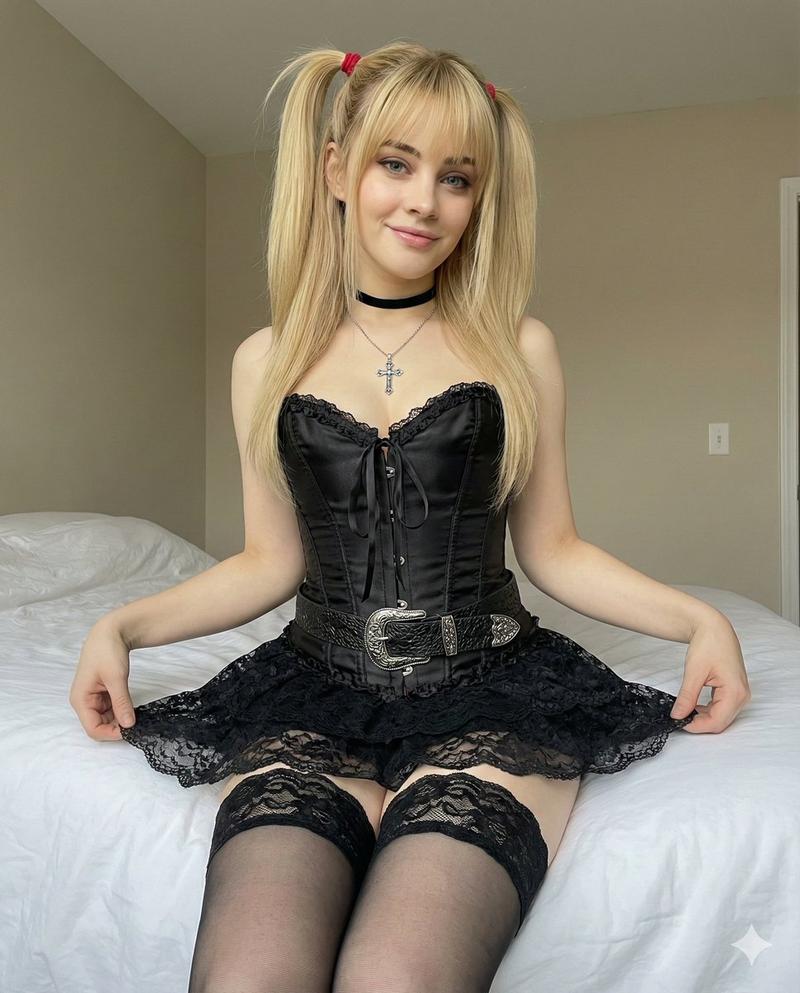
(9:16). Raw iPhone 17 Pro, 24mm, f/2.8, sharp focus, digital grain. Identity Lock Reference A: absolute facial and wavy dark hair geometry inheritance. Bio-Fidelity: micro-pores, satin hydration, epidermal physics on limbs. Expression Lock Reference B: direct gaze from supine position, right arm flexed with hand shielding forehead, relaxed facial tension. Outfit: Technical strapless black corset mini-dress, architectural vertical hook-and-eye front closure, micro-perforated textile; black strappy stiletto sandals; gold ankle bracelet. Small snake tattoo on inner right forearm. Hyper-defined S-curve, 20% waist-to-hip and thigh volume emphasis. Pose: Lying supine on floor, head tilted back, legs crossed at ankles, realistic skin-on-rug compression. Lighting: Soft indoor ambient illumination. Environment: Pixel-perfect intricate Persian rug with cream, red, and blue floral patterns.
Category
Posters & Typography
Model
Nano Banana Pro
Creator
@daaaaanc
Views78
Source ID
12899
Published
Apr 10, 2026

Guide

About "波斯地毯上的暗黑尤物"

What is this prompt for?

"波斯地毯上的暗黑尤物" AI image prompt for Nano Banana Pro (Posters & Typography). (9:16)。原始 iPhone 17 Pro 拍摄,24mm 焦距,f/2.8 光圈,锐利对焦,数字颗粒感。身份锁定参考 A:绝对的面部和波浪形深色头发几何继承。生物保真…

The full copyable prompt and example visuals above are ready for AI image generation or one-click recreate in Picva.

How to use this prompt

  1. Step 1

    Open the prompt detail

    Review the example visuals, category, and full prompt text for "波斯地毯上的暗黑尤物".

  2. Step 2

    Copy the prompt

    Copy the prompt body from this page, or load it directly in Studio.

  3. Step 3

    Pick a model (Nano Banana Pro)

    Prefer Nano Banana Pro. If you switch models, keep subject and composition and tweak style terms.

  4. Step 4

    Generate and export

    Recreate the look in Picva, or export into your workflow for editing and publishing.

FAQ

What is the "波斯地毯上的暗黑尤物" prompt?
It is an AI image-generation prompt for Nano Banana Pro in the Posters & Typography category. This page includes the full prompt text, example visuals, and a one-click recreate path in Picva.
How do I use this prompt to generate an image?
Copy the prompt from this page, or use Generate / Studio. Paste it into a compatible image model, or recreate the look in Picva with optional reference images.
Which model is this prompt for?
This page lists Nano Banana Pro. Most descriptive prompts also transfer to nearby image models such as GPT Image, Flux, or Midjourney with light style tweaks.
Can I use the result commercially?
You can usually copy the prompt for creation, but commercial use of the final image depends on the model terms, reference-image rights, and the generated content. Follow the source author and platform rules.