情绪天空:仰拍视角AI海报设计指南
Prompt
[
  INPUT
] - reference image: {
  Portrait Photo
} - Date: {
  Today's Date http://yyyy.mm.dd} - Today's Mood: {
  } [
    Goal
  ] Create a poster of the sky using an extreme low-angle perspective,
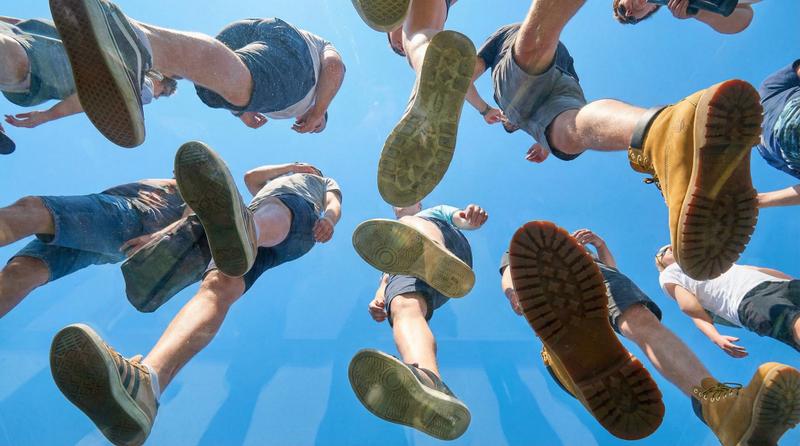
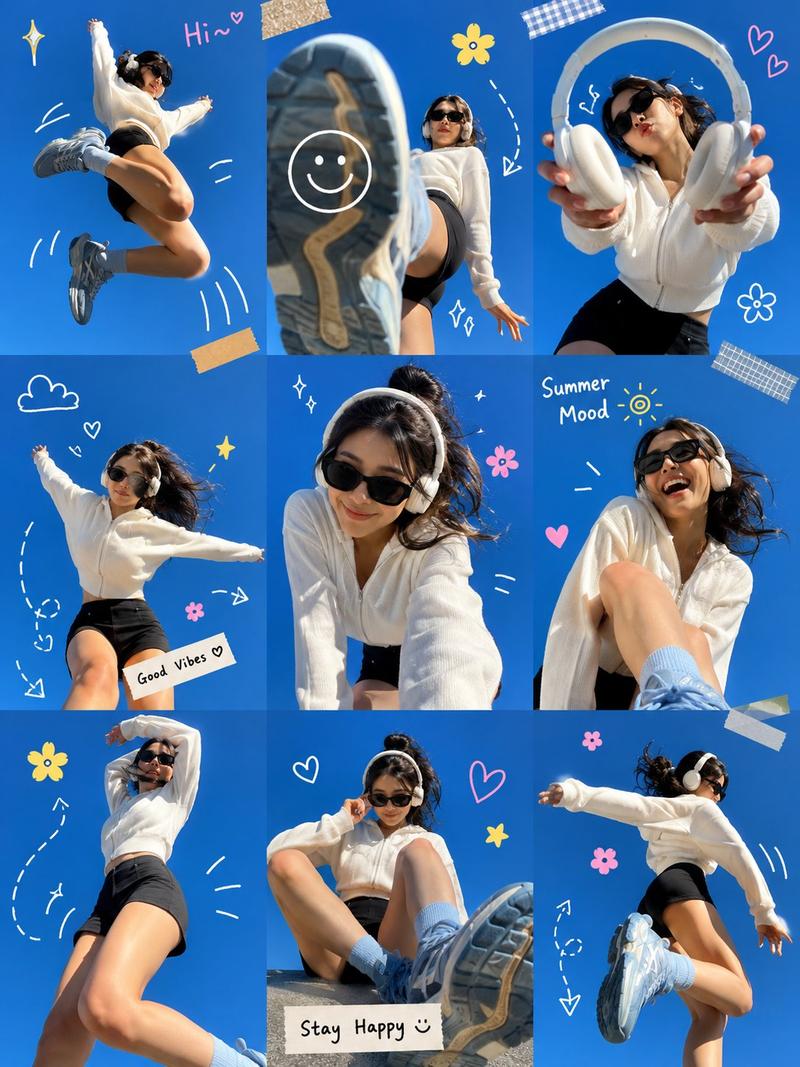
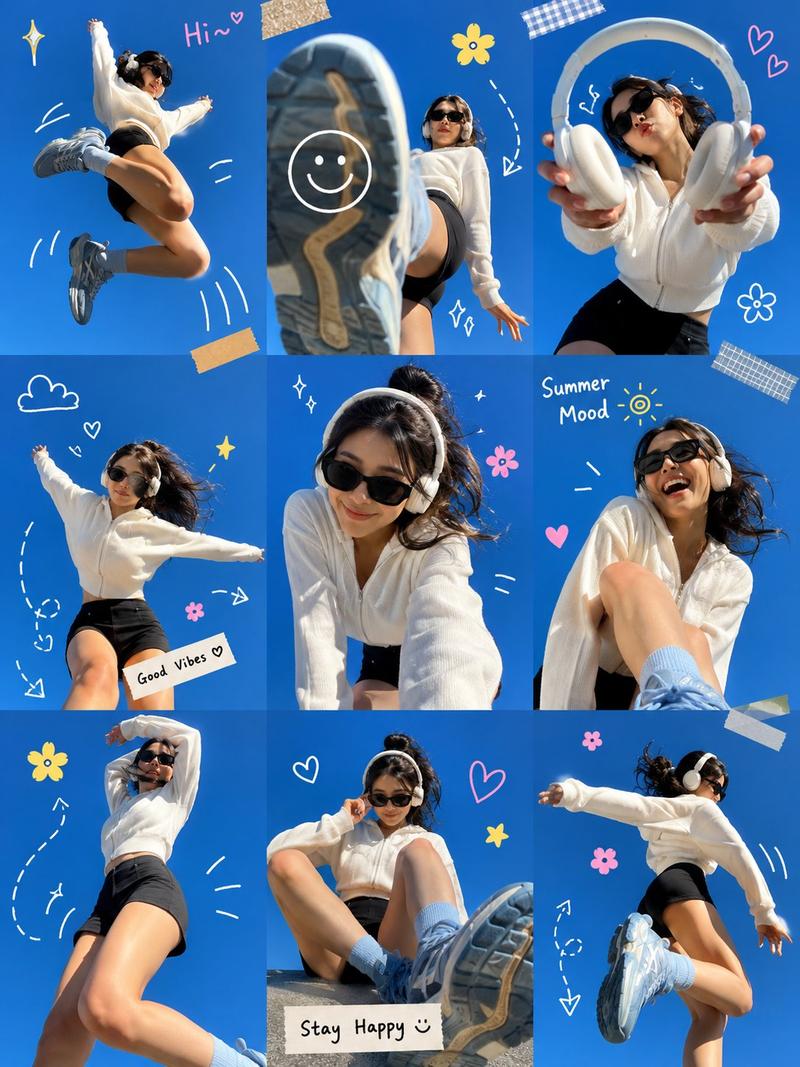
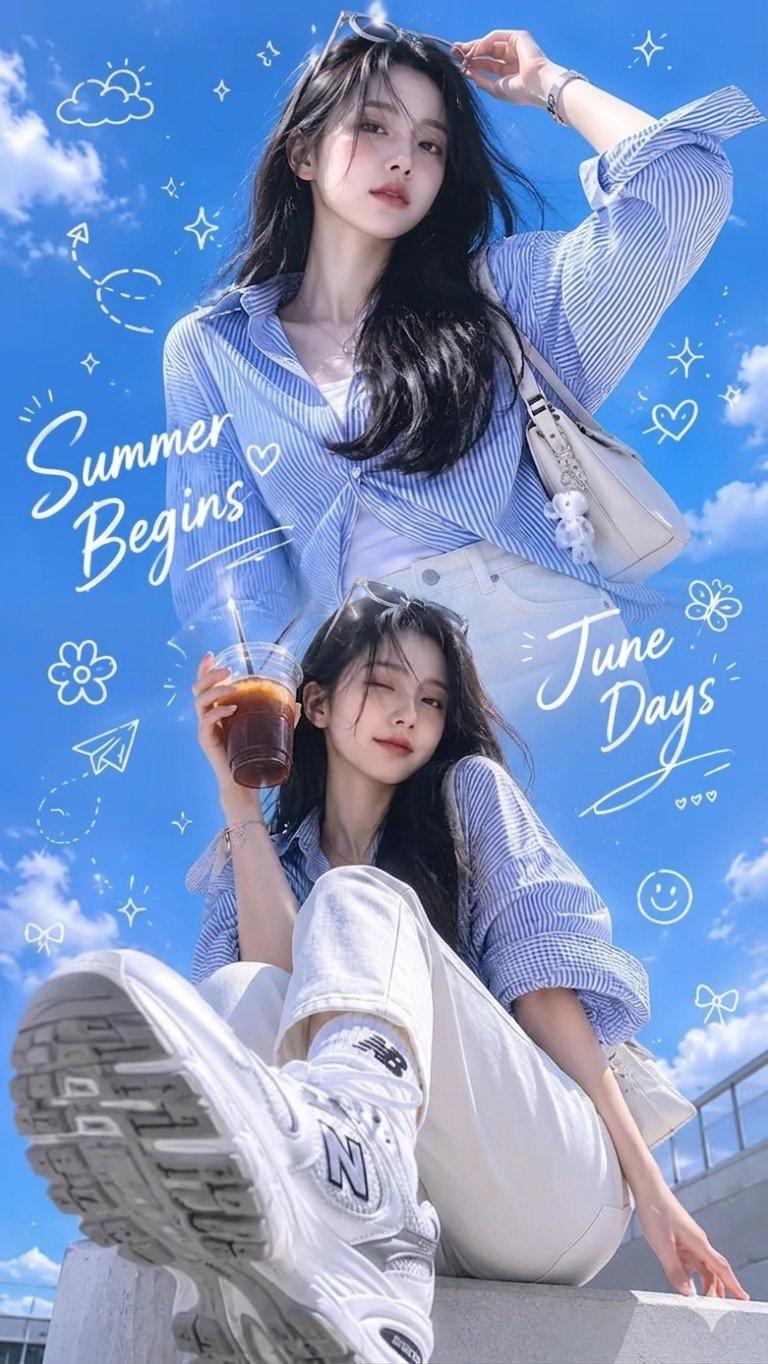
  looking up at the subject from the ground. Express today's mood through the sky, light, clouds, and color scheme. [Maintain Subject] Maintain the facial mood, hair, body shape, and clothing style of the uploaded subject. However, the face should not be shown from the front; instead, a side profile or just a slight glimpse of the jawline should be visible. [Key Composition] - The camera is almost flat on the ground. - The subject is slightly floating above the camera or in a jumping moment. - The soles of the shoes are prominently visible close to the camera. - The legs appear long with a sense of perspective. - The subject is in a side view or semi-profile. - The sky occupies most of the screen. [Sky by Mood] Create a sky that matches today's mood. Examples: - Happiness: Clear blue sky,
  white clouds,
  warm sunlight - Excitement: Pink clouds,
  soft sunshine - Calmness: Pale blue sky,
  thin clouds - Loneliness: Sunset,
  long shadows,
  empty sky - Frustration: Low,
  heavy clouds - Rain: Overcast sky,
  raindrops,
  wet lens texture [
    Text
] Arrange the date and mood message in a curved line along the outline or silhouette of the figure's body. Text to include: “{Date}” “{Today’s Mood}” “{Short Message}” Text should be white, rounded, and bold poster typography. Avoid overly long sentences and arrange text for easy readability. If no short message input is provided, it should be automatically generated and entered. [Style] Sentimental Sky Poster, Warm Eye View, Bottom View, Wide Angle, Cinematic Fashion Poster, Clear Film Photo, Vast Sky, Clean Typography. [Prohibited] - No ordinary standing poses - No poses where shoe soles are not visible - No frontal face close-ups - No indoor backgrounds - No excessive text - No random text - No watermarks/logos- Category
- Posters & Typography
- Model
- ChatGPT
- Creator
- @SimplyAnnisa
- Source ID
- 14138
- Published
- May 11, 2026
Views99