20

十秒十变元气少女换装秀

Prompt
0-1s: Academy uniform, hopping on toes with hands behind back, tie swinging, head tilted, eyes smiling curved like crescent moons.
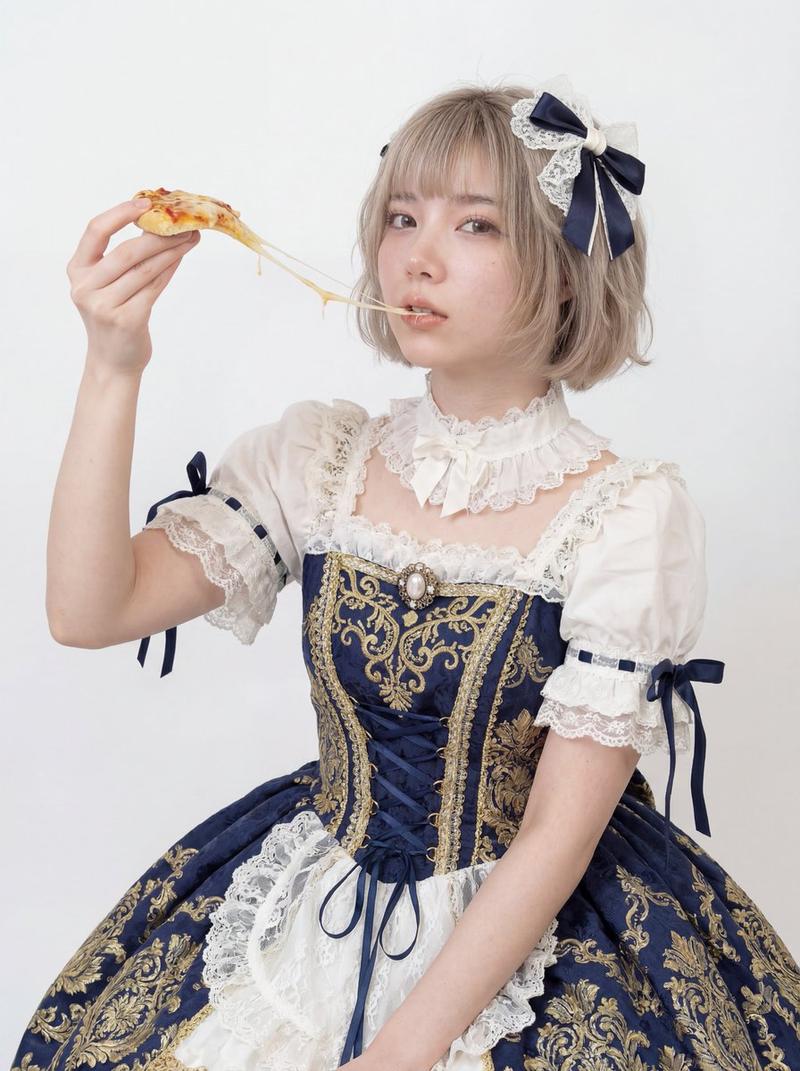
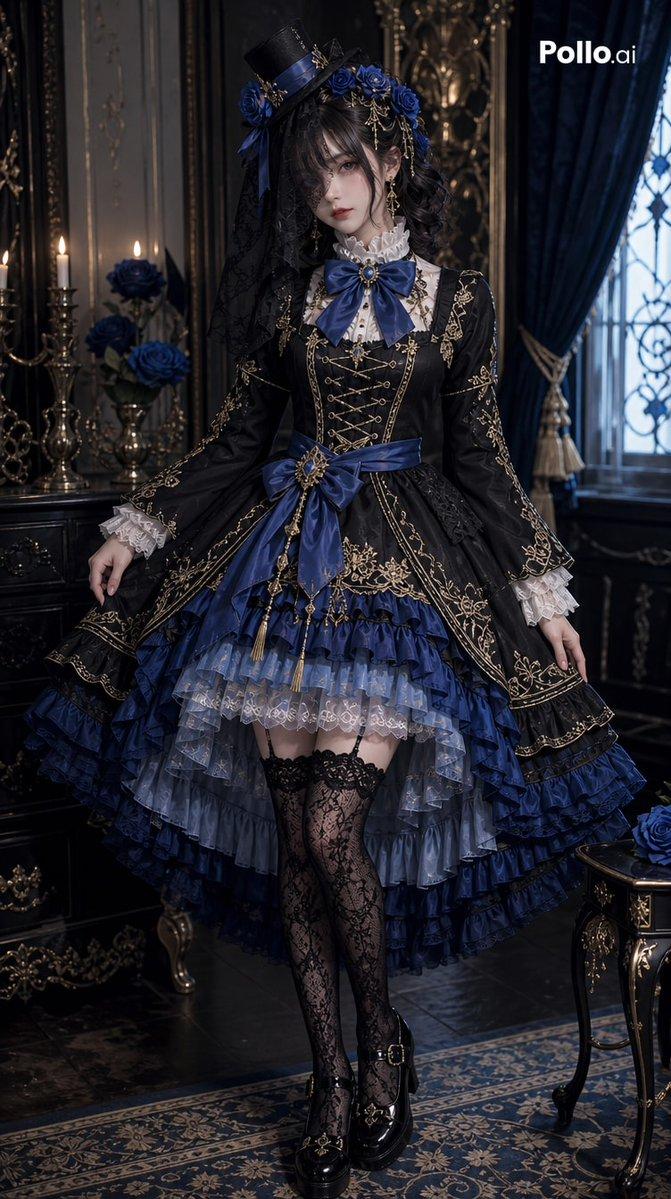
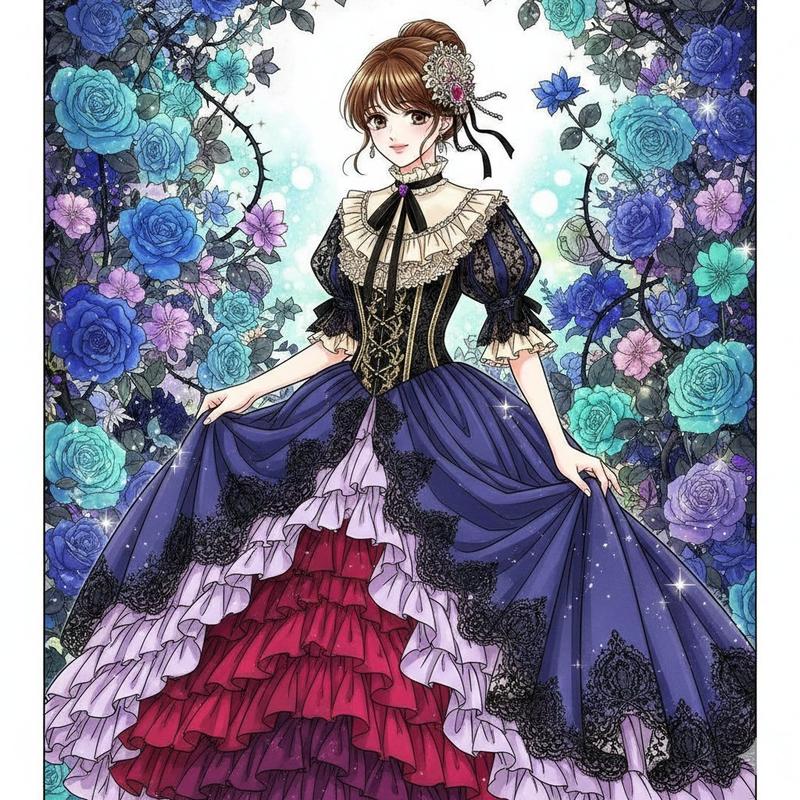
1-2s: Turning around and swishing hair to cover face, transforming into Lolita dress,
2-3s: Crossing arms to cover face, transforming into sportswear,
3-4s: Sweeping sleeves across the lens, transforming into ancient style Ruqun,
4-5s: Covering face then separating hands, transforming into sweet and cool spaghetti strap dress,
5-6s: Small jump landing, transforming into pajamas, rubbing eyes and yawning,
6-7s: Turning around with back to camera, transforming into sailor uniform, holding a heart shape and swinging left and right
7-8s: Lowering head to fix collar then looking up, transforming into idol stage costume, raising hand as if holding a microphone,
8-9s: Hugging chest then releasing, transforming into denim outfit, pulling zipper and lifting chin,
9-10s: Turning around swinging arms, transforming back into uniform
Category
Video Prompts
Model
Seedance 2.0
Views235
Source ID
2729
Published
Feb 28, 2026

Guide

About "十秒十变元气少女换装秀"

What is this prompt for?

"十秒十变元气少女换装秀" AI image prompt for Seedance 2.0 (Video Prompts). 0-1秒:学院制服,背手踮跳,领带甩动,歪头笑眼弯如月牙。 1-2秒:转身甩发挡脸变洛丽塔, 2-3秒:交叉挡脸变运动装, 3-4秒:甩袖扫镜头变古风襦裙, 4-5秒:捂脸分开变甜酷吊带裙,…

The full copyable prompt and example visuals above are ready for AI image generation or one-click recreate in Picva.

How to use this prompt

  1. Step 1

    Open the prompt detail

    Review the example visuals, category, and full prompt text for "十秒十变元气少女换装秀".

  2. Step 2

    Copy the prompt

    Copy the prompt body from this page, or load it directly in Studio.

  3. Step 3

    Pick a model (Seedance 2.0)

    Prefer Seedance 2.0. If you switch models, keep subject and composition and tweak style terms.

  4. Step 4

    Generate and export

    Recreate the look in Picva, or export into your workflow for editing and publishing.

FAQ

What is the "十秒十变元气少女换装秀" prompt?
It is an AI image-generation prompt for Seedance 2.0 in the Video Prompts category. This page includes the full prompt text, example visuals, and a one-click recreate path in Picva.
How do I use this prompt to generate an image?
Copy the prompt from this page, or use Generate / Studio. Paste it into a compatible image model, or recreate the look in Picva with optional reference images.
Which model is this prompt for?
This page lists Seedance 2.0. Most descriptive prompts also transfer to nearby image models such as GPT Image, Flux, or Midjourney with light style tweaks.
Can I use the result commercially?
You can usually copy the prompt for creation, but commercial use of the final image depends on the model terms, reference-image rights, and the generated content. Follow the source author and platform rules.