13

领队规划板上的极限征程
Enlarge

领队规划板上的极限征程

Prompt
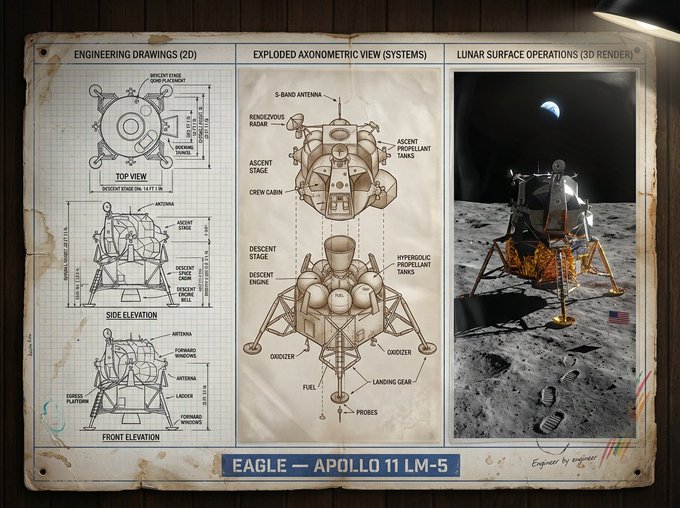
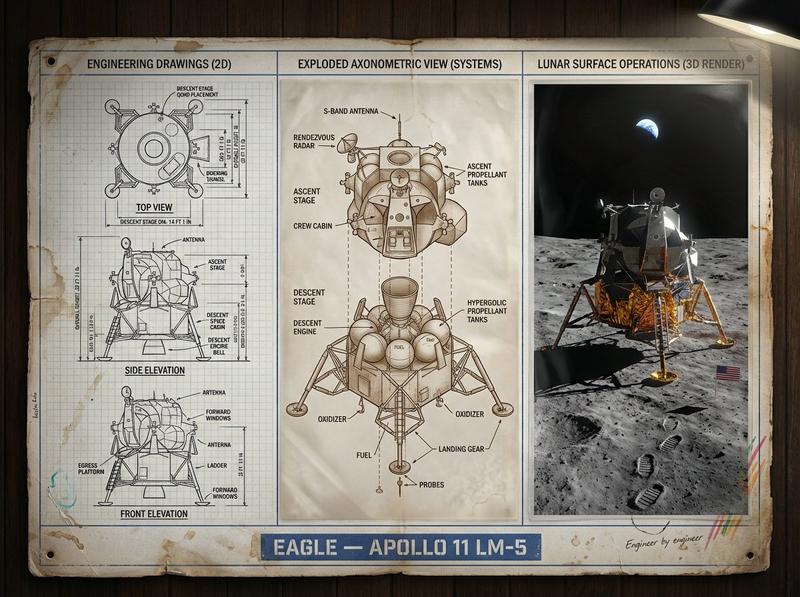
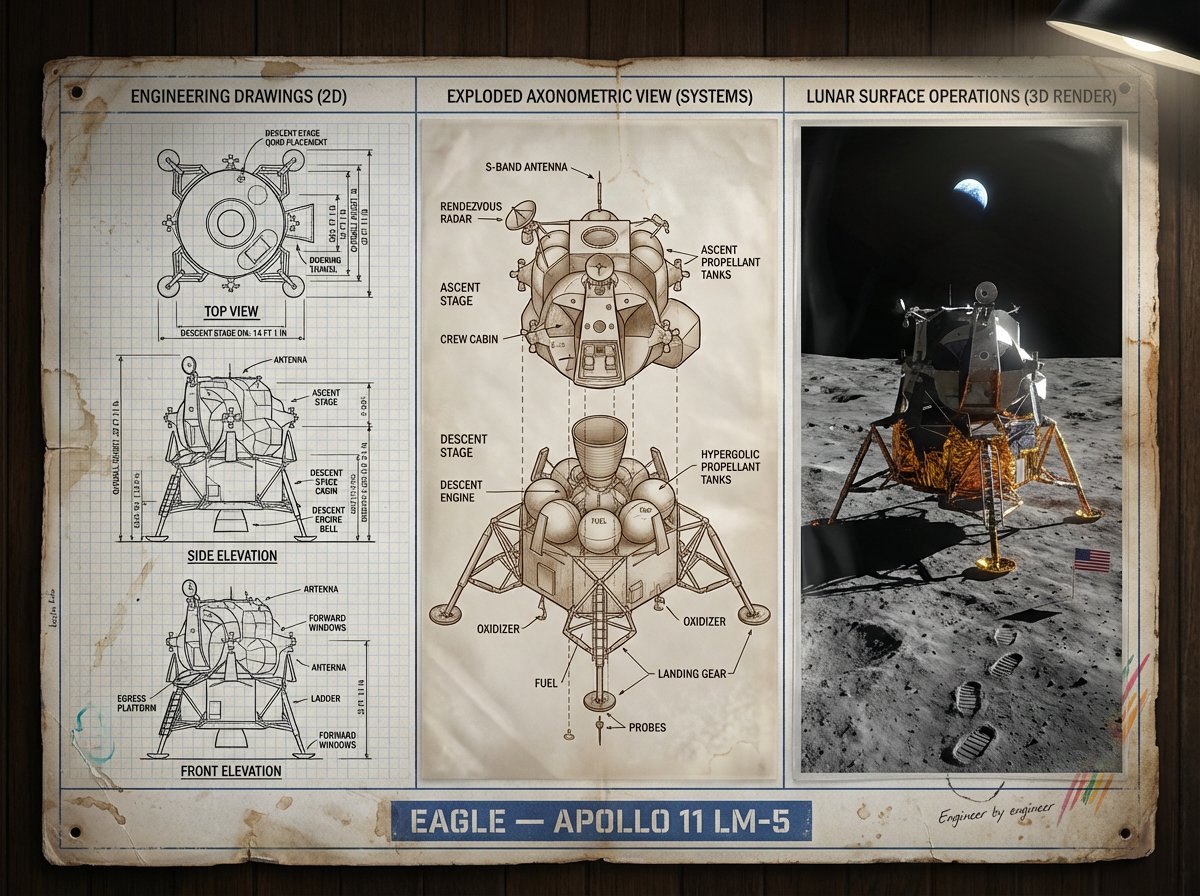
An expedition leader's planning board for [JOURNEY / MISSION] — [DESTINATION / ERA]. Left section: route map with topographical detail, waypoints marked, danger zones annotated, and timeline running along the margin. Center section: complete kit layout, every piece of equipment photographed from above in organized rows, weight and function noted, redundancies highlighted, nothing extraneous. Right section: the expedition in progress or the destination achieved, figures in landscape, scale established, the human element against the immense. Visual style transitions from cartographic precision through utilitarian inventory to epic environmental photography. Title block reading "[EXPEDITION NAME] — [ROUTE], [DATE], [OBJECTIVE]".
Category
Charts & Infographics
Model
Nano Banana Pro
Views63
Source ID
2023
Published
Jan 14, 2026

Guide

About "领队规划板上的极限征程"

What is this prompt for?

"领队规划板上的极限征程" AI image prompt for Nano Banana Pro (Charts & Infographics). 探险队领队的规划板,主题为[旅程/任务] — [目的地/时代]。左侧:带地形细节的路径地图,标注航点、危险区域,边缘附时间线。中央:完整装备布局,每件装备俯视拍照、排列…

The full copyable prompt and example visuals above are ready for AI image generation or one-click recreate in Picva.

How to use this prompt

  1. Step 1

    Open the prompt detail

    Review the example visuals, category, and full prompt text for "领队规划板上的极限征程".

  2. Step 2

    Copy the prompt

    Copy the prompt body from this page, or load it directly in Studio.

  3. Step 3

    Pick a model (Nano Banana Pro)

    Prefer Nano Banana Pro. If you switch models, keep subject and composition and tweak style terms.

  4. Step 4

    Generate and export

    Recreate the look in Picva, or export into your workflow for editing and publishing.

FAQ

What is the "领队规划板上的极限征程" prompt?
It is an AI image-generation prompt for Nano Banana Pro in the Charts & Infographics category. This page includes the full prompt text, example visuals, and a one-click recreate path in Picva.
How do I use this prompt to generate an image?
Copy the prompt from this page, or use Generate / Studio. Paste it into a compatible image model, or recreate the look in Picva with optional reference images.
Which model is this prompt for?
This page lists Nano Banana Pro. Most descriptive prompts also transfer to nearby image models such as GPT Image, Flux, or Midjourney with light style tweaks.
Can I use the result commercially?
You can usually copy the prompt for creation, but commercial use of the final image depends on the model terms, reference-image rights, and the generated content. Follow the source author and platform rules.