19

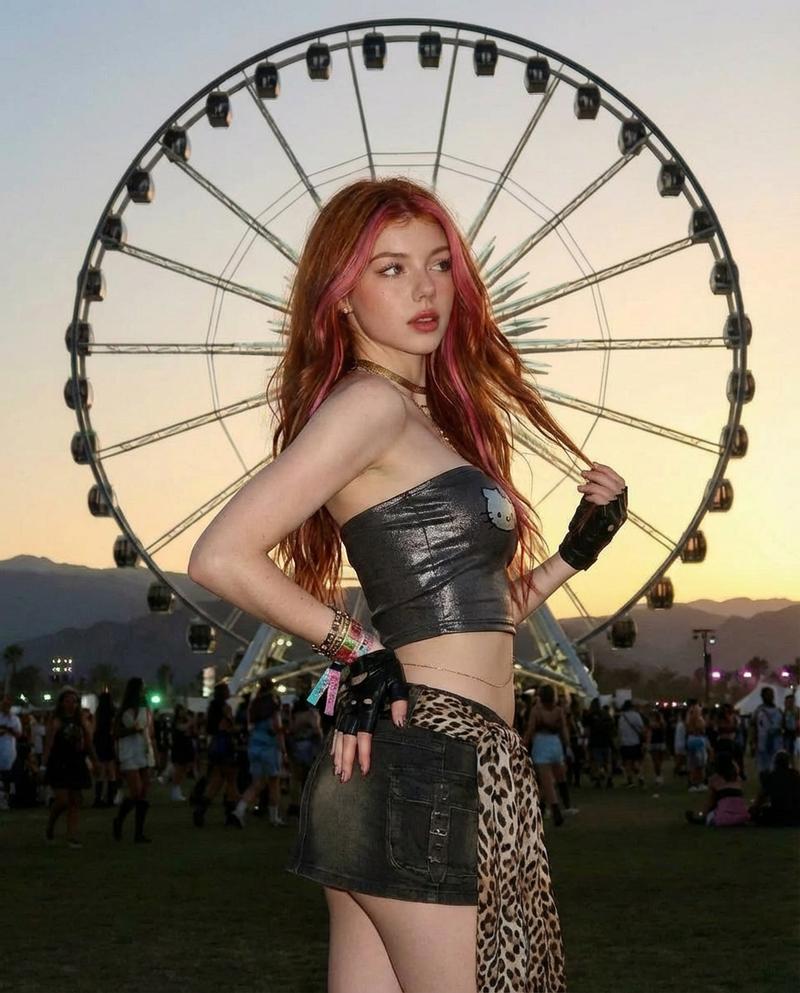
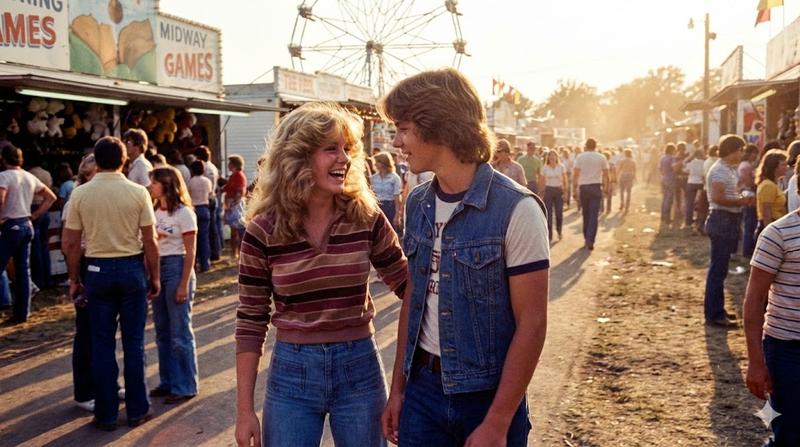
摩天轮下的落日红发音乐节时尚大片
Enlarge

摩天轮下的落日红发音乐节时尚大片

Prompt
{ "prompt": "Music festival scene at sunset with a stylish young woman standing confidently in front of a large illuminated ferris wheel. She has long red hair with pink highlights, wears a black strapless crop top, dark mini skirt, fingerless gloves, layered bracelets, and a leopard-print scarf tied at the waist. Festival crowd in the background, warm dusk sky, cinematic lighting, edgy boho aesthetic, photorealistic.", "style": "photorealistic", "lighting": "sunset glow with soft artificial lights", "camera": { "angle": "slightly low, fashion portrait", "lens": "50mm", "depth_of_field": "shallow" }, "environment": "outdoor music festival with ferris wheel", "mood": "free-spirited, bold, youthful energy", "quality": "high resolution, sharp focus, editorial photography", "negative_prompt": "blurry, low detail, extra limbs, distorted anatomy, cartoon, illustration, watermark, text" }
Category
Posters & Typography
Model
Nano Banana Pro
Creator
@mizq06
Views118
Source ID
10344
Published
Mar 24, 2026

Guide

About "摩天轮下的落日红发音乐节时尚大片"

What is this prompt for?

"摩天轮下的落日红发音乐节时尚大片" AI image prompt for Nano Banana Pro (Posters & Typography). { "prompt": "日落时分的音乐节场景,一位时尚的年轻女性自信地站在一个大型发光摩天轮前。她留着一头长长的{argument name=\"hair c…

The full copyable prompt and example visuals above are ready for AI image generation or one-click recreate in Picva.

How to use this prompt

  1. Step 1

    Open the prompt detail

    Review the example visuals, category, and full prompt text for "摩天轮下的落日红发音乐节时尚大片".

  2. Step 2

    Copy the prompt

    Copy the prompt body from this page, or load it directly in Studio.

  3. Step 3

    Pick a model (Nano Banana Pro)

    Prefer Nano Banana Pro. If you switch models, keep subject and composition and tweak style terms.

  4. Step 4

    Generate and export

    Recreate the look in Picva, or export into your workflow for editing and publishing.

FAQ

What is the "摩天轮下的落日红发音乐节时尚大片" prompt?
It is an AI image-generation prompt for Nano Banana Pro in the Posters & Typography category. This page includes the full prompt text, example visuals, and a one-click recreate path in Picva.
How do I use this prompt to generate an image?
Copy the prompt from this page, or use Generate / Studio. Paste it into a compatible image model, or recreate the look in Picva with optional reference images.
Which model is this prompt for?
This page lists Nano Banana Pro. Most descriptive prompts also transfer to nearby image models such as GPT Image, Flux, or Midjourney with light style tweaks.
Can I use the result commercially?
You can usually copy the prompt for creation, but commercial use of the final image depends on the model terms, reference-image rights, and the generated content. Follow the source author and platform rules.