20

穿越机视角下的古今武汉画卷

Prompt
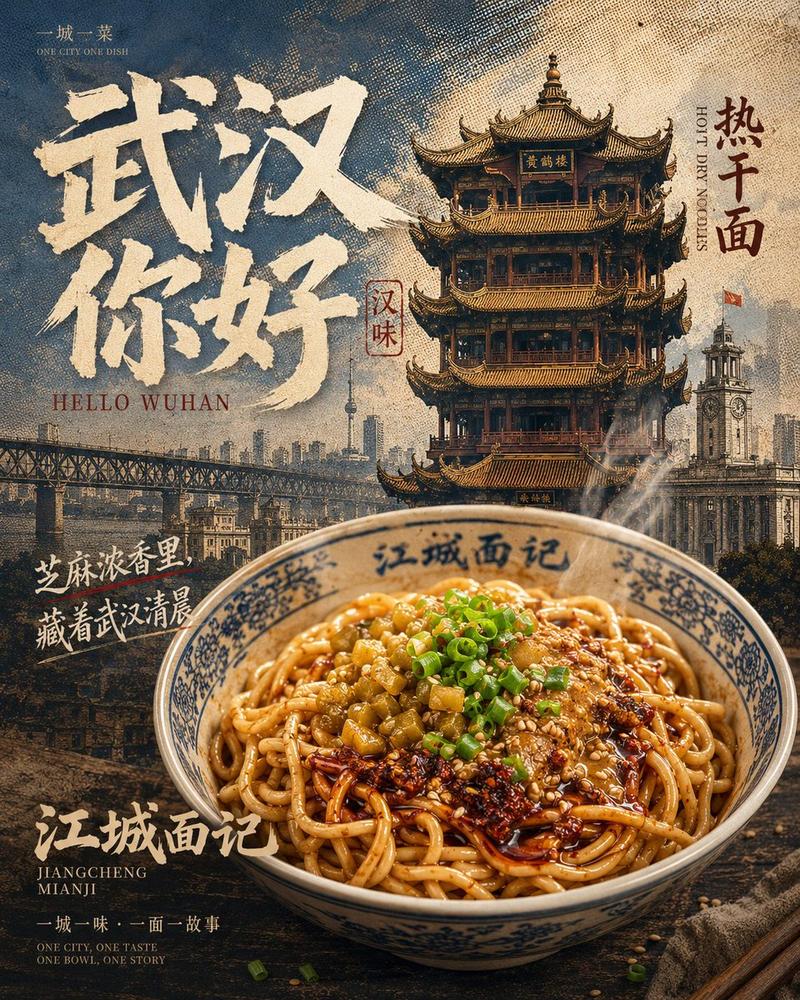
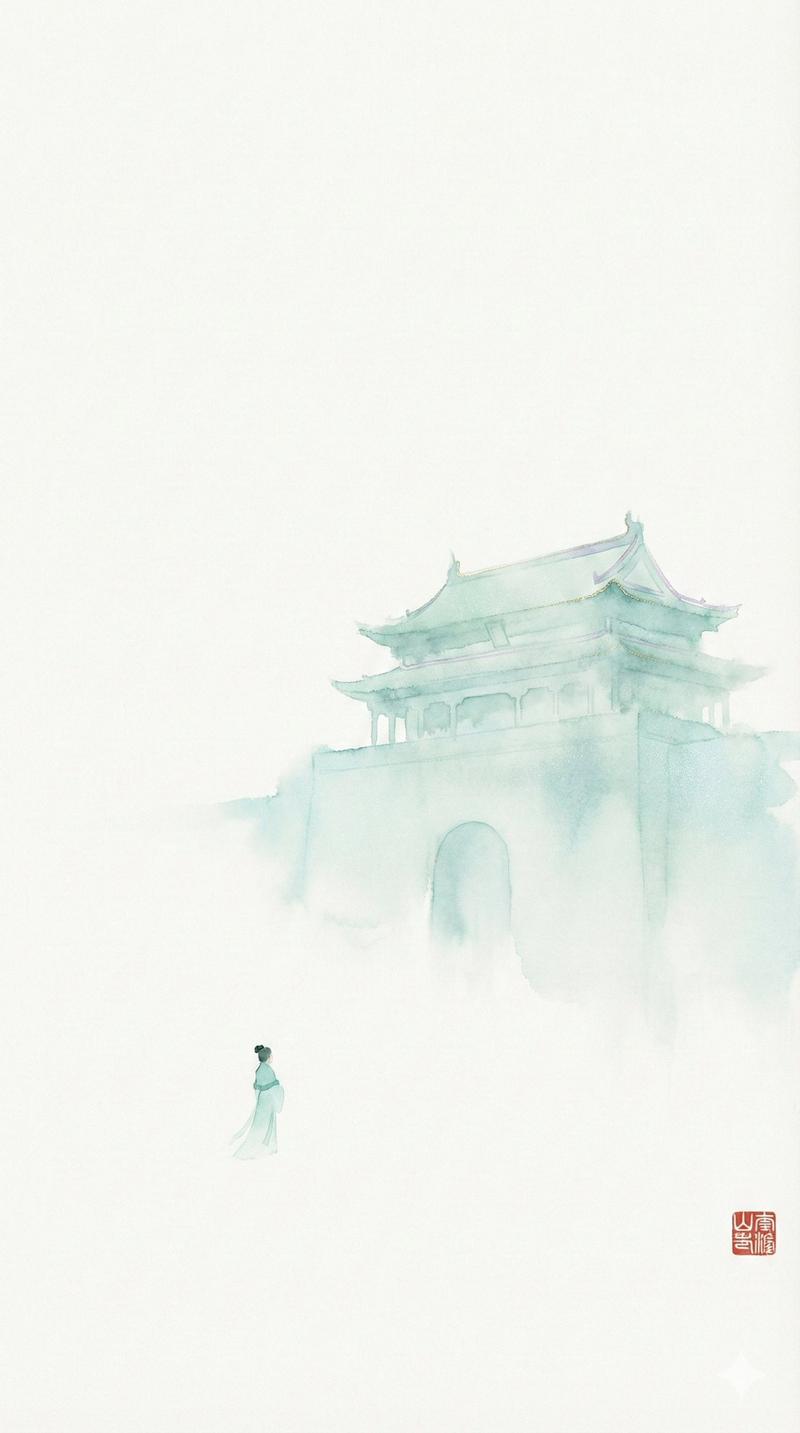
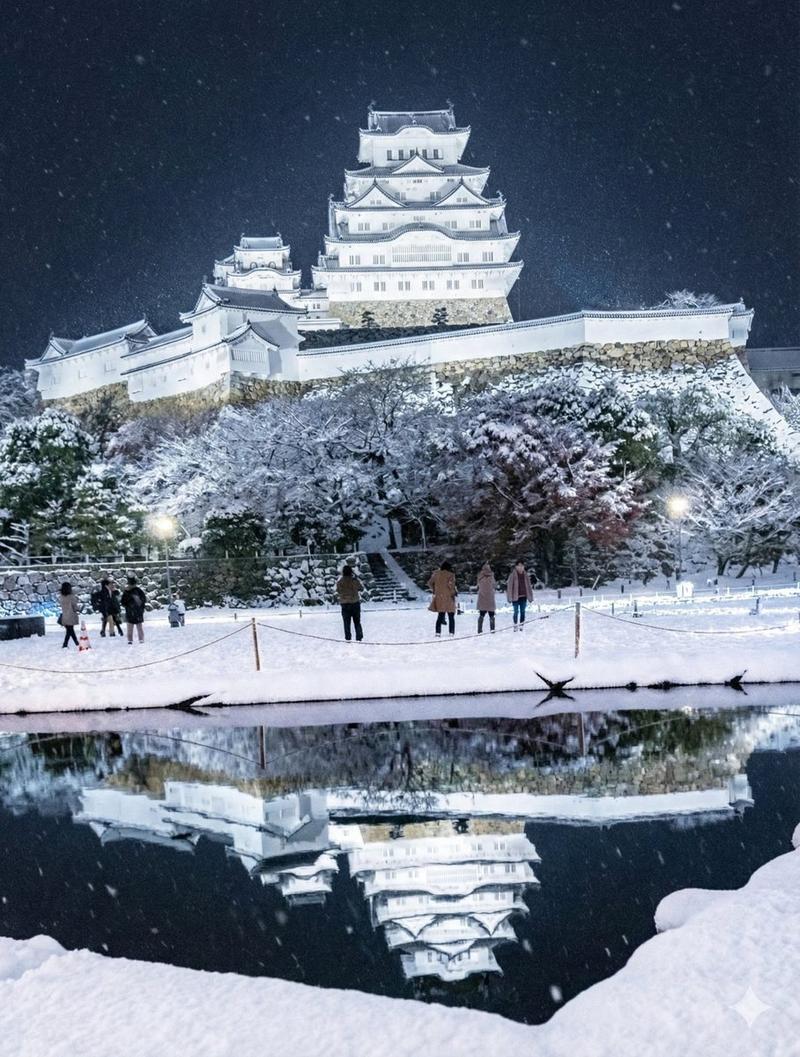
[ Subject ]: Wuhan city portrait, including the red walls and yellow tiles of the Yellow Crane Tower, steaming hot dry noodles, the steel structure of the Yangtze River Bridge, cherry blossoms dancing at Wuhan University, visual colors are full of vitality. [ Action ]: The camera slowly pushes in from the steam of hot dry noodles, instantly match cutting to the vast misty waves of the Yangtze River surface; a dragon dance weaves flexibly through the old streets, movements are coherent and natural, not stiff. [ Scene ]: Yellow Crane Tower under the morning sun, Tyndall effect piercing through the flying eaves; "Light Show" shining on both banks of the Yangtze River at night, neon lights casting brilliant reflections on the river surface. [ Camera Movement ]: FPV drone perspective,极速俯冲 ing from the smoke and fire alleys of Liangdao Street and pulling up close to the river surface, connecting to a 180-degree orbit around the main tower of the Yangtze River Bridge, picture is stable without shaking, silky smooth. [ Style/Quality ]: 8K Ultra HD, cinematic texture, rich details, sharp clarity, combining Jingchu cultural heritage with Jiangcheng modern technology sense. [ Constraints ]: Normal architectural proportions, no distortion or deformation, stable faces, no screen flicker, 15-second one-take narrative logic.
Category
Video Prompts
Model
Seedance 2.0
Views460
Source ID
2925
Published
Mar 4, 2026

Guide

About "穿越机视角下的古今武汉画卷"

What is this prompt for?

"穿越机视角下的古今武汉画卷" AI image prompt for Seedance 2.0 (Video Prompts). [ 主体 ]: 武汉城市群像, 包含黄鹤楼的红墙黄瓦、热气腾腾的热干面、长江大桥的钢铁结构、樱花飞舞的武汉大学, 画面色彩极具生命力. [ 动作 ]: 镜头从热干面的蒸汽中缓慢推进, 瞬…

The full copyable prompt and example visuals above are ready for AI image generation or one-click recreate in Picva.

How to use this prompt

  1. Step 1

    Open the prompt detail

    Review the example visuals, category, and full prompt text for "穿越机视角下的古今武汉画卷".

  2. Step 2

    Copy the prompt

    Copy the prompt body from this page, or load it directly in Studio.

  3. Step 3

    Pick a model (Seedance 2.0)

    Prefer Seedance 2.0. If you switch models, keep subject and composition and tweak style terms.

  4. Step 4

    Generate and export

    Recreate the look in Picva, or export into your workflow for editing and publishing.

FAQ

What is the "穿越机视角下的古今武汉画卷" prompt?
It is an AI image-generation prompt for Seedance 2.0 in the Video Prompts category. This page includes the full prompt text, example visuals, and a one-click recreate path in Picva.
How do I use this prompt to generate an image?
Copy the prompt from this page, or use Generate / Studio. Paste it into a compatible image model, or recreate the look in Picva with optional reference images.
Which model is this prompt for?
This page lists Seedance 2.0. Most descriptive prompts also transfer to nearby image models such as GPT Image, Flux, or Midjourney with light style tweaks.
Can I use the result commercially?
You can usually copy the prompt for creation, but commercial use of the final image depends on the model terms, reference-image rights, and the generated content. Follow the source author and platform rules.