19

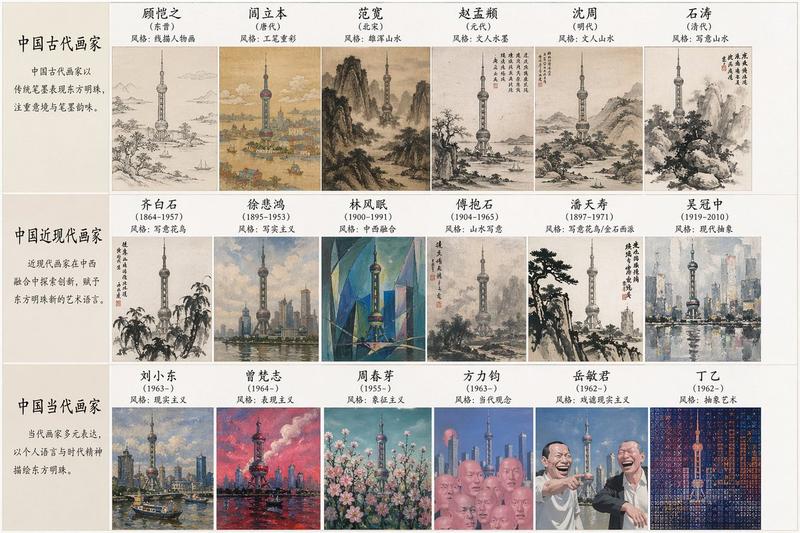
几何拼贴式策展艺术海报设计
Enlarge

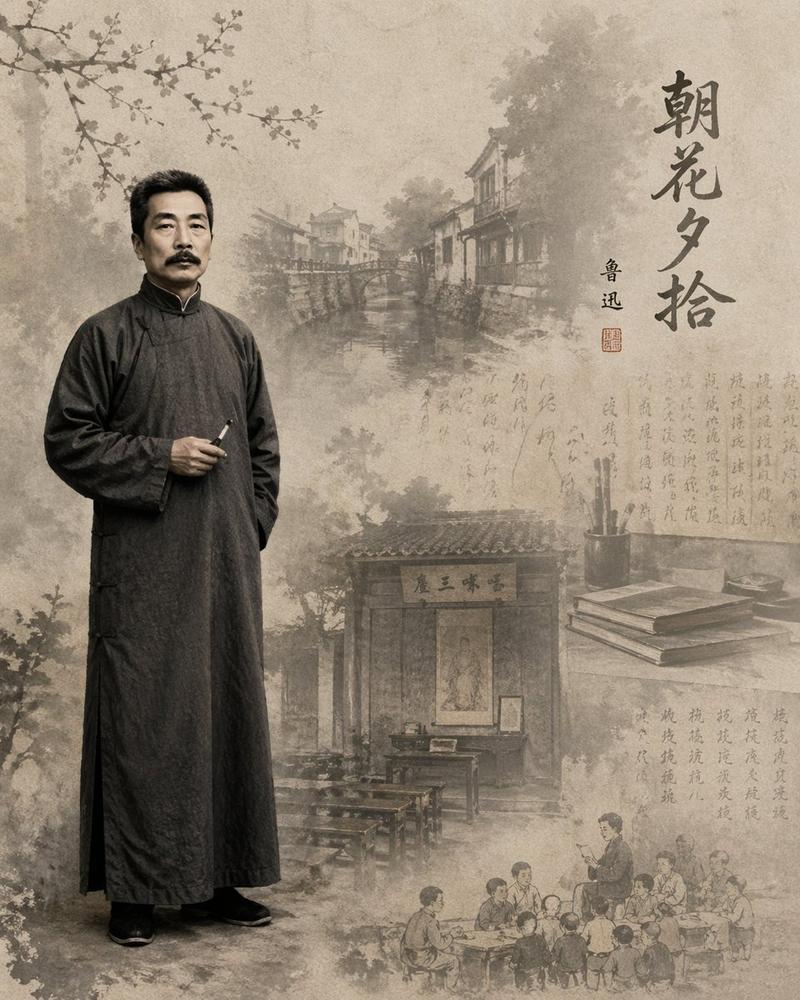
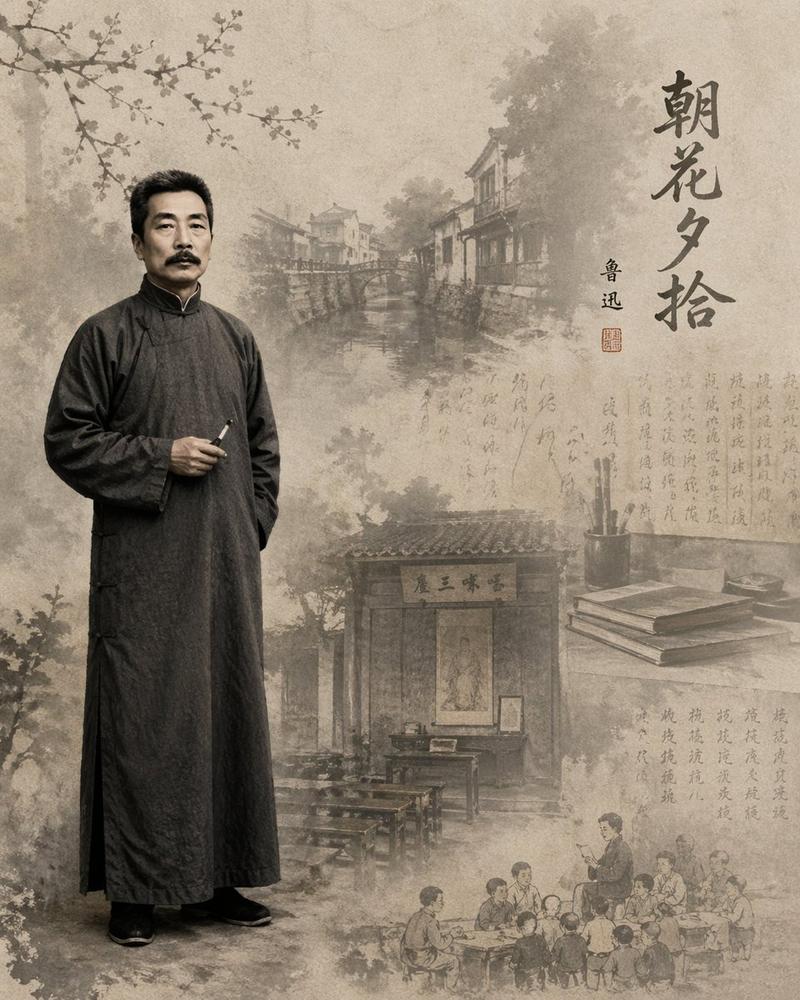
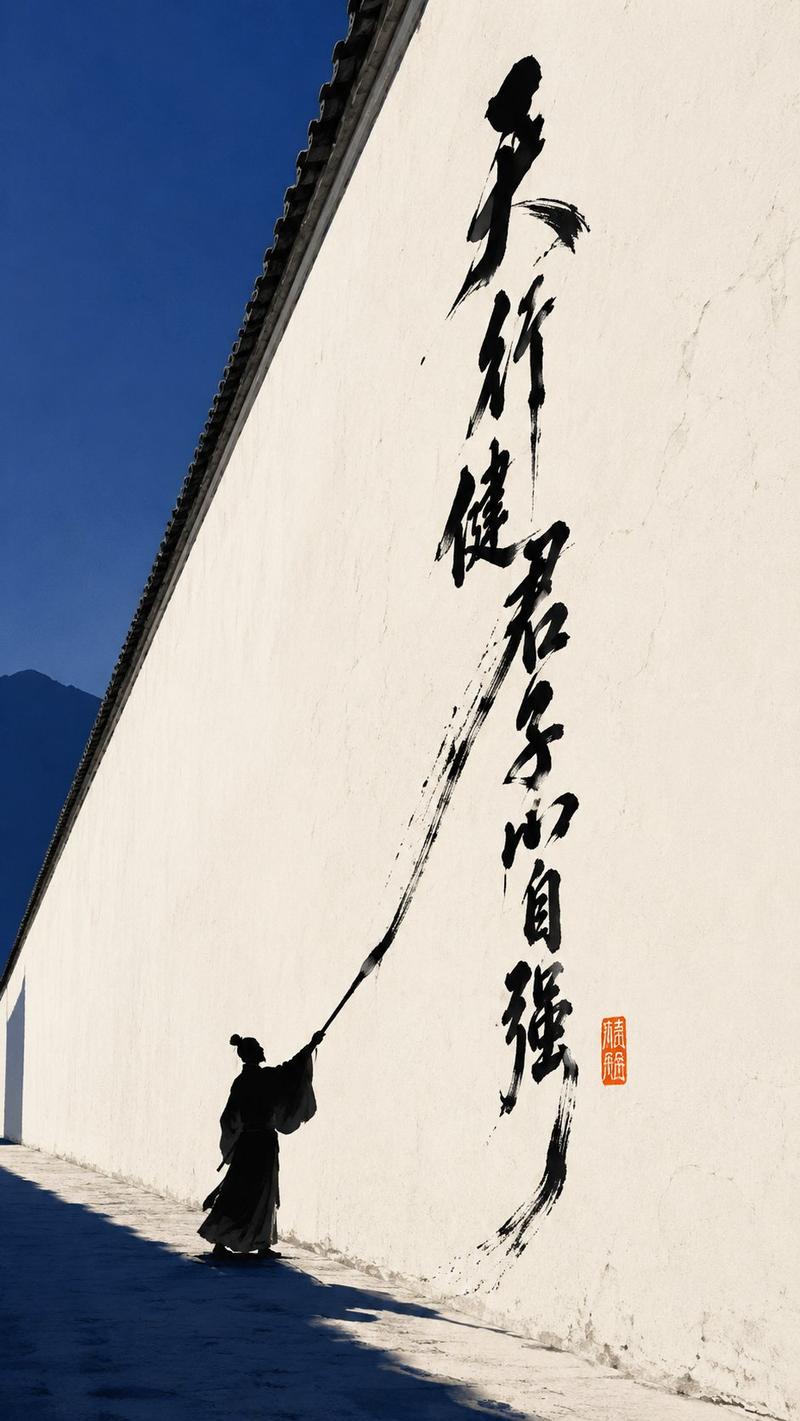
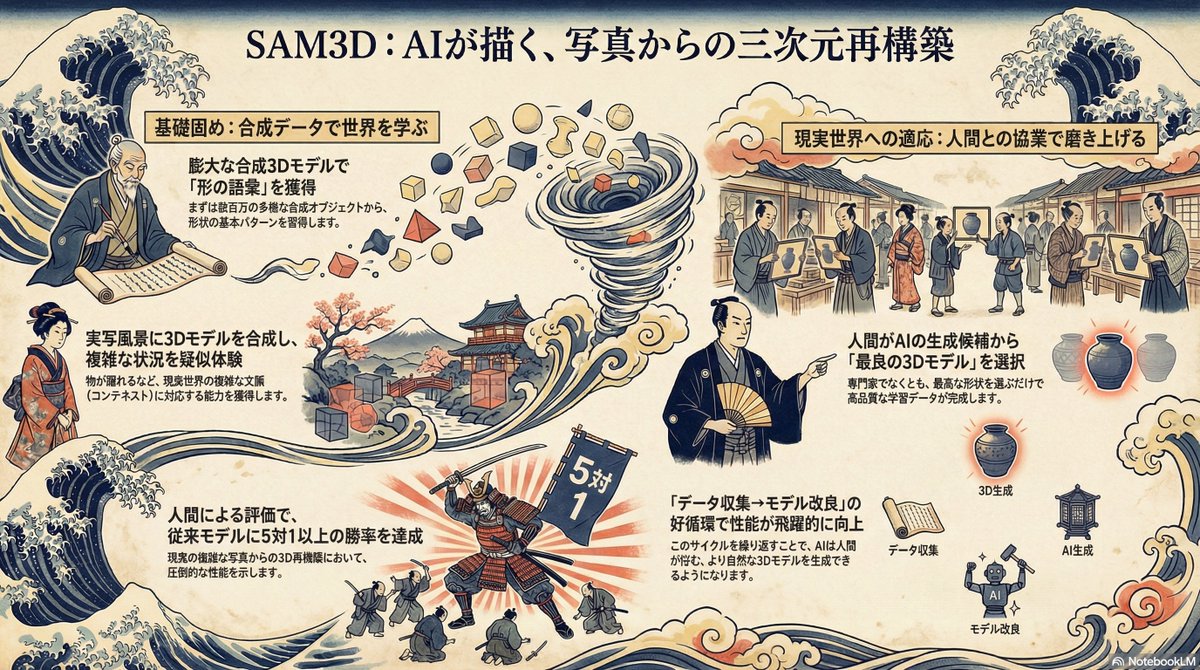
Example images

几何拼贴式策展艺术海报设计

Prompt
[Subject] Geometric collage curatorial poster
[Chinese Main Title] Custom
[English Subtitle] Custom
[Visual Keywords] Geometric partitioning / Art image modules / Exhibition information / Dark paper / Gold thin text / Editorial layout / Old album texture

Generate a vertical 3:4 geometric collage-style curatorial poster. The composition uses an asymmetric grid partition, consisting of a main image area, sub-image area, large title area, English subtitle area, date and location information area, curatorial information area, and small text description area.

Adopt an asymmetric geometric module collage layout, including a main image area, sub-image area, large title area, English subtitle area, date and location information area, curatorial information area, and small text description area. Overall use [Main Color] + low-saturation auxiliary colors + matte gold text, background has dark art paper, printing grain, and old album scan texture.

Image materials revolve around [Image Material Direction], like exhibition archives, art manuscripts, artifact photography, botanical specimens, architectural sketches, or old paper scans. Require natural image-text relationship, clear information hierarchy, distinct geometric partitioning, strong contrast between dark color blocks and light image blocks, overall high-end curatorial feel and series feel.

No commercial advertising feel, no cheap template feel, no text garble, no excessive blur.
Category
Charts & Infographics
Model
ChatGPT
Creator
@MrLarus
Views0
Source ID
17392
Published
Jul 5, 2026

Guide

About "几何拼贴式策展艺术海报设计"

What is this prompt for?

"几何拼贴式策展艺术海报设计" AI image prompt for ChatGPT (Charts & Infographics). 【主题】几何拼贴式策展海报 【中文主标题】自定义 【英文副标题】自定义 【视觉关键词】几何分区 / 艺术图像模块 / 展讯信息 / 深色纸张 / 金色细字 / 编辑排版 / 旧画册…

The full copyable prompt and example visuals above are ready for AI image generation or one-click recreate in Picva.

How to use this prompt

  1. Step 1

    Open the prompt detail

    Review the example visuals, category, and full prompt text for "几何拼贴式策展艺术海报设计".

  2. Step 2

    Copy the prompt

    Copy the prompt body from this page, or load it directly in Studio.

  3. Step 3

    Pick a model (ChatGPT)

    Prefer ChatGPT. If you switch models, keep subject and composition and tweak style terms.

  4. Step 4

    Generate and export

    Recreate the look in Picva, or export into your workflow for editing and publishing.

FAQ

What is the "几何拼贴式策展艺术海报设计" prompt?
It is an AI image-generation prompt for ChatGPT in the Charts & Infographics category. This page includes the full prompt text, example visuals, and a one-click recreate path in Picva.
How do I use this prompt to generate an image?
Copy the prompt from this page, or use Generate / Studio. Paste it into a compatible image model, or recreate the look in Picva with optional reference images.
Which model is this prompt for?
This page lists ChatGPT. Most descriptive prompts also transfer to nearby image models such as GPT Image, Flux, or Midjourney with light style tweaks.
Can I use the result commercially?
You can usually copy the prompt for creation, but commercial use of the final image depends on the model terms, reference-image rights, and the generated content. Follow the source author and platform rules.