15

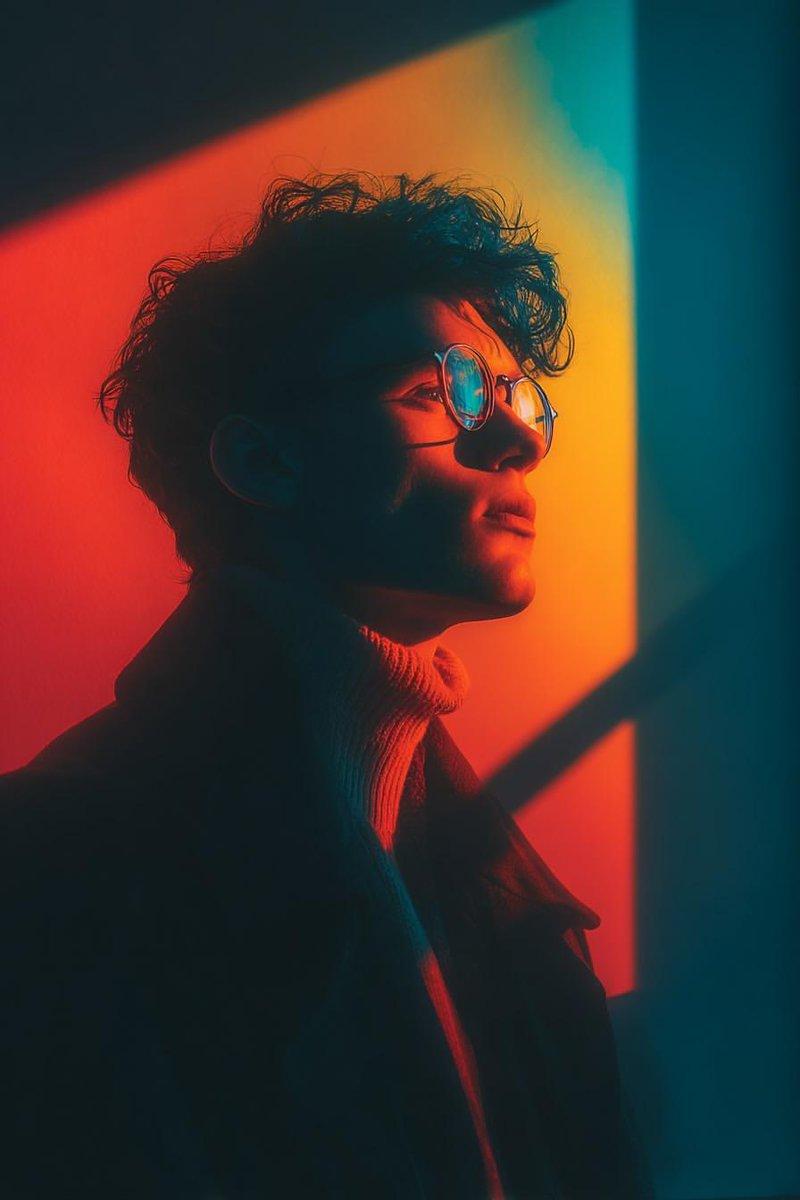
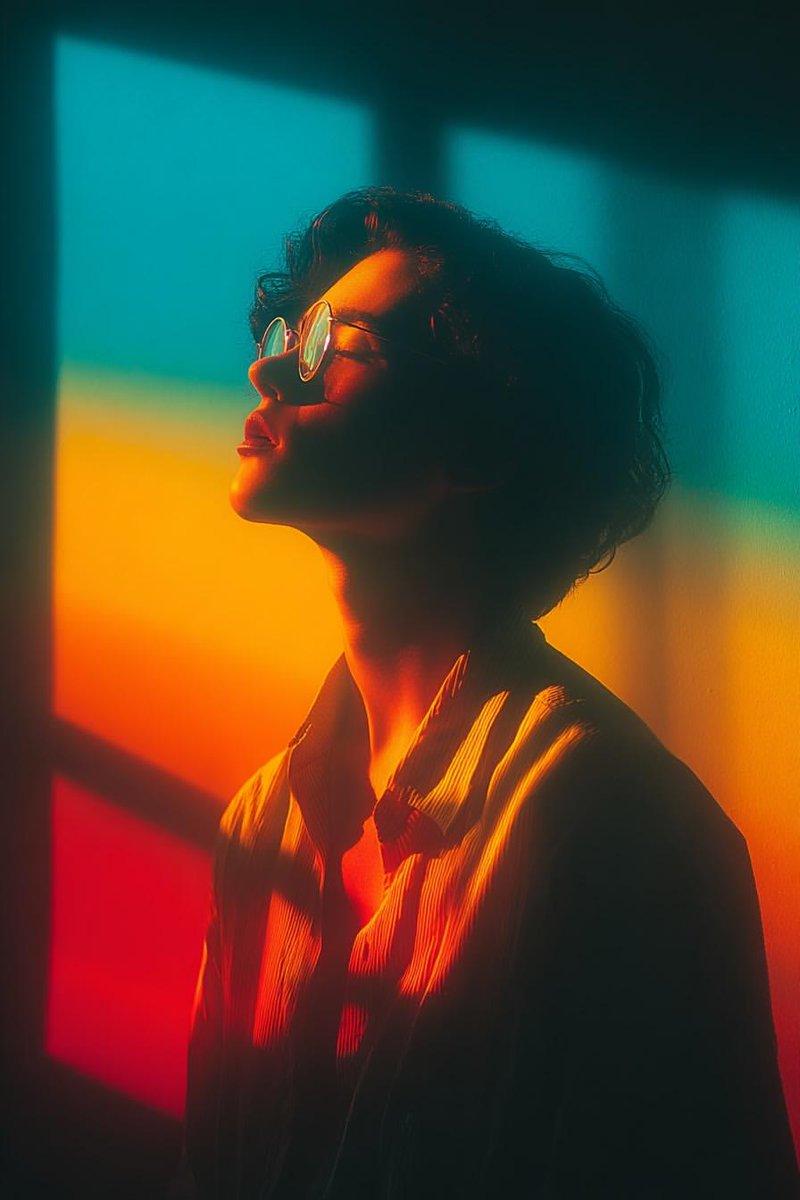
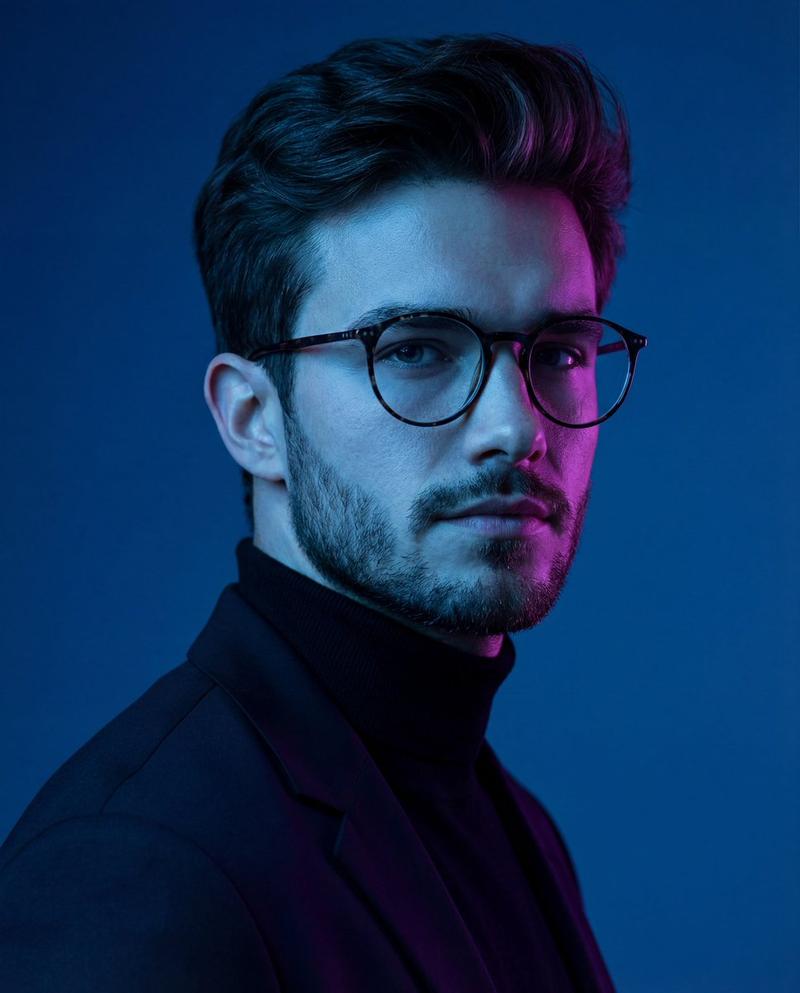
几何光影下的沉思侧颜
Enlarge

几何光影下的沉思侧颜

Prompt
Cinematic portrait of a stylish young person wearing round glasses, standing beside a wall illuminated by bold geometric window light. Strong red, orange, and teal color contrast casting dramatic shadows across the face. Side profile pose, soft contemplative expression, sharp focus on facial features. High contrast lighting with hard-edged rectangular light shapes in the background. Moody atmosphere, artistic color blocking, modern editorial photography style. Shot on 85mm lens, f/1.8, ultra-detailed skin texture, shallow depth of field, dramatic rim lighting, 8K resolution.
Category
Photography & Realism
Model
Nano Banana Pro
Creator
@Taaruk_
Views67
Source ID
11813
Published
Apr 25, 2026

Guide

About "几何光影下的沉思侧颜"

What is this prompt for?

"几何光影下的沉思侧颜" AI image prompt for Nano Banana Pro (Photography & Realism). 一位时尚年轻人佩戴圆形眼镜的电影感肖像,他站在一堵墙边,墙壁被大胆的几何窗户光线照亮。强烈的红色、橙色和青色形成对比,在脸部投下戏剧性的阴影。侧面姿势,柔和沉思的表情,面…

The full copyable prompt and example visuals above are ready for AI image generation or one-click recreate in Picva.

How to use this prompt

  1. Step 1

    Open the prompt detail

    Review the example visuals, category, and full prompt text for "几何光影下的沉思侧颜".

  2. Step 2

    Copy the prompt

    Copy the prompt body from this page, or load it directly in Studio.

  3. Step 3

    Pick a model (Nano Banana Pro)

    Prefer Nano Banana Pro. If you switch models, keep subject and composition and tweak style terms.

  4. Step 4

    Generate and export

    Recreate the look in Picva, or export into your workflow for editing and publishing.

FAQ

What is the "几何光影下的沉思侧颜" prompt?
It is an AI image-generation prompt for Nano Banana Pro in the Photography & Realism category. This page includes the full prompt text, example visuals, and a one-click recreate path in Picva.
How do I use this prompt to generate an image?
Copy the prompt from this page, or use Generate / Studio. Paste it into a compatible image model, or recreate the look in Picva with optional reference images.
Which model is this prompt for?
This page lists Nano Banana Pro. Most descriptive prompts also transfer to nearby image models such as GPT Image, Flux, or Midjourney with light style tweaks.
Can I use the result commercially?
You can usually copy the prompt for creation, but commercial use of the final image depends on the model terms, reference-image rights, and the generated content. Follow the source author and platform rules.