18

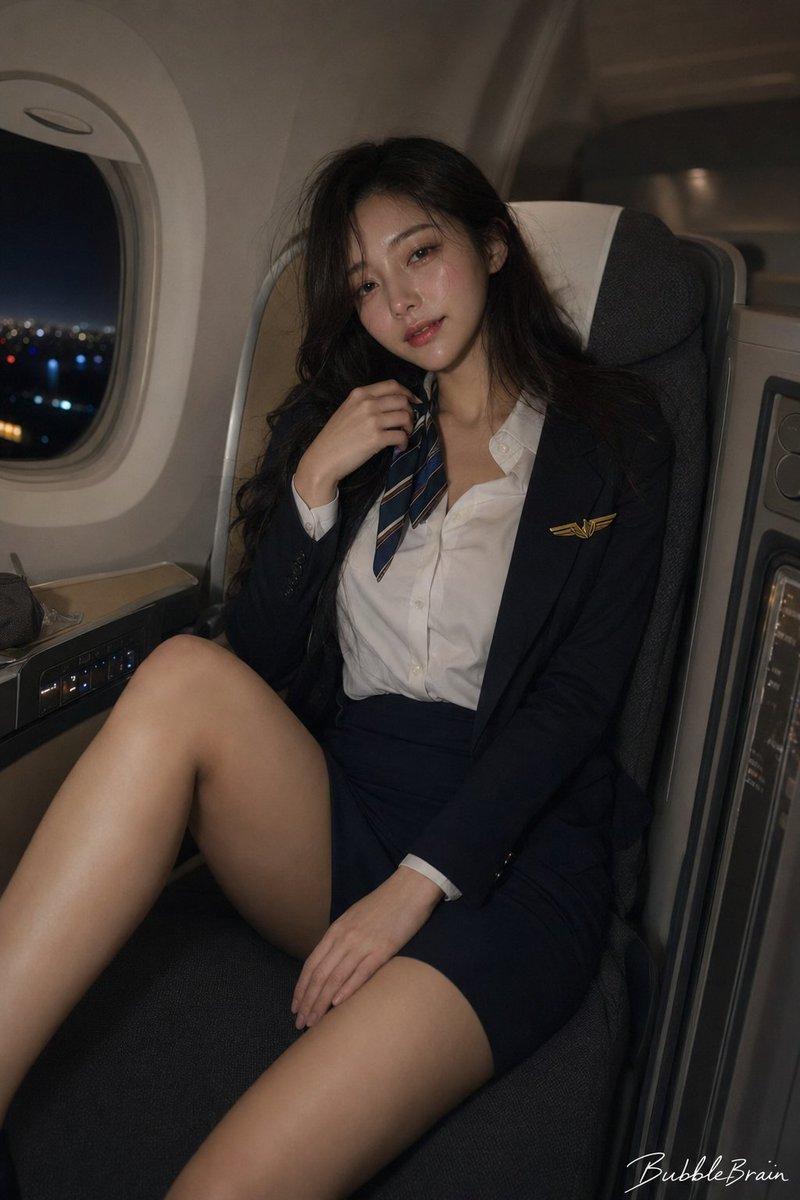
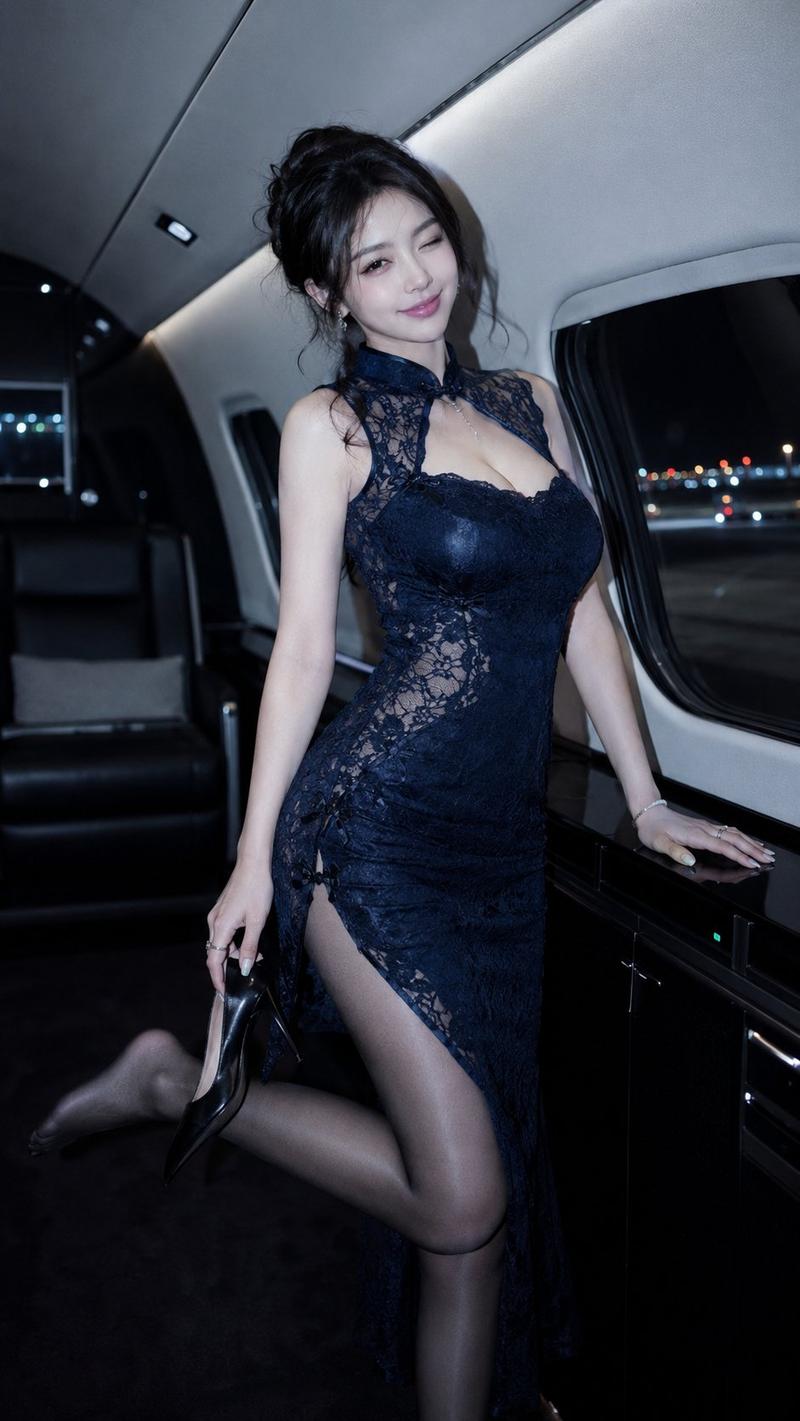
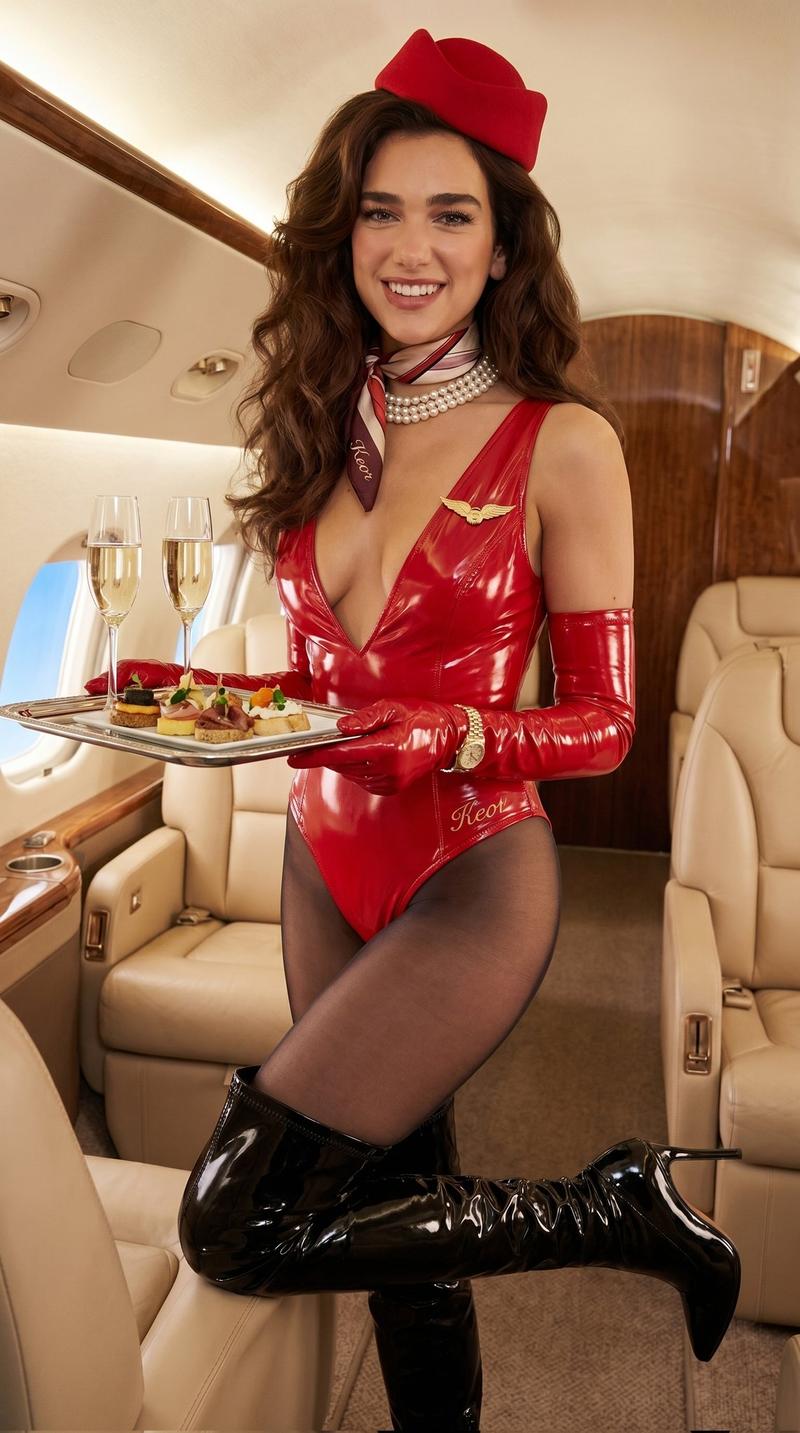
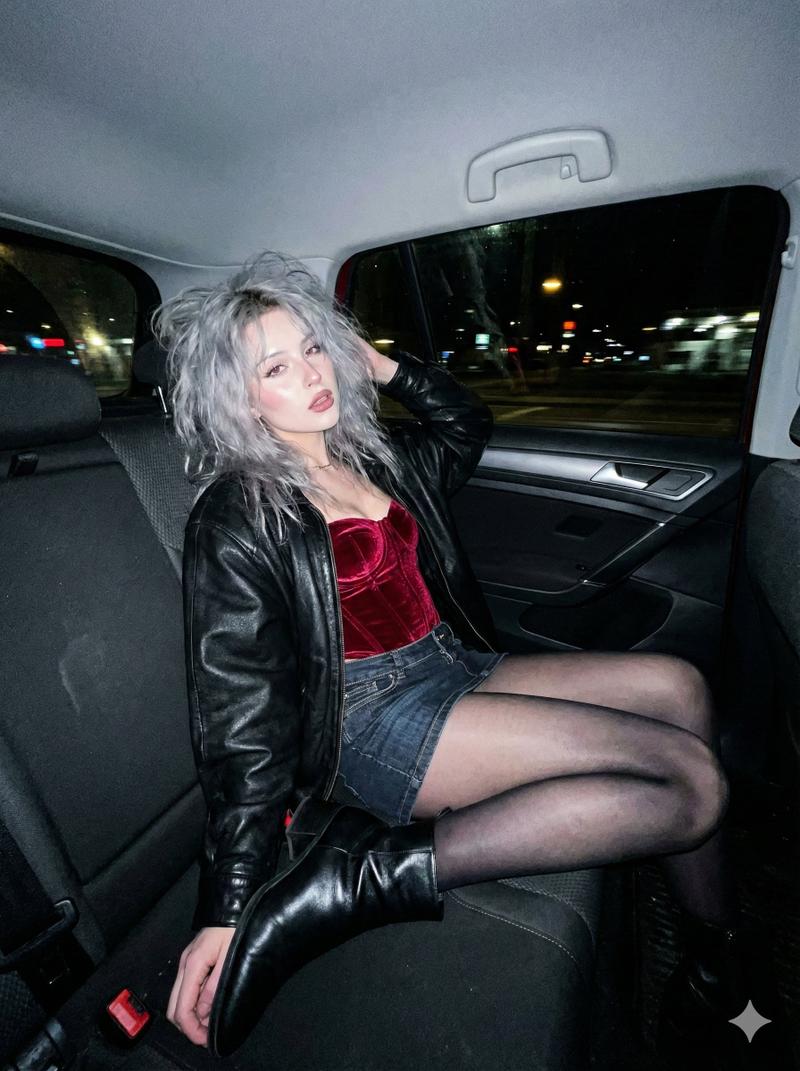
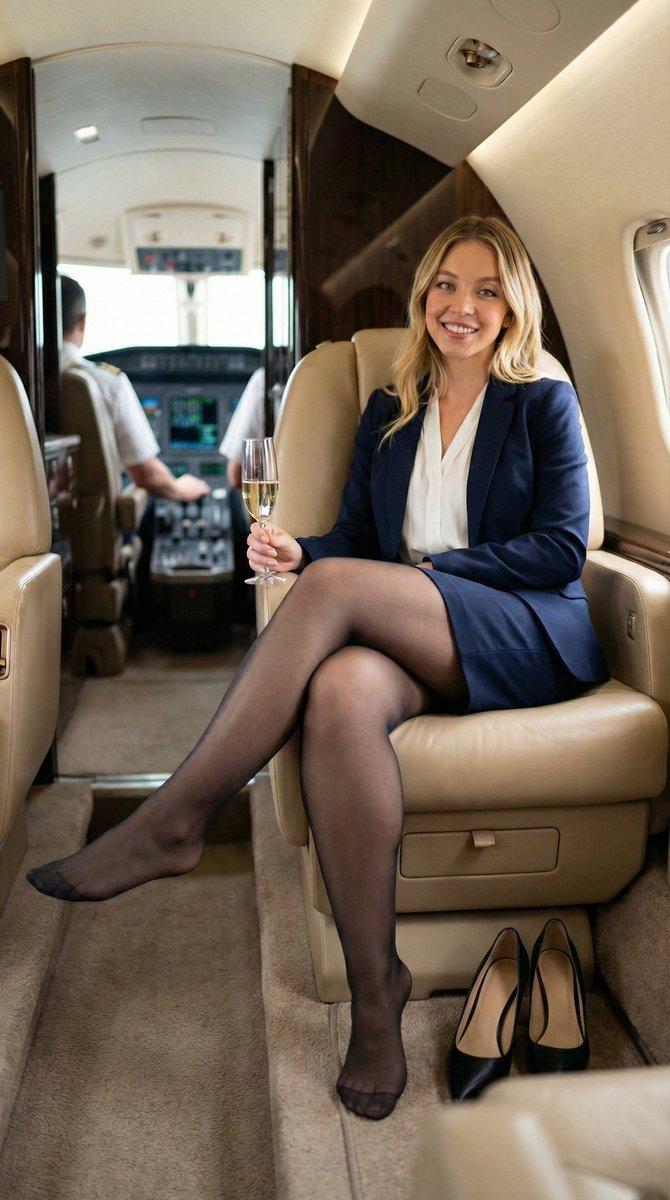
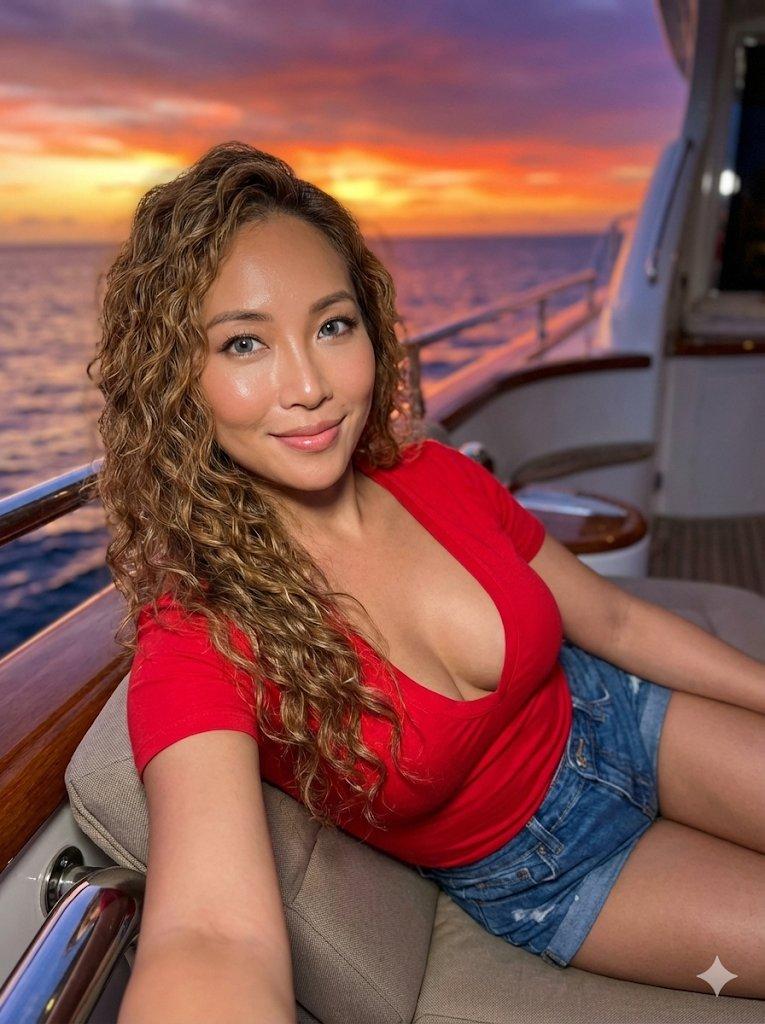
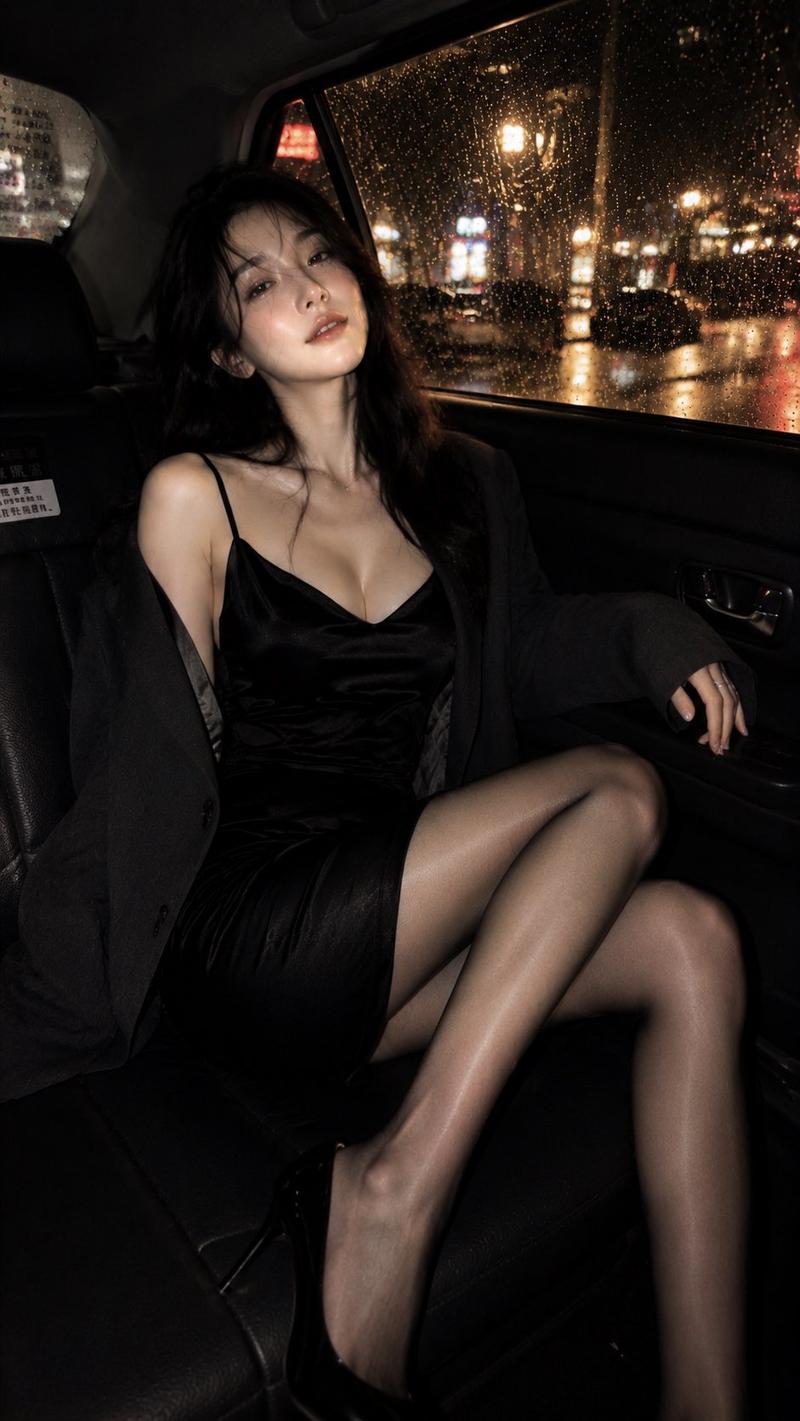
哥特风慵懒沙发人像俯拍视角
Enlarge

Example images

哥特风慵懒沙发人像俯拍视角

Prompt
Close-up high-angle perspective, the lens shoots downwards from the upper left-front side of the character; the character is half-lying and half-sitting on a sofa that matches the scene's texture, with the back leaning against the sofa cushion, the body spreading out diagonally, and the upper body slightly turned toward the camera; one hand is raised near the side of the face with fingers naturally curled, while the other hand is placed on the sofa cushion to support the body; the legs are bent and staggered, with one leg close to the lens forming the foreground and the other leg naturally tucked in at the side front; the overall posture is lazy, playful, and gorgeous, with a Gothic-style character portrait feel. Keep the scene consistent and pose using surrounding props.
Category
Photography & Realism
Model
ChatGPT
Views106
Source ID
17155
Published
Jun 30, 2026

Guide

About "哥特风慵懒沙发人像俯拍视角"

What is this prompt for?

"哥特风慵懒沙发人像俯拍视角" AI image prompt for ChatGPT (Photography & Realism). 近距离俯拍视角,镜头从人物上方偏左前侧向下拍摄;人物半躺半坐在符合场景质感的沙发上,背部靠着沙发靠垫,身体斜向铺展,上半身微微侧向镜头;一只手抬起靠近脸侧,手指自然弯曲,另一只手放…

The full copyable prompt and example visuals above are ready for AI image generation or one-click recreate in Picva.

How to use this prompt

  1. Step 1

    Open the prompt detail

    Review the example visuals, category, and full prompt text for "哥特风慵懒沙发人像俯拍视角".

  2. Step 2

    Copy the prompt

    Copy the prompt body from this page, or load it directly in Studio.

  3. Step 3

    Pick a model (ChatGPT)

    Prefer ChatGPT. If you switch models, keep subject and composition and tweak style terms.

  4. Step 4

    Generate and export

    Recreate the look in Picva, or export into your workflow for editing and publishing.

FAQ

What is the "哥特风慵懒沙发人像俯拍视角" prompt?
It is an AI image-generation prompt for ChatGPT in the Photography & Realism category. This page includes the full prompt text, example visuals, and a one-click recreate path in Picva.
How do I use this prompt to generate an image?
Copy the prompt from this page, or use Generate / Studio. Paste it into a compatible image model, or recreate the look in Picva with optional reference images.
Which model is this prompt for?
This page lists ChatGPT. Most descriptive prompts also transfer to nearby image models such as GPT Image, Flux, or Midjourney with light style tweaks.
Can I use the result commercially?
You can usually copy the prompt for creation, but commercial use of the final image depends on the model terms, reference-image rights, and the generated content. Follow the source author and platform rules.