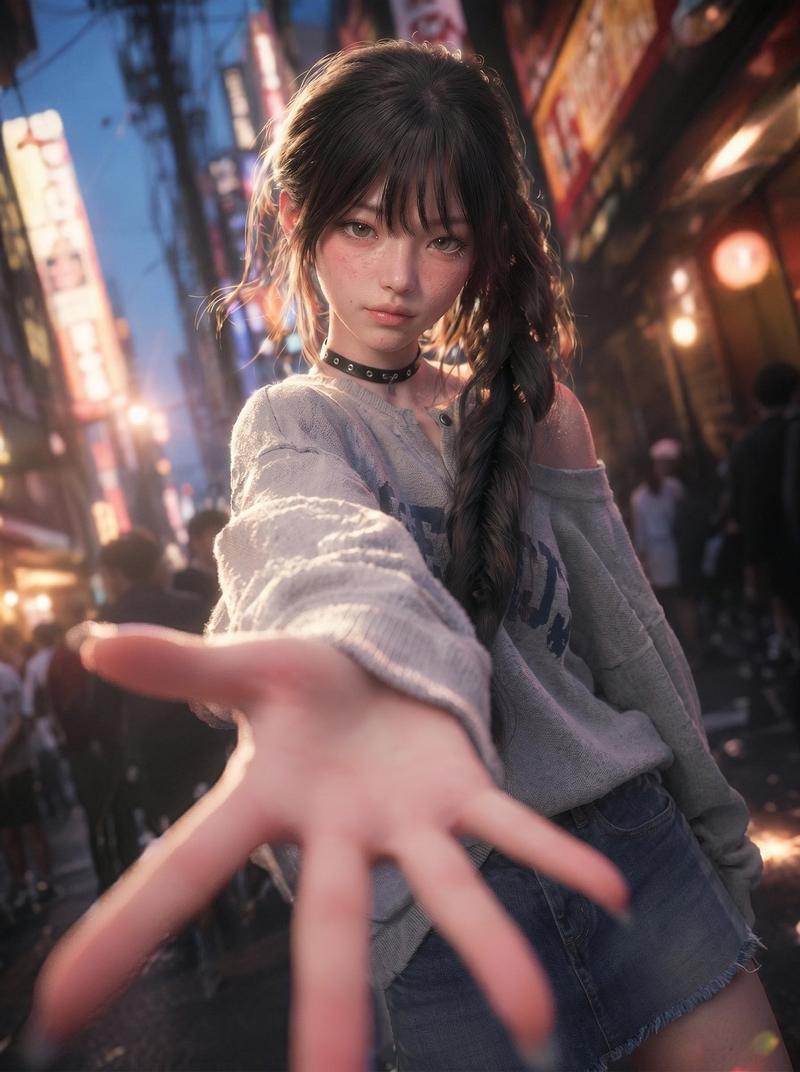
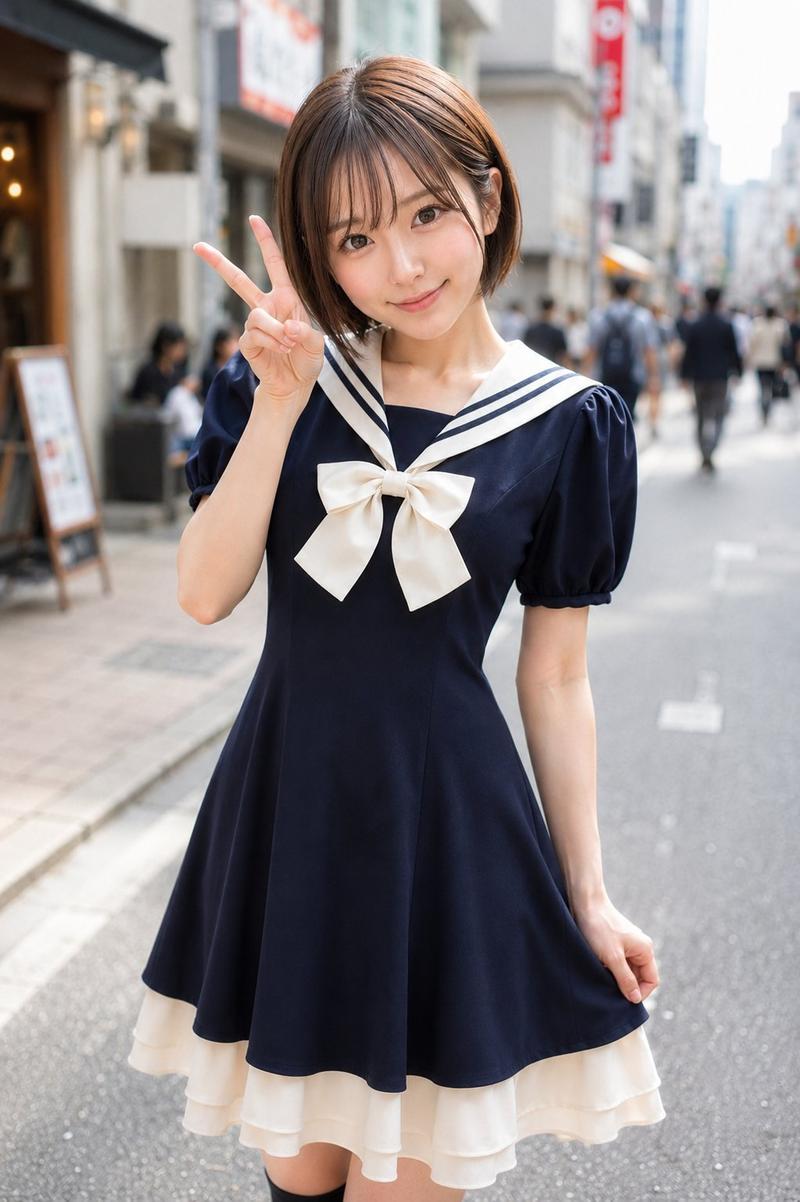
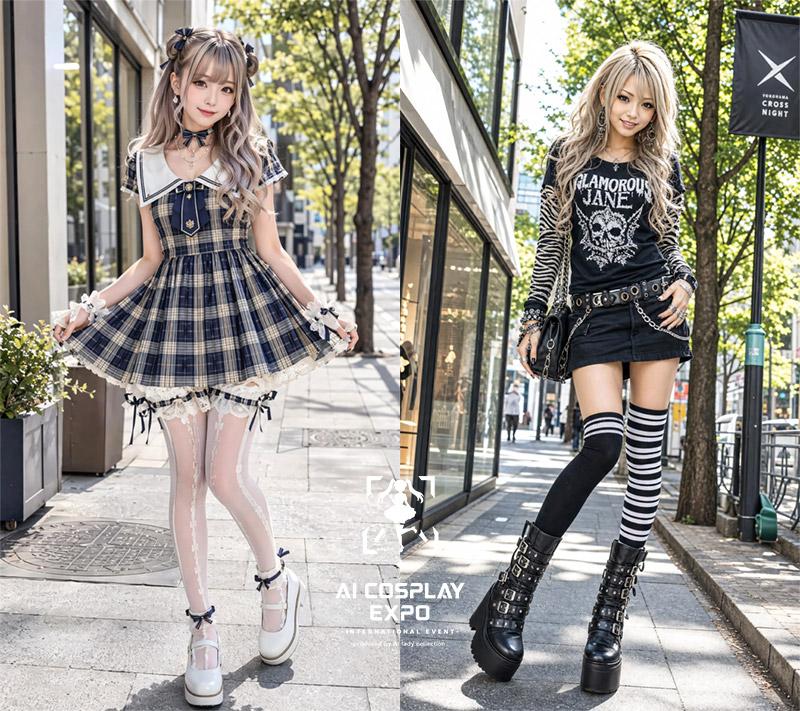
原宿白昼午后少女风日系街头写真
Prompt
Subject:
Harajuku daylight afternoon

Character/Expression:
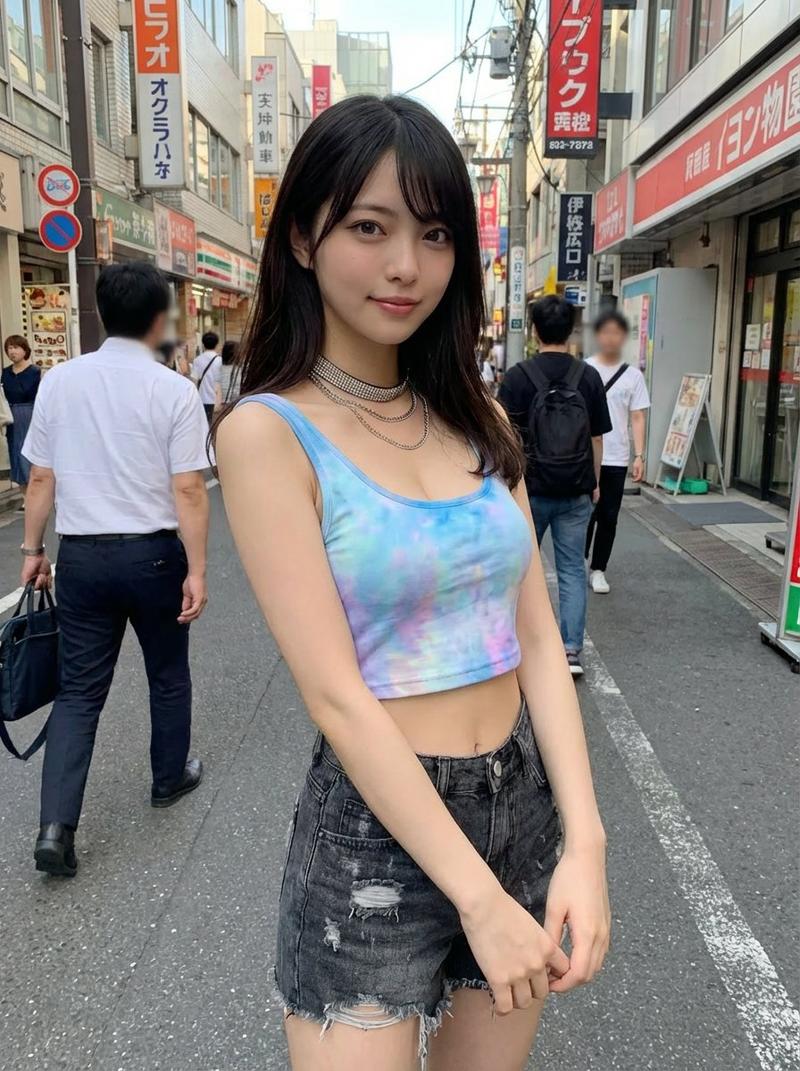
A woman in her 20s. Bright ivory beige whitish skin tone with a faint pinkish natural texture. Soft highlights on the cheeks, tip of the nose, shoulders, and collarbones. Pale rose pink blush, champagne beige and pink-brown eyeshadow, long and thick eyelashes, natural aegyo-sal (tear bags), light brown eyebrows, translucent pink-beige lip gloss. Small clear catchlights in the pupils. Looking at the camera with a soft smile.

Clothing/Pose:
White to ivory girly Japanese streetwear. Ruffled sleeve shirt, large satin ribbon tie, high-waist pleated mini skirt, lace hem, thin chain and small ribbon decorations. White ruffled socks, platform white lace-up shoes. The right arm is stretched out significantly toward the camera, making the palm and fingers appear large in the foreground. The left hand is slightly open near the cheek. Standing on one leg with the other leg bent backward. The thickness of the legs and thighs is natural, balanced on both sides.

Background/Lighting:
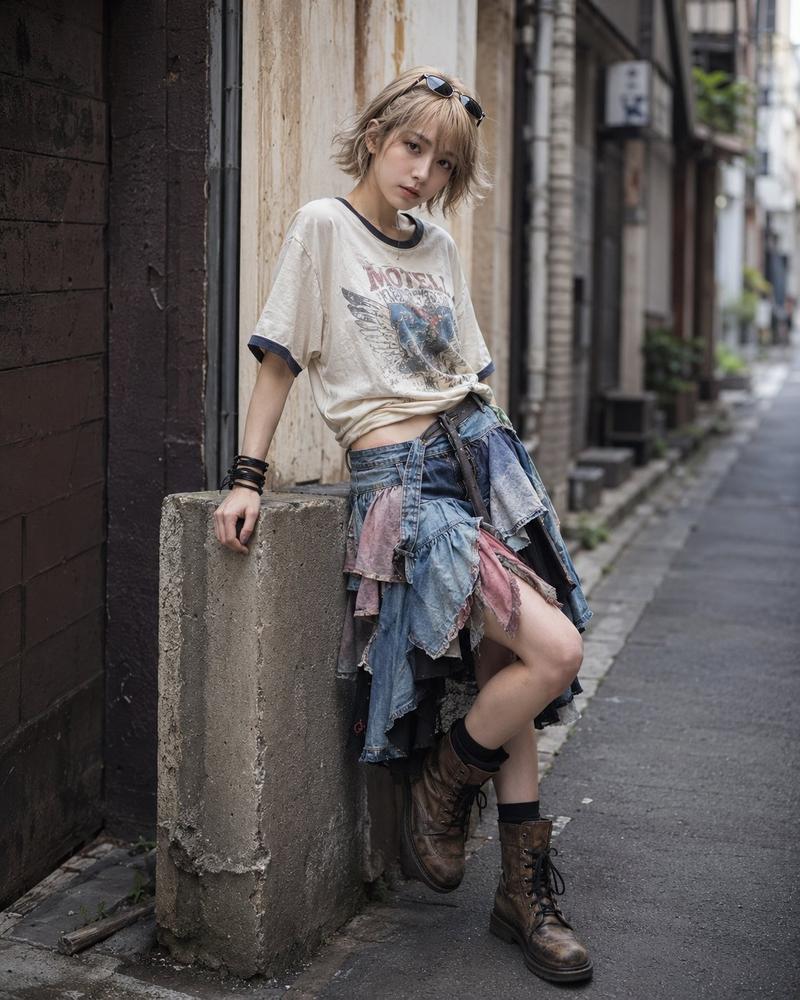
A bright alley in Harajuku, Tokyo. Cafe signs, white building walls, street trees, store signs and pedestrians stretching into the distance. Text is within a natural range blending into the Japanese street scene, with blurry and illegible parts. Midday natural light spills in from the upper right, illuminating the face, hair, and ruffles of the white clothes. Soft shadows at the feet. The background is slightly bright and transparent, with a clean and light atmosphere.

Composition/Lens:
Vertical 4:5. Full-body portrait. The person is located slightly to the left of the center, with the entire body included. Shot in a low-angle wide-angle lens style, enlarging the outstretched hand and placing the face and body behind to emphasize the sense of depth. The background has a natural shallow depth of field rather than excessive blurring. A composition where the depth of the alley and white lines guide the eye toward the person.

Texture/Style:
Realistic photo-style AI image. A bright and highly transparent Japanese-style portrait. Dominated by white and ivory tones, with hair in a bright milk tea ash brown. Thin see-through bangs, layers around the face, shoulder-length medium hair. The hair ends are loosely curled inward, showing a natural sense of bundles, fine highlights, soft luster, and a few stray hairs. Skin is not over-retouched; the lace of the fabric, the platform of the shoes, and the texture of the road surface should be presented in detail.

Negative Prompt:
Unnatural facial features or gaze, extra or missing fingers, hand merging, joint deformation, asymmetrical thighs, unnatural differences in leg thickness, distorted knees or ankles, floating shoes, unnatural weight sensation, damaged clothing, excessive skin retouching, plastic-like skin, garbled text, logos, watermarks, unnecessary passersby entering the frame.
- Category
- Charts & Infographics
- Model
- ChatGPT
- Creator
- @CyberTotal2026
- Source ID
- 17312
- Published
- Jul 2, 2026
Views0