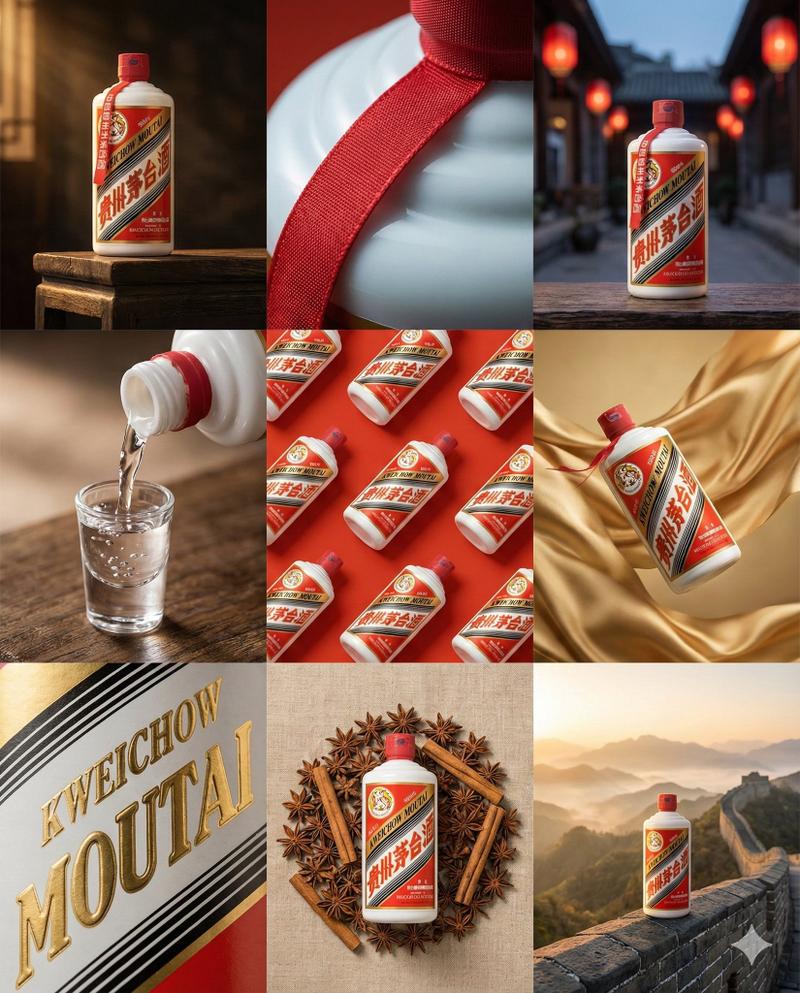
高端品牌视觉九宫格设计样机
Prompt
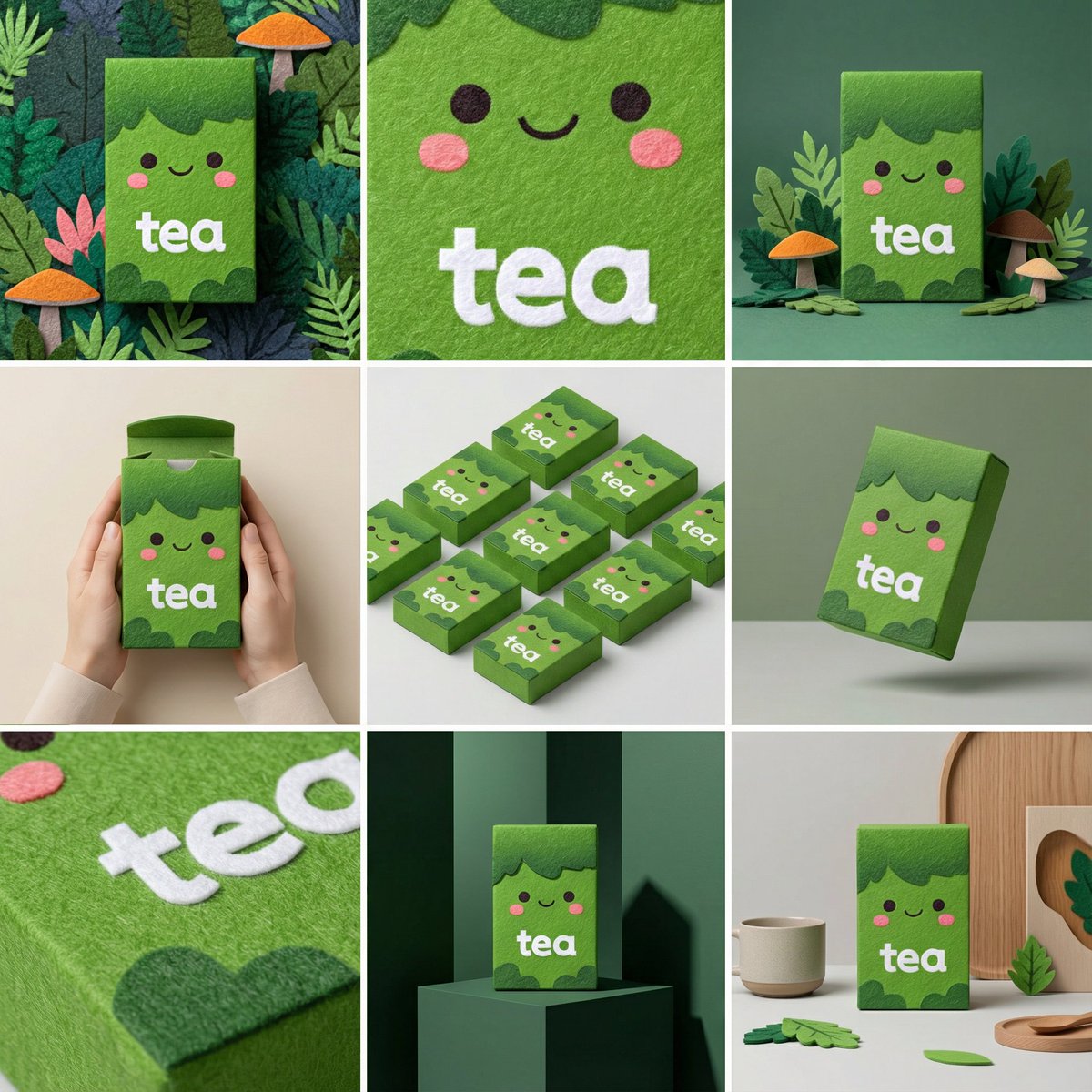
Place 9 panels of [ratio] size in a [4:5] ratio on a clean 3x3 [ratio] storyboard grid. Use the reference image as the base image for the product. The product, packaging design, branding, materials, colors, ratio, and overall identity must be exactly the same as the reference image. The product must be clearly recognizable in all frames. Labels, logos, and ratios must be exactly the same. This storyboard is a high-end designer mock-up presentation for a branding portfolio. It focuses on shape, composition, material, and visual rhythm, not realism or lifestyle narratives. The overall look should convey a curated, edited, and design-driven impression. Frame 1: A hero shot of the product taken from the front in a clean studio setup. Neutral background, balanced composition, calm and confident product presentation. Frame 2: A close-up shot focused on the center of the product. Focus on surface texture, material, and printing details. Frame 3: The reference product placed in an environment that naturally blends into the brand and product category. Studio setting inspired by the product's design elements and colors. Frame 4: A scene showing the product being used or interacted with against a neutral studio background. Hands and interaction elements are minimized, with an appearance that matches the packaging style. Frame 5: An isometric composition with multiple products viewed from the top, arranged in precise geometric order. All products are viewed from the same top isometric perspective, evenly spaced, clean, and graphic. Frame 6: The product is slightly tilted and floating against a neutral background that matches the reference image's color palette. The product floats naturally in space due to the intentionally angled floating. Frame 7: An extremely close-up shot focusing on specific details such as labels, edges, textures, or material behavior. Frame 8: The product is in an unexpected yet aesthetically powerful setting, giving a bold, editorial, and visually striking impression. Unexpected yet highly stylized setting. Studio-based, designer-led production. Bold composition that enhances the brand image. Frame 9: A wide composition showing the product in use within a sophisticated designer setting. Minimal props, controlled styling, and consistency with the rest of the series. Camera and Style: Ultra-high quality studio photography with a realistic camera look. Different camera angles and framing for each frame. Depth of field, accurate lighting, precise materials and reflections. The lighting logic, color palette, mood, and visual language must be consistent across all nine panels, unifying them as a single series. Output: A clean 3x3 grid without borders, text, captions, or watermarks.
- Category
- Products & E-commerce
- Model
- Nano Banana Pro
- Creator
- @lovart_jp
- Source ID
- 9324
- Published
- May 20, 2026
Views22





![Create a premium brand kit board for [Promptsref], presented like a professional](https://i.pixshop.app/storage/v1/render/image/public/prompt-source-media/promptsref/work-2151/image-1-718919199311845f.png?width=800&quality=75&resize=contain)