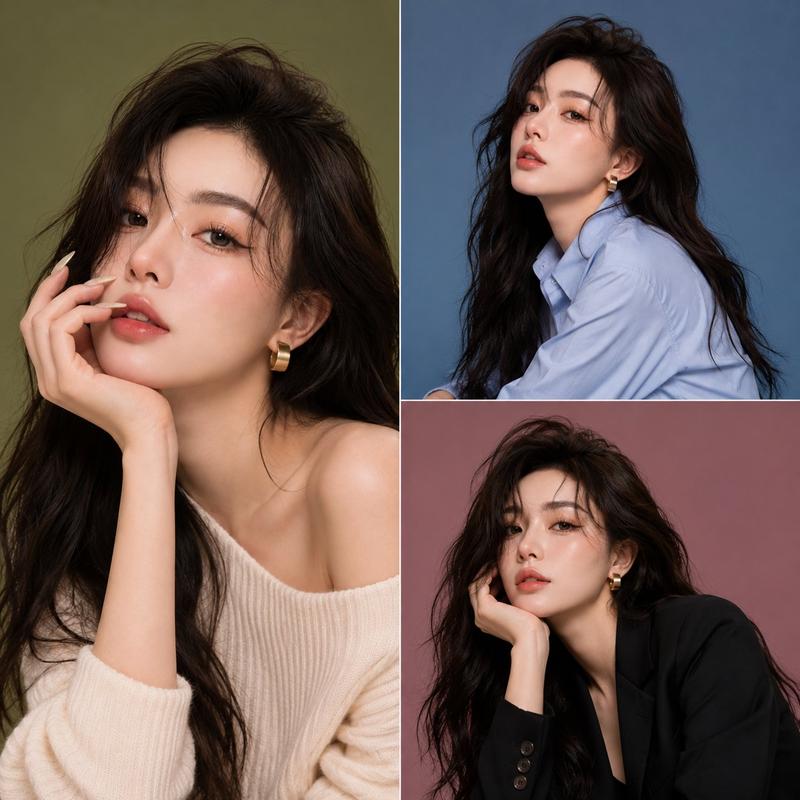
高级极简人像海报设计
Prompt
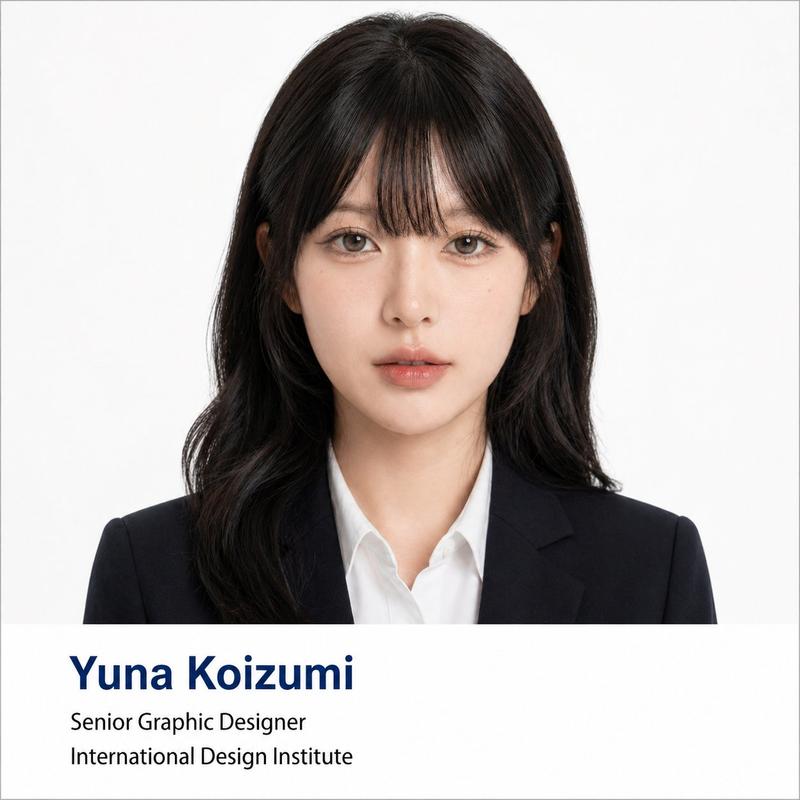
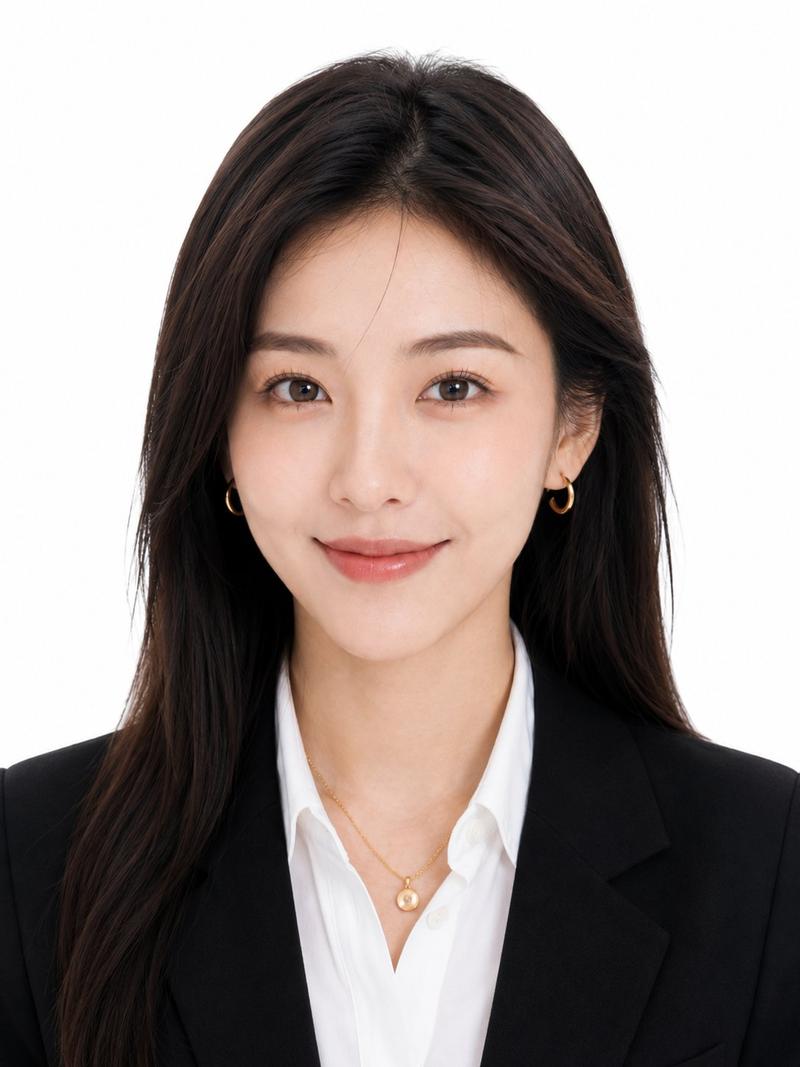
Transform the user-uploaded portrait photo into a vertical 3:4 high-end minimalist portrait poster.

Preserve the true identity features, facial structure, hairstyle, hair color, clothing, jewelry, posture, and overall temperament of the character in the original image. Do not swap faces, do not change the character's age, gender, race, or core appearance. You can moderately optimize skin texture, light and shadow, clarity, clothing details, and overall refinement to make the image present a professional studio portrait effect.

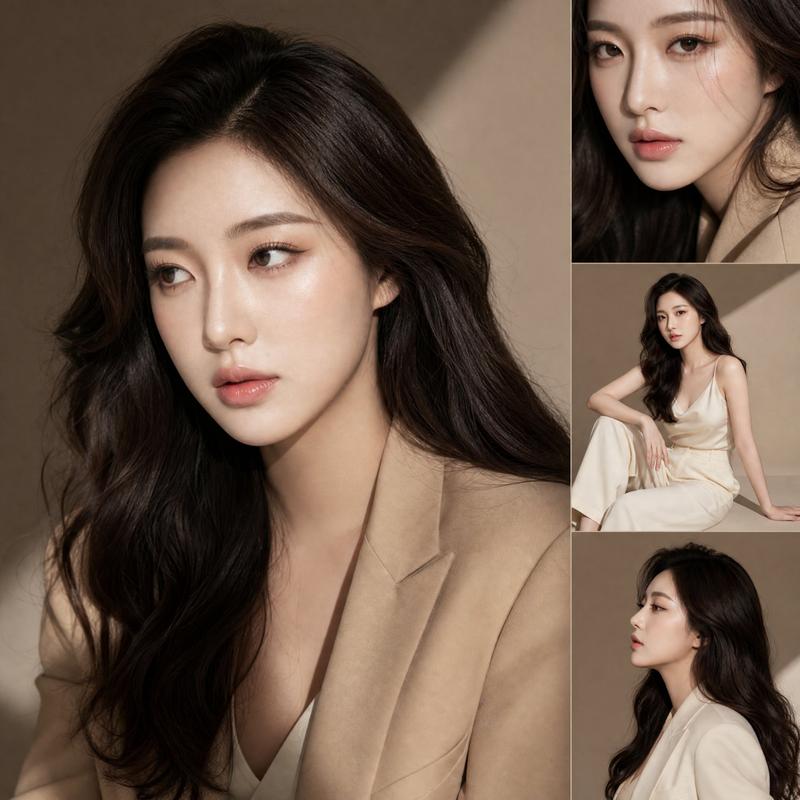
Replace the original background with a clean gray-white gradient studio background; the background should be simple, soft, and high-end. The character is presented in a half-body portrait composition, centered or slightly to the right, retaining appropriate white space. The lighting is soft and even commercial photography lighting, with a clear face, natural skin tone, and an overall delicate, realistic, and fashionable texture.

The image style references high-end portrait ID posters, fashion magazine covers, Portrait ID style, and minimalist visual design. The overall image is clean, restrained, professional, and has a sense of a high-end brand poster.

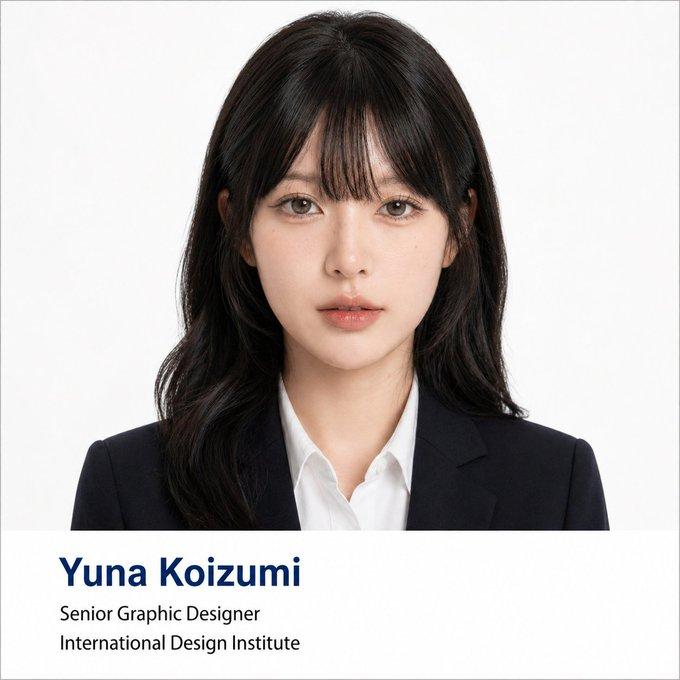
Add three lines of English text in the bottom left corner of the image. Users can input custom text; if the user does not input text, automatically generate English copy suitable for the character's temperament. When the user inputs Chinese, it must first be translated into natural, concise, and high-end English before being displayed in the image; Chinese must not appear in the image.

Text typography requirements:

The main title uses a dark blue bold sans-serif font with a larger font size, placed at the very top of the bottom left corner. The subtitle uses a white medium font size, located below the main title. The series text uses white uppercase sans-serif font, located below the subtitle. The three lines of text are overall left-aligned, with simple and clear typography, without obscuring the character's face or affecting the main subject.

Output requirements:

Image ratio is 3:4, vertical poster composition, high-definition, realistic photography texture, high-end minimalist style, commercial studio lighting effect, clean background, fashion portrait poster.

Main title Character name / nickname / stage name:
Subtitle Character temperament / identity positioning / brand short phrase:
Series text Series number + style theme:
- Category
- Posters & Typography
- Model
- ChatGPT
- Creator
- @qisi_ai
- Source ID
- 13936
- Published
- May 1, 2026
Views628