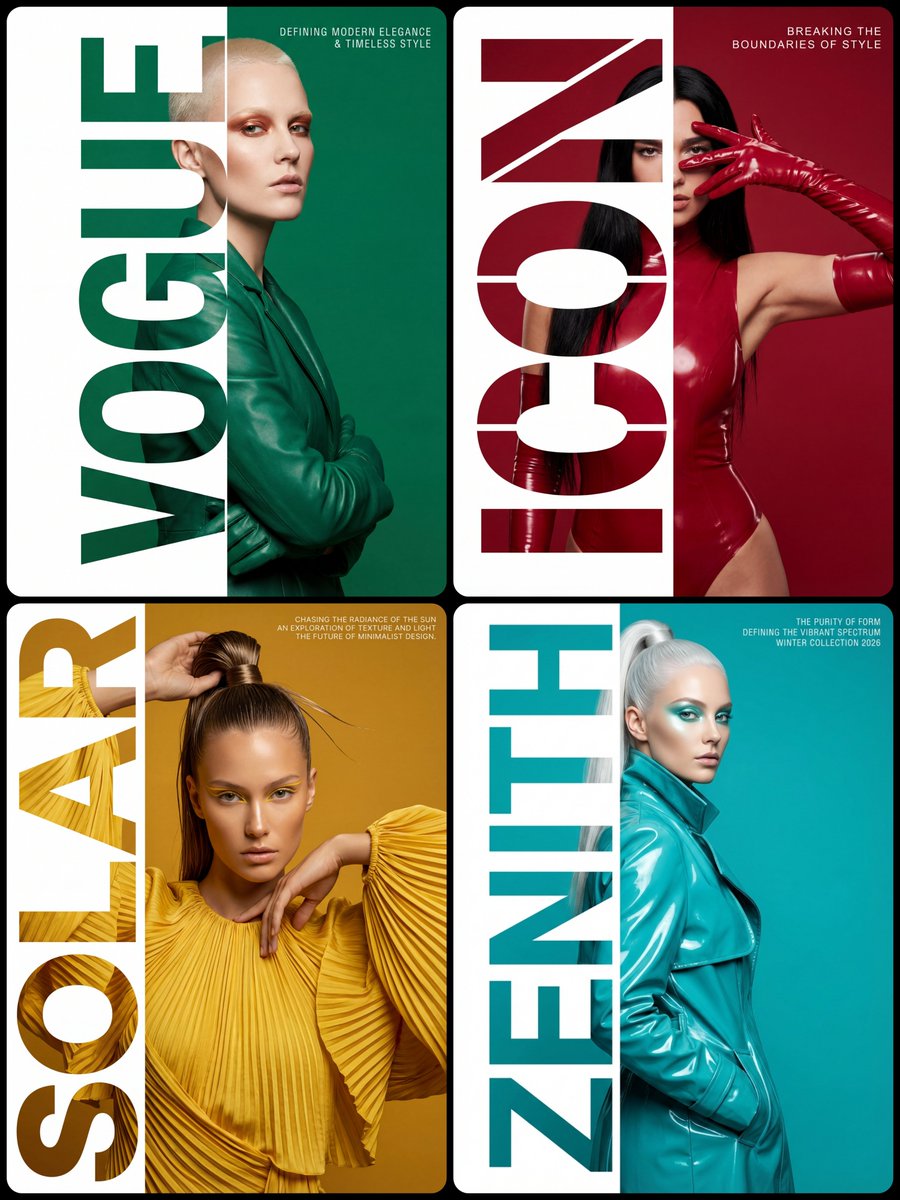
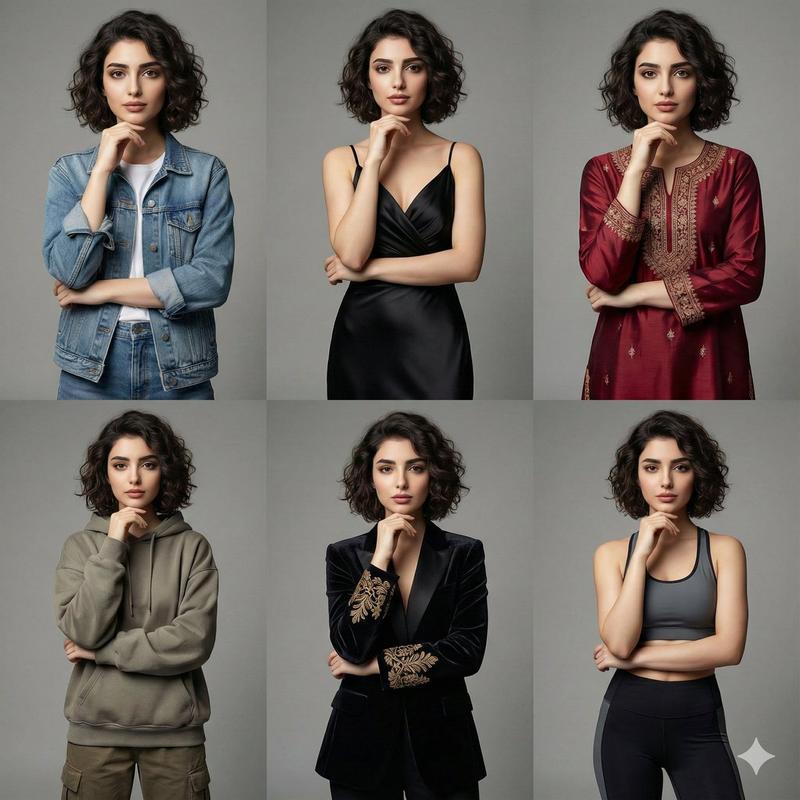
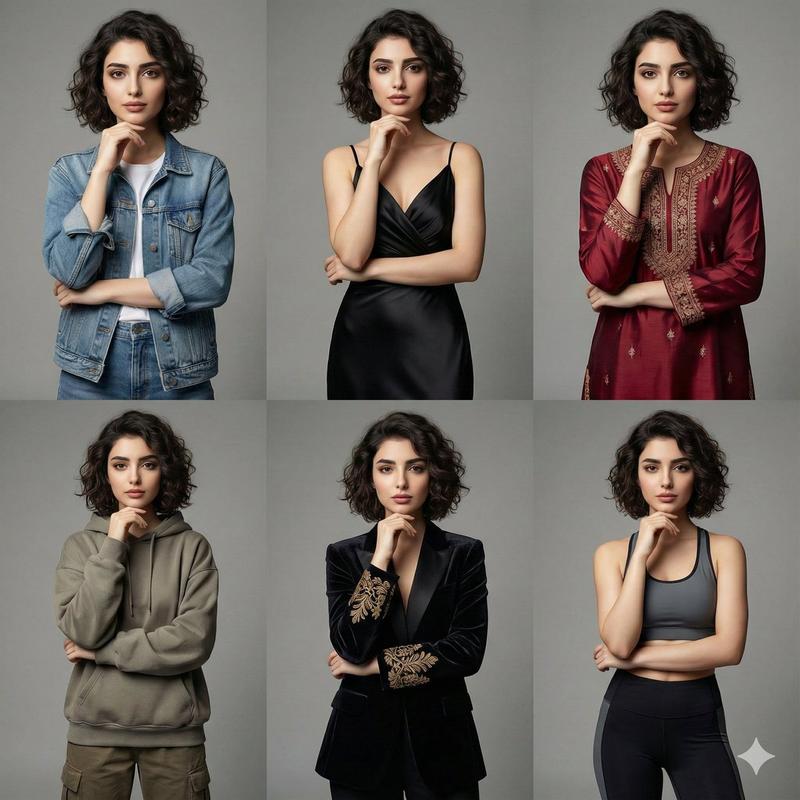
高级时尚杂志排版海报设计
Prompt
Style & Composition: High-fashion editorial typography poster with a strict 1:2 composition split. Layout & Ratio: The frame is divided so that the right two-thirds show the full subject and background, while the left one-third is reserved for the typography masking section.

Typography Masking: A massive, ultra-bold, vertical word "[WORD]" is placed on the left third. The text is strictly full-bleed, stretching perfectly and touching the absolute top and absolute bottom edges of the frame with zero vertical padding, gaps, or margins. This typography acts as a stencil mask: the letters reveal the underlying character, while the space to the far left of the letters is a solid, clean white.

Subject Details & Positioning: An upper-body shot of [CHARACTER DESCRIPTION]. The model is positioned so that only her left-most side is visible through the letters, while the rest of her body is fully visible and contained on the right side against a solid [COLOR] background, ensuring no part of the subject is cropped by the right edge of the frame. Pose: [POSE DESCRIPTION], ensuring the silhouette remains within the center of the right two-thirds area.

Secondary Text: In the top right corner, add the text: "[TEXT]". Use a small, sophisticated, white "Helvetica Condensed" style font with wide letter spacing (kerning) for a premium, minimalist look. Color Palette: A strict monochromatic [COLOR] theme, sharply contrasted by the crisp white negative space on the left. 8k resolution, photorealistic textures, sharp studio lighting, high contrast, clean graphic design aesthetic.
- Category
- Posters & Typography
- Model
- Nano Banana Pro
- Creator
- @Arminn_Ai
- Source ID
- 2645
- Published
- Feb 25, 2026
Views164