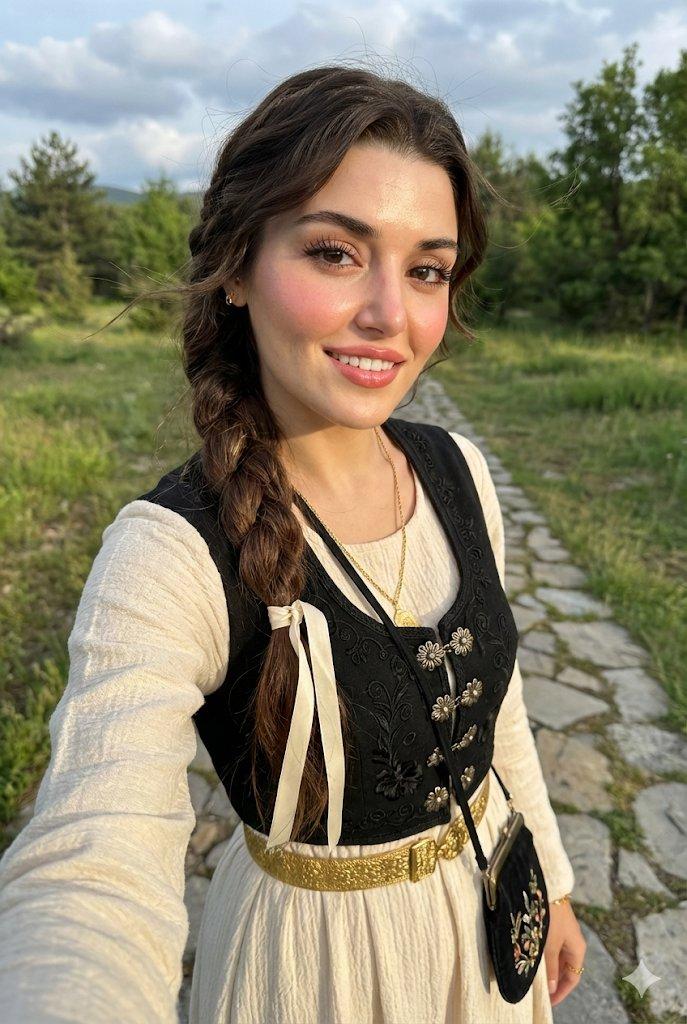
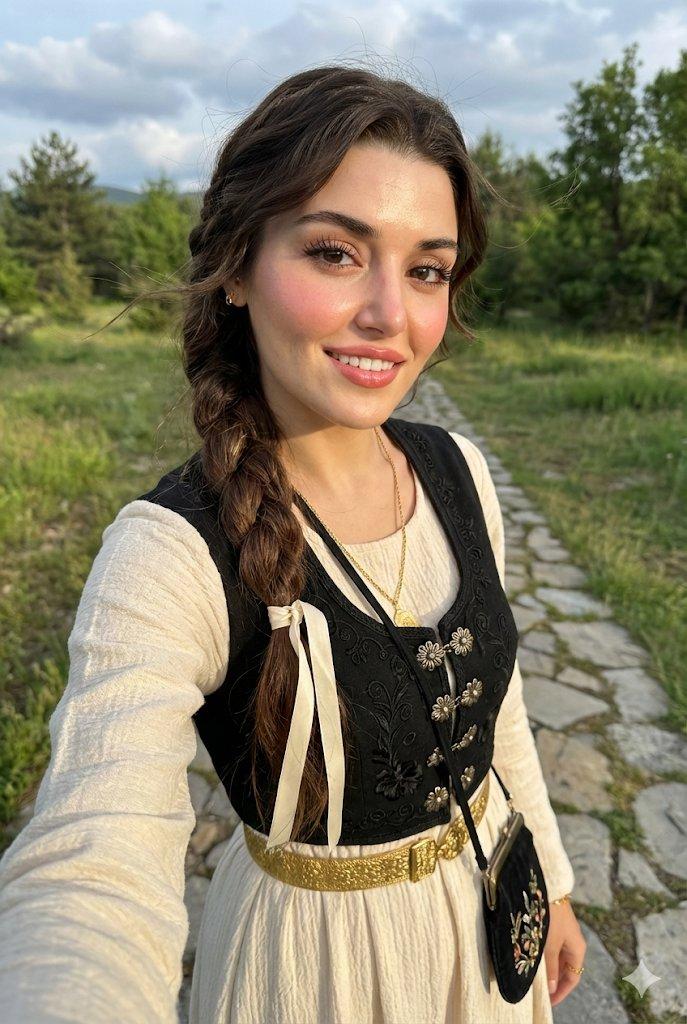
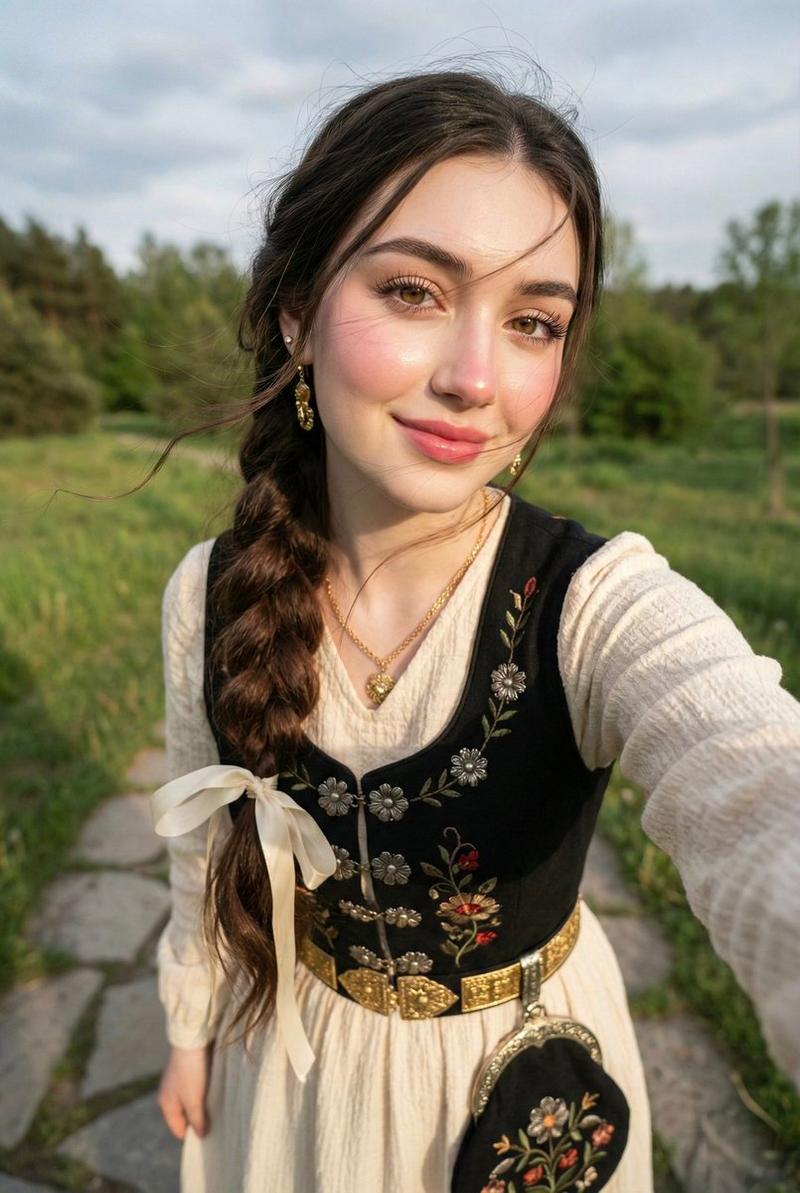
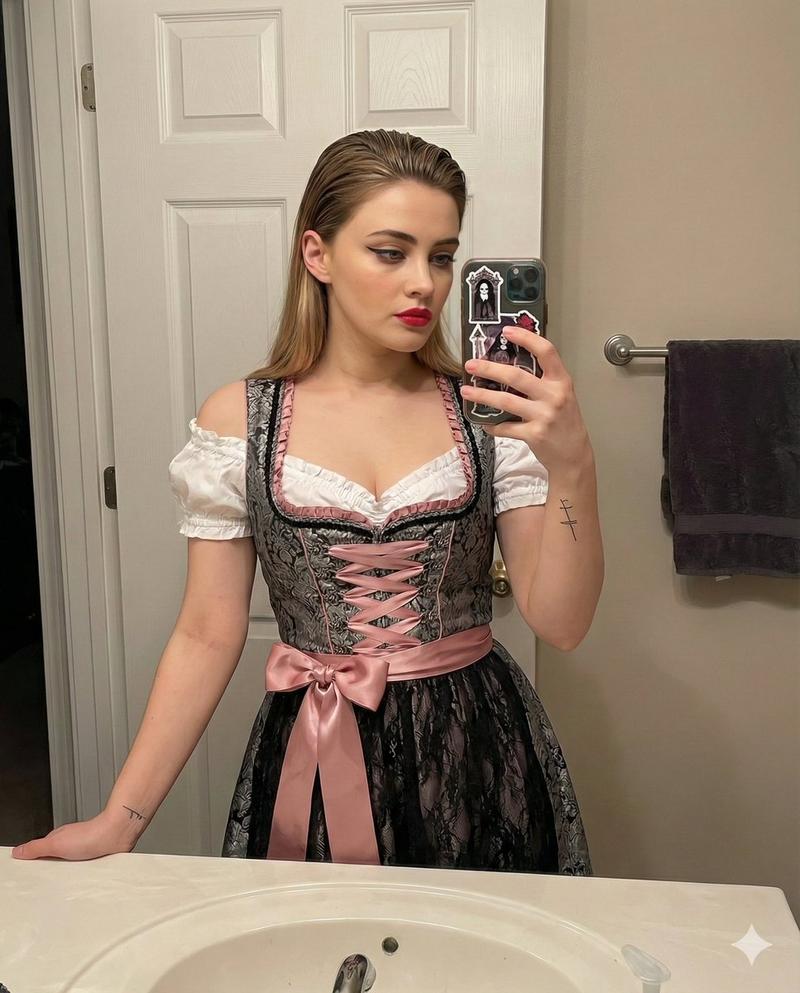
超写实巴伐利亚传统服饰少女专业工作室写真
Prompt
{
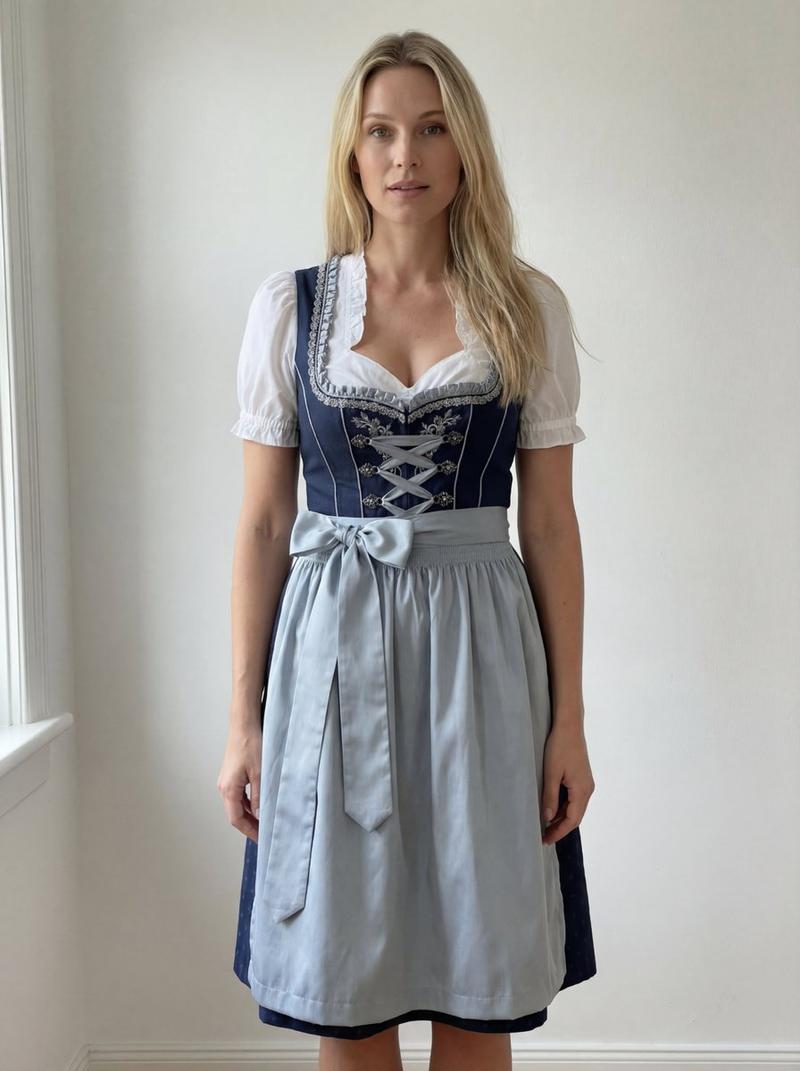
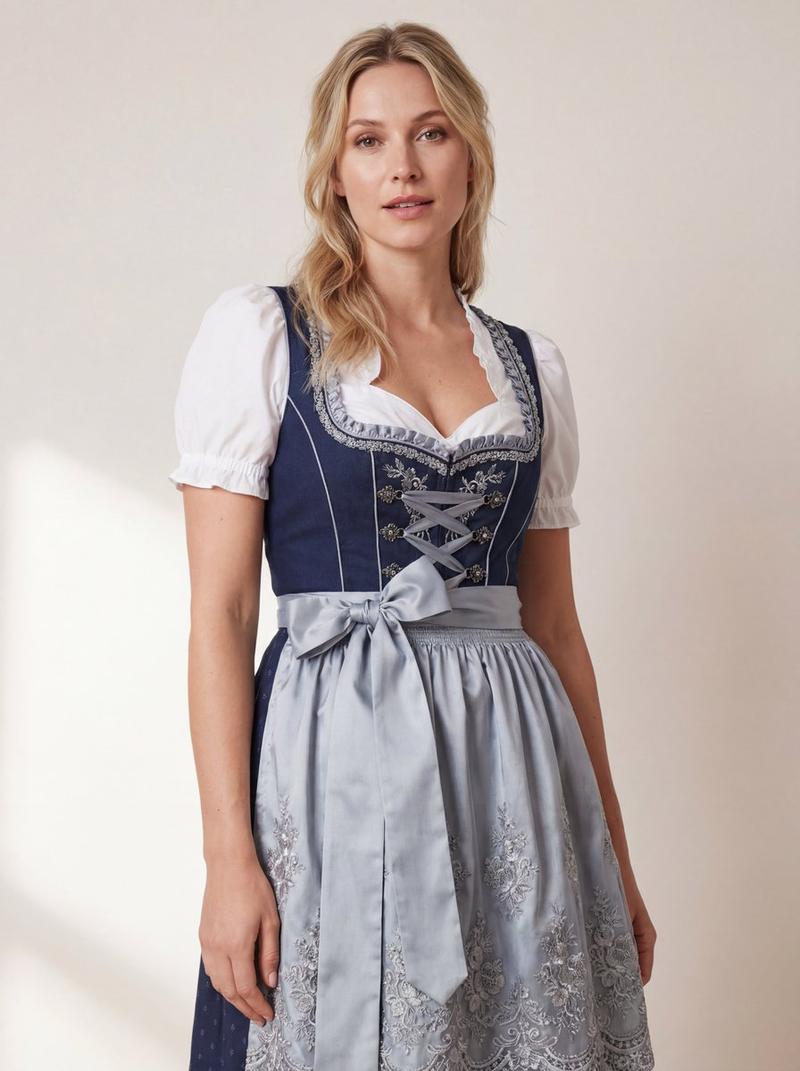
  "prompt": "high-resolution professional studio photo of a natural-looking woman wearing a traditional Bavarian dirndl dress matching the reference image — deep navy bodice with silver embroidery, light grey-blue apron with floral lace trim, and white puff-sleeve blouse. the model should appear authentic, not AI-generated, with natural skin texture, light makeup, and soft blonde hair styled loosely. she should be standing naturally, with gentle daylight-like lighting from one side to create soft realistic shadows and bring out the satin and lace texture of the fabric. background should be plain, softly lit in neutral tone (light beige or pastel grey), smooth and consistent like a studio wall. ensure the focus is sharp on the dirndl fabric details, bow, and lace edges, while keeping a realistic human tone and genuine expression.",
  "negative_prompt": "no artificial skin smoothing, no overexposure, no harsh contrast, no fake reflections, no AI artifacts, no floating objects, no background gradients, no flat or plastic texture, no unrealistic symmetry.",
  "aspect_ratio": "4:5",
  "style": "hyper-realistic studio photography",
  "quality": "ultra",
  "lighting": "soft daylight studio",
  "image_config": {
    "output_format": "png",
    "resolution": "4k",
    "color_space": "sRGB"
  }
}- Category
- Photography & Realism
- Model
- Nano Banana Pro
- Creator
- @amanxdesign
- Source ID
- 6880
- Published
- Mar 17, 2026
Views61





![[Nano Banana Pro] Shadow & Glitch Effect (Prompt below) I used this method to br](https://cdn.pixshop.app/prompt-library/tweet-1998674412271448083/preview-0-1768130373122-0jn14eer.jpeg)