18

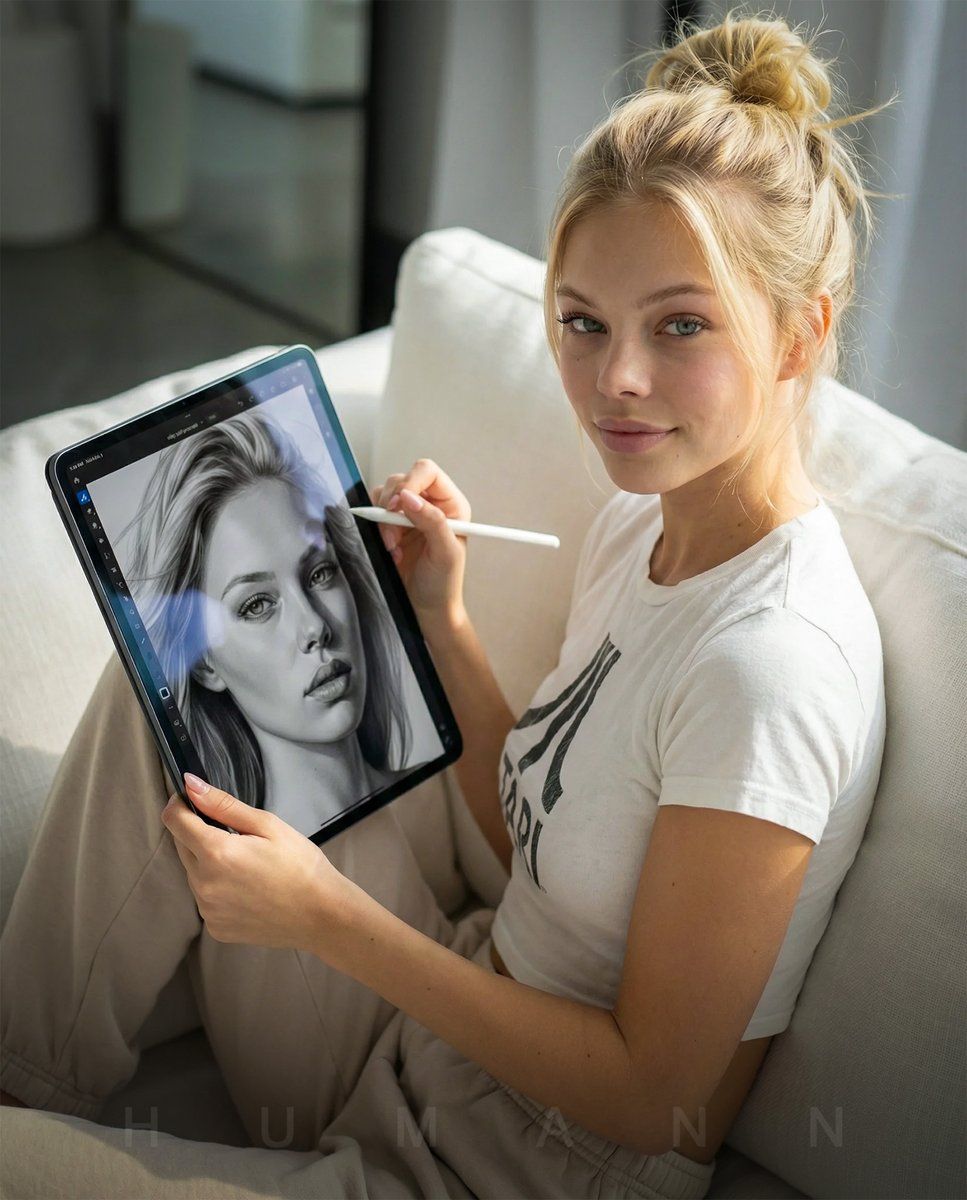
极致写实的沙发iPad创作人像
Enlarge

极致写实的沙发iPad创作人像

Prompt
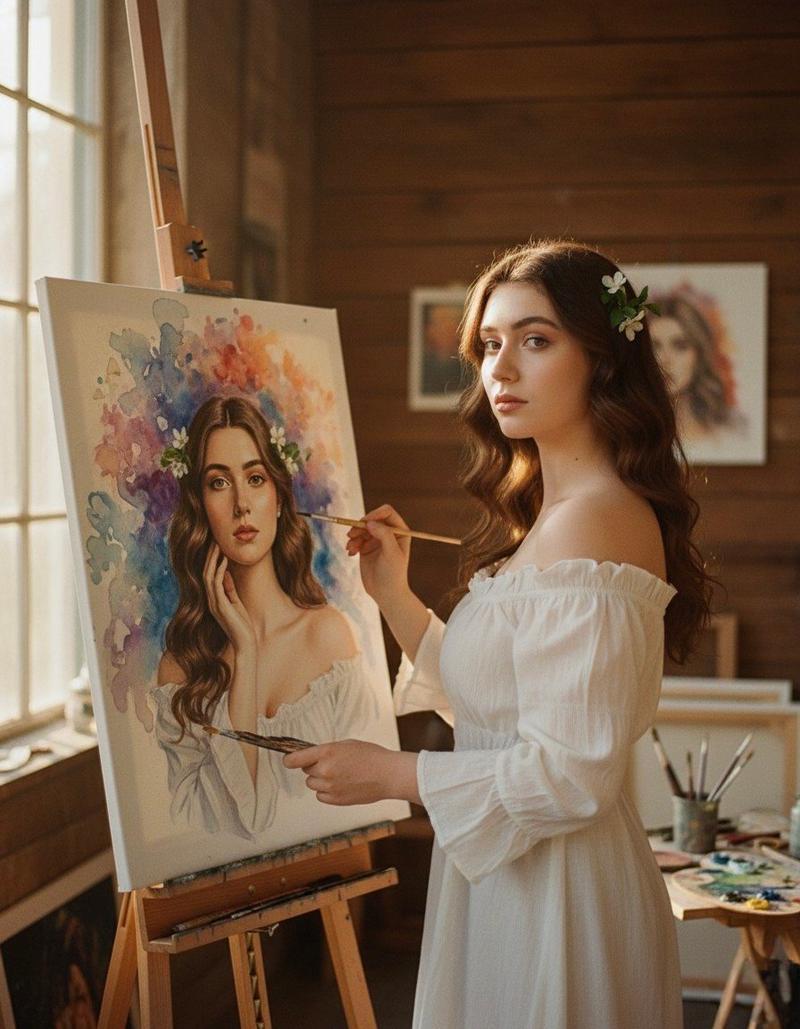
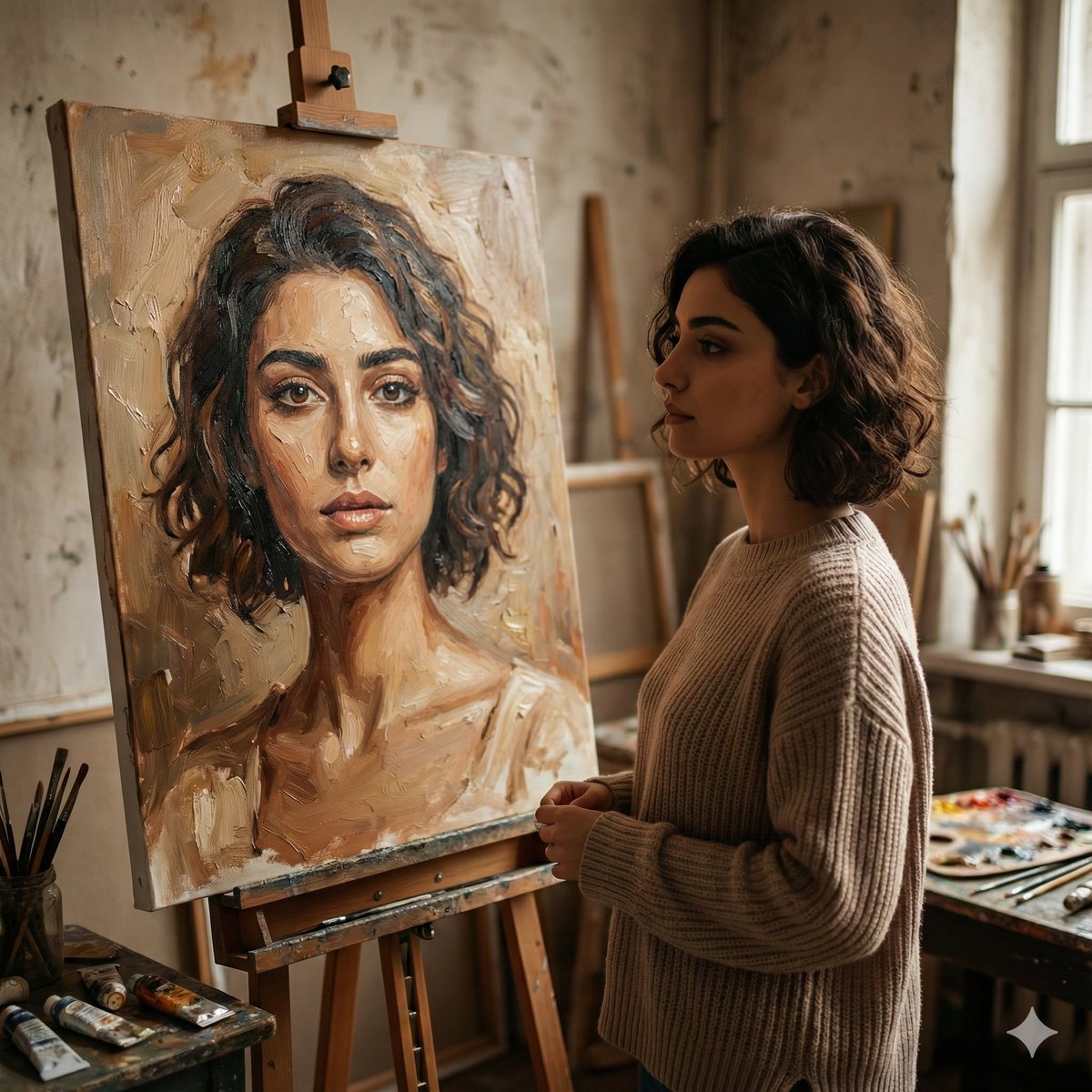
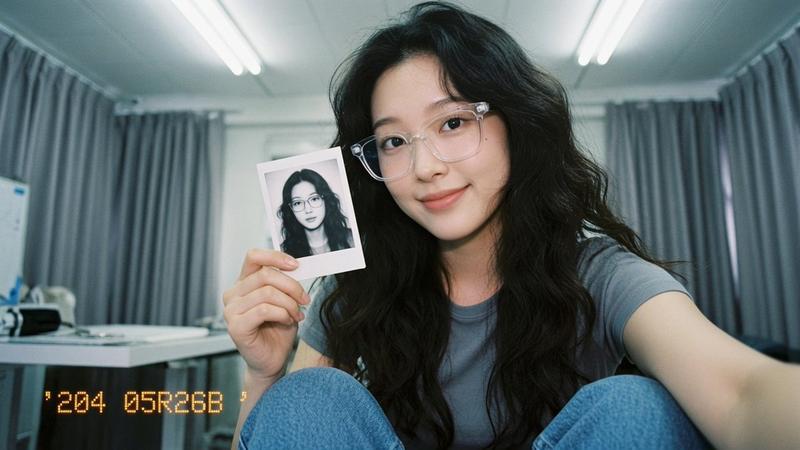
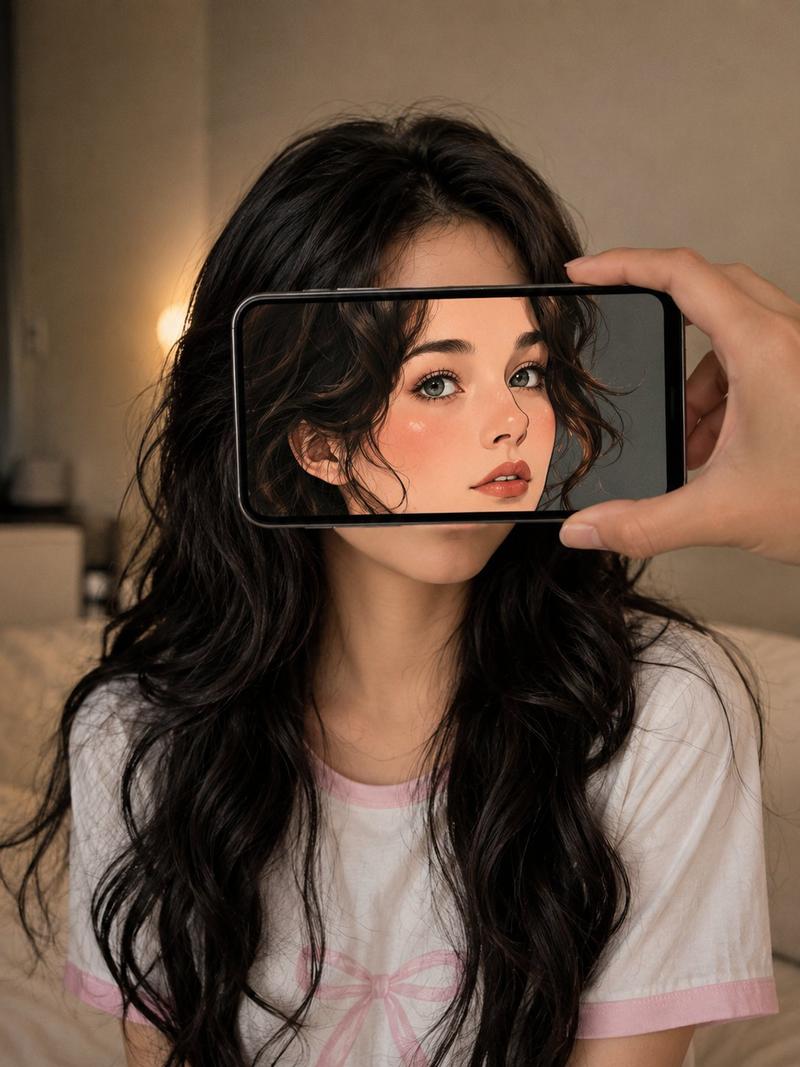
Ultra-photorealistic editorial lifestyle photograph shot on a full-frame DSLR with an 85mm f/1.8 lens. Natural indoor daylight from the left. THE_SUBJECT (from attached reference) must be replicated with 100% identity fidelity, exact facial structure, skin tone, proportions, and natural texture. THE_SUBJECT is seated on a couch, angled slightly toward camera, holding a large 12.9-inch iPad Pro vertically and showing the screen directly to the viewer. In the other hand, THE_SUBJECT holds an Apple Pencil naturally, as if paused mid-drawing. Insert THE_SCREEN (attached reference image) exactly onto the iPad display with correct proportions and perspective. The screen should appear realistically illuminated with subtle glass reflections and edge glare. Both face and iPad screen in sharp focus. No stylization, no illustration effect; it must look like a real professional photograph.
Category
Posters & Typography
Model
Nano Banana Pro
Creator
@dhumann
Views44
Source ID
10789
Published
Apr 28, 2026

Guide

About "极致写实的沙发iPad创作人像"

What is this prompt for?

"极致写实的沙发iPad创作人像" AI image prompt for Nano Banana Pro (Posters & Typography). 超逼真的编辑类生活方式照片,使用全画幅单反相机和 85mm f/1.8 镜头拍摄。左侧射入自然室内日光。THE_SUBJECT(来自附件参考图)必须 100% 忠…

The full copyable prompt and example visuals above are ready for AI image generation or one-click recreate in Picva.

How to use this prompt

  1. Step 1

    Open the prompt detail

    Review the example visuals, category, and full prompt text for "极致写实的沙发iPad创作人像".

  2. Step 2

    Copy the prompt

    Copy the prompt body from this page, or load it directly in Studio.

  3. Step 3

    Pick a model (Nano Banana Pro)

    Prefer Nano Banana Pro. If you switch models, keep subject and composition and tweak style terms.

  4. Step 4

    Generate and export

    Recreate the look in Picva, or export into your workflow for editing and publishing.

FAQ

What is the "极致写实的沙发iPad创作人像" prompt?
It is an AI image-generation prompt for Nano Banana Pro in the Posters & Typography category. This page includes the full prompt text, example visuals, and a one-click recreate path in Picva.
How do I use this prompt to generate an image?
Copy the prompt from this page, or use Generate / Studio. Paste it into a compatible image model, or recreate the look in Picva with optional reference images.
Which model is this prompt for?
This page lists Nano Banana Pro. Most descriptive prompts also transfer to nearby image models such as GPT Image, Flux, or Midjourney with light style tweaks.
Can I use the result commercially?
You can usually copy the prompt for creation, but commercial use of the final image depends on the model terms, reference-image rights, and the generated content. Follow the source author and platform rules.