15

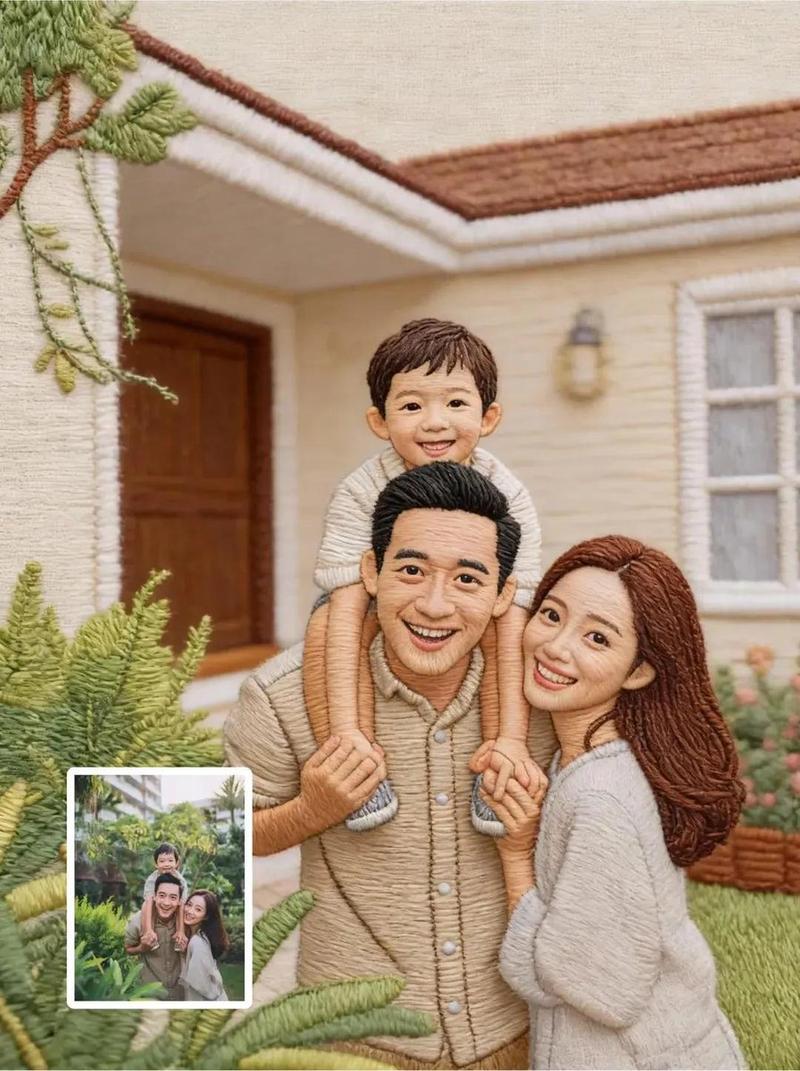
极致逼真的超精细人物刺绣画
Enlarge

极致逼真的超精细人物刺绣画

Prompt
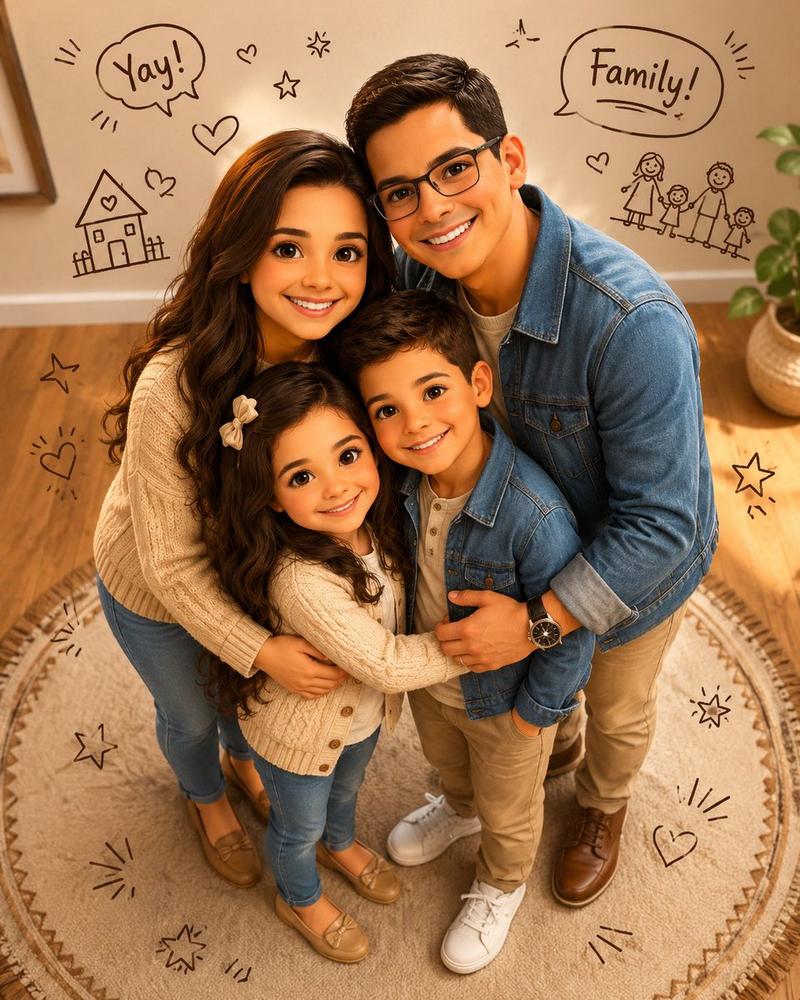
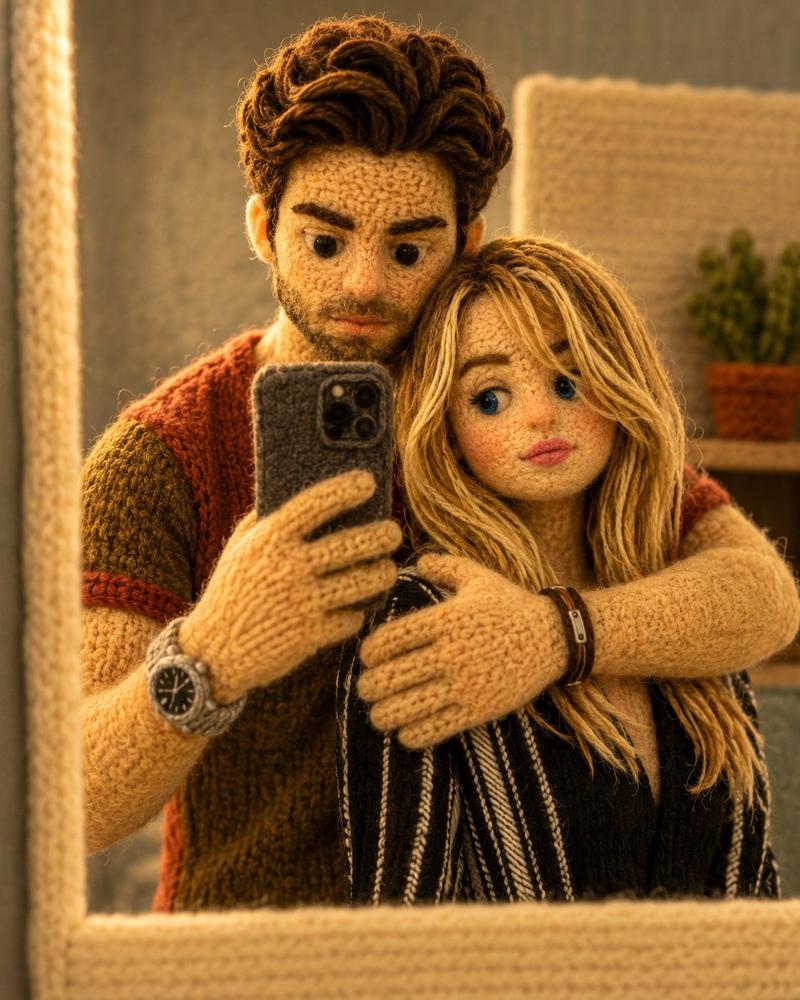
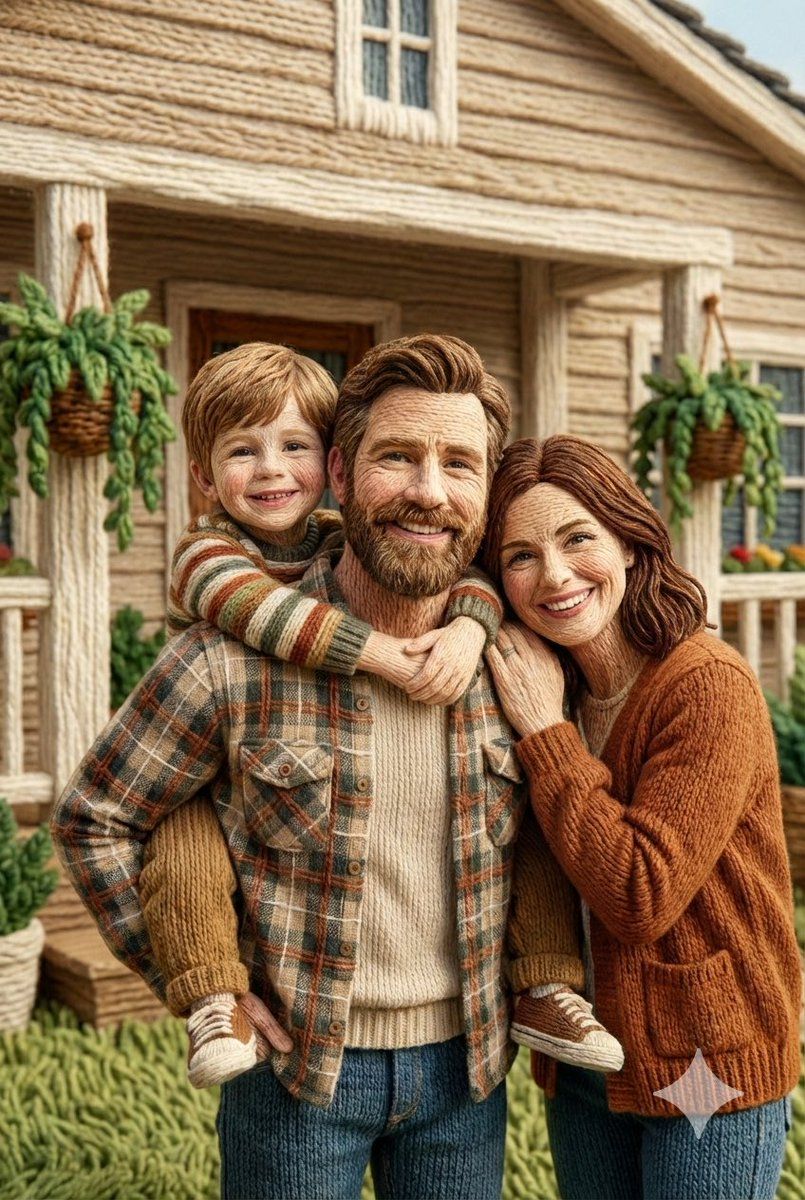
Use the uploaded image as the strict character reference. Preserve the character’s facial structure, expression, skin tone, hairstyle, outfit, proportions, and pose exactly as shown. Also keep background structure. Do not modify, beautify, stylize, or reinterpret the face in any way beyond embroidery translation. Render the character as hyper-detailed hand embroidery artwork, using realistic satin stitches, long-and-short stitches, and dense fill stitches to create natural depth, fabric texture, and thread sheen. Visible embroidery threads, precise stitch direction following facial contours, smooth gradients formed through thread layering, high stitch density, museum-quality textile craftsmanship. Neutral fabric background, soft studio lighting, ultra-sharp macro detail, photorealistic embroidery realism, no illustration or cartoon style.
Category
Posters & Typography
Model
Nano Banana Pro
Views63
Source ID
12729
Published
Apr 12, 2026

Guide

About "极致逼真的超精细人物刺绣画"

What is this prompt for?

"极致逼真的超精细人物刺绣画" AI image prompt for Nano Banana Pro (Posters & Typography). 请严格按照上传图片中的人物形象进行创作。保留人物的面部结构、表情、肤色、发型、服装、比例和姿势,与图片所示完全一致。背景结构也需保持不变。除了刺绣的转化,不得以任何方…

The full copyable prompt and example visuals above are ready for AI image generation or one-click recreate in Picva.

How to use this prompt

  1. Step 1

    Open the prompt detail

    Review the example visuals, category, and full prompt text for "极致逼真的超精细人物刺绣画".

  2. Step 2

    Copy the prompt

    Copy the prompt body from this page, or load it directly in Studio.

  3. Step 3

    Pick a model (Nano Banana Pro)

    Prefer Nano Banana Pro. If you switch models, keep subject and composition and tweak style terms.

  4. Step 4

    Generate and export

    Recreate the look in Picva, or export into your workflow for editing and publishing.

FAQ

What is the "极致逼真的超精细人物刺绣画" prompt?
It is an AI image-generation prompt for Nano Banana Pro in the Posters & Typography category. This page includes the full prompt text, example visuals, and a one-click recreate path in Picva.
How do I use this prompt to generate an image?
Copy the prompt from this page, or use Generate / Studio. Paste it into a compatible image model, or recreate the look in Picva with optional reference images.
Which model is this prompt for?
This page lists Nano Banana Pro. Most descriptive prompts also transfer to nearby image models such as GPT Image, Flux, or Midjourney with light style tweaks.
Can I use the result commercially?
You can usually copy the prompt for creation, but commercial use of the final image depends on the model terms, reference-image rights, and the generated content. Follow the source author and platform rules.