20

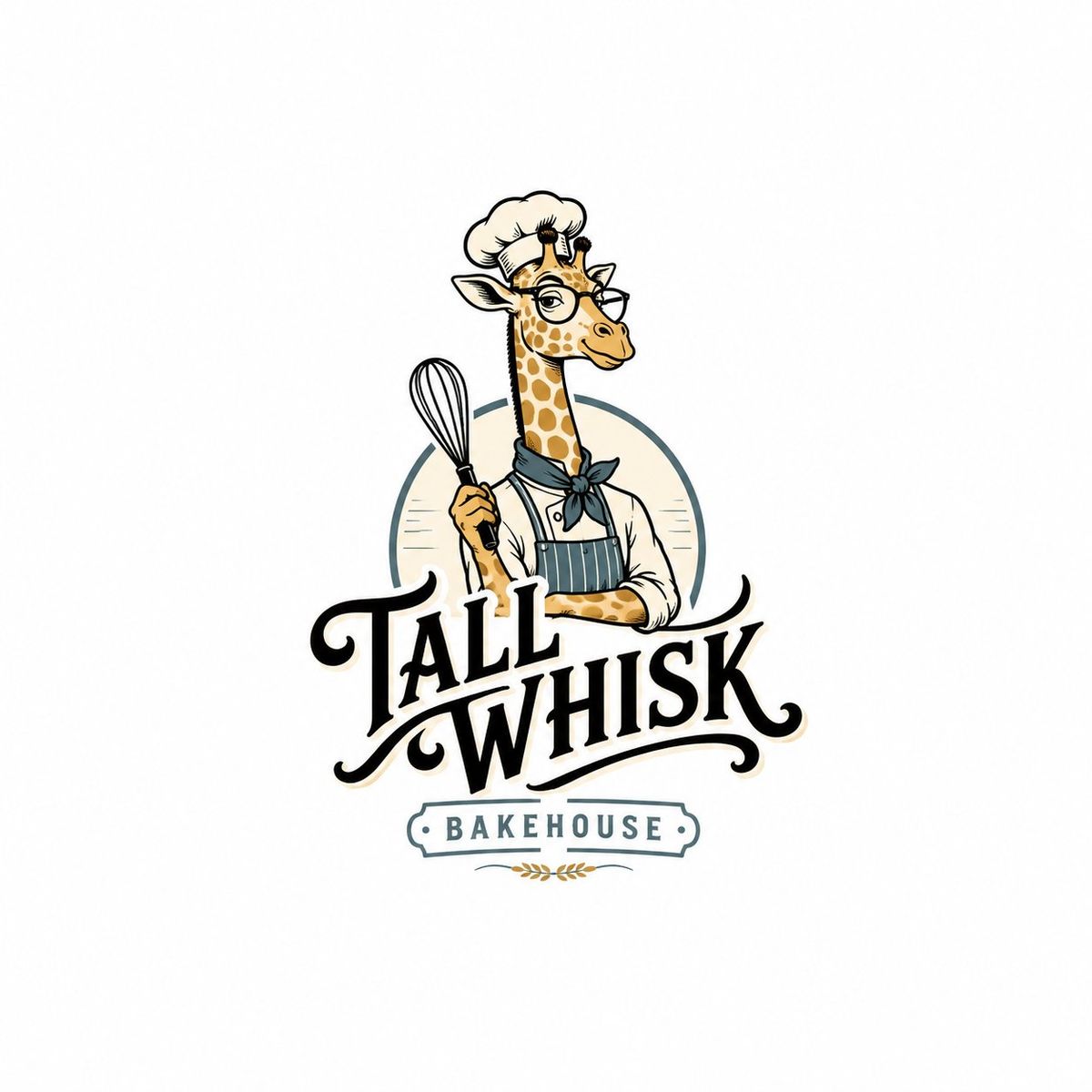
独立复古吉祥物文字标志设计
Enlarge

Example images

独立复古吉祥物文字标志设计

Prompt
Create a pure English independent retro mascot wordmark logo.

Brand Name: [BRAND NAME]
Subtitle: [SHORT SUBTITLE]
Category: [BRAND CATEGORY]
Mascot: [MASCOT CONCEPT]

Use a pure white background. Design a sophisticated retro mascot logo with hand-drawn characters, bold custom wordmark, thick black outlines, soft vintage colors, and a clean brand lockup layout.

The logo should give the feeling of a cool cafe brand, lifestyle store, streetwear graphic, or vintage merchandise label. Make it stylish and slightly quirky rather than childish.

Keep the logo small within the frame, occupying about 50%–60% of the canvas height, with clear breathing space around it.

Include only the brand name and one short subtitle.

Avoid non-English text, copyright symbols, registered marks, TM, author signatures, watermarks, dates, city names, long slogans, tiny decorative text, poster clutter, and oversized logo compositions.
Category
Charts & Infographics
Model
ChatGPT
Creator
@MrLarus
Views0
Source ID
17307
Published
Jul 2, 2026

Guide

About "独立复古吉祥物文字标志设计"

What is this prompt for?

"独立复古吉祥物文字标志设计" AI image prompt for ChatGPT (Charts & Infographics). 创建一个纯英文独立复古吉祥物文字标志标志。 品牌名称:[BRAND NAME] 副标题:[SHORT SUBTITLE] 类别:[BRAND CATEGORY] 吉祥物:[MASC…

The full copyable prompt and example visuals above are ready for AI image generation or one-click recreate in Picva.

How to use this prompt

  1. Step 1

    Open the prompt detail

    Review the example visuals, category, and full prompt text for "独立复古吉祥物文字标志设计".

  2. Step 2

    Copy the prompt

    Copy the prompt body from this page, or load it directly in Studio.

  3. Step 3

    Pick a model (ChatGPT)

    Prefer ChatGPT. If you switch models, keep subject and composition and tweak style terms.

  4. Step 4

    Generate and export

    Recreate the look in Picva, or export into your workflow for editing and publishing.

FAQ

What is the "独立复古吉祥物文字标志设计" prompt?
It is an AI image-generation prompt for ChatGPT in the Charts & Infographics category. This page includes the full prompt text, example visuals, and a one-click recreate path in Picva.
How do I use this prompt to generate an image?
Copy the prompt from this page, or use Generate / Studio. Paste it into a compatible image model, or recreate the look in Picva with optional reference images.
Which model is this prompt for?
This page lists ChatGPT. Most descriptive prompts also transfer to nearby image models such as GPT Image, Flux, or Midjourney with light style tweaks.
Can I use the result commercially?
You can usually copy the prompt for creation, but commercial use of the final image depends on the model terms, reference-image rights, and the generated content. Follow the source author and platform rules.