19

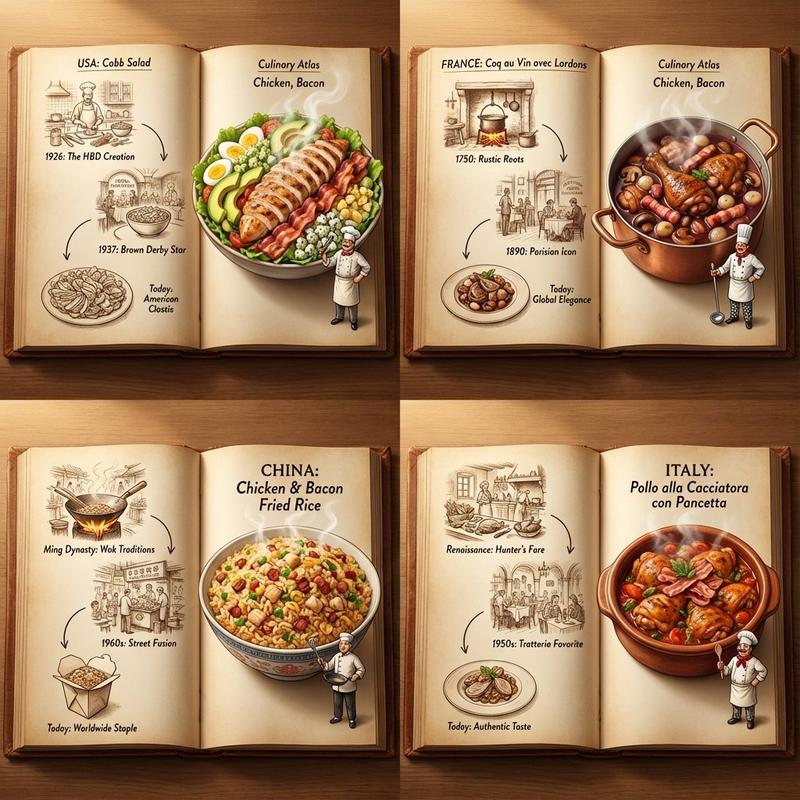
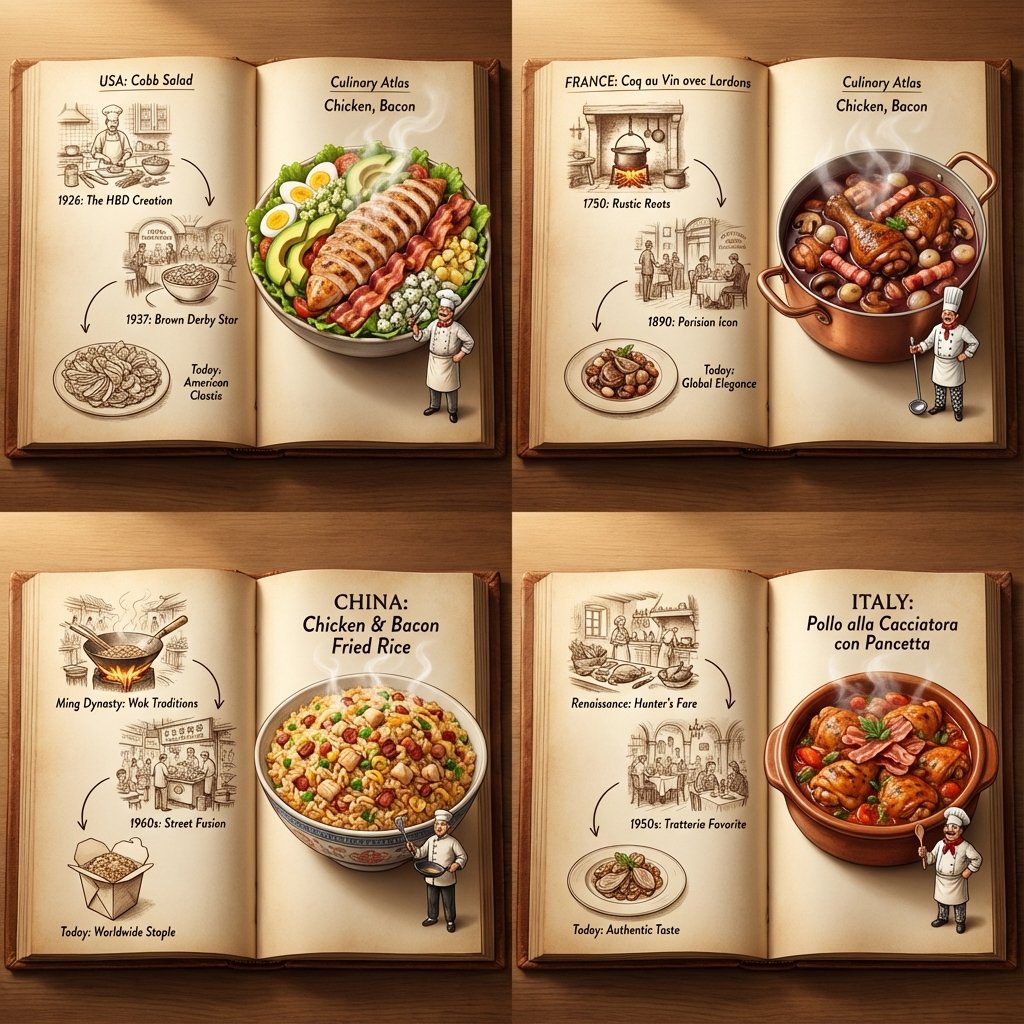
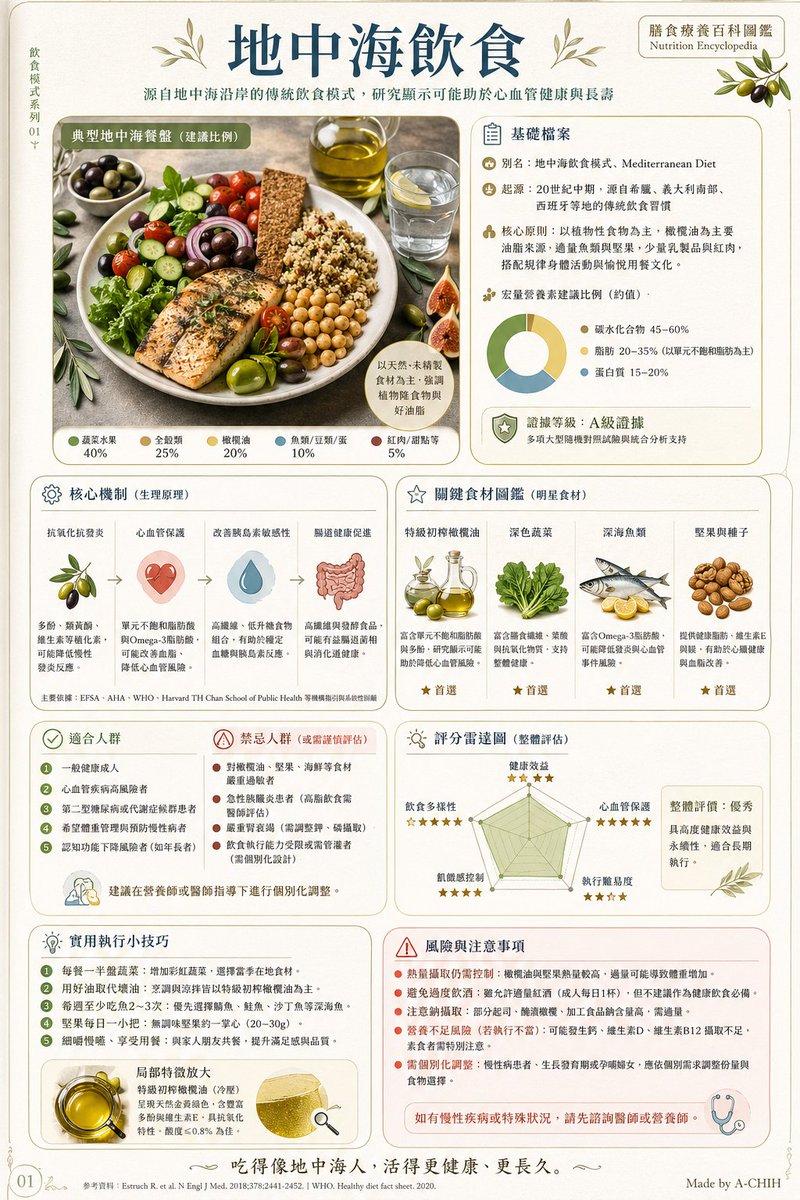
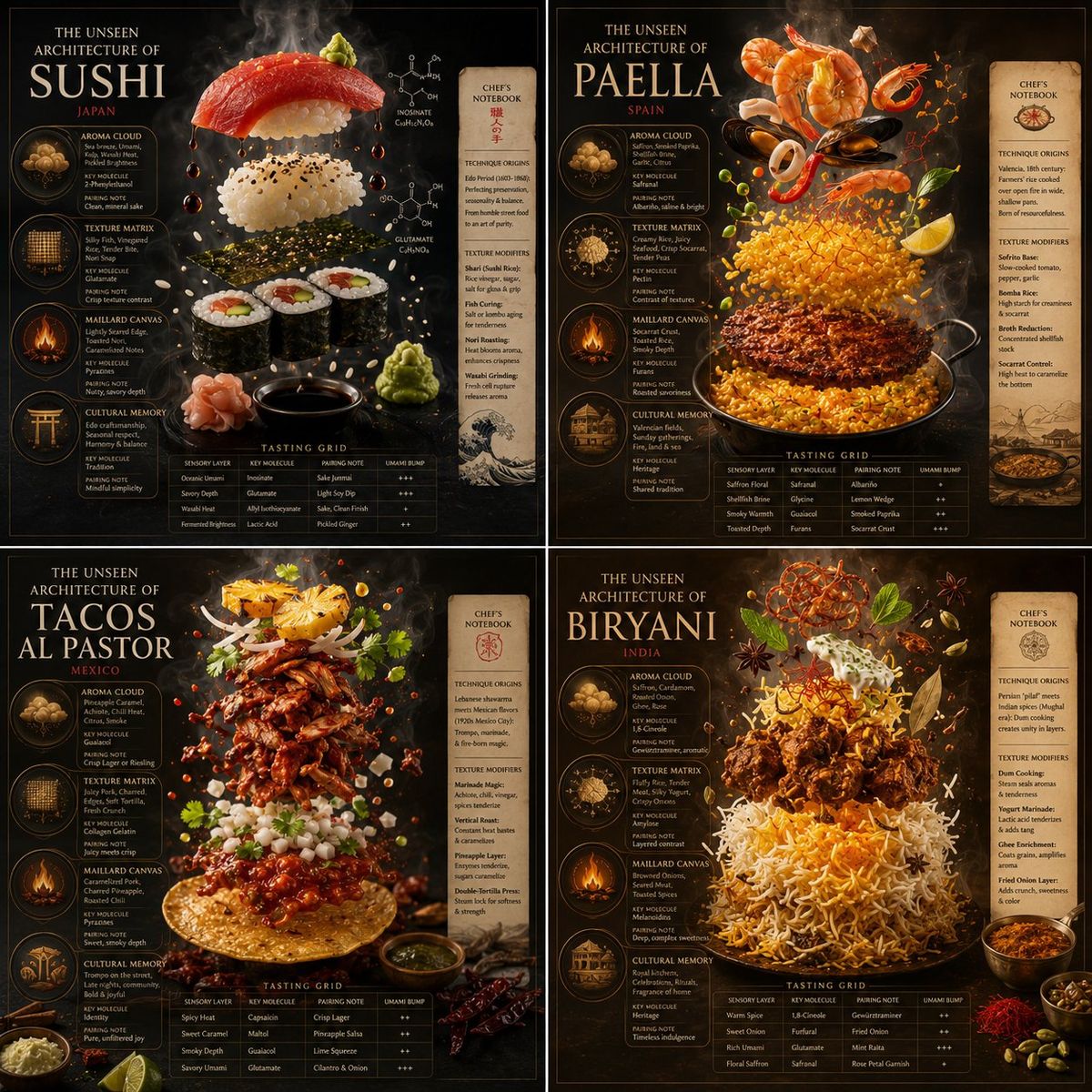
米其林级别国际美食分子架构分解图
Enlarge

米其林级别国际美食分子架构分解图

Prompt
2x2 grid, 1:1, do this for 4 famous international dishes: # In[1]: Import Flavor Chemistry Libraries import auto_inference_engine as ai import editorial_renderer as er  subject = "[$DISH_NAME]"  # In[2]: Deconstruct into Volatile Compounds df_gastronomy = ai.dissect_dish(subject, layers=['Aroma Cloud','Texture Matrix','Maillard Canvas','Cultural Memory']) df_gastronomy['pairing_note'] = df_gastronomy.apply(lambda row: ai.suggest_wine_pairing(row.molecule), axis=1)  # In[3]: Build Edible Exploded View fig = er.Canvas(style="Gourmet Food Photography 3D", lighting="Softbox & Backlit Steam", dof="Selective Focus on Aromatics") fig.add_title(f"THE UNSEEN ARCHITECTURE OF {subject.upper()}")  for index, layer in df_gastronomy.iterrows():     frame = fig.add_frame(shape="Flavor Wheel Wedge", size=layer.intensity_value)     frame.render_3d_model(layer.ingredient_scan, lighting="Glossy & Translucent")     frame.add_tasting_label(f"{layer.sensory_layer} | {layer.key_molecule} | {layer.pairing_note}")     fig.draw_aroma_trail(previous_frame, frame, style="Volatile Swirl")  fig.add_sidebar("Chef’s notebook: technique origins, texture modifiers") fig.add_tasting_grid(df_gastronomy[['sensory_layer', 'key_molecule', 'pairing_note', 'umami_bump']])  # In[4]: Render fig.render(quality="Michelin Guide Editorial Photorealism")
Category
Charts & Infographics
Model
ChatGPT
Creator
@Gdgtify
Views47
Source ID
14480
Published
May 14, 2026

Guide

About "米其林级别国际美食分子架构分解图"

What is this prompt for?

"米其林级别国际美食分子架构分解图" AI image prompt for ChatGPT (Charts & Infographics). 2x2 网格,1:1 比例,针对 4 种著名的国际菜肴执行以下操作: # In[1]: 导入风味化学库 import auto_inference_engine as ai…

The full copyable prompt and example visuals above are ready for AI image generation or one-click recreate in Picva.

How to use this prompt

  1. Step 1

    Open the prompt detail

    Review the example visuals, category, and full prompt text for "米其林级别国际美食分子架构分解图".

  2. Step 2

    Copy the prompt

    Copy the prompt body from this page, or load it directly in Studio.

  3. Step 3

    Pick a model (ChatGPT)

    Prefer ChatGPT. If you switch models, keep subject and composition and tweak style terms.

  4. Step 4

    Generate and export

    Recreate the look in Picva, or export into your workflow for editing and publishing.

FAQ

What is the "米其林级别国际美食分子架构分解图" prompt?
It is an AI image-generation prompt for ChatGPT in the Charts & Infographics category. This page includes the full prompt text, example visuals, and a one-click recreate path in Picva.
How do I use this prompt to generate an image?
Copy the prompt from this page, or use Generate / Studio. Paste it into a compatible image model, or recreate the look in Picva with optional reference images.
Which model is this prompt for?
This page lists ChatGPT. Most descriptive prompts also transfer to nearby image models such as GPT Image, Flux, or Midjourney with light style tweaks.
Can I use the result commercially?
You can usually copy the prompt for creation, but commercial use of the final image depends on the model terms, reference-image rights, and the generated content. Follow the source author and platform rules.