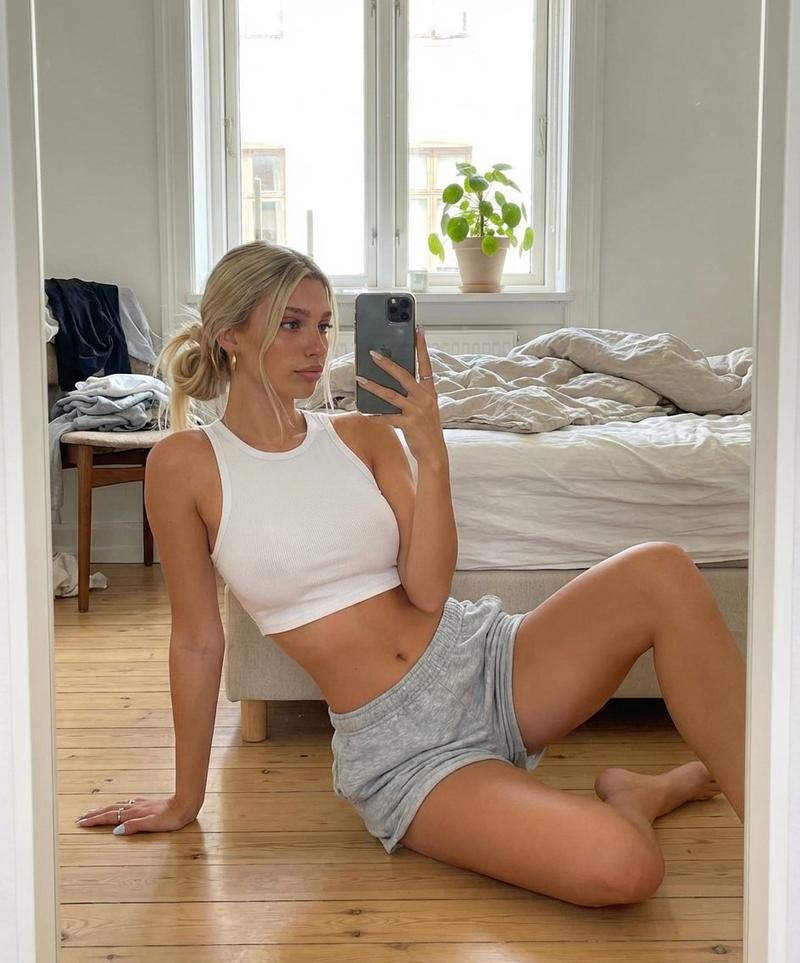
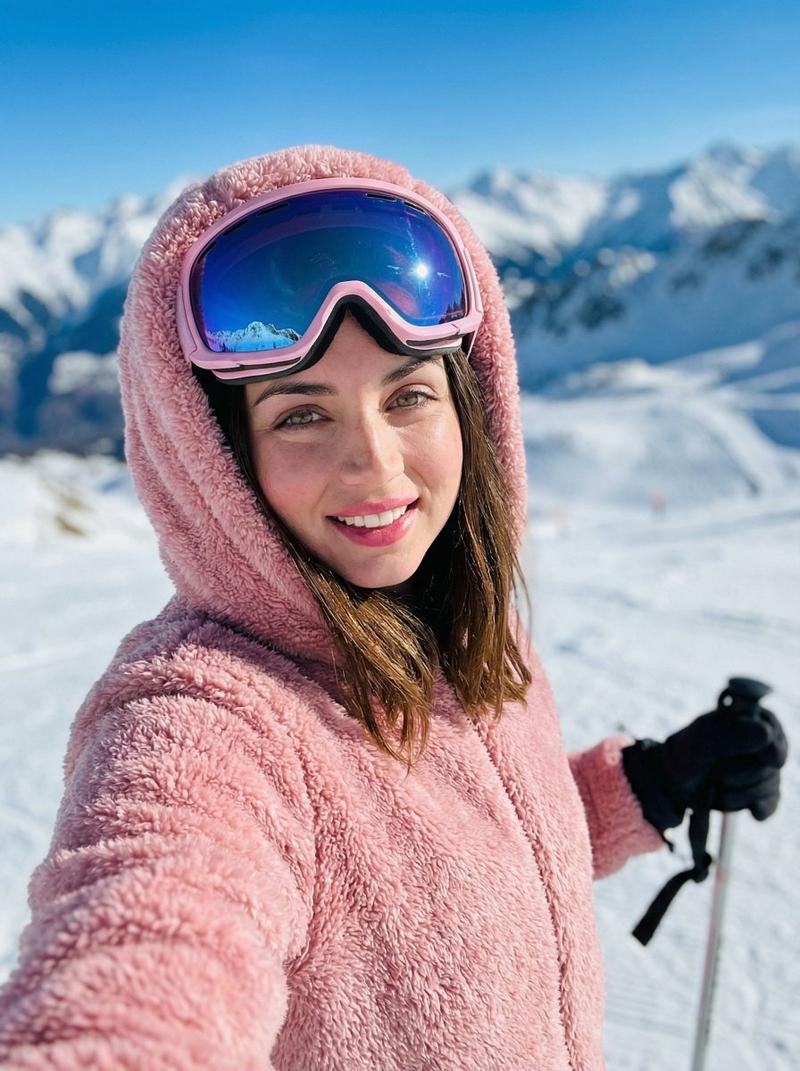
韩系清新春日花田少女写真拼贴海报
Prompt
Use the uploaded portrait only as the identity and hairstyle reference. Strictly preserve the person’s facial identity, face shape, facial features, skin tone, hair color, hairstyle, bangs, and overall recognizable look. Do not copy the original clothes, background, lighting, or pose from the uploaded portrait.

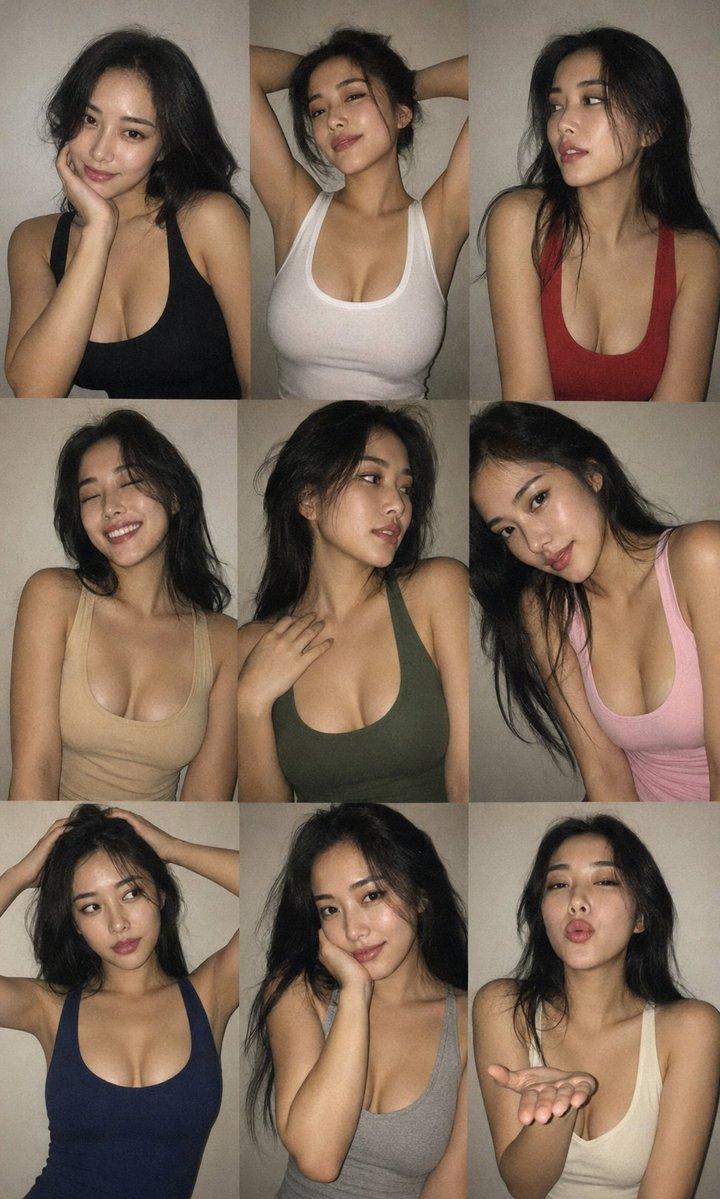
Create a soft realistic spring flower field photo collage poster, inspired by a dreamy Korean/Japanese spring girl aesthetic. The final image should be a vertical 3:4 collage layout made of multiple candid photos of the same person in the same outdoor flower field.

Scene: a wide green meadow full of small pink, white, and yellow wildflowers, soft blue sky, warm daylight, fresh spring atmosphere, distant green trees, natural outdoor sunlight, gentle breeze, clean and airy feeling.

Subject styling: the same person wearing a loose pastel pink oversized T-shirt with subtle floral print, light soft skirt or casual summer bottoms, white socks, simple white shoes, and a cream canvas tote bag. The look should feel cute, clean, youthful, natural, and fresh.

Collage composition: include 7–9 different photo moments in one clean grid collage. Show different poses: smelling a small flower, reaching toward the sky, walking through the flower field, sitting among flowers, holding a bouquet, looking sideways, smiling at the camera, resting chin on hands, and enjoying the spring breeze. Keep the same face and hairstyle consistent across all panels.

Visual style: realistic iPhone-style outdoor photography, soft pastel colors, natural skin texture, bright spring light, low contrast, gentle highlights, clean composition, slightly dreamy atmosphere, real camera feeling, no plastic AI skin, no over-retouching.

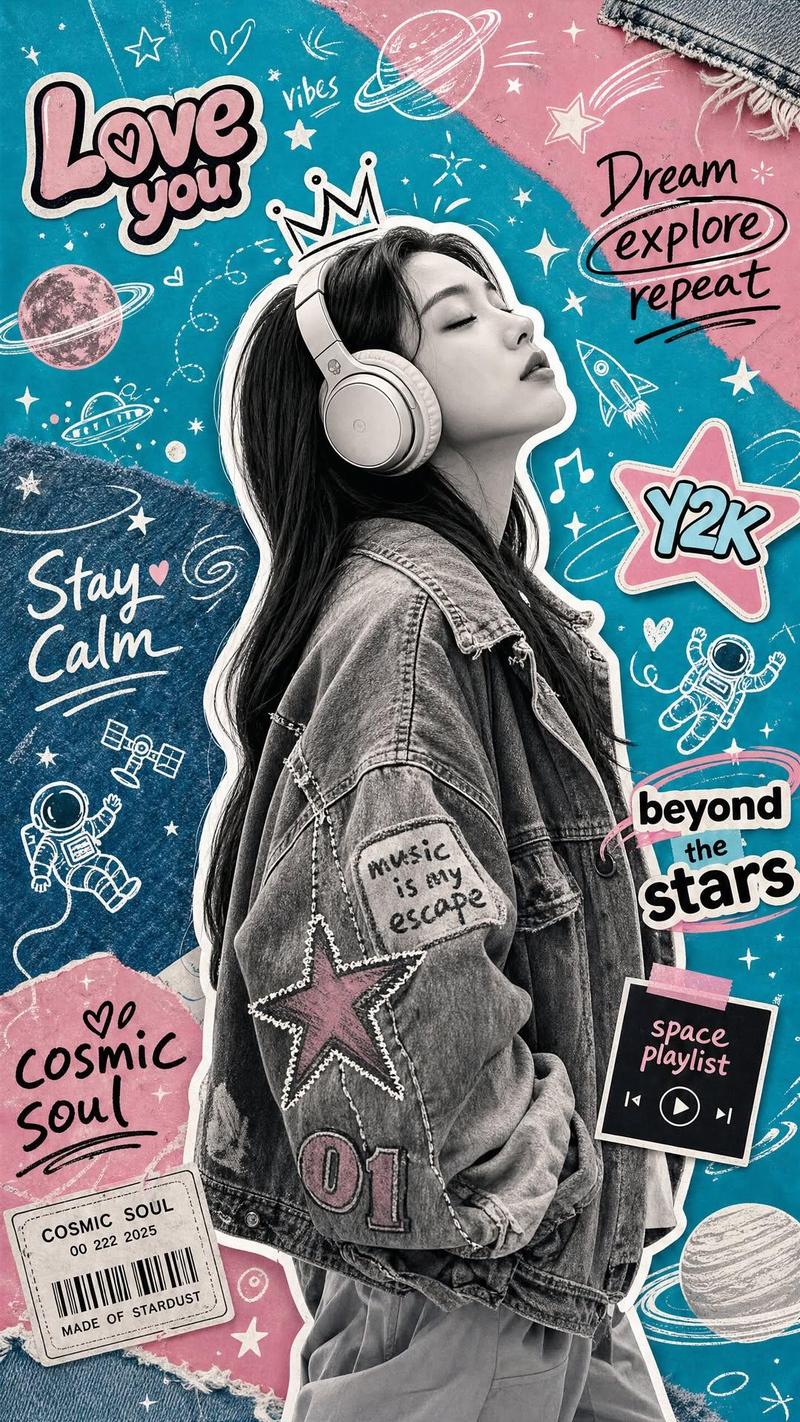
Keep the cute hand-drawn doodles and handwritten words in the collage, including flowers, butterflies, clouds, rainbow, hearts, and spring-themed handwritten text such as “Bloom” and “Spring”. These doodles and words should remain visible and feel soft, playful, and decorative, like pastel pencil sketches drawn on top of the photos.

Do not add any logo, watermark, branding mark, or AI-generated label. Remove only the logo/watermark element, while preserving the doodles and handwritten decorative text.

The final image should feel like a fresh spring lifestyle photo diary, soft girl aesthetic, natural, romantic, realistic, and suitable for posting on social media.

Negative Prompt:

watermark, logo, brand mark, AI generated label, signature, duplicate face, inconsistent face, different identity, changed facial features, deformed hands, extra fingers, missing fingers, distorted body, bad anatomy, plastic skin, over-smoothed skin, fake face, doll-like face, unnatural eyes, heavy makeup, low resolution, blurry face, harsh shadows, overexposed, underexposed, dirty background, ugly collage layout, chaotic composition, duplicated person in the same panel, strange limbs, broken flowers, unnatural lighting, cartoon style, 3D render, anime style
- Category
- Posters & Typography
- Model
- ChatGPT
- Creator
- @Shinning1010
- Source ID
- 14522
- Published
- May 18, 2026
Views56