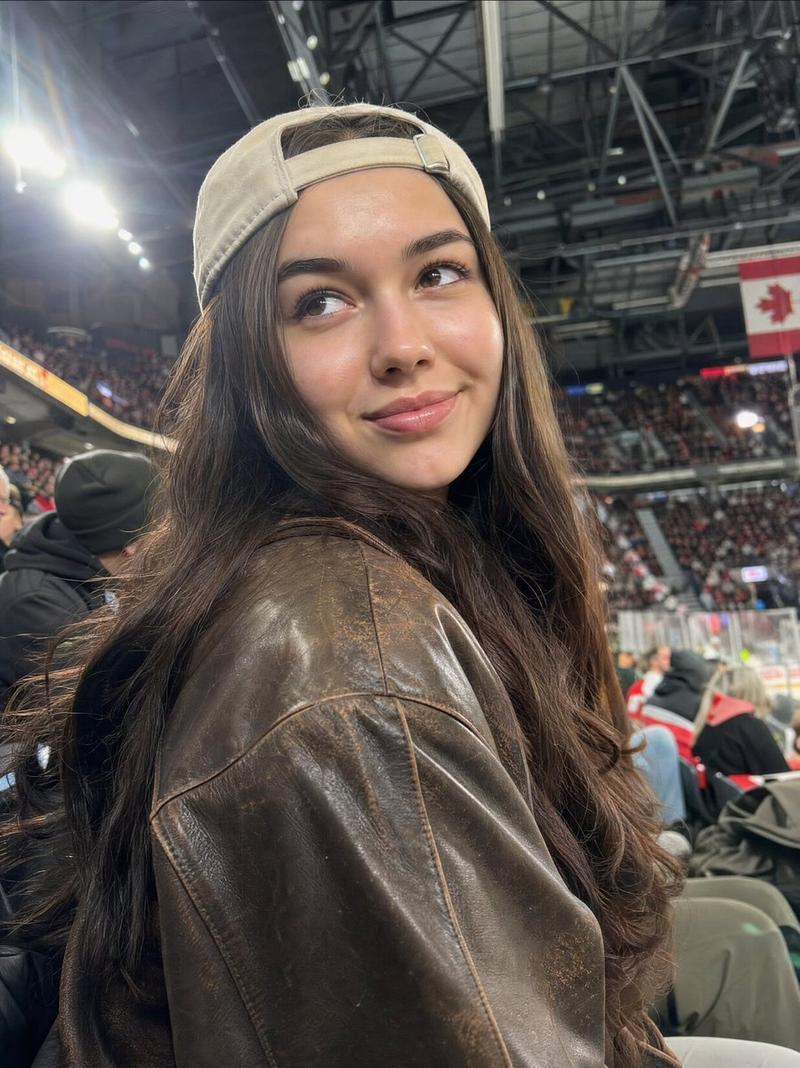
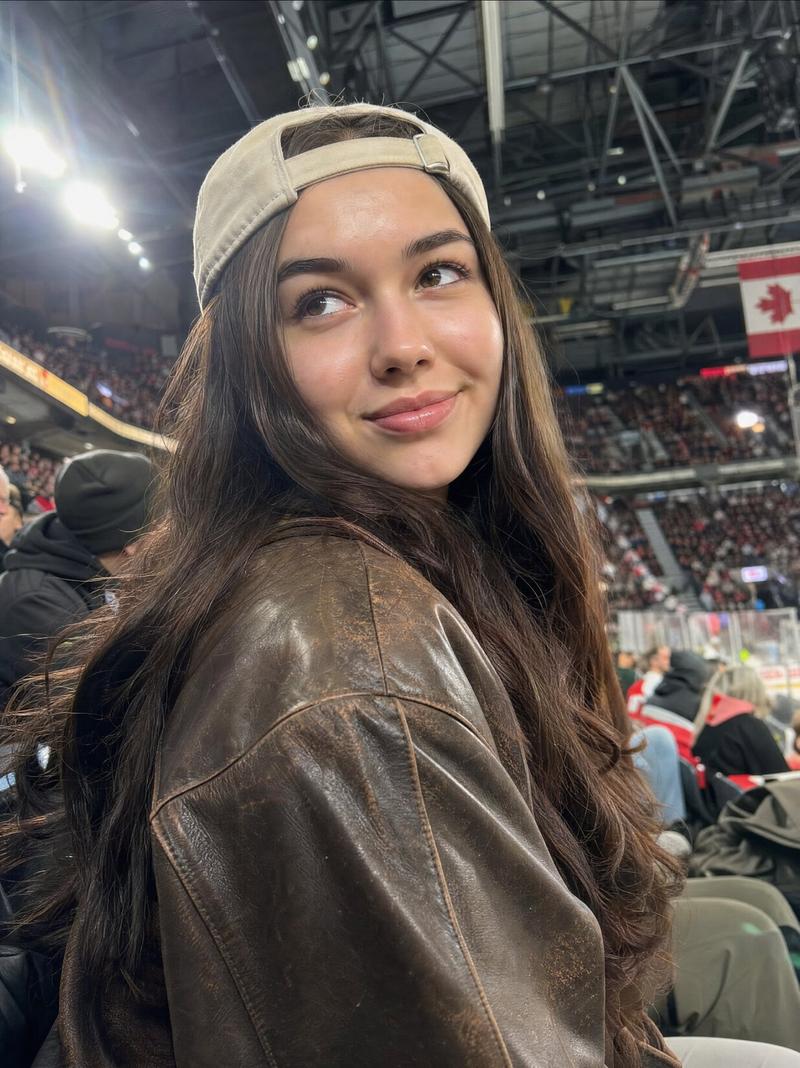
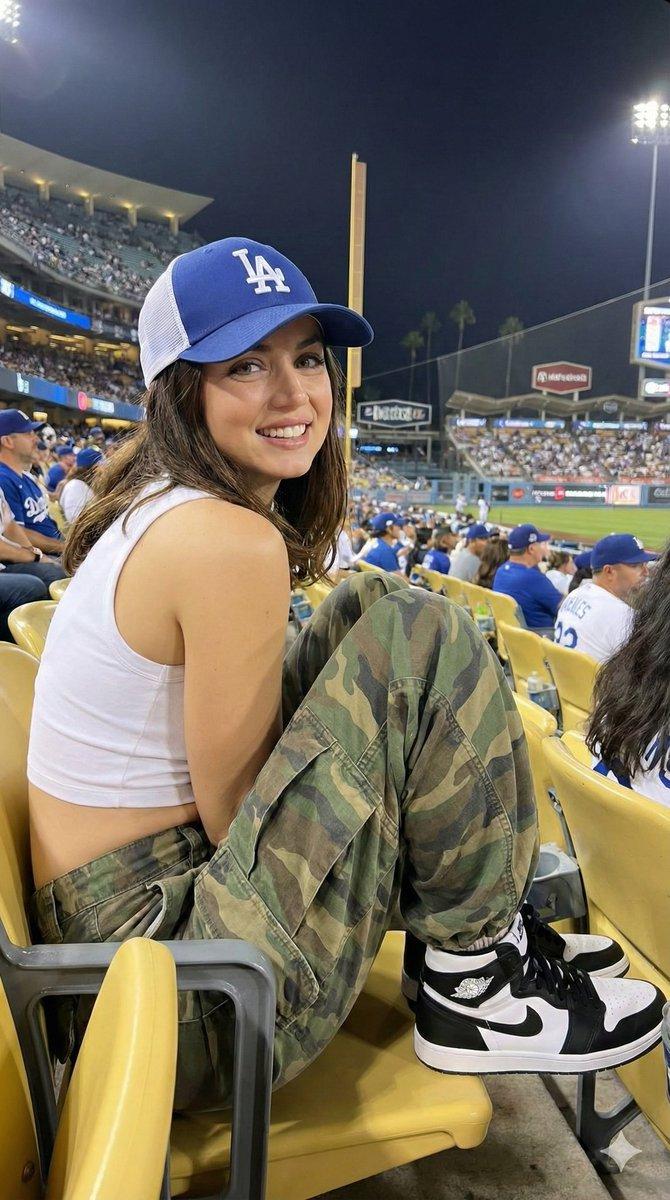
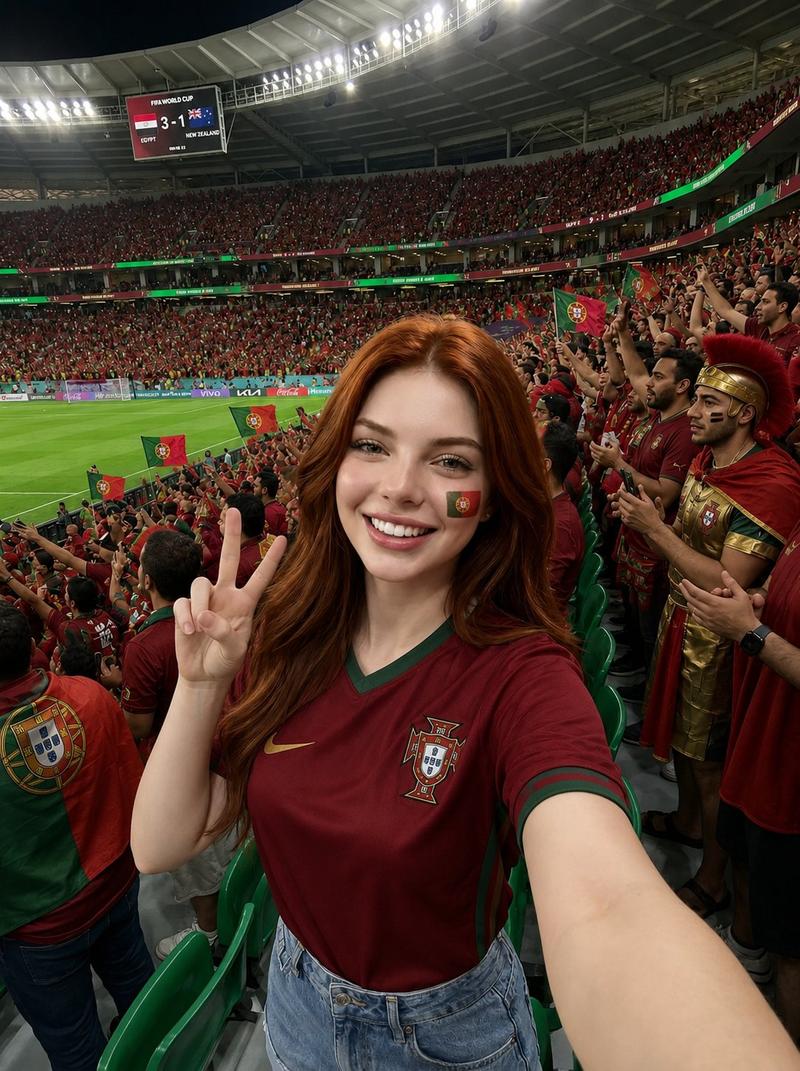
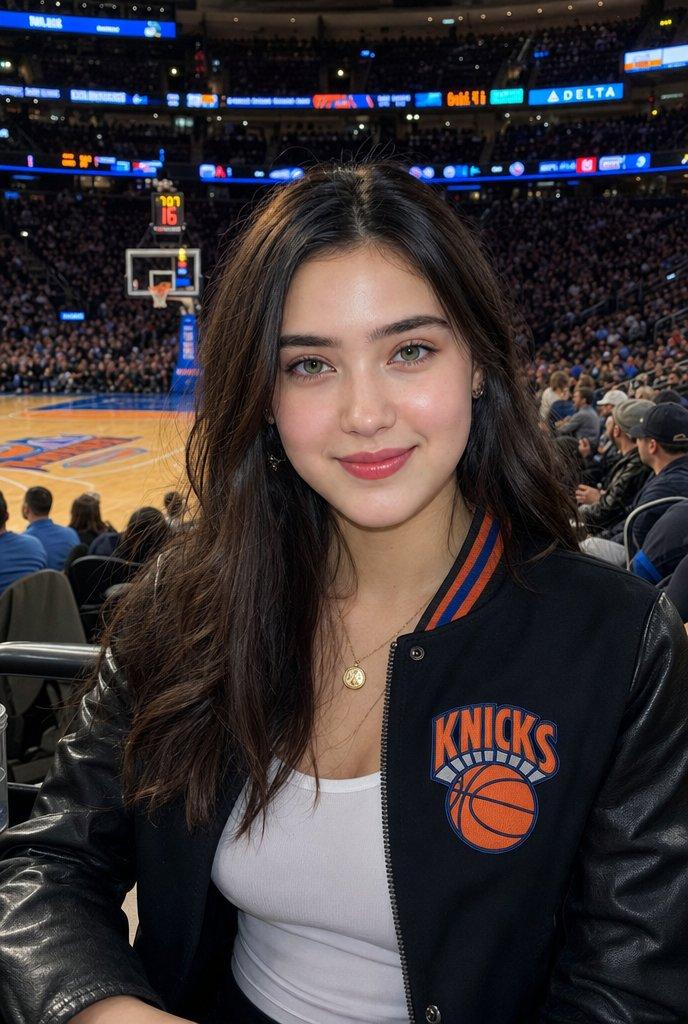
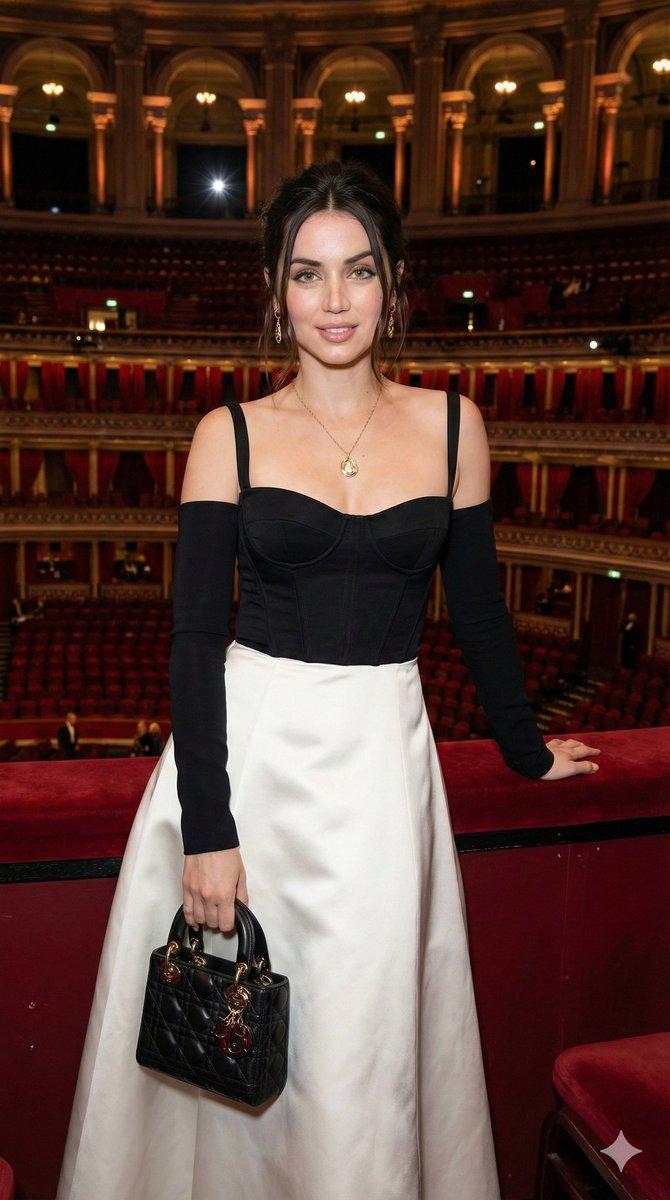
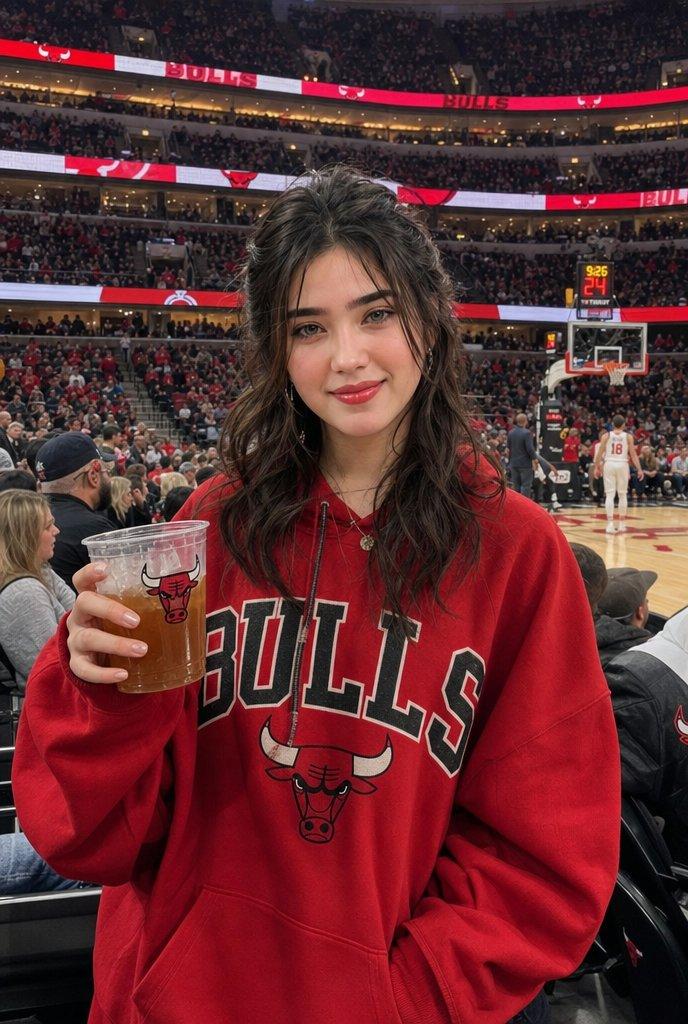
Kpop演唱会现场iPhone自拍氛围感人像
Prompt
Use the uploaded portrait only as the identity and hairstyle reference. Preserve the person’s facial identity, face shape, facial features, skin tone, and hairstyle accurately. Do not copy the original clothes, background, lighting, or pose from the uploaded portrait.

Create a realistic vertical iPhone-style candid photo inside a crowded K-pop concert arena. The person is sitting in the audience, taking a selfie video/photo with one arm raised high holding a smartphone, the other hand pointing toward the stage. The angle is from slightly behind and beside the person, showing a three-quarter side profile with the face clearly visible.

Style the scene like a real concert snapshot: warm stage lights, pink and white glow sticks in the crowd, large indoor arena seating, bright LED screens and soft atmospheric haze. The background should feel lively and immersive, with many blurred audience members, balcony seats, glowing light panels, and concert energy.

Dress the person in a cute white concert outfit: white sleeveless top or dress, soft layered skirt, bow details, a white backpack, subtle cute accessories, and stylish black-framed glasses. Add small decorative hair clips if they fit the hairstyle. Keep the overall look sweet, clean, fashionable, and natural.

Make the photo look like it was captured with an iPhone: realistic skin texture, natural motion blur, slight low-light grain, real handheld framing, imperfect but beautiful composition, authentic concert lighting, no over-polished AI look.

Use a 9:16 vertical composition. The person should be the main subject in the foreground, with the concert arena and crowd filling the background. Keep the face recognizable and natural

Negative Prompt:

watermark, logo, AI generated label, readable brand text, distorted face, changed identity, wrong face shape, plastic skin, fake skin texture, over-smoothed face, deformed hands, extra fingers, broken arms, unnatural pose, duplicated person, messy composition, blurry face, low quality, cartoon style, anime style, CGI look, unrealistic lighting, unreadable text, random letters, bad anatomy
- Category
- Posters & Typography
- Model
- ChatGPT
- Creator
- @Shinning1010
- Source ID
- 14405
- Published
- May 13, 2026
Views193