16

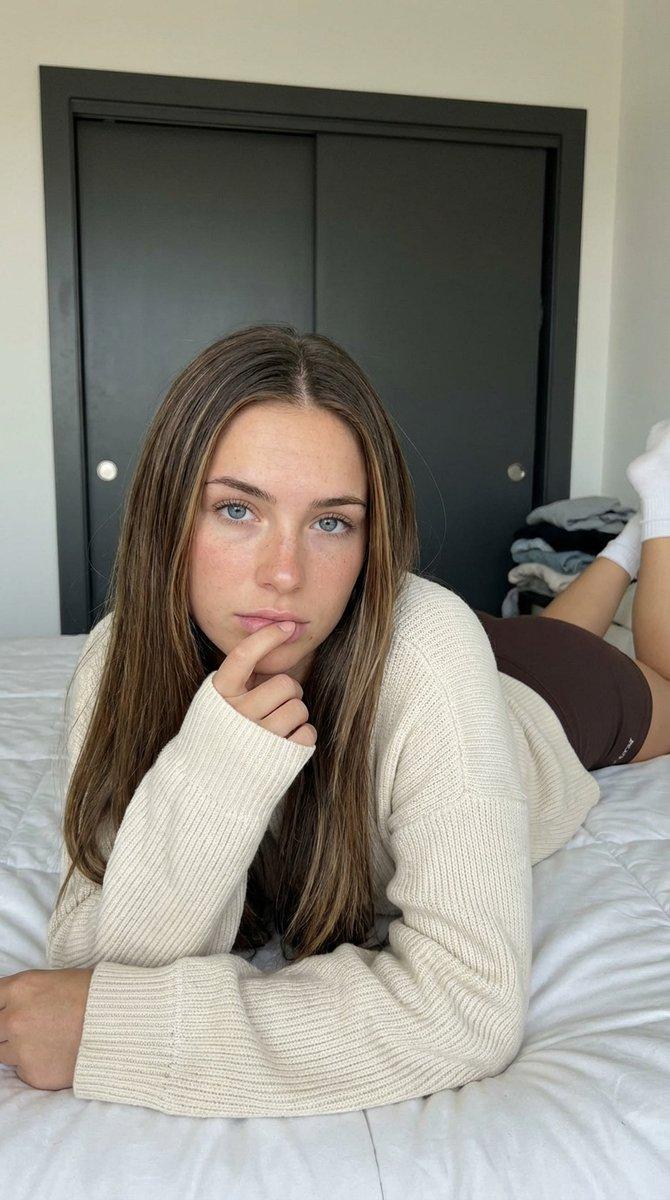
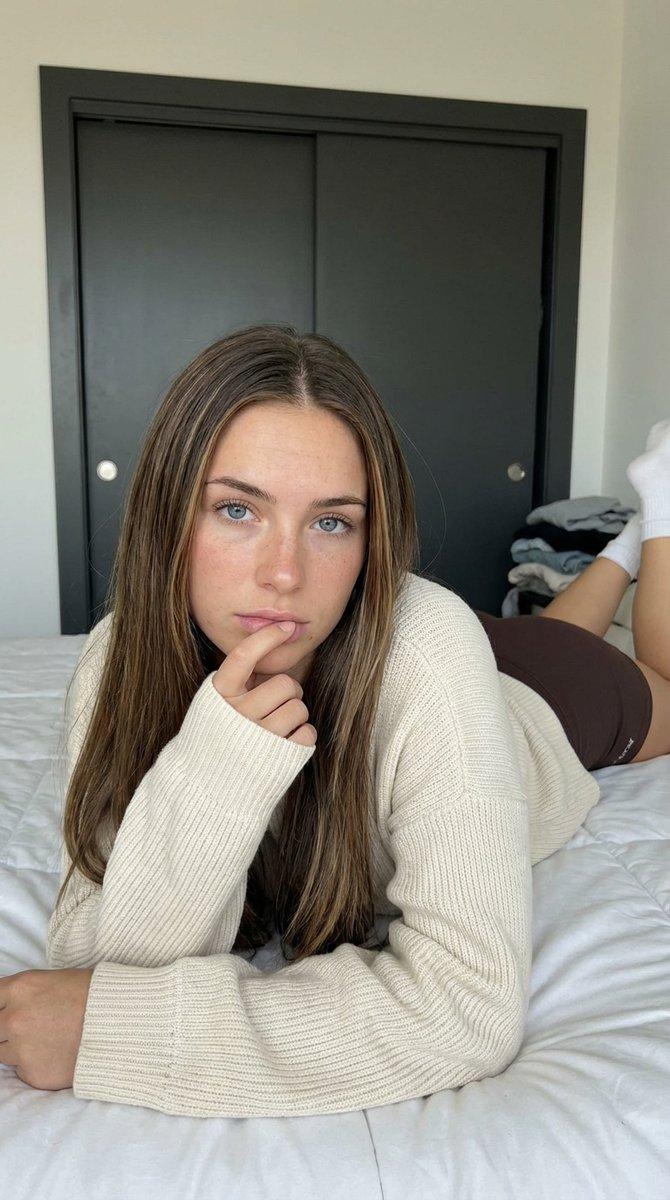
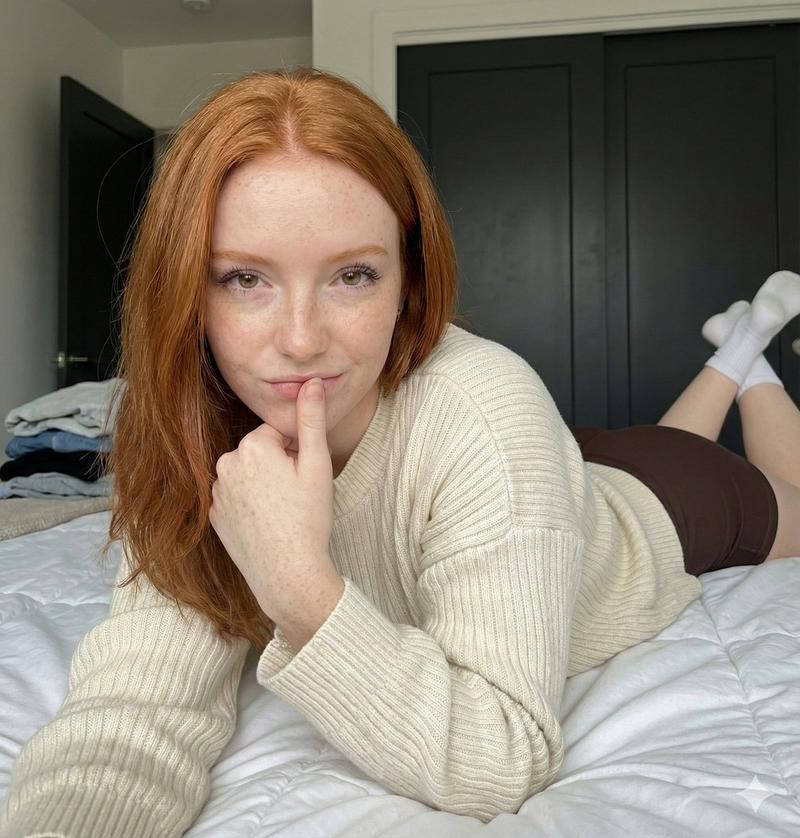
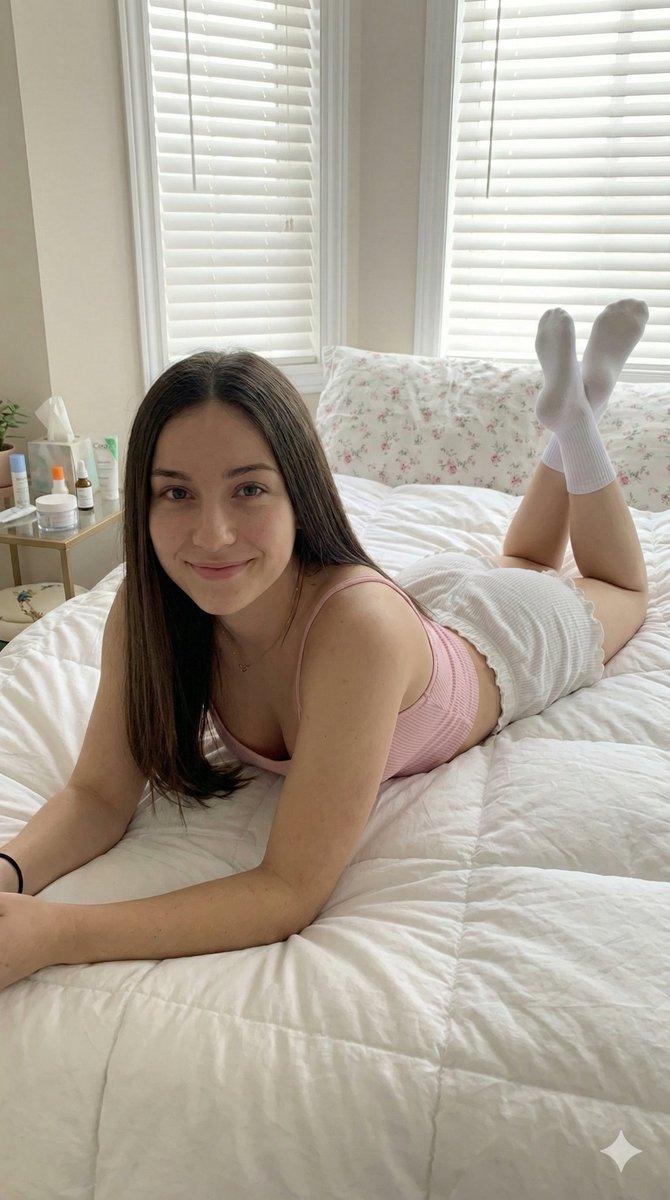
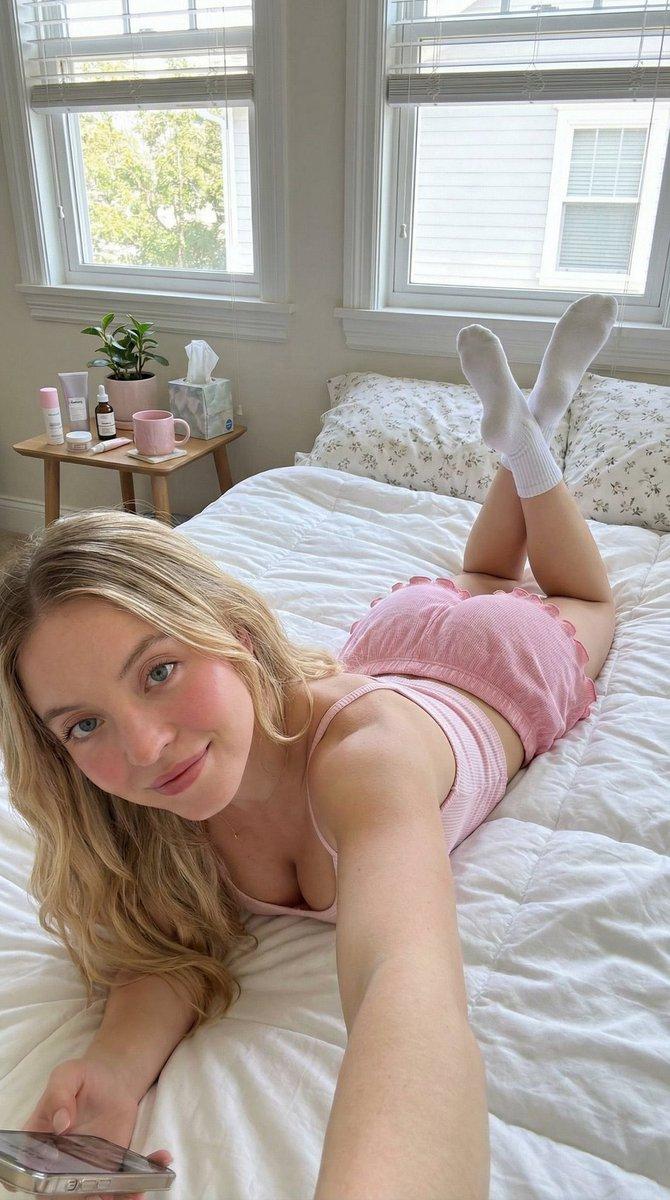
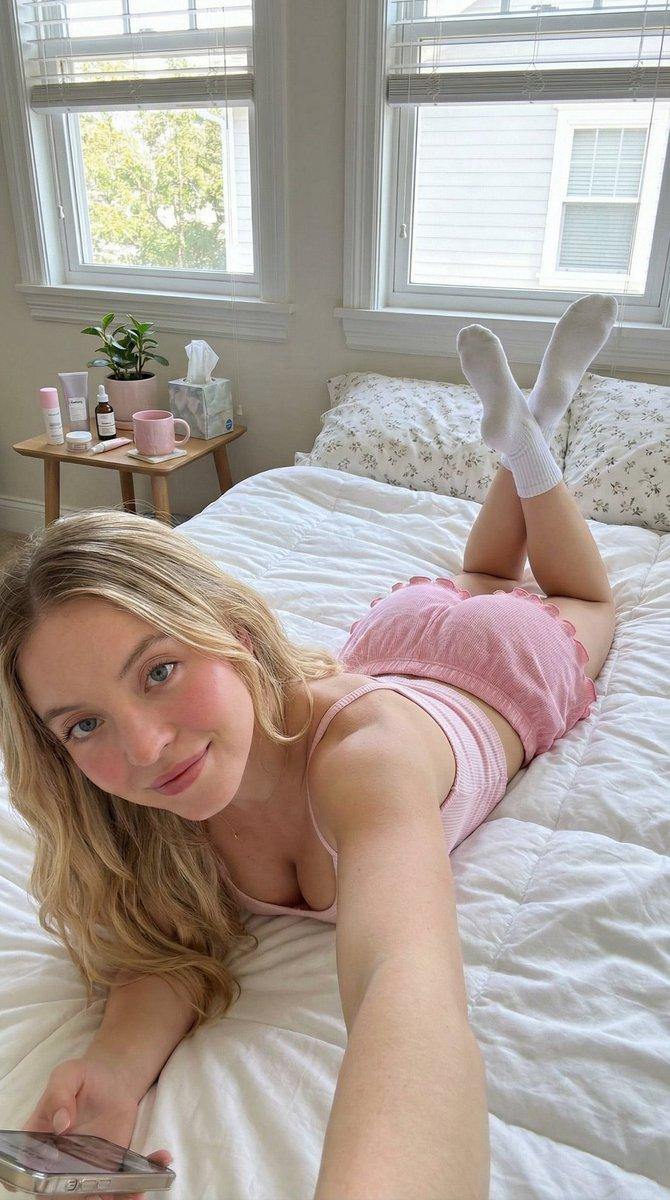
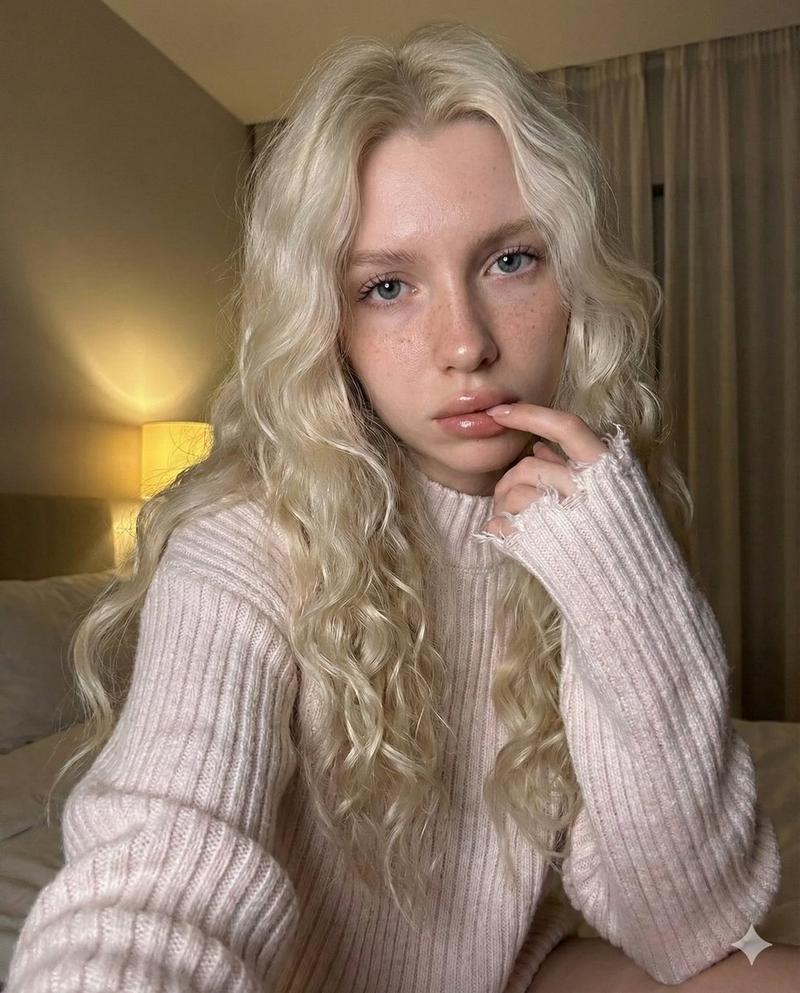
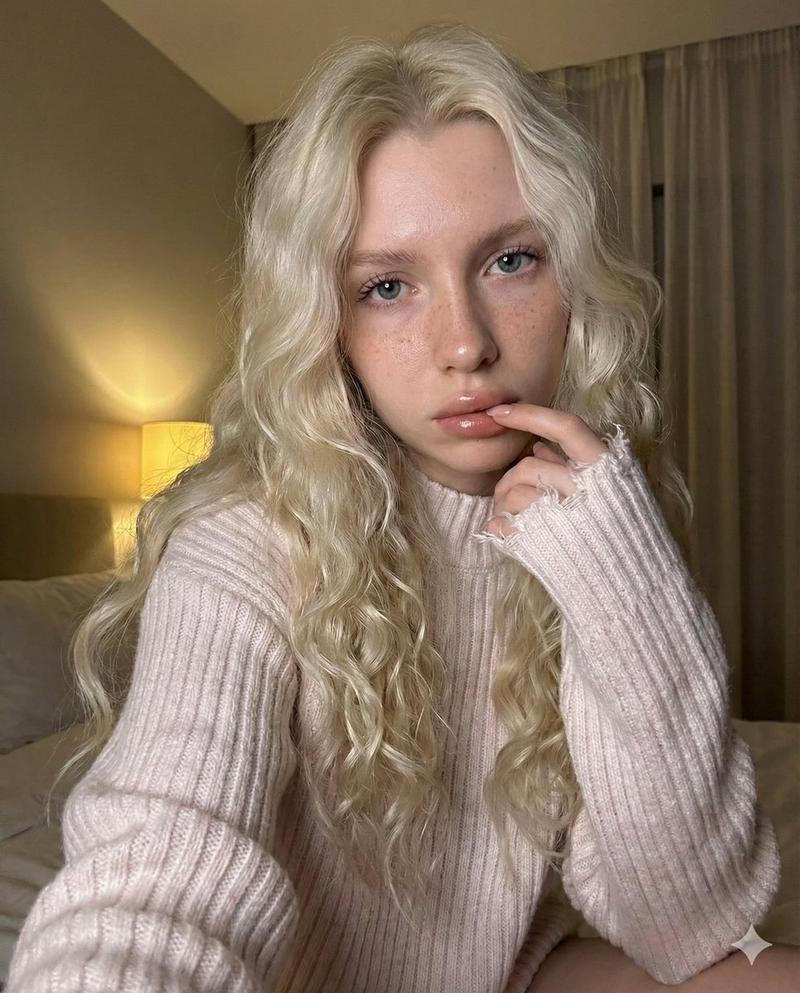
慵懒卧床少女的温柔自拍
Enlarge

慵懒卧床少女的温柔自拍

Prompt
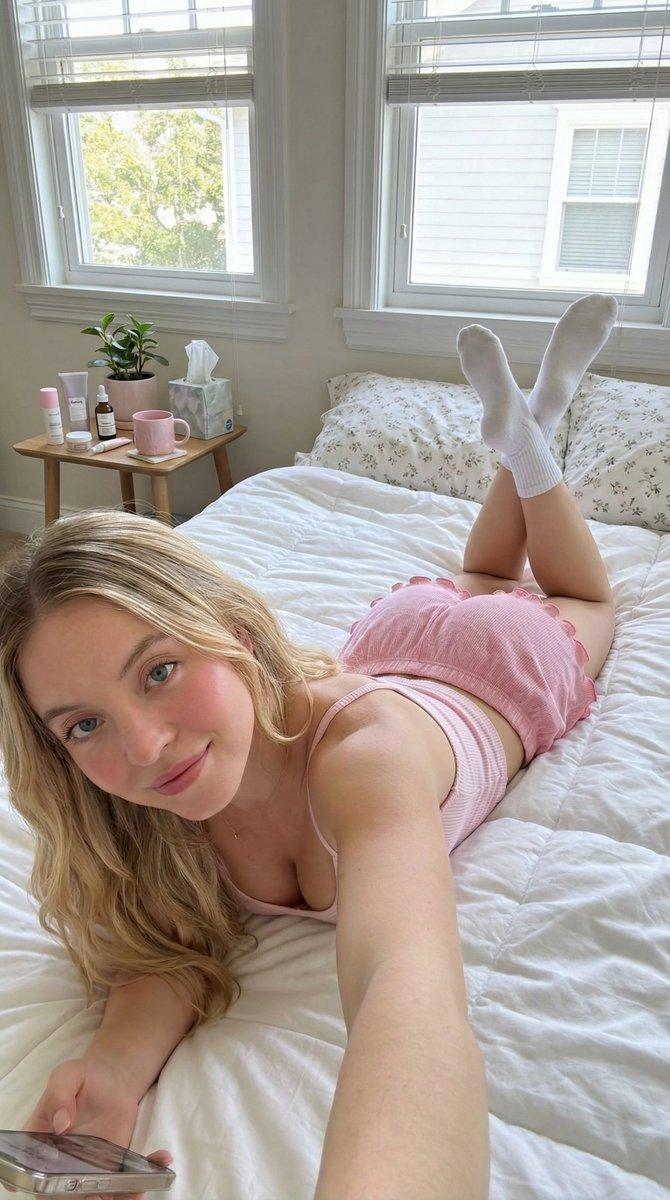
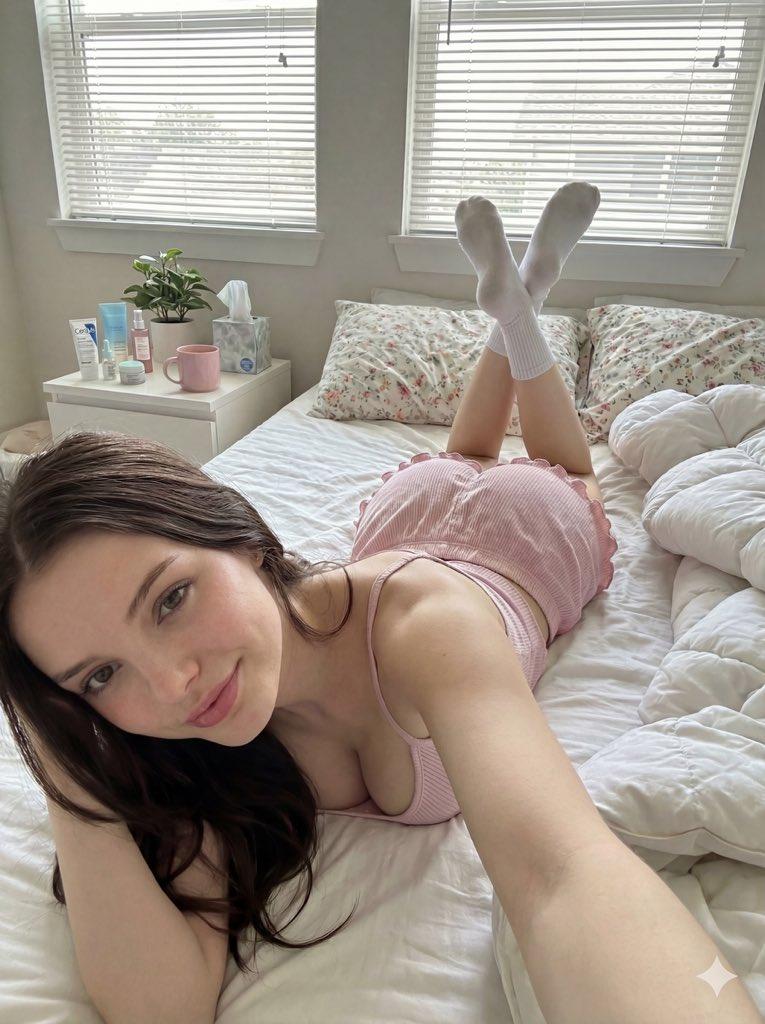
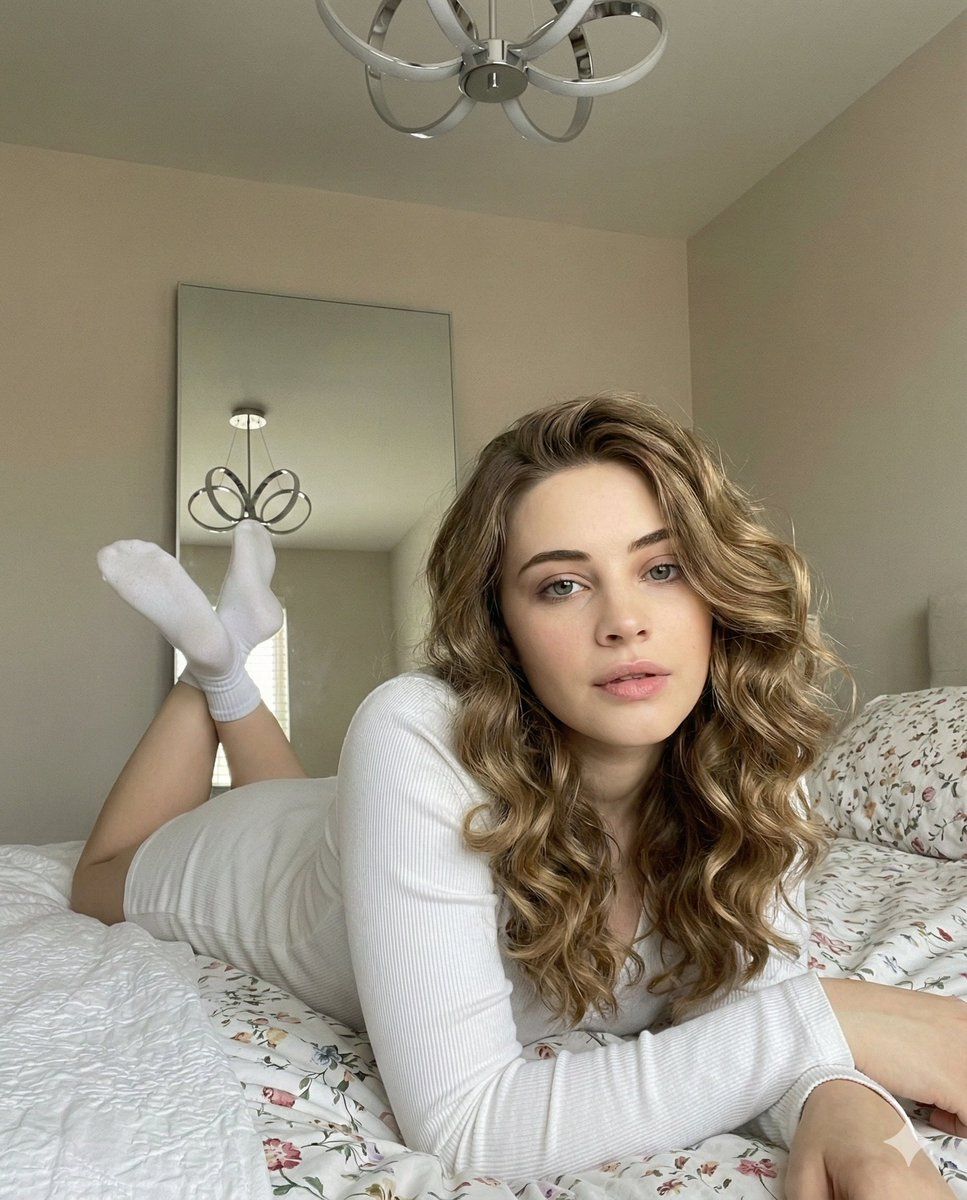
{ "prompt_description": { "subject": "Young woman with long, voluminous, curly dark blonde hair.", "pose": "Lying on stomach on a bed, facing the camera. Upper body propped up on elbows. Legs bent at the knees with feet raised and crossed at the ankles.", "expression": "Relaxed, soft gaze looking directly at viewer, lips slightly parted.", "attire": { "top": "White long-sleeved ribbed top", "footwear": "White ankle socks" }, "environment": { "location": "Bedroom interior", "details": [ "Bed with white and floral patterned bedding", "Large rectangular mirror leaning against a beige wall in the background", "Modern silver ribbon-style ceiling light fixture" ] }, "lighting": "Soft, natural daylight coming from the side, creating gentle shadows.", "style": "Casual, cozy, intimate portrait, high angle selfie aesthetic." } }
Category
Posters & Typography
Model
Nano Banana Pro
Views128
Source ID
10920
Published
Apr 27, 2026

Guide

About "慵懒卧床少女的温柔自拍"

What is this prompt for?

"慵懒卧床少女的温柔自拍" AI image prompt for Nano Banana Pro (Posters & Typography). { "prompt_description": { "subject": "一位年轻女性,留着蓬松、卷曲的深金色长发。", "pose": "俯卧在床上,面向镜头。上半身…

The full copyable prompt and example visuals above are ready for AI image generation or one-click recreate in Picva.

How to use this prompt

  1. Step 1

    Open the prompt detail

    Review the example visuals, category, and full prompt text for "慵懒卧床少女的温柔自拍".

  2. Step 2

    Copy the prompt

    Copy the prompt body from this page, or load it directly in Studio.

  3. Step 3

    Pick a model (Nano Banana Pro)

    Prefer Nano Banana Pro. If you switch models, keep subject and composition and tweak style terms.

  4. Step 4

    Generate and export

    Recreate the look in Picva, or export into your workflow for editing and publishing.

FAQ

What is the "慵懒卧床少女的温柔自拍" prompt?
It is an AI image-generation prompt for Nano Banana Pro in the Posters & Typography category. This page includes the full prompt text, example visuals, and a one-click recreate path in Picva.
How do I use this prompt to generate an image?
Copy the prompt from this page, or use Generate / Studio. Paste it into a compatible image model, or recreate the look in Picva with optional reference images.
Which model is this prompt for?
This page lists Nano Banana Pro. Most descriptive prompts also transfer to nearby image models such as GPT Image, Flux, or Midjourney with light style tweaks.
Can I use the result commercially?
You can usually copy the prompt for creation, but commercial use of the final image depends on the model terms, reference-image rights, and the generated content. Follow the source author and platform rules.