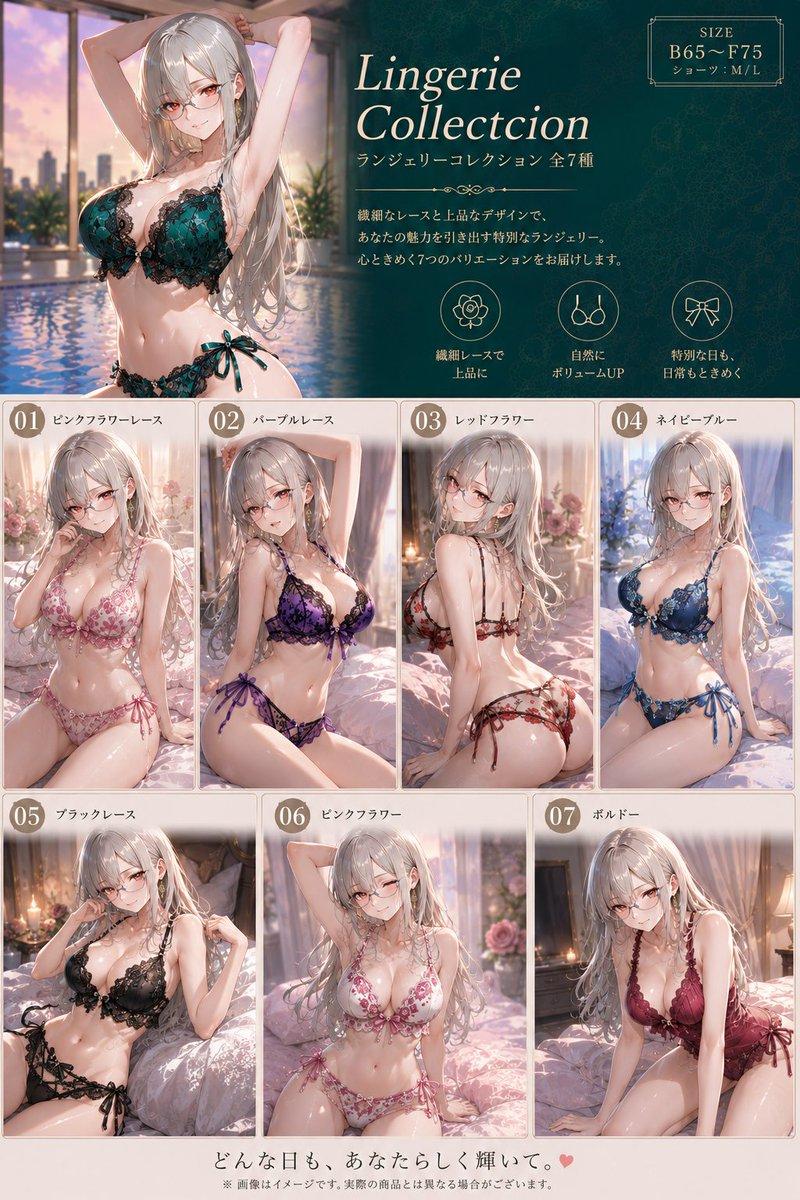
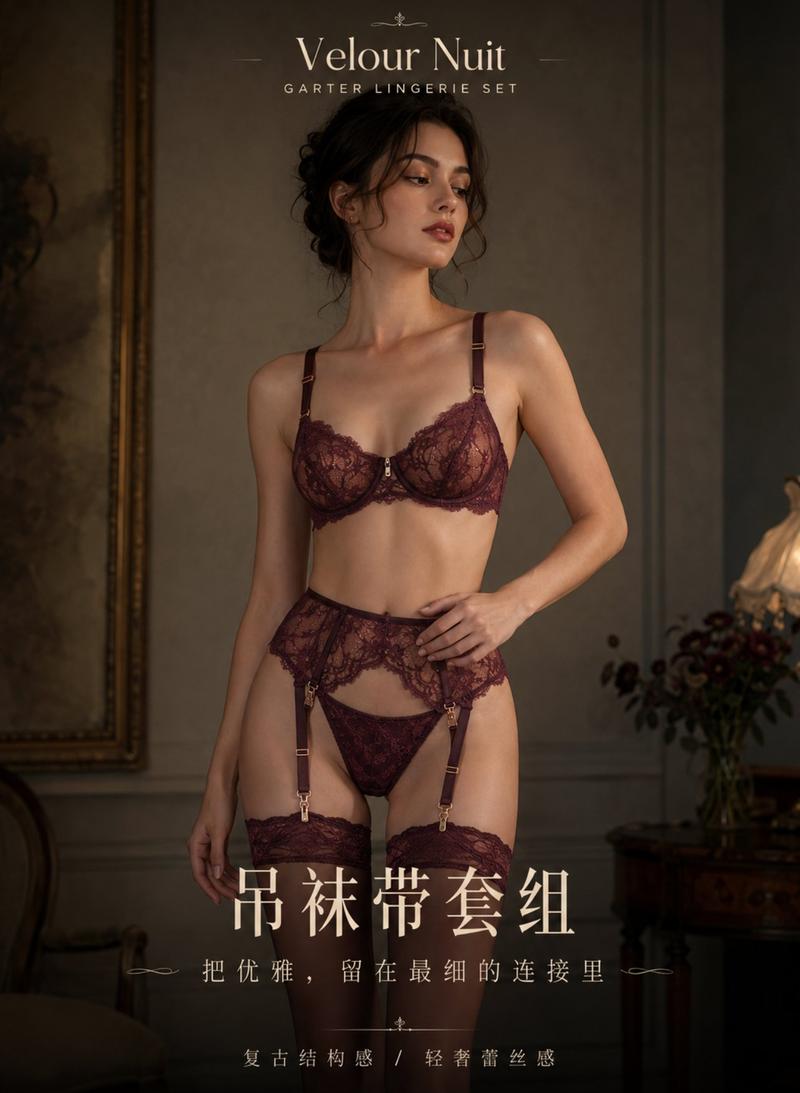
AI高端内衣套装时尚企划画板
Prompt
Create a horizontal 4:3 ultra-detailed premium fashion proposal board titled “AI Innerwear Set Styling Board”. Design the layout like a luxury editorial presentation page with a clean, modern, Pinterest-worthy aesthetic. The overall composition should feel sophisticated, feminine, fashionable, realistic, elegant, and non-explicit.

Feature TWO adult Chinese female models wearing coordinated luxury lingerie styling from the same fashion collection. Both models should visually belong to the same design world while having slightly different personalities and styling energy. Use tasteful posing, elegant posture, and realistic fashion campaign photography aesthetics. Avoid sexualized posing or bedroom scenes. Use a clean editorial studio environment with soft luxury lighting.

The board should include a premium fashion layout structure with:
top luxury title area, left-side twin model showcase, center product breakdown section, right-side styling information panel, and bottom styling extension strip. Add subtle editorial details such as fashion grid lines, module dividers, typography hierarchy, handwritten annotations, material swatches, aesthetic arrows, and luxury design callouts.

Include a detailed product flat-lay breakdown showing coordinated lingerie pieces and accessories from the same collection. Add macro-detail closeups highlighting fabric texture, lace quality, embroidery craftsmanship, satin reflections, stitching detail, mesh transparency, straps, ribbons, and metallic hardware. Everything should feel organized like a high-end fashion catalog presentation.

The right-side information panel should contain:
style theme title, short editorial fashion description, luxury color palette swatches, material board notes, fit features, and occasion styling recommendations. Use modern clean UI-inspired fashion labels and elegant typography.

Add handwritten-style English annotations across the board with short fashionable notes such as:
“luxury texture balance”
“soft feminine layering”
“editorial styling harmony”
“modern resort elegance”
“premium craftsmanship details”

At the bottom, create three mini styling extension concepts featuring alternate fashion layering ideas and outfit combinations. Include tiny fashion thumbnails or minimalist sketches to make the board feel like a real luxury styling proposal.

The visual direction should resemble:
a luxury lingerie campaign,
a premium fashion magazine spread,
a modern feminine Pinterest board,
a sophisticated editorial lookbook,
and a high-end coordinated styling presentation.

The final image should communicate:
luxury femininity, elegant editorial storytelling, cohesive styling aesthetics, realistic fashion presentation, premium detailing, and modern fashion-world sophistication.
- Category
- UI & Interfaces
- Model
- ChatGPT
- Creator
- @xRahultripathi
- Source ID
- 14375
- Published
- May 13, 2026
Views191