16

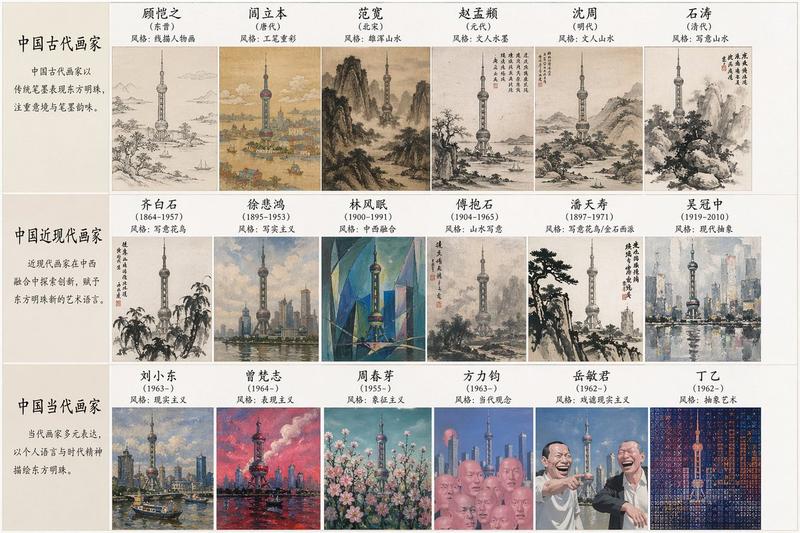
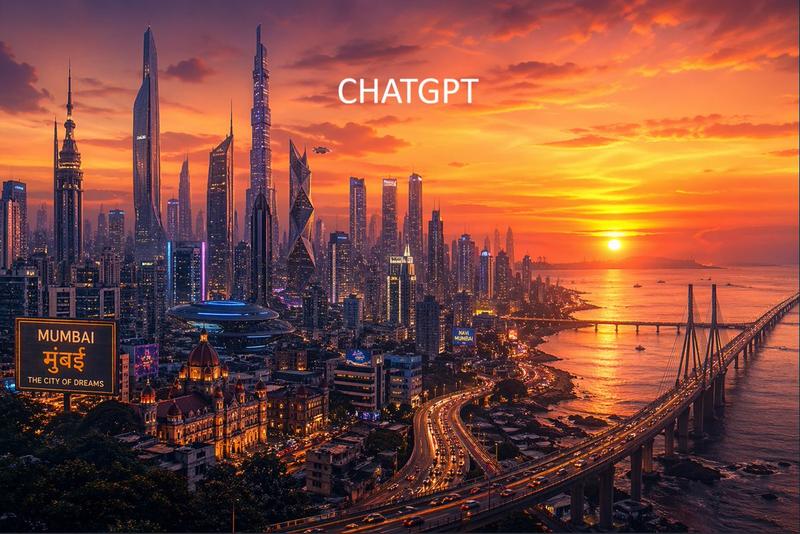
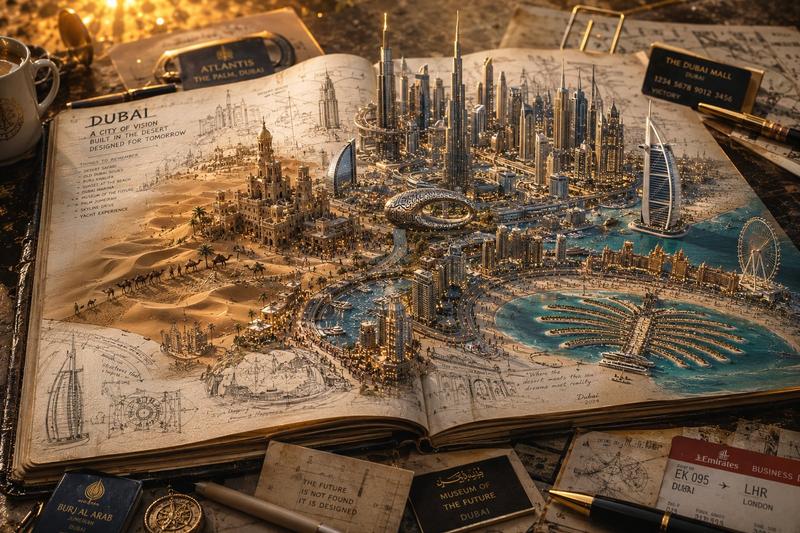
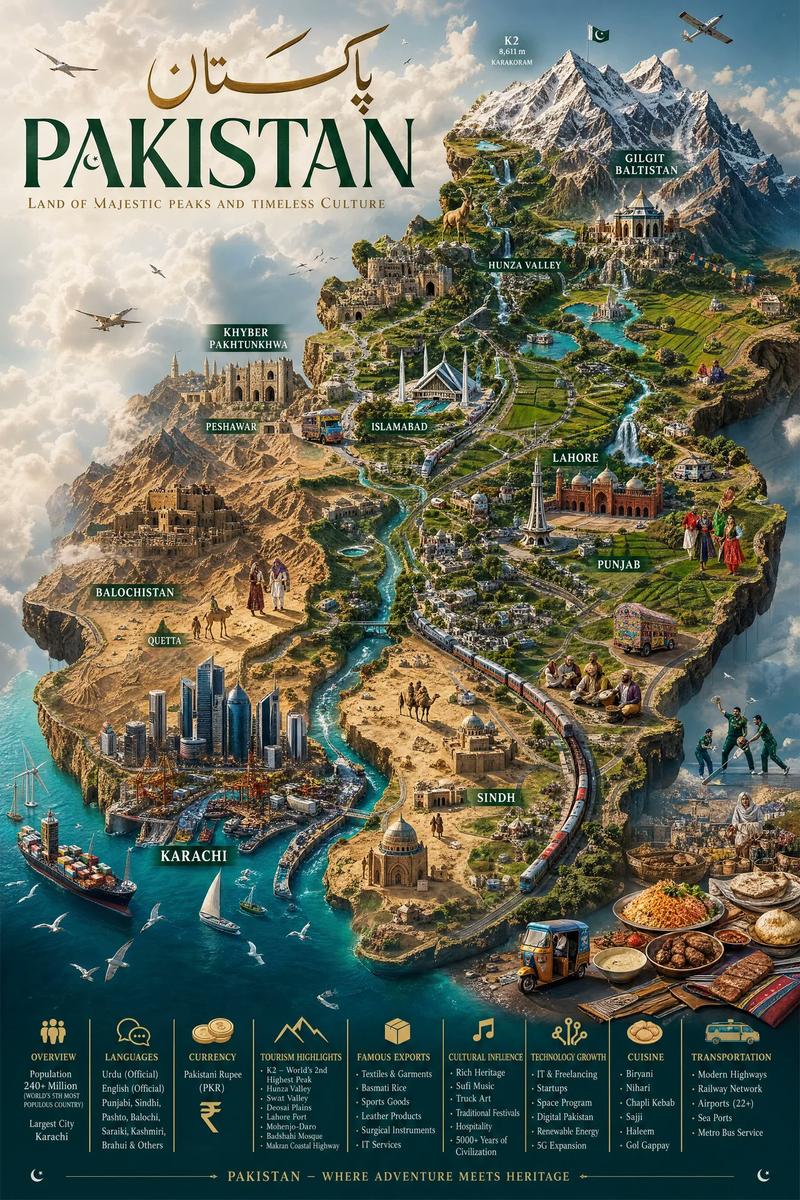
曼哈顿天际线跨时空演变三联画轴
Enlarge

曼哈顿天际线跨时空演变三联画轴

Prompt
16:9 Manhattan skyline 1300-2025 :root {      --subject: "$entity across deep time"; /* e.g. Manhattan skyline 1600-2100, Horse evolution, The English language */     --epochs: 5; /* AI infers key representative eras */ }  # canvas {     background: linear-gradient(to right, # f4e4c1, # 2c2c2c); /* dawn to dusk of time */ }  # subject_render {     layout: "Horizontal triptych timeline with vertical depth slices";     render-left-panel: "Dawn era: heavily stylised historical art (woodcut, illuminated manuscript, fossil sketch) with contemporary descriptive labels in period script.";     render-middle-panels: "Successive eras blending into next: each era uses its dominant artistic and documentary style (daguerreotype, newsreel, CAD wireframe), AI inferring architectural or morphological details.";     render-right-panel: "Far future or present: hyper-photoreal, perhaps speculative, with weather, wear, and life — the actual light of the last era falling on it.";     transition-between-eras: "Edges between panels are ghostly palimpsests where the old form's outline still guides the new, like time-exposure of growth."; }
Category
Charts & Infographics
Model
ChatGPT
Creator
@Gdgtify
Views85
Source ID
14651
Published
May 19, 2026

Guide

About "曼哈顿天际线跨时空演变三联画轴"

What is this prompt for?

"曼哈顿天际线跨时空演变三联画轴" AI image prompt for ChatGPT (Charts & Infographics). 16:9 曼哈顿天际线 1300-2025 :root { --subject: "$主体在漫长时光中的变迁"; /* 例如:1600-2100年的曼哈顿天际线、马的进化、英语…

The full copyable prompt and example visuals above are ready for AI image generation or one-click recreate in Picva.

How to use this prompt

  1. Step 1

    Open the prompt detail

    Review the example visuals, category, and full prompt text for "曼哈顿天际线跨时空演变三联画轴".

  2. Step 2

    Copy the prompt

    Copy the prompt body from this page, or load it directly in Studio.

  3. Step 3

    Pick a model (ChatGPT)

    Prefer ChatGPT. If you switch models, keep subject and composition and tweak style terms.

  4. Step 4

    Generate and export

    Recreate the look in Picva, or export into your workflow for editing and publishing.

FAQ

What is the "曼哈顿天际线跨时空演变三联画轴" prompt?
It is an AI image-generation prompt for ChatGPT in the Charts & Infographics category. This page includes the full prompt text, example visuals, and a one-click recreate path in Picva.
How do I use this prompt to generate an image?
Copy the prompt from this page, or use Generate / Studio. Paste it into a compatible image model, or recreate the look in Picva with optional reference images.
Which model is this prompt for?
This page lists ChatGPT. Most descriptive prompts also transfer to nearby image models such as GPT Image, Flux, or Midjourney with light style tweaks.
Can I use the result commercially?
You can usually copy the prompt for creation, but commercial use of the final image depends on the model terms, reference-image rights, and the generated content. Follow the source author and platform rules.