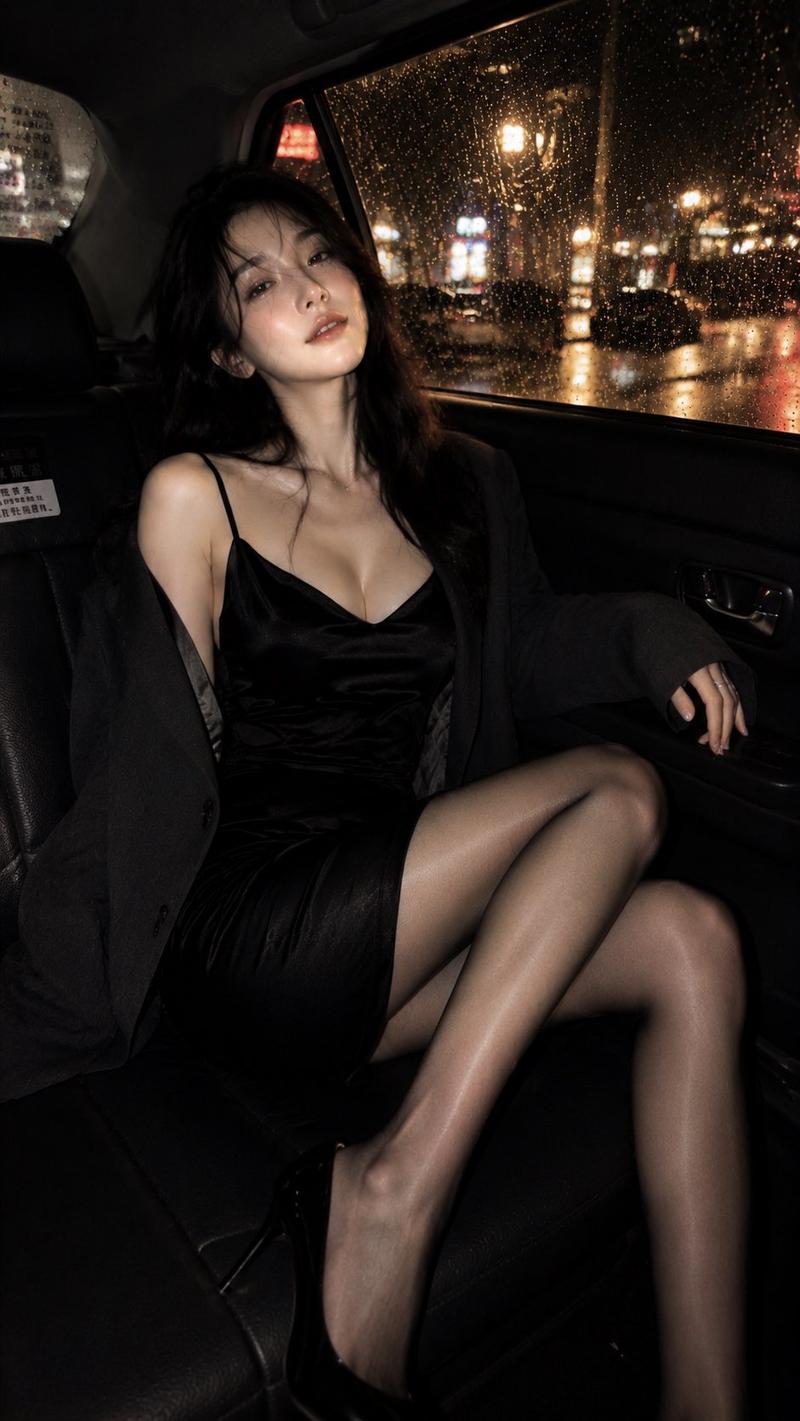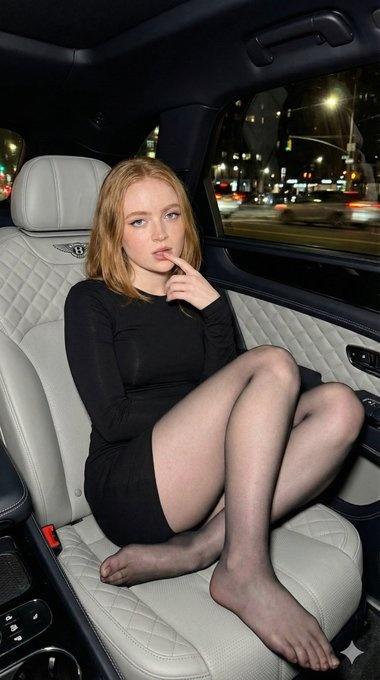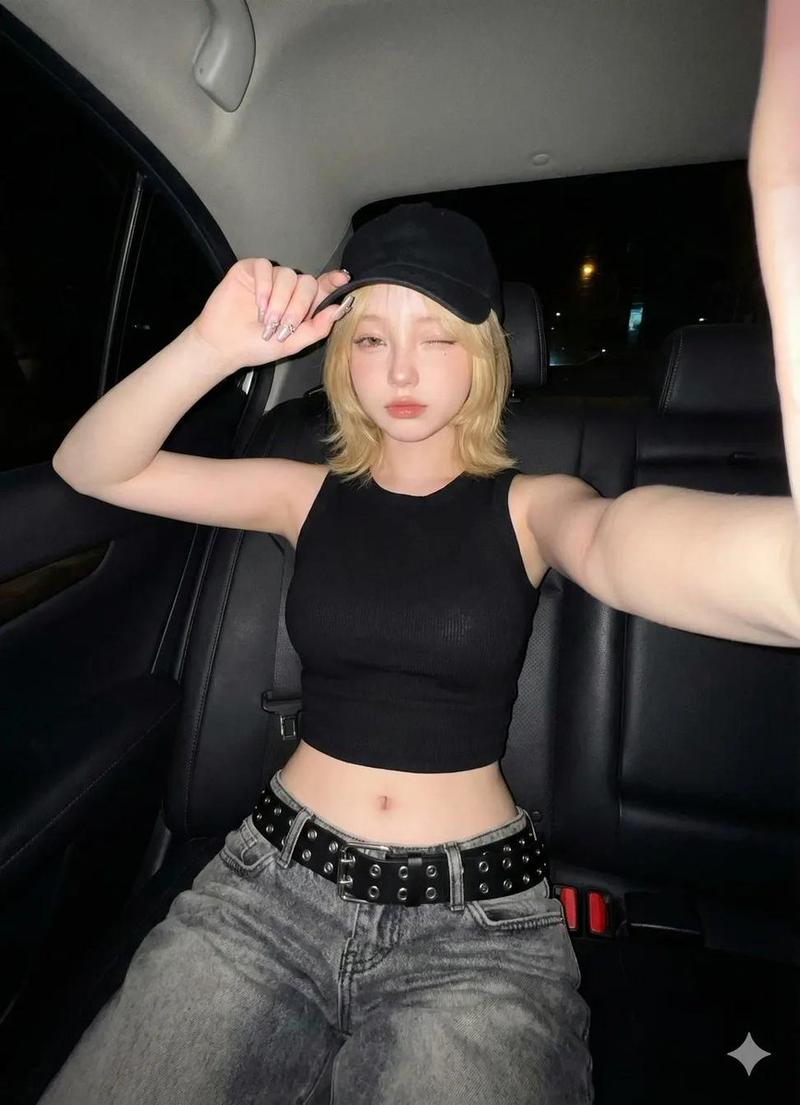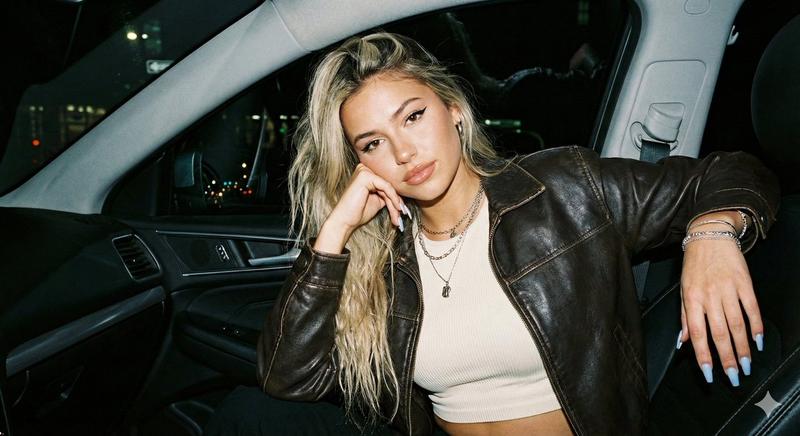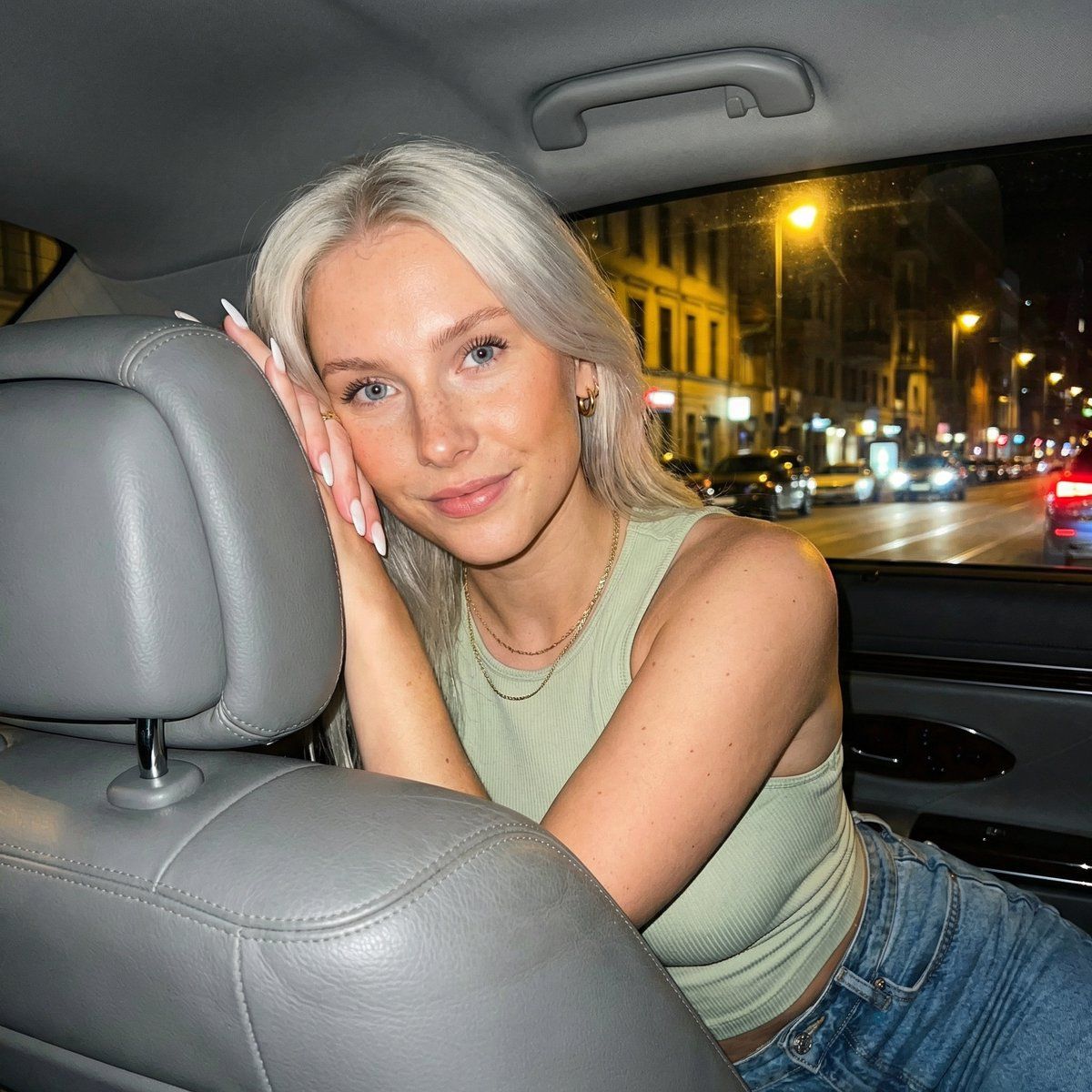
迈巴赫夜色中的绿眸女孩
Prompt
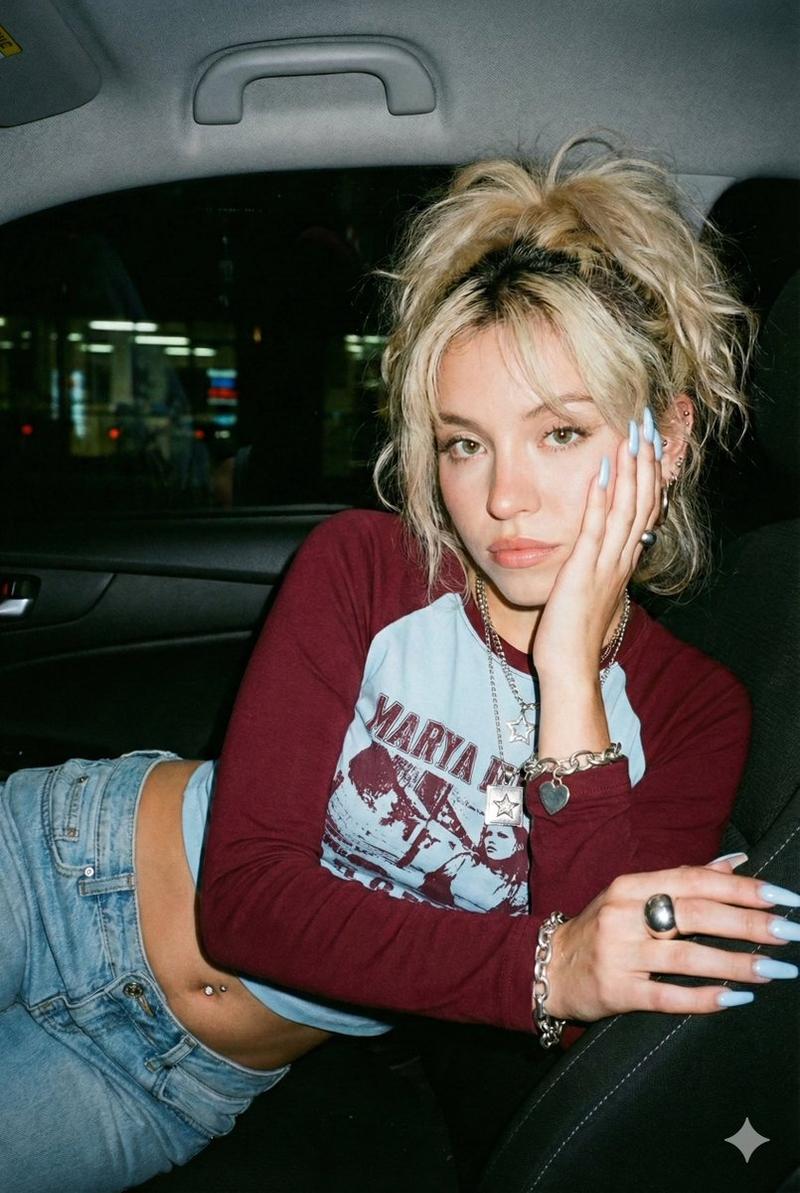
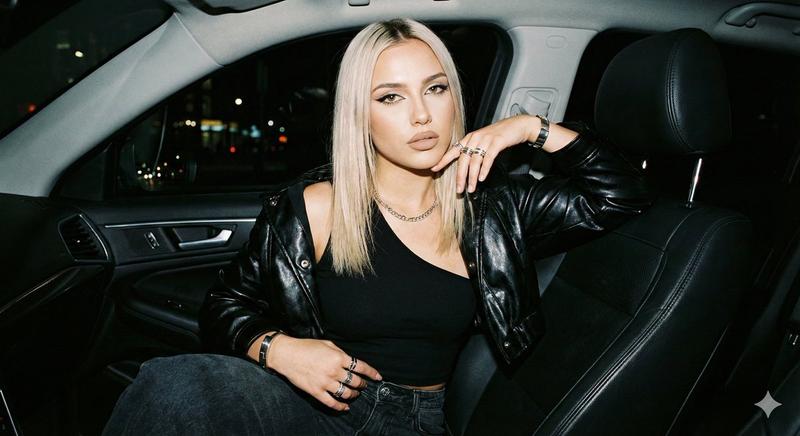
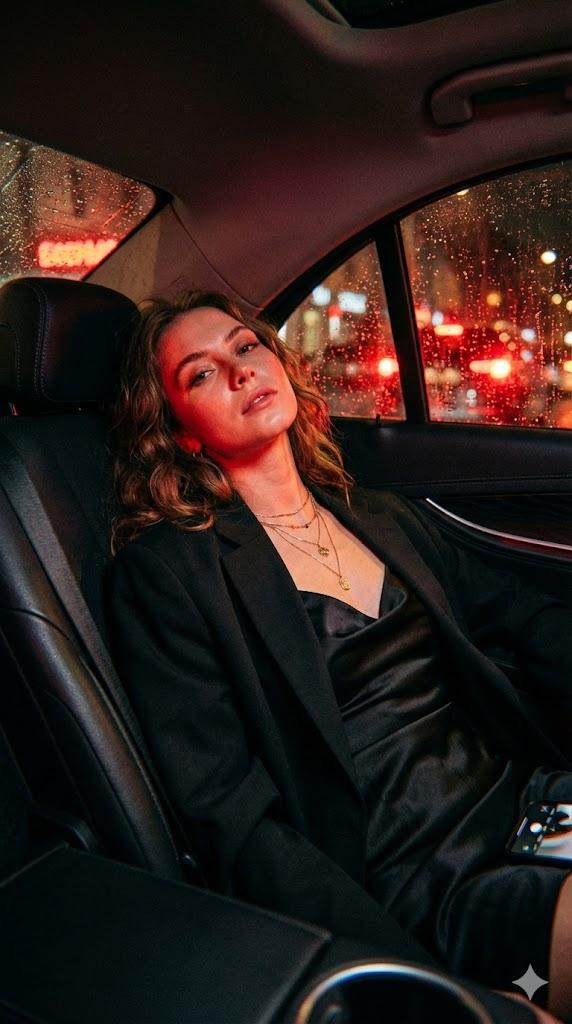
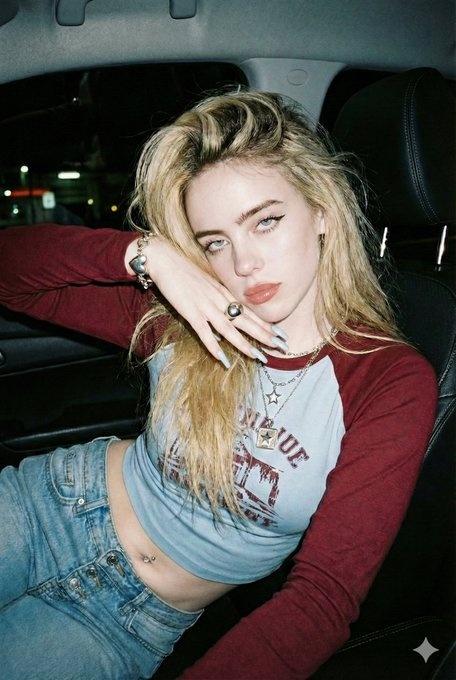
{ "lighting": { "source": "Mixed artificial light sources. The primary source is a warm ambient light coming from the upper right, likely from a streetlamp or building outside the car, illuminating the subject's face and arm. There is also internal car light.", "quality": "Soft, diffused, but with directional shadows.", "shadows": "Soft shadows cast on the subject's face, neck, and torso. The background is mostly in shadow." }, "background": { "depth": "Shallow depth of field, with the outside world significantly blurred.", "setting": "Interior of a Maybach at night, parked or moving slowly.", "elements": [ "Grey leather car seat headrest.", "Car ceiling and rearview mirror.", "View through the passenger window showing blurry night lights, buildings, other vehicles, and streetlamps." ] }, "typography": { "visible_text": null }, "composition": { "angle": "Slightly low angle, looking up at the subject.", "framing": "Taken from inside a vehicle, looking towards the subject leaning over the driver's seat headrest. The frame is tight, focusing on the subject's upper body and face.", "shot_type": "Medium close-up", "focal_point": "The subject's face and eyes." }, "color_profile": { "mood": "Intimate, candid, nocturnal.", "palette": "Warm skin tones, cool blue denim, muted grey interior, and dark shadows, punctuated by warm yellow and orange lights from outside.", "dominant_colors": [ "#CDBCA6", "#46678C", "#7A8288", "#2A2A2A", "#D9C6B8" ] }, "technical_specs": { "iso": "High ISO, likely 800-1600, resulting in some visible grain.", "focus": "Focus is on the subject's face.", "aperture": "Likely f/1.8 or f/2.0", "lens_type": "Wide-angle lens (approx. 26mm equivalent)", "camera_type": "Smartphone camera", "shutter_speed": "Relatively slow due to low light, possibly 1/30s or 1/60s", "depth_of_field": "Shallow depth of field, blurring the background outside the car window." }, "subject_analysis": { "person": { "eyes": "Dark green, looking directly at the camera.", "hair": { "color": "Dark brown/black", "style": "Long, straight, parted in the middle, falling over her left shoulder." }, "pose": "Leaning over the grey leather headrest of the driver's seat, with her left arm resting on it and her hand near her cheek. Her body is angled towards the camera.", "skin": "Fair to light medium, with visible makeup including blush, eye shadow, and pink lipstick.", "attire": { "top": "Light pale green ribbed tank top.", "bottom": "Blue denim jeans.", "accessories": [ "Thin gold necklace with a small pendant.", "Long white artificial nails." ] }, "gender": "Female", "age_range": "Young adult (20s)"- Category
- Posters & Typography
- Model
- Nano Banana Pro
- Creator
- @JustBethanyai
- Source ID
- 10819
- Published
- Apr 28, 2026
Views37