14

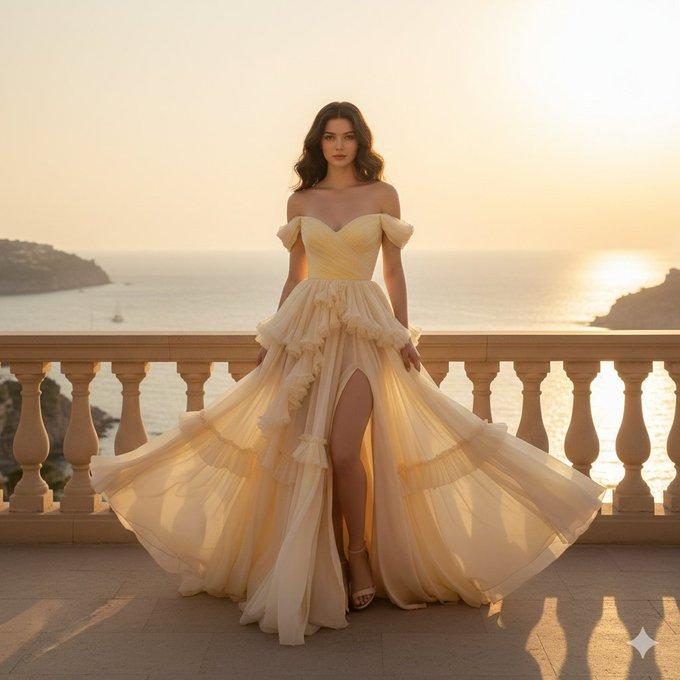
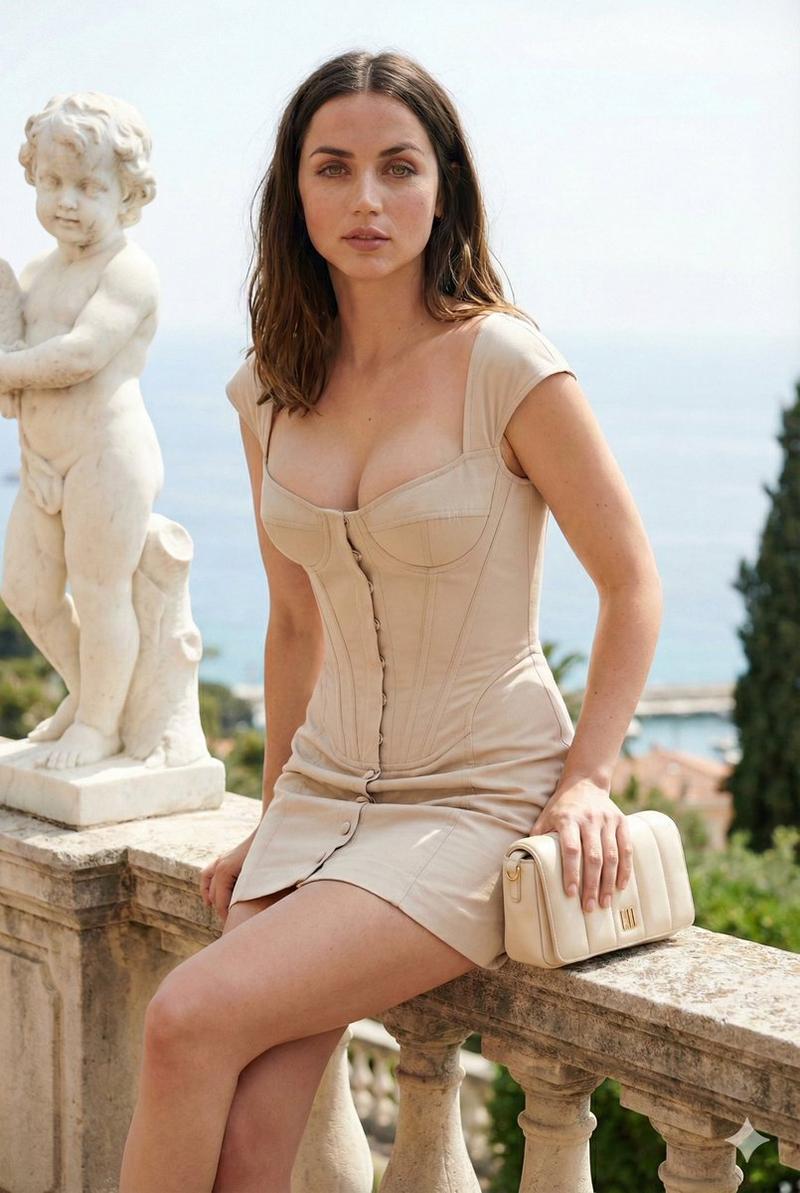
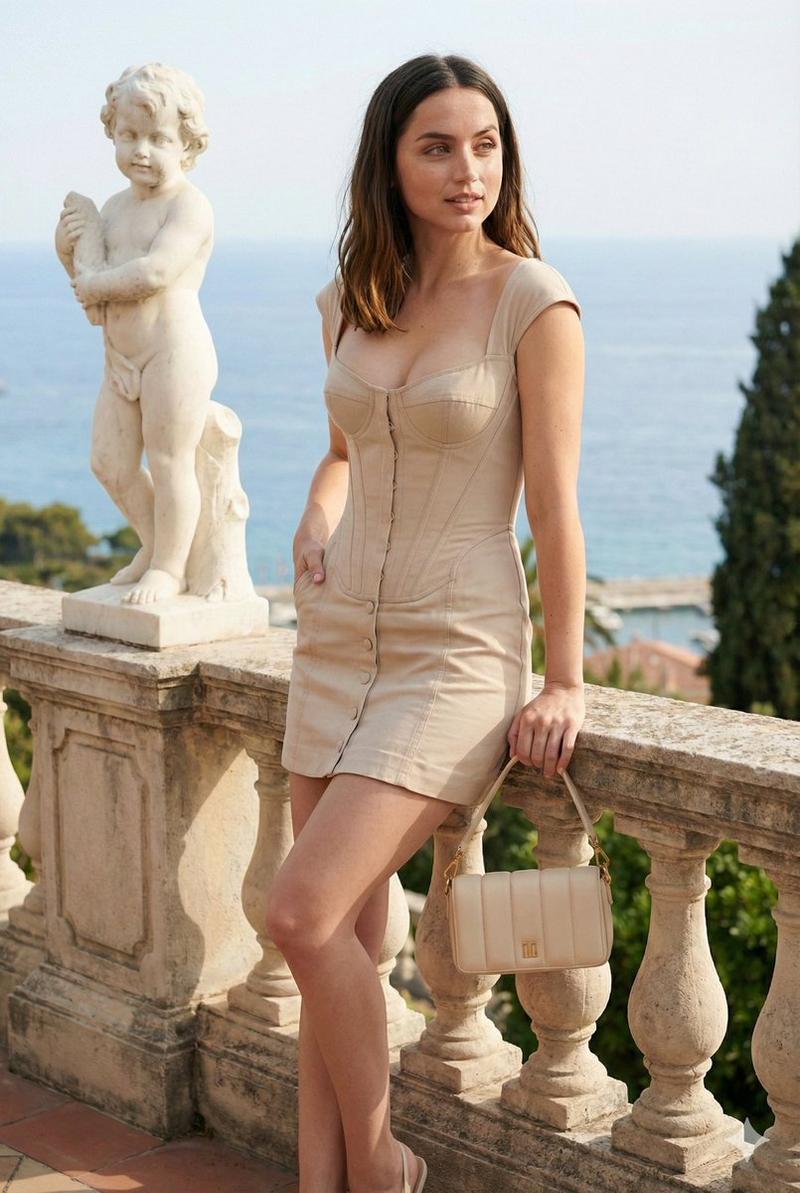
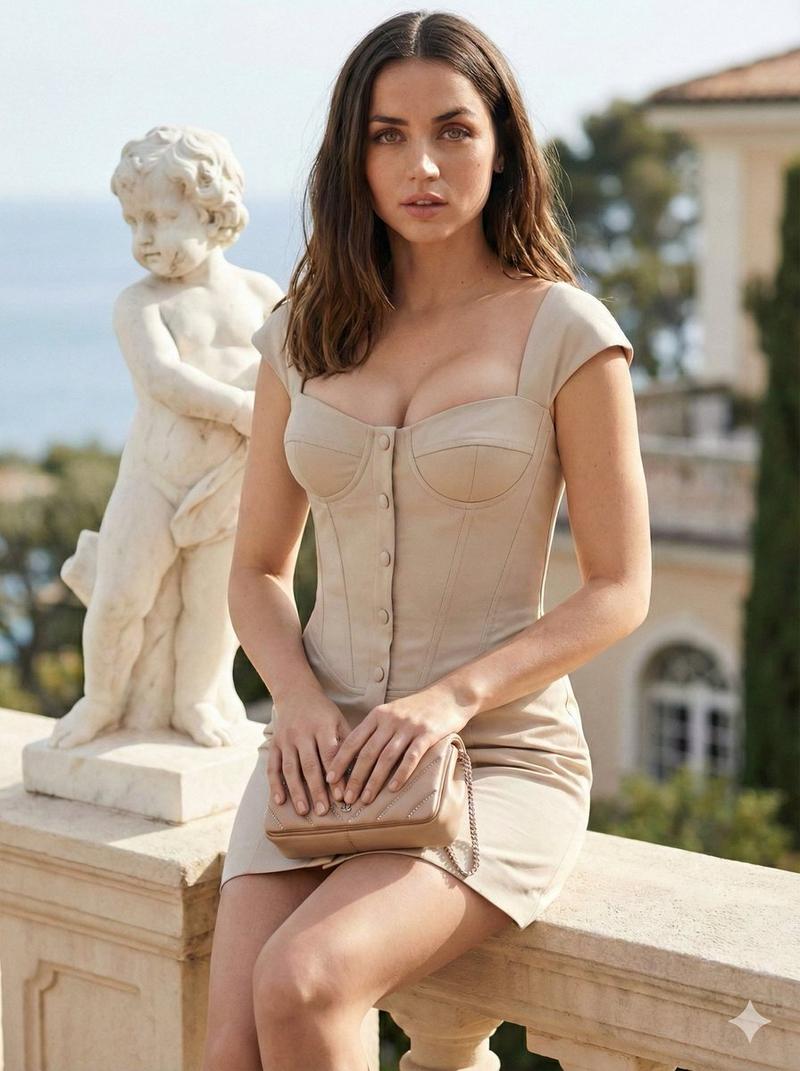
地中海阳台粉色蕾丝佳人
Enlarge

地中海阳台粉色蕾丝佳人

Prompt
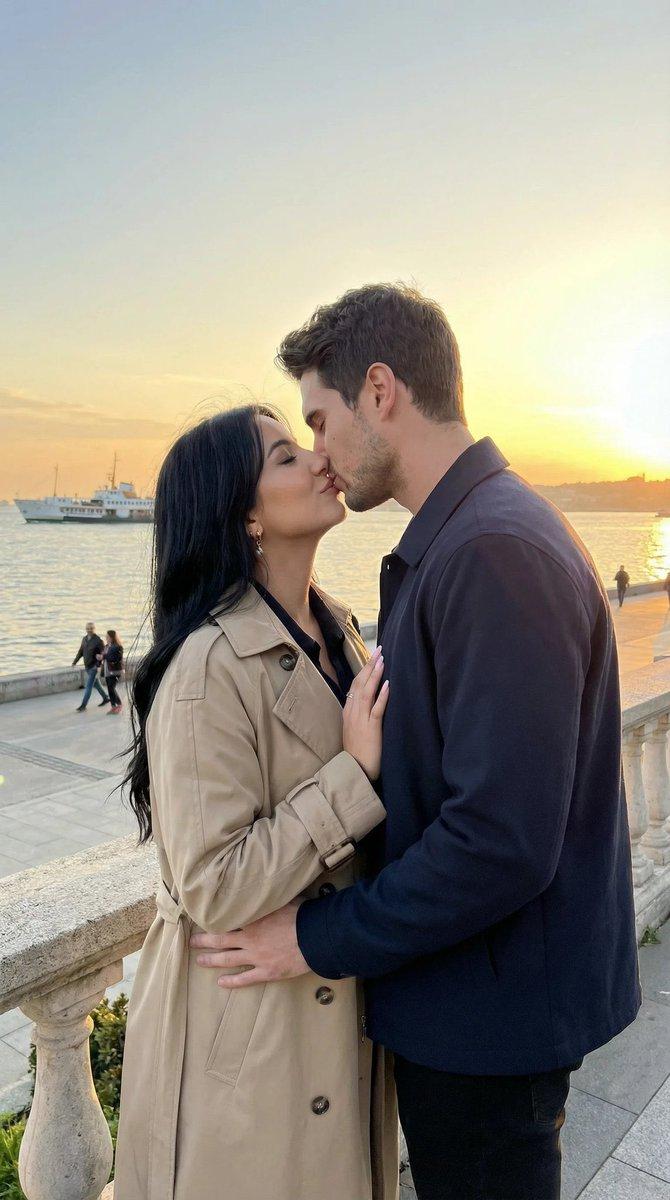
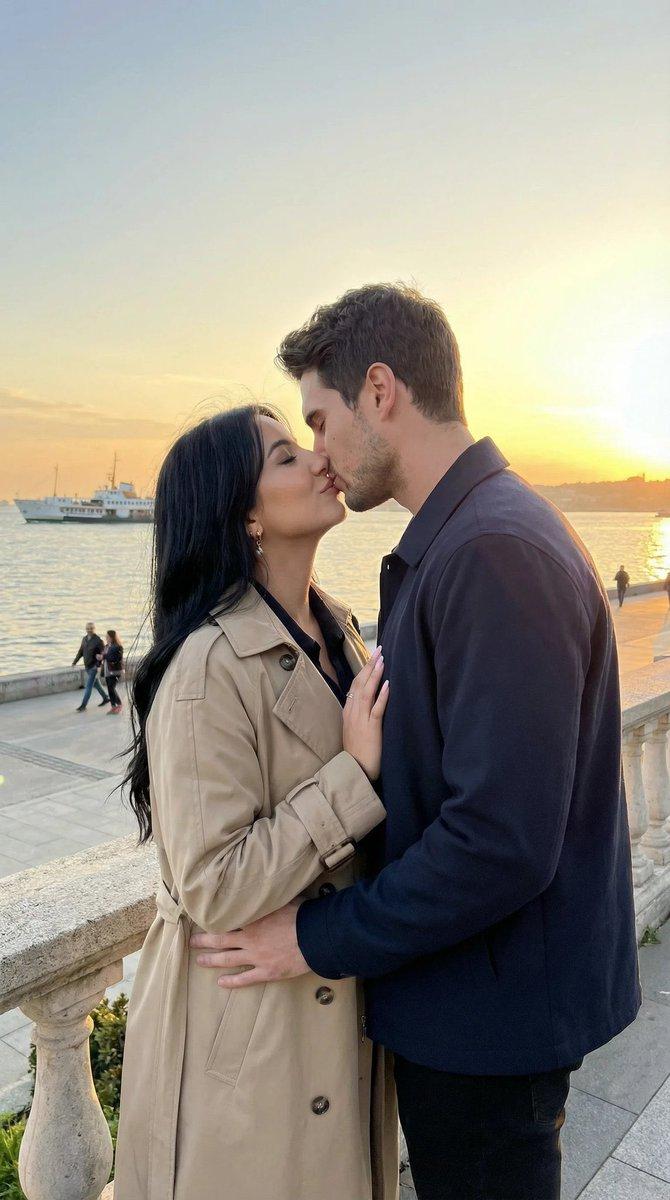
Create a hyper-realistic(With my hardlocked reference face. No changes to face or Tattoos. 100% face match). She has S figure with thick thighs and toned waist. Photorealistic fashion portrait of a confident woman with smooth warm-toned skin, long hair in a soft updo with a pink flower, natural makeup and expressive eyes. She’s wearing a pastel pink lace mini dress with thin straps, fitted corset-style bodice, sweetheart neckline, semi-sheer floral lace texture, and a layered ruffled short skirt, holding a glossy shell-shaped pink clutch. Pose: relaxed flirty stance, one leg slightly crossed forward,body angled naturally toward the camera. Background: Mediterranean balcony overlooking the ocean at golden hour, warm sunlight, pastel sky, white stone railings, soft depth of field. Ultra-realistic photography, 8K detail, sharp subject, soft cinematic bokeh, natural light, luxury editorial look.
Category
Photography & Realism
Model
Nano Banana Pro
Views65
Source ID
12893
Published
Apr 12, 2026

Guide

About "地中海阳台粉色蕾丝佳人"

What is this prompt for?

"地中海阳台粉色蕾丝佳人" AI image prompt for Nano Banana Pro (Photography & Realism). 创作一张超写实图像(使用我硬锁定的参考面部。面部和纹身均无改动。100% 面部匹配)。她拥有 S 形身材,大腿丰满,腰部紧致。一张自信女性的写实时尚肖像,皮肤光滑,暖色…

The full copyable prompt and example visuals above are ready for AI image generation or one-click recreate in Picva.

How to use this prompt

  1. Step 1

    Open the prompt detail

    Review the example visuals, category, and full prompt text for "地中海阳台粉色蕾丝佳人".

  2. Step 2

    Copy the prompt

    Copy the prompt body from this page, or load it directly in Studio.

  3. Step 3

    Pick a model (Nano Banana Pro)

    Prefer Nano Banana Pro. If you switch models, keep subject and composition and tweak style terms.

  4. Step 4

    Generate and export

    Recreate the look in Picva, or export into your workflow for editing and publishing.

FAQ

What is the "地中海阳台粉色蕾丝佳人" prompt?
It is an AI image-generation prompt for Nano Banana Pro in the Photography & Realism category. This page includes the full prompt text, example visuals, and a one-click recreate path in Picva.
How do I use this prompt to generate an image?
Copy the prompt from this page, or use Generate / Studio. Paste it into a compatible image model, or recreate the look in Picva with optional reference images.
Which model is this prompt for?
This page lists Nano Banana Pro. Most descriptive prompts also transfer to nearby image models such as GPT Image, Flux, or Midjourney with light style tweaks.
Can I use the result commercially?
You can usually copy the prompt for creation, but commercial use of the final image depends on the model terms, reference-image rights, and the generated content. Follow the source author and platform rules.