16

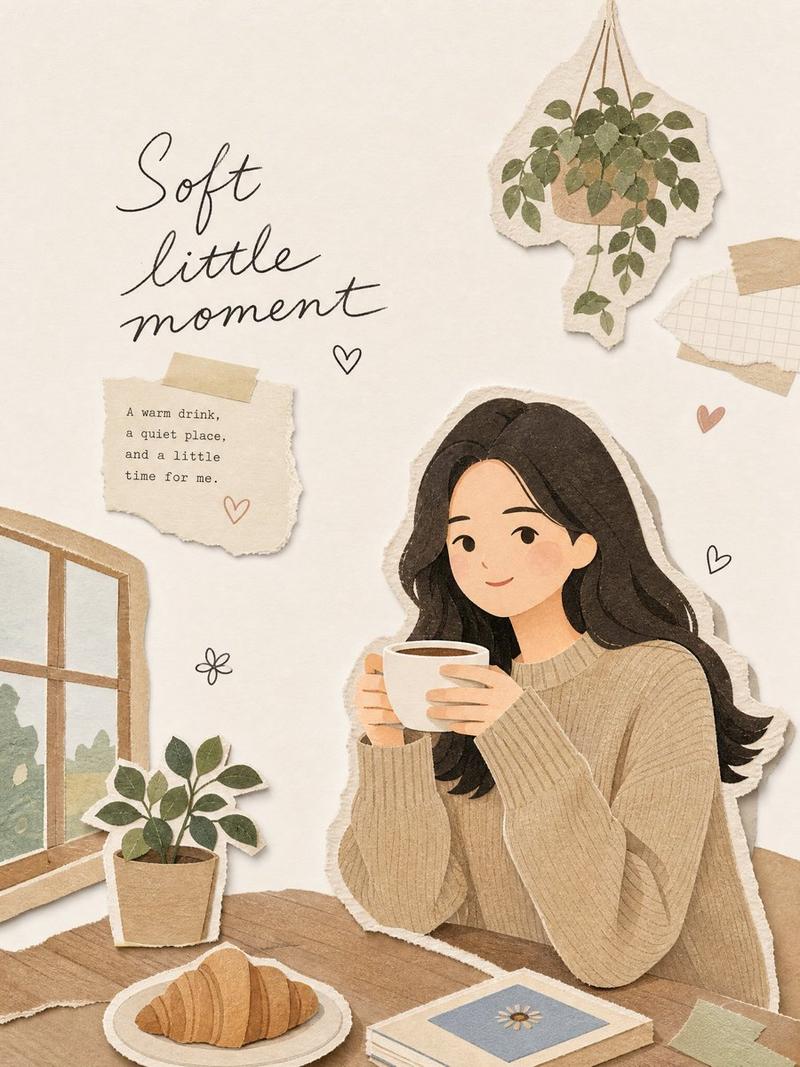
极简杂志剪纸拼贴风格插画
Enlarge

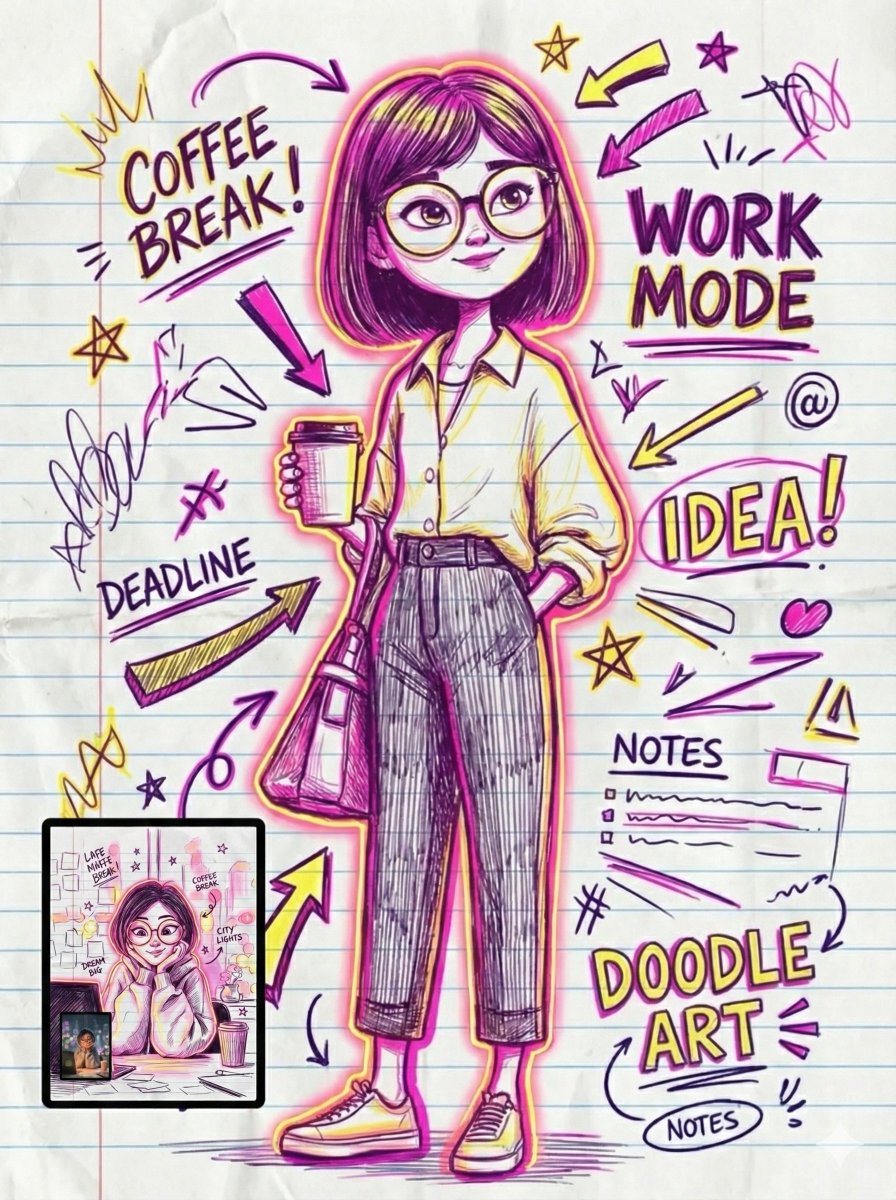
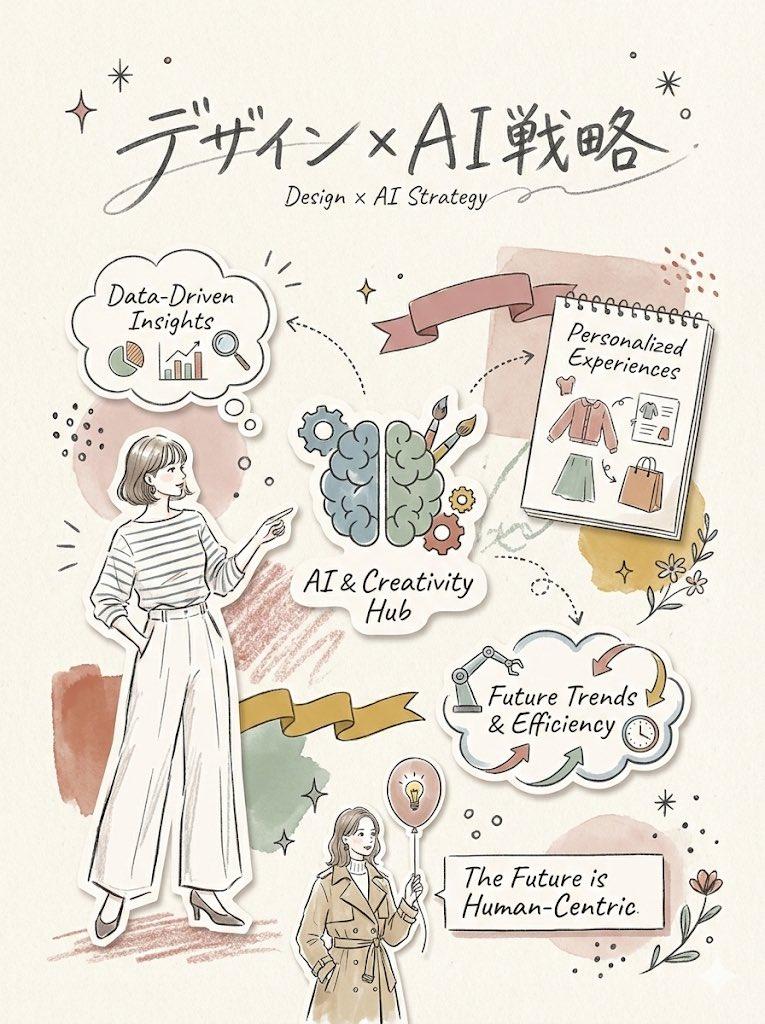
Example images

极简杂志剪纸拼贴风格插画

Prompt
Transform the uploaded image into a minimal magazine cutout collage style illustration.

Keep the main subject, pose, and overall concept from the uploaded image, but reinterpret it as a warm handmade editorial collage.

Style: minimal magazine cutout collage illustration,flat layered paper shapes,soft pastel paper texture,torn paper edges,
paper shadow effect,clean black doodle accents,handmade scrapbook mood,modern Korean editorial design,simple and cute composition,large clean white negative space.

Character: cute simplified Korean character,minimal facial features,
small relaxed smile,soft rounded proportions,simple casual outfit,
paper-cut layered silhouette.

Composition: vertical 3:4 ratio,
main subject placed slightly low and off-center, large empty space on the opposite side,sparse airy layout,not crowded.

Objects: add only a few related collage props,paper notes,small hearts,plants,coffee cup,window,
tape pieces,simple doodle icons.

Typography: add an elegant handwritten English title that matches the scene.
Use short phrases such as:
“Take a small break”
“Soft little moment”
“Everyday joy”
“Quiet mood”
“Good day, good mood”

Mood: calm, cozy, warm, cute, editorial.

Avoid: realistic photo look,anime style,watercolor,3D clay,overly detailed background,busy collage,
luxury poster mood,dark colors,
hard shadows,messy text.
Category
Posters & Typography
Model
ChatGPT
Views75
Source ID
15158
Published
May 28, 2026

Guide

About "极简杂志剪纸拼贴风格插画"

What is this prompt for?

"极简杂志剪纸拼贴风格插画" AI image prompt for ChatGPT (Posters & Typography). 将上传的图片转换为极简杂志剪纸拼贴风格插画。 保留上传图片中的主要主体、姿势和整体概念,但将其重新诠释为温馨的手工编辑拼贴画。 风格:极简杂志剪纸拼贴插画,扁平分层纸张形状,柔和的淡雅…

The full copyable prompt and example visuals above are ready for AI image generation or one-click recreate in Picva.

How to use this prompt

  1. Step 1

    Open the prompt detail

    Review the example visuals, category, and full prompt text for "极简杂志剪纸拼贴风格插画".

  2. Step 2

    Copy the prompt

    Copy the prompt body from this page, or load it directly in Studio.

  3. Step 3

    Pick a model (ChatGPT)

    Prefer ChatGPT. If you switch models, keep subject and composition and tweak style terms.

  4. Step 4

    Generate and export

    Recreate the look in Picva, or export into your workflow for editing and publishing.

FAQ

What is the "极简杂志剪纸拼贴风格插画" prompt?
It is an AI image-generation prompt for ChatGPT in the Posters & Typography category. This page includes the full prompt text, example visuals, and a one-click recreate path in Picva.
How do I use this prompt to generate an image?
Copy the prompt from this page, or use Generate / Studio. Paste it into a compatible image model, or recreate the look in Picva with optional reference images.
Which model is this prompt for?
This page lists ChatGPT. Most descriptive prompts also transfer to nearby image models such as GPT Image, Flux, or Midjourney with light style tweaks.
Can I use the result commercially?
You can usually copy the prompt for creation, but commercial use of the final image depends on the model terms, reference-image rights, and the generated content. Follow the source author and platform rules.