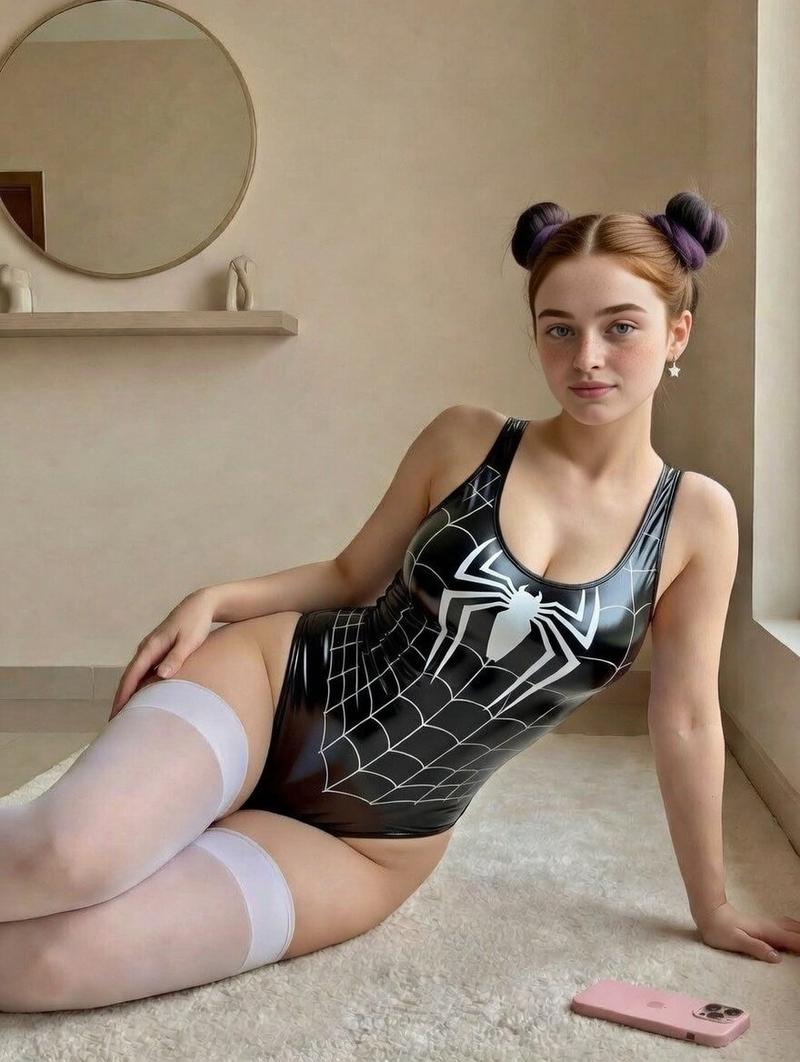
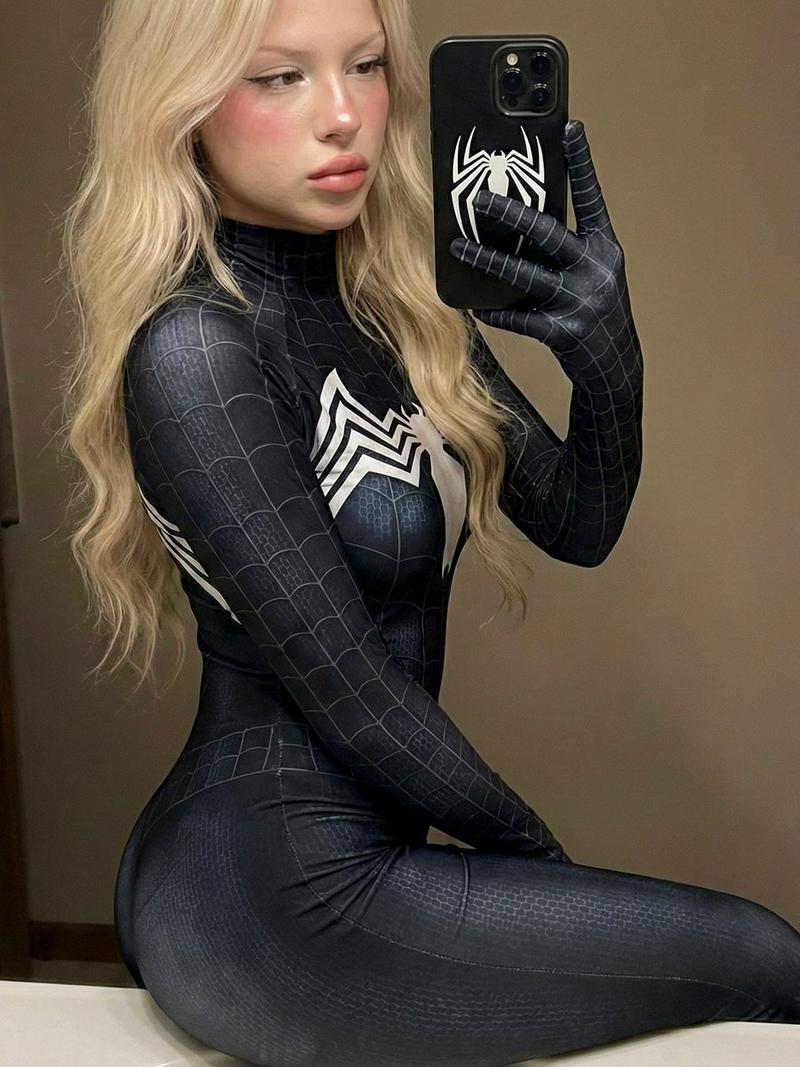
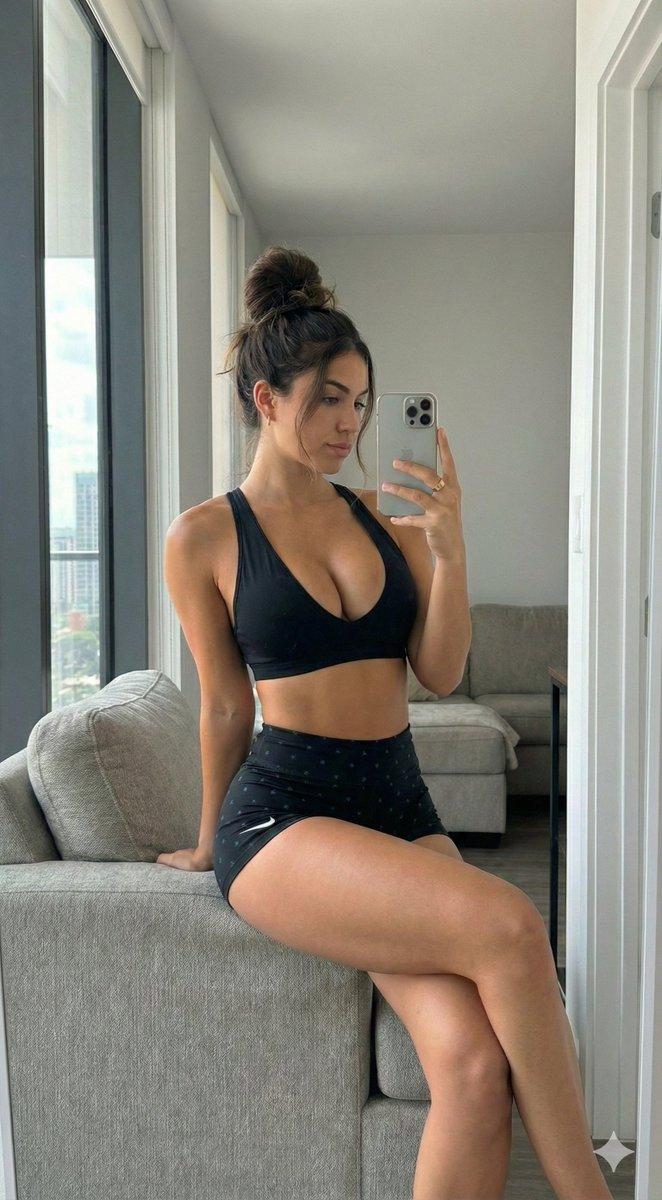
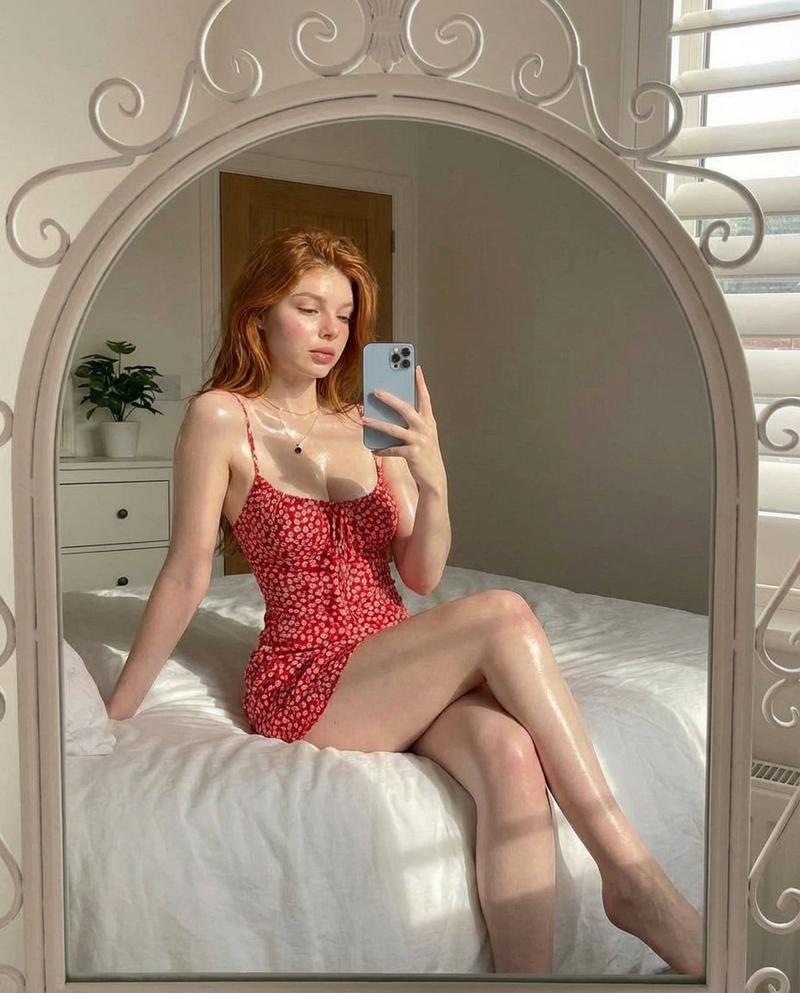
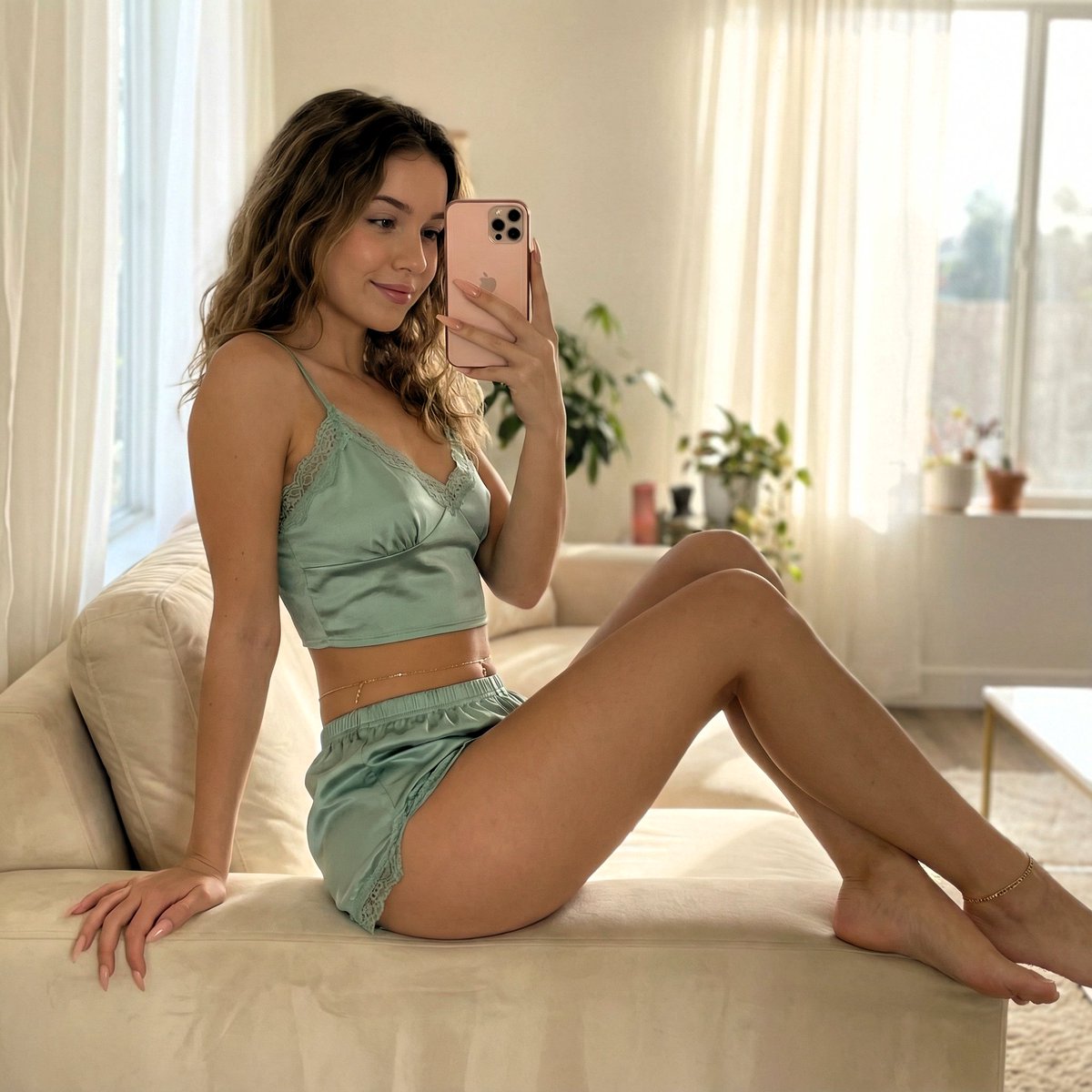
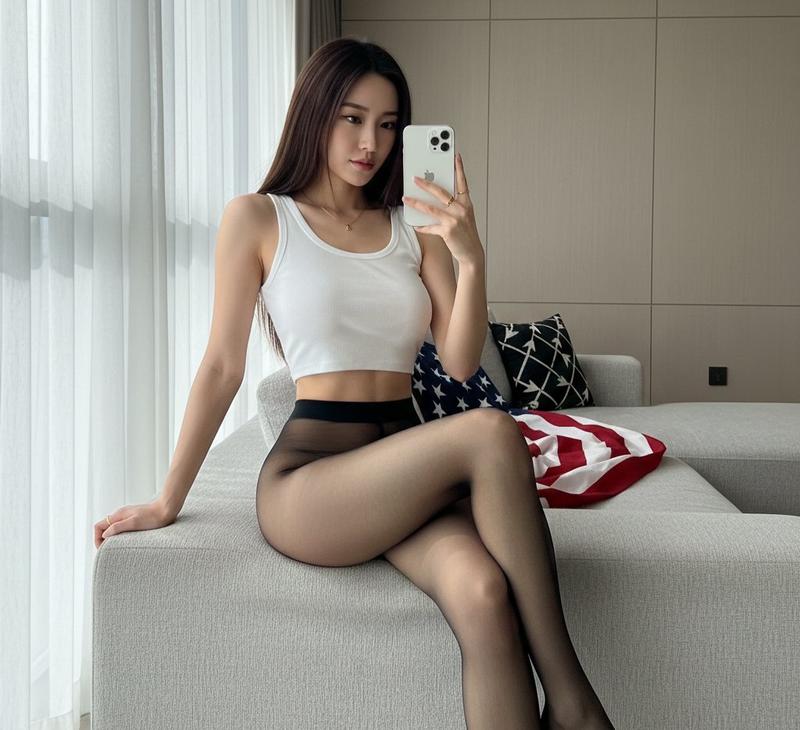
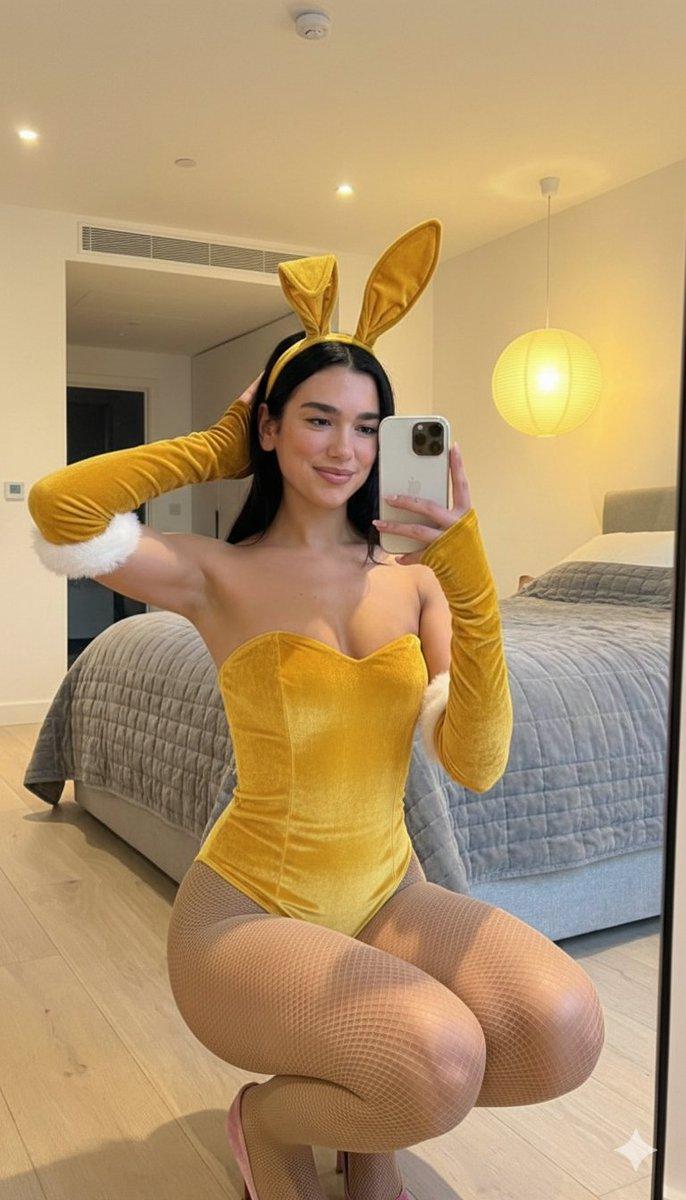
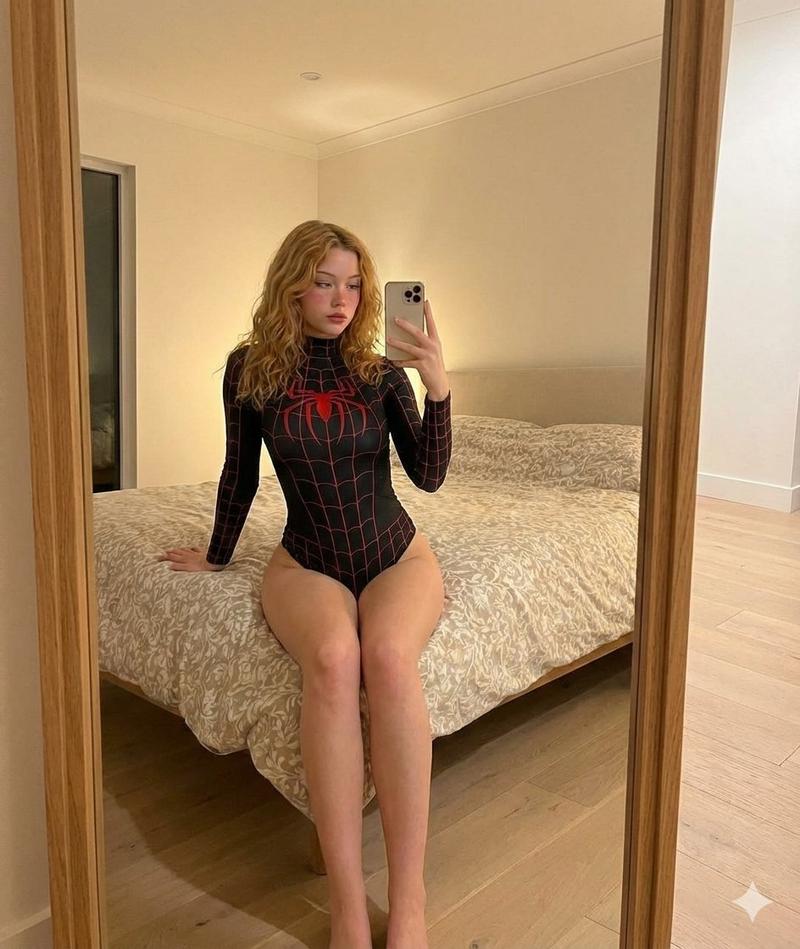
极简室内亮面蜘蛛衣美少女写真
Prompt
{ "type": "image_generation", "style": "ultra-realistic lifestyle portrait", "resolution": "8K UHD", "aspect_ratio": "4:5 vertical", "subject": { "description": "A young woman sitting on a soft cream-colored rug indoors, leaning slightly back on one arm in a relaxed pose", "age": "young adult", "expression": "calm, confident, soft neutral gaze directed at the camera", "pose": "reclining sideways with one leg extended and the other slightly bent, one hand resting on the floor for support", "hair": { "color": "light auburn", "style": "center-parted hair styled into two symmetrical space buns", "texture": "smooth with subtle volume" }, "face_details": { "skin_tone": "fair with natural rosy undertones", "skin_texture": "soft, realistic skin texture with faint freckles", "makeup": "minimal natural makeup, soft pink lips, lightly defined brows", "eyes": "light-colored eyes with natural lighting reflection" }, "accessories": [ "small dangling star-shaped earrings" ] }, "outfit": { "top": "black glossy bodysuit featuring a bold white spider emblem on the chest and web pattern detailing across the fabric", "material": "latex-like, shiny, form-fitting material with reflective highlights", "stockings": "white thigh-high stockings with soft matte texture", "style_inspiration": "modern cosplay-inspired fashion with minimalist aesthetic" }, "environment": { "location": "minimalist indoor room with neutral beige walls", "floor": "light cream textured rug", "background_elements": [ "round wall mirror with thin frame", "floating shelf beneath the mirror", "small decorative ceramic sculptures on the shelf", "natural light entering from a window on the right side" ], "props": [ "pink smartphone placed casually on the rug near the subject" ] }, "lighting": { "type": "soft natural daylight", "source": "window light from the right side", "effect": "gentle shadows, even skin illumination, subtle highlights on glossy fabric", "mood": "clean, airy, warm and intimate" }, "camera_settings": { "camera_type": "full-frame DSLR", "lens": "85mm portrait lens", "aperture": "f/2.0", "shutter_speed": "1/200", "iso": "100", "focus": "sharp focus on subject with slightly blurred background" }, "color_grading": { "tone": "soft warm neutrals", "contrast": "moderate contrast to enhance outfit details", "highlights": "subtle highlight bloom on reflective surfaces", "overall_palette": "beige, cream, black, and white with soft pastel accents" }, "composition": { "framing": "medium full-body portrait", "angle": "slightly above eye level, natural perspective", "depth_of_field": "shallow depth of field for subject emphasis", "visual_balance": "subject positioned- Category
- UI & Interfaces
- Model
- Nano Banana Pro
- Creator
- @Shreyayadav
- Source ID
- 12337
- Published
- Apr 18, 2026
Views84