18

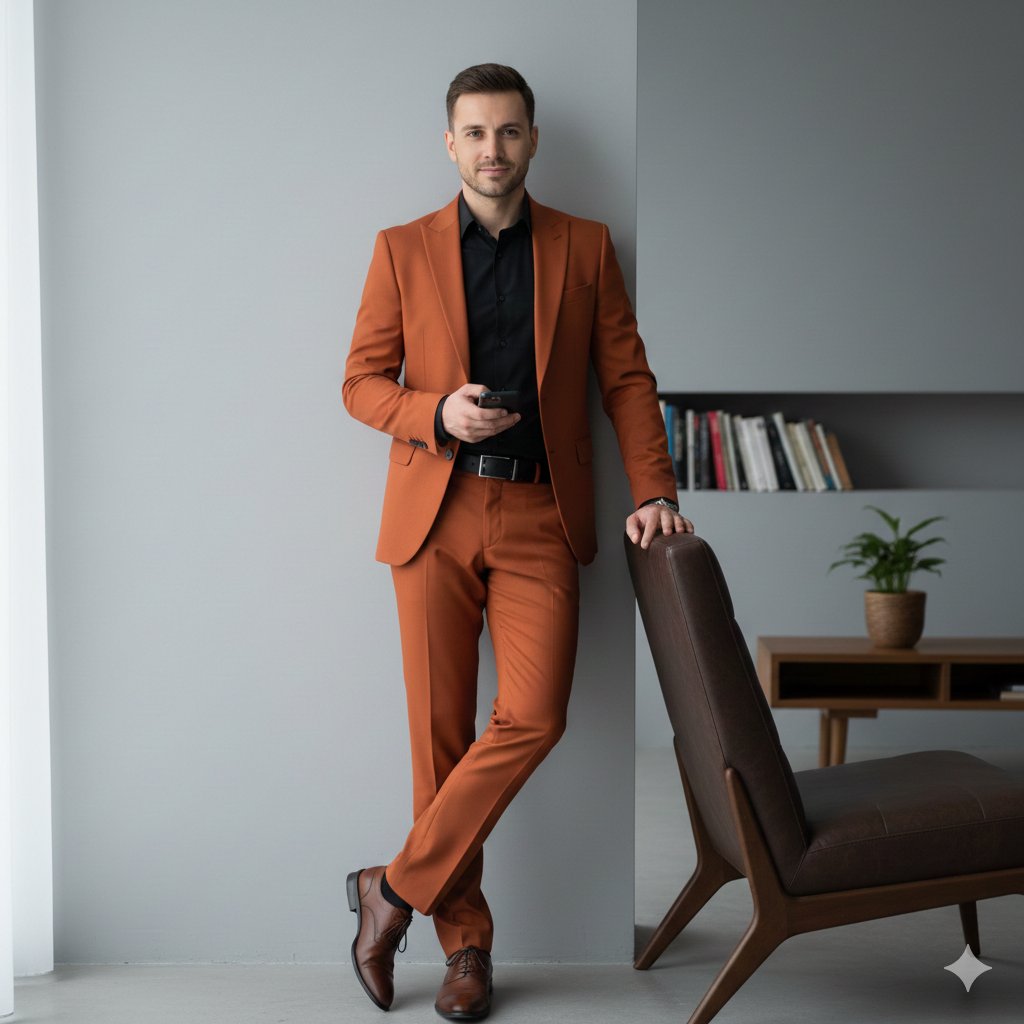
极简灰白时尚照
Enlarge

极简灰白时尚照

Prompt
{
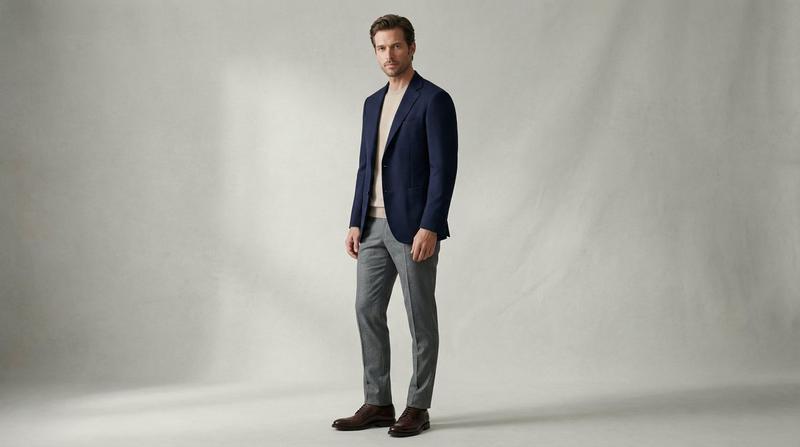
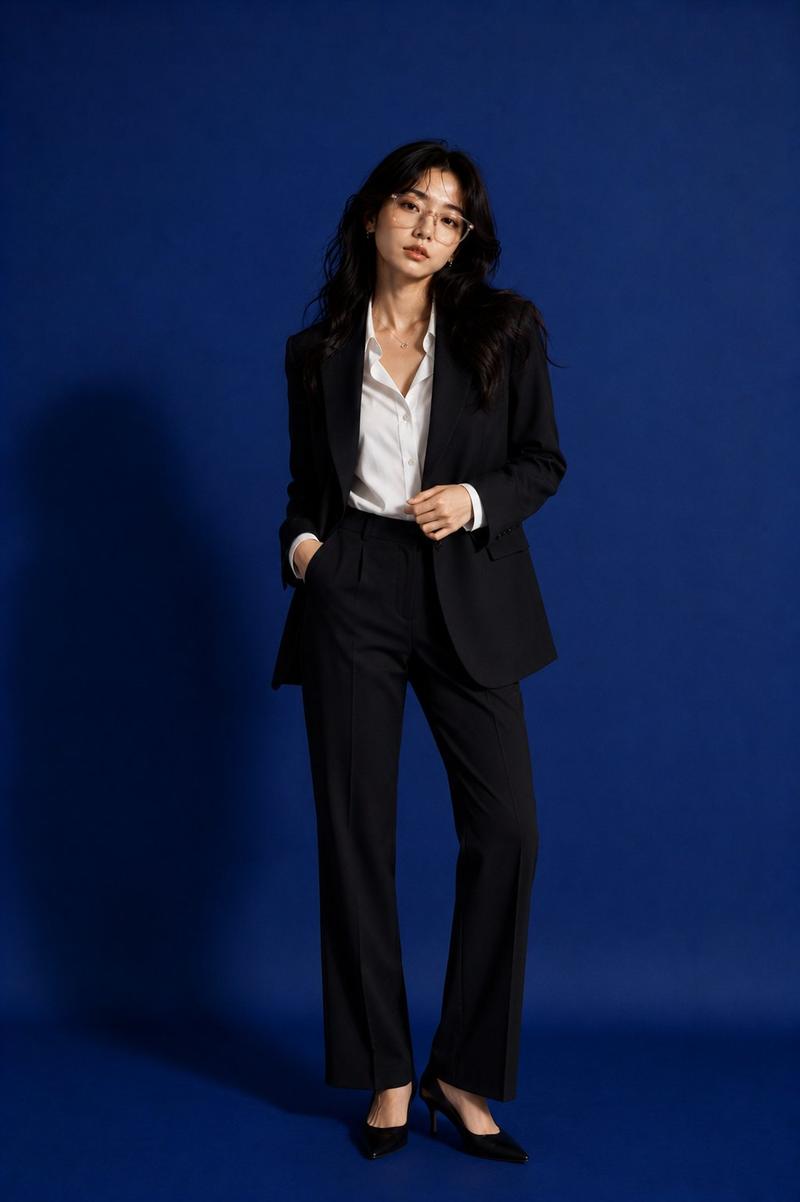
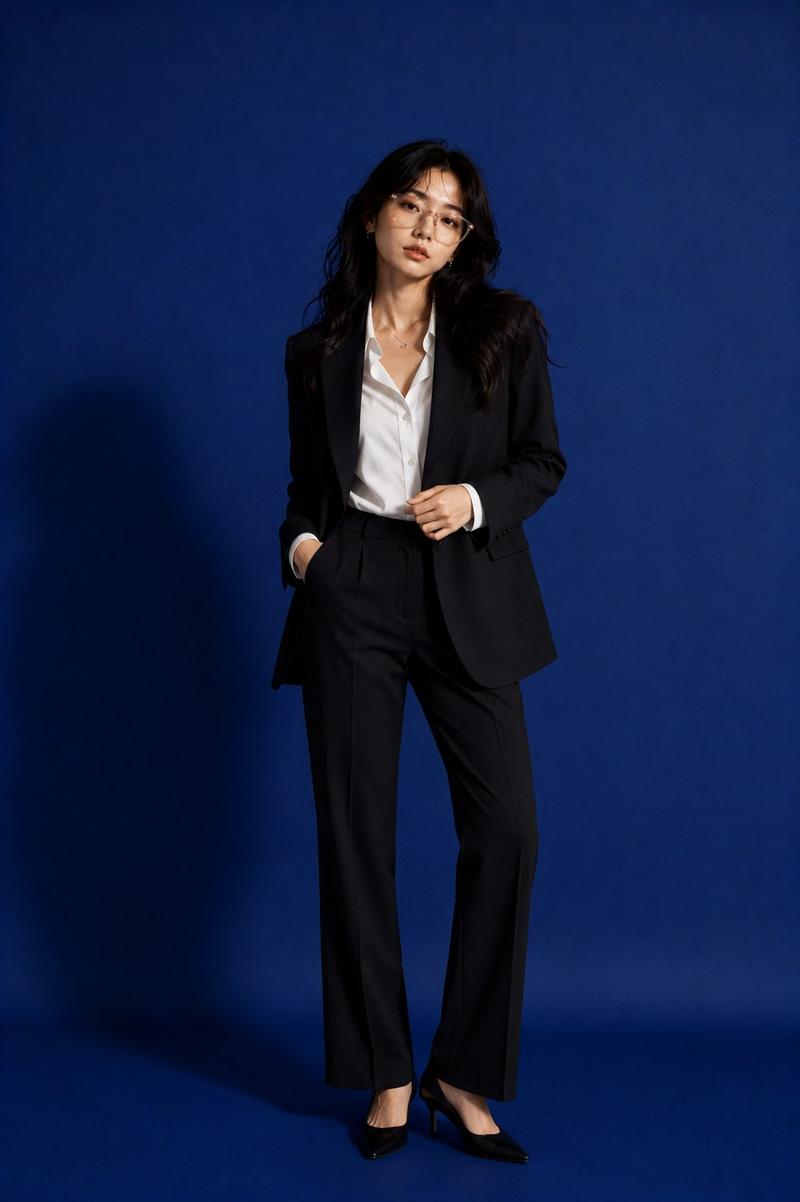
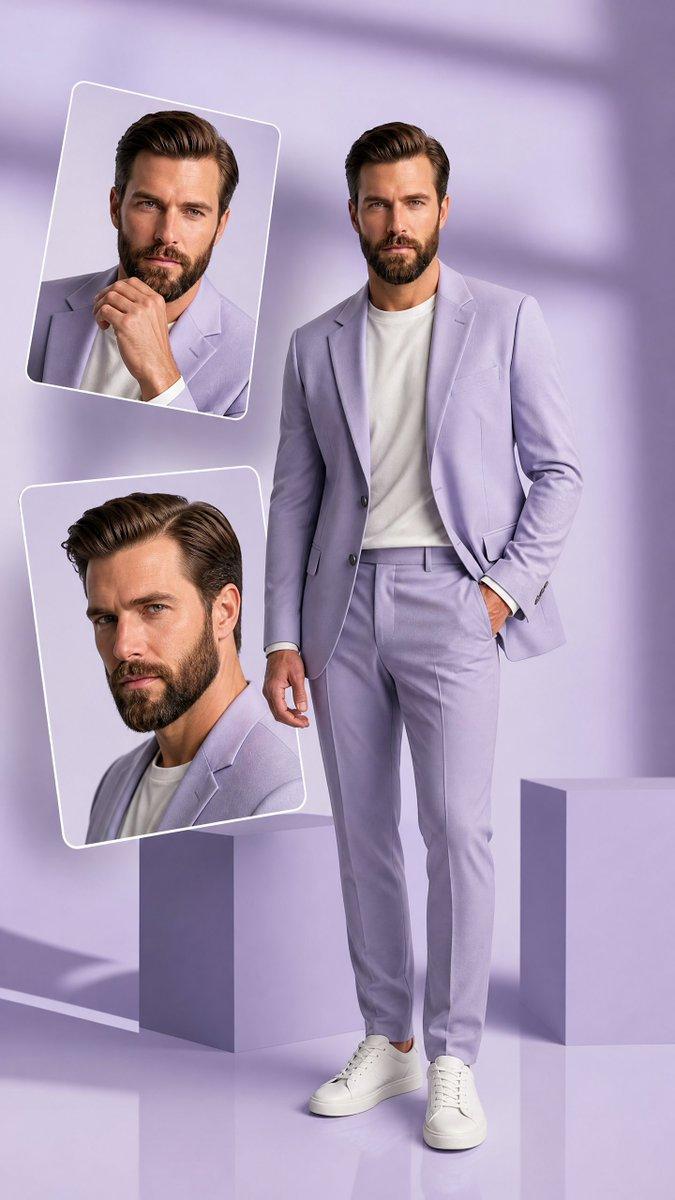
  "prompt": "Use the uploaded reference image strictly to preserve the same person’s face, identity, facial structure, hairstyle, skin tone, and body proportions with 100% accuracy. Generate a cinematic studio fashion portrait of this man wearing a grey textured tailored suit paired with an unbuttoned white shirt. He is leaning casually against a tall white cube block, with his right hand placed in his trouser pocket and his left leg crossed over his right in a relaxed, confident pose. His head is turned to the right, looking away from the camera. Dramatic low-key studio lighting creates a strong contrast and casts a sharp, elongated shadow of his silhouette onto the grey studio wall behind him. Minimalist fashion editorial setup, clean studio environment, high contrast, controlled shadows, professional menswear photography style, ultra-realistic textures, sharp focus, cinematic tone, 8K ultra-high quality, vertical 4:5 aspect ratio."
}
Category
Posters & Typography
Model
Nano Banana Pro
Creator
@r4jjesh
Views91
Source ID
1987
Published
Jan 12, 2026

Guide

About "极简灰白时尚照"

What is this prompt for?

"极简灰白时尚照" AI image prompt for Nano Banana Pro (Posters & Typography). { "prompt": "严格使用上传的参考图像,100%准确保持同一个人的面部、身份、面部结构、发型、肤色和身材比例。生成一张电影级工作室时尚肖像:此男士身穿灰色纹理定制西装,…

The full copyable prompt and example visuals above are ready for AI image generation or one-click recreate in Picva.

How to use this prompt

  1. Step 1

    Open the prompt detail

    Review the example visuals, category, and full prompt text for "极简灰白时尚照".

  2. Step 2

    Copy the prompt

    Copy the prompt body from this page, or load it directly in Studio.

  3. Step 3

    Pick a model (Nano Banana Pro)

    Prefer Nano Banana Pro. If you switch models, keep subject and composition and tweak style terms.

  4. Step 4

    Generate and export

    Recreate the look in Picva, or export into your workflow for editing and publishing.

FAQ

What is the "极简灰白时尚照" prompt?
It is an AI image-generation prompt for Nano Banana Pro in the Posters & Typography category. This page includes the full prompt text, example visuals, and a one-click recreate path in Picva.
How do I use this prompt to generate an image?
Copy the prompt from this page, or use Generate / Studio. Paste it into a compatible image model, or recreate the look in Picva with optional reference images.
Which model is this prompt for?
This page lists Nano Banana Pro. Most descriptive prompts also transfer to nearby image models such as GPT Image, Flux, or Midjourney with light style tweaks.
Can I use the result commercially?
You can usually copy the prompt for creation, but commercial use of the final image depends on the model terms, reference-image rights, and the generated content. Follow the source author and platform rules.