17

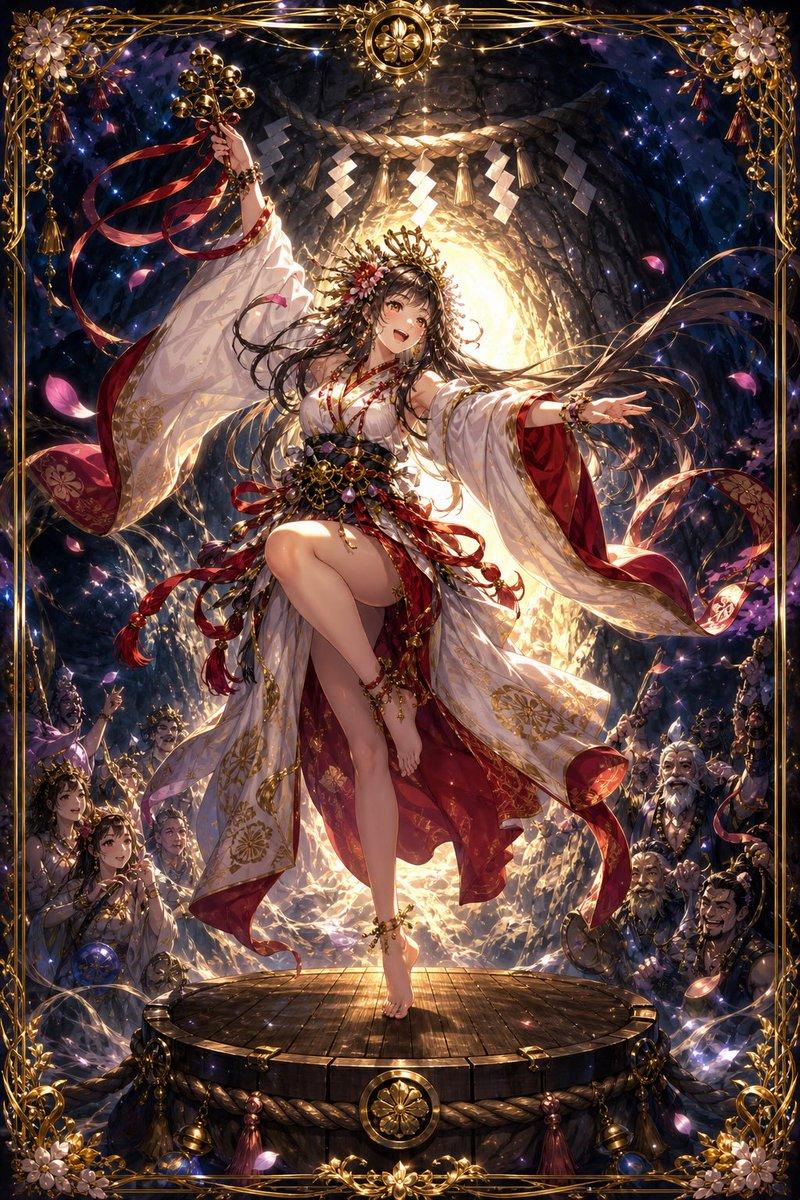
梳妆台上的奇迹:八音盒舞者的机械苏醒
Enlarge

梳妆台上的奇迹:八音盒舞者的机械苏醒

Prompt
An antique music box open on a vanity table, with the SUBJECT rising from the tiny spinning dancer platform in a transformation from miniature mechanism to full-scale manifestation. The figure begins as painted porcelain at the feet, transitions through jointed doll anatomy, into breathing dimensional presence at the face and hands. KEY FEATURES achieve impossible life while the base remains fixed to the rotation gear. The music box melody is visible as golden spiraling notation wrapping the ascending form. Clockwork visible inside the box, gears still turning, powering the miracle. Vanity mirror reflects an angle we shouldn't see. Perfume bottles, jewelry, love letters surround the scene. The tiny thing that became vast. Music box chime tones translated to warm light, intimate boudoir atmosphere, 8K, mechanical romance.
Category
Products & E-commerce
Model
Nano Banana Pro
Views30
Source ID
9846
Published
May 9, 2026

Guide

About "梳妆台上的奇迹:八音盒舞者的机械苏醒"

What is this prompt for?

"梳妆台上的奇迹:八音盒舞者的机械苏醒" AI image prompt for Nano Banana Pro (Products & E-commerce). 一个古董音乐盒在梳妆台上打开,SUBJECT 从微型旋转舞者平台中升起,从微型机械装置转化为完整形态。人物的脚部始于彩绘瓷器,通过关节玩偶解剖结构过渡,最…

The full copyable prompt and example visuals above are ready for AI image generation or one-click recreate in Picva.

How to use this prompt

  1. Step 1

    Open the prompt detail

    Review the example visuals, category, and full prompt text for "梳妆台上的奇迹:八音盒舞者的机械苏醒".

  2. Step 2

    Copy the prompt

    Copy the prompt body from this page, or load it directly in Studio.

  3. Step 3

    Pick a model (Nano Banana Pro)

    Prefer Nano Banana Pro. If you switch models, keep subject and composition and tweak style terms.

  4. Step 4

    Generate and export

    Recreate the look in Picva, or export into your workflow for editing and publishing.

FAQ

What is the "梳妆台上的奇迹:八音盒舞者的机械苏醒" prompt?
It is an AI image-generation prompt for Nano Banana Pro in the Products & E-commerce category. This page includes the full prompt text, example visuals, and a one-click recreate path in Picva.
How do I use this prompt to generate an image?
Copy the prompt from this page, or use Generate / Studio. Paste it into a compatible image model, or recreate the look in Picva with optional reference images.
Which model is this prompt for?
This page lists Nano Banana Pro. Most descriptive prompts also transfer to nearby image models such as GPT Image, Flux, or Midjourney with light style tweaks.
Can I use the result commercially?
You can usually copy the prompt for creation, but commercial use of the final image depends on the model terms, reference-image rights, and the generated content. Follow the source author and platform rules.