18

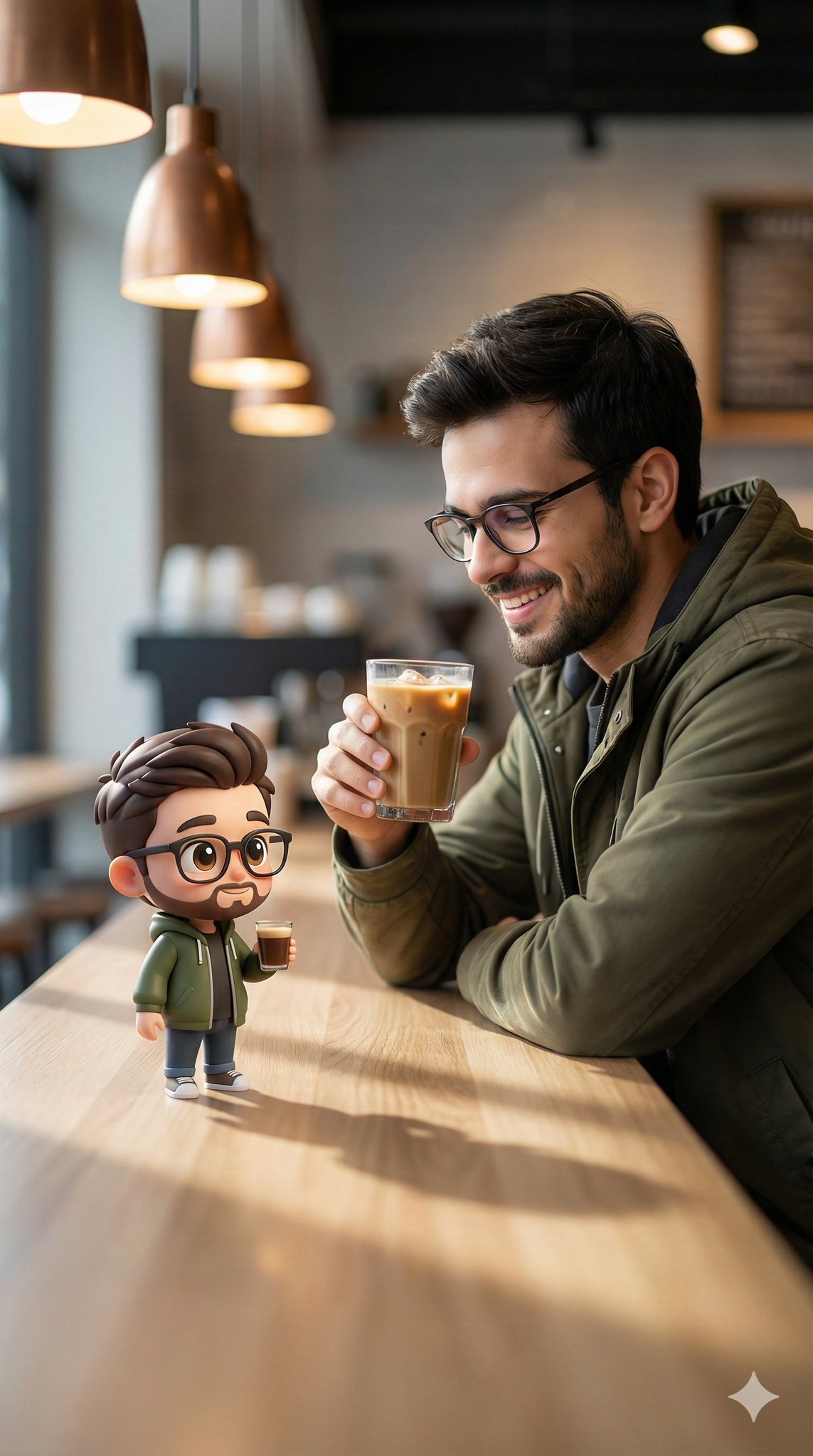
现代咖啡馆内与Q版克隆共饮的青年
Enlarge

现代咖啡馆内与Q版克隆共饮的青年

Prompt
A realistic lifestyle photo inside a modern minimalist coffee shop. A stylish young man wearing a beige vintage baseball cap, navy blue henley T-shirt layered over a white thermal long sleeve, khaki pants, black crossbody bag, silver rings and earrings, peacefully sipping espresso from a small glass while sitting at a café table. Beside him sits his adorable chibi cartoon clone, perfectly matching the same outfit, hairstyle, accessories, pose, and expression, also drinking espresso from a tiny glass. The cartoon character has oversized expressive eyes, soft rounded face, subtle anime-inspired proportions, clean line art, soft cel shading, slightly textured illustration style, perfectly integrated into the real-world lighting and perspective. Cozy café interior, warm natural daylight, cinematic photography, shallow depth of field, highly realistic environment with seamless cartoon-realism blend, wholesome aesthetic, ultra detailed, 8K.
Category
Charts & Infographics
Model
ChatGPT
Creator
@Taaruk_
Views0
Source ID
17425
Published
Jul 5, 2026

Guide

About "现代咖啡馆内与Q版克隆共饮的青年"

What is this prompt for?

"现代咖啡馆内与Q版克隆共饮的青年" AI image prompt for ChatGPT (Charts & Infographics). 现代极简主义咖啡馆内的一张写实生活照。一个时尚的年轻男子戴着米色复古棒球帽,穿着藏蓝色亨利领T恤叠穿白色保暖长袖,卡其裤,黑色斜挎包,银色戒指和耳环,坐在咖啡桌旁平静地喝着小…

The full copyable prompt and example visuals above are ready for AI image generation or one-click recreate in Picva.

How to use this prompt

  1. Step 1

    Open the prompt detail

    Review the example visuals, category, and full prompt text for "现代咖啡馆内与Q版克隆共饮的青年".

  2. Step 2

    Copy the prompt

    Copy the prompt body from this page, or load it directly in Studio.

  3. Step 3

    Pick a model (ChatGPT)

    Prefer ChatGPT. If you switch models, keep subject and composition and tweak style terms.

  4. Step 4

    Generate and export

    Recreate the look in Picva, or export into your workflow for editing and publishing.

FAQ

What is the "现代咖啡馆内与Q版克隆共饮的青年" prompt?
It is an AI image-generation prompt for ChatGPT in the Charts & Infographics category. This page includes the full prompt text, example visuals, and a one-click recreate path in Picva.
How do I use this prompt to generate an image?
Copy the prompt from this page, or use Generate / Studio. Paste it into a compatible image model, or recreate the look in Picva with optional reference images.
Which model is this prompt for?
This page lists ChatGPT. Most descriptive prompts also transfer to nearby image models such as GPT Image, Flux, or Midjourney with light style tweaks.
Can I use the result commercially?
You can usually copy the prompt for creation, but commercial use of the final image depends on the model terms, reference-image rights, and the generated content. Follow the source author and platform rules.