18

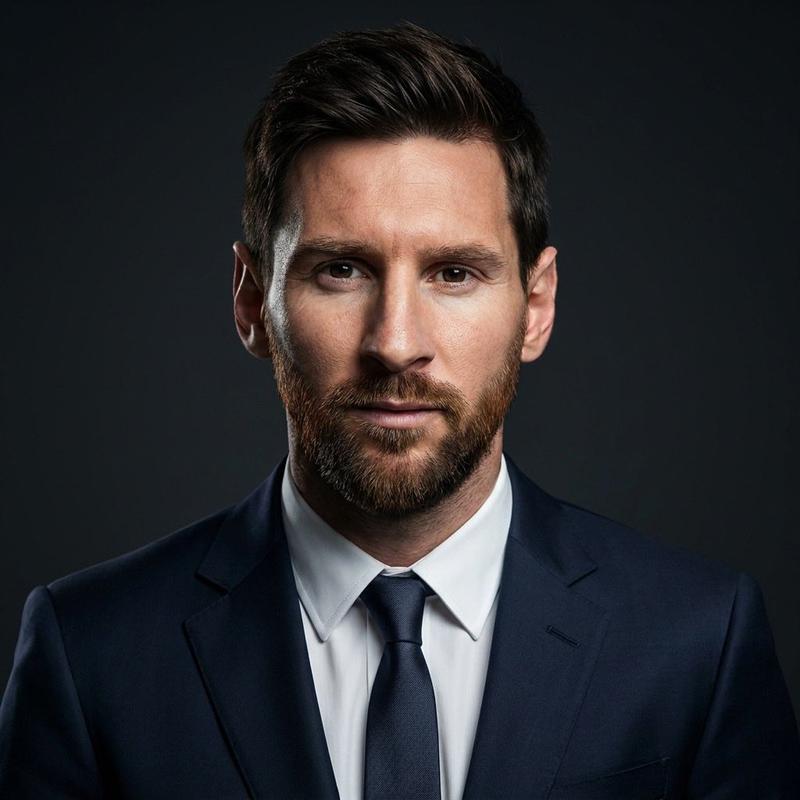
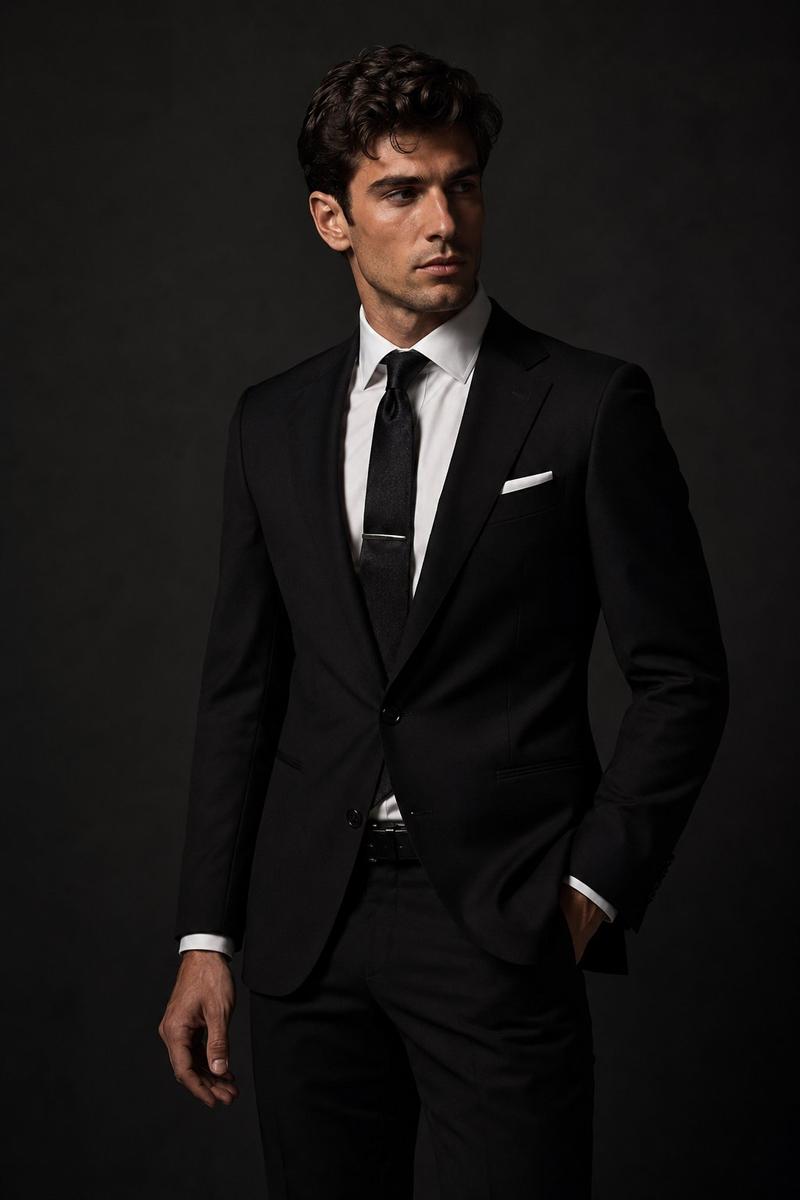
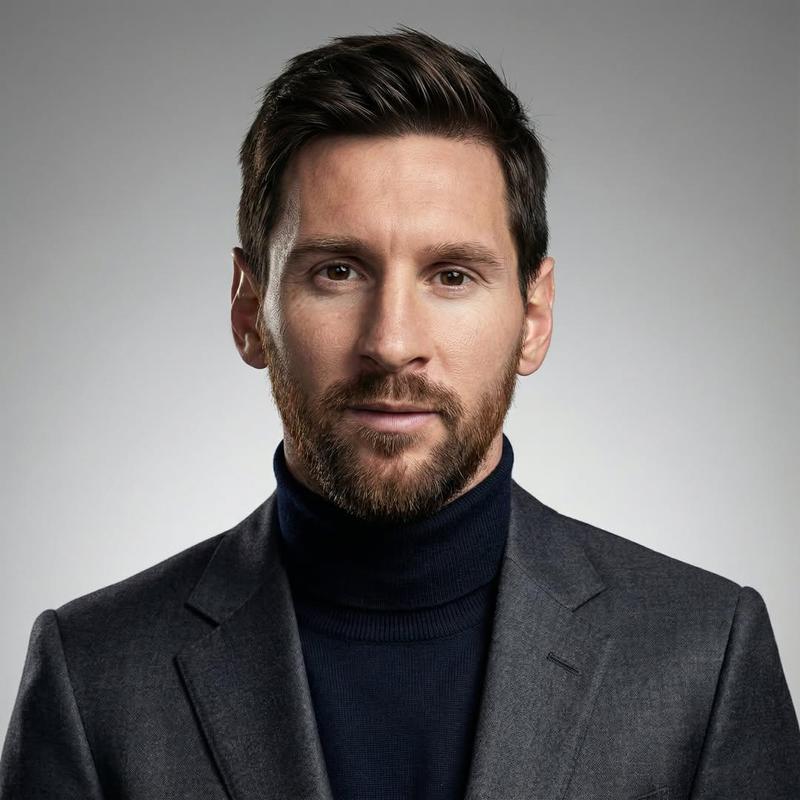
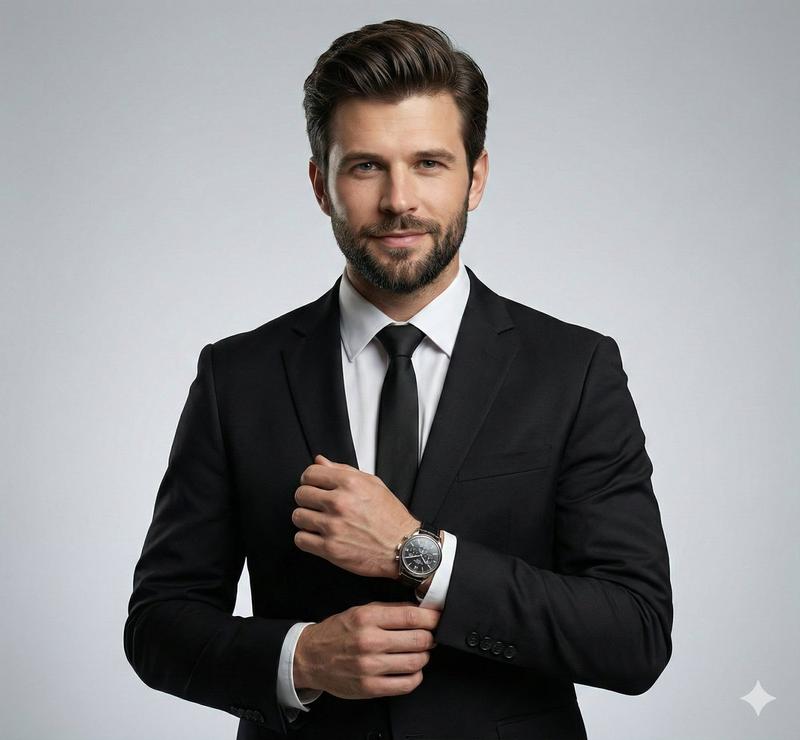
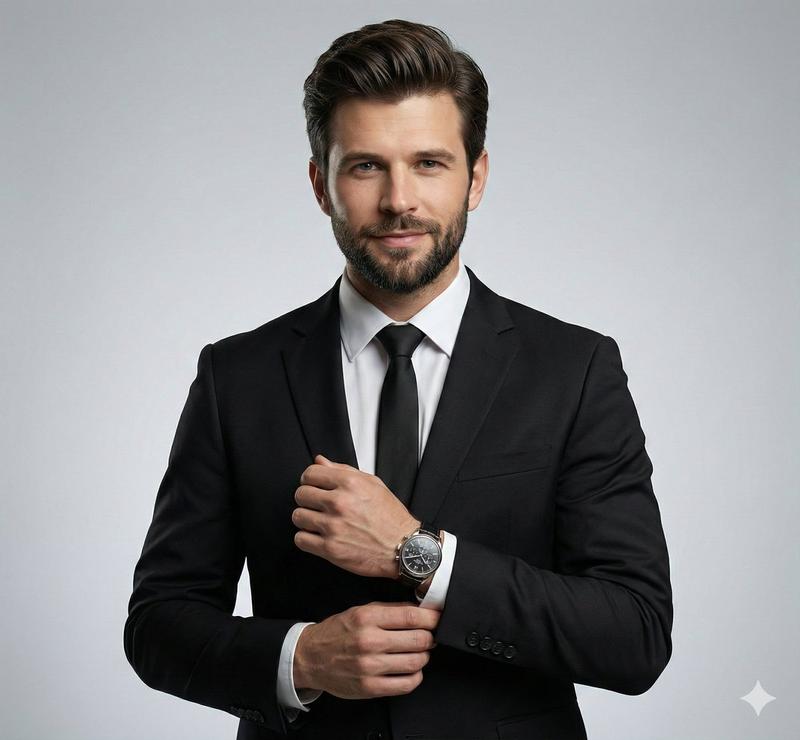
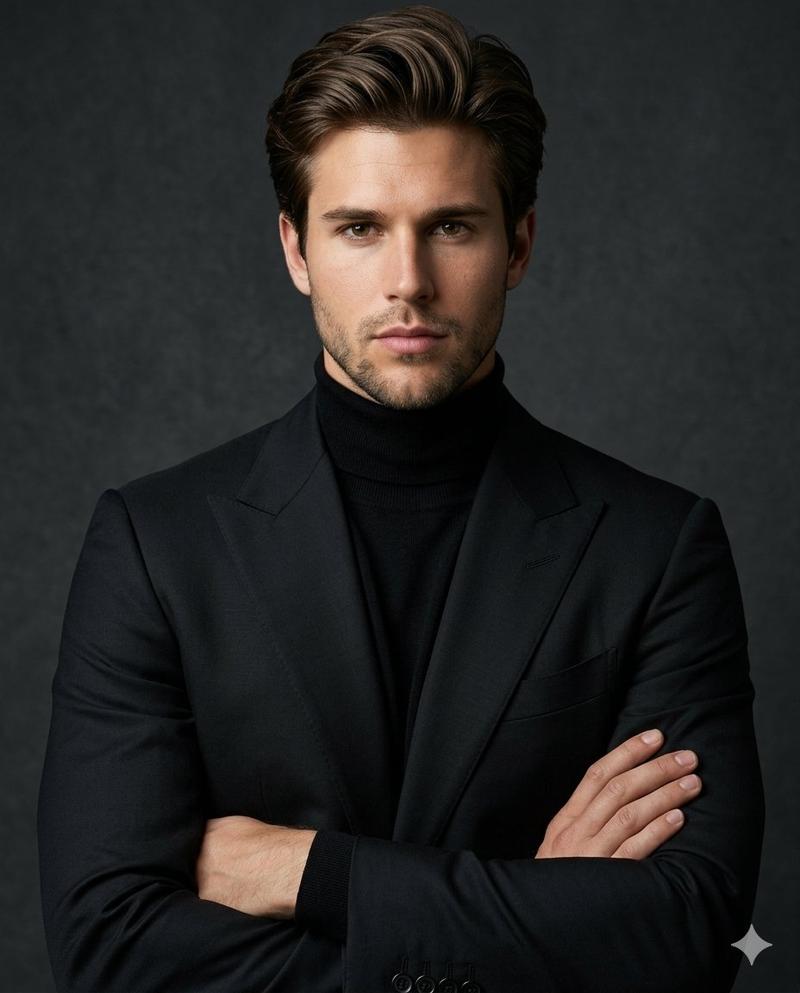
质感暗调商务精英男士肖像
Enlarge

质感暗调商务精英男士肖像

Prompt
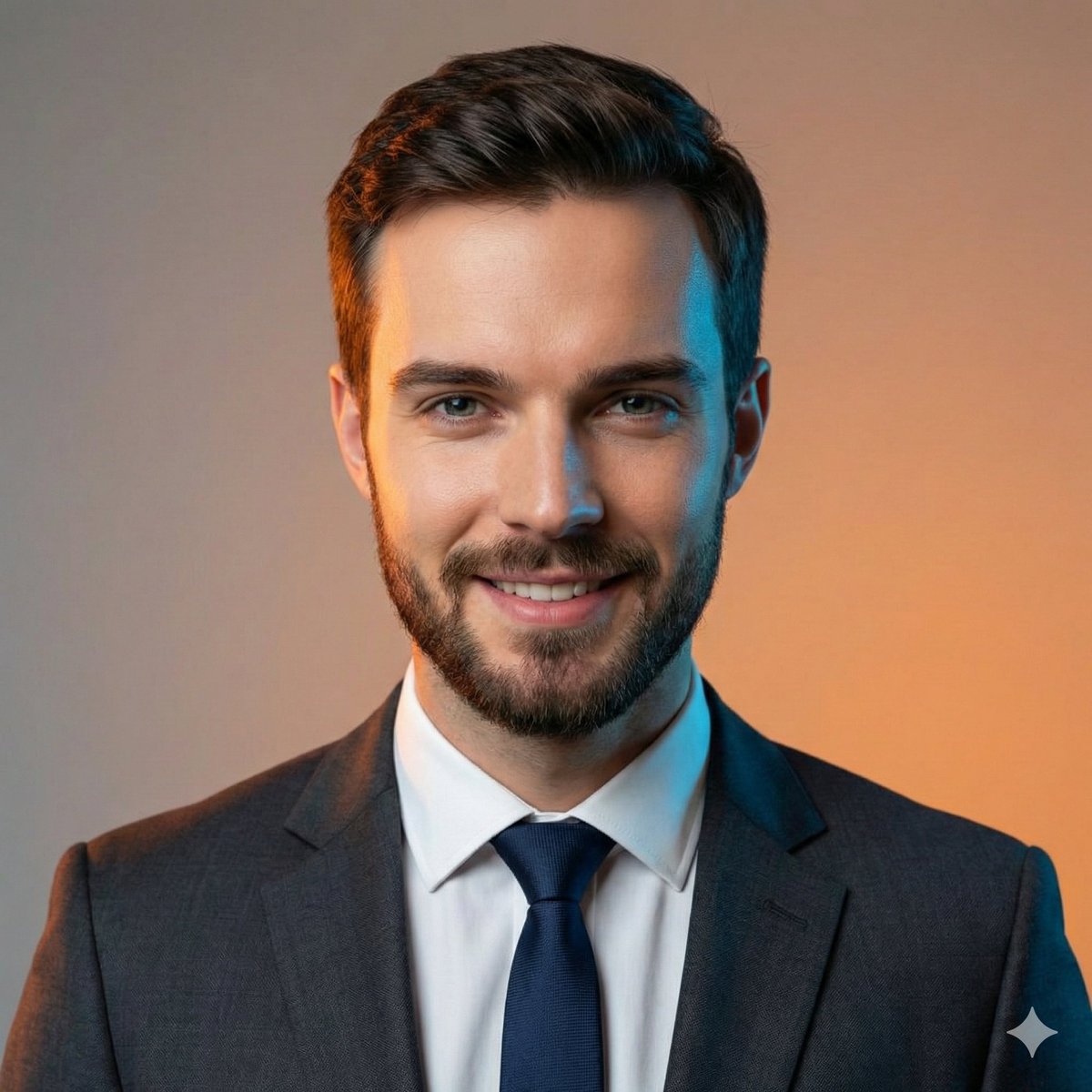
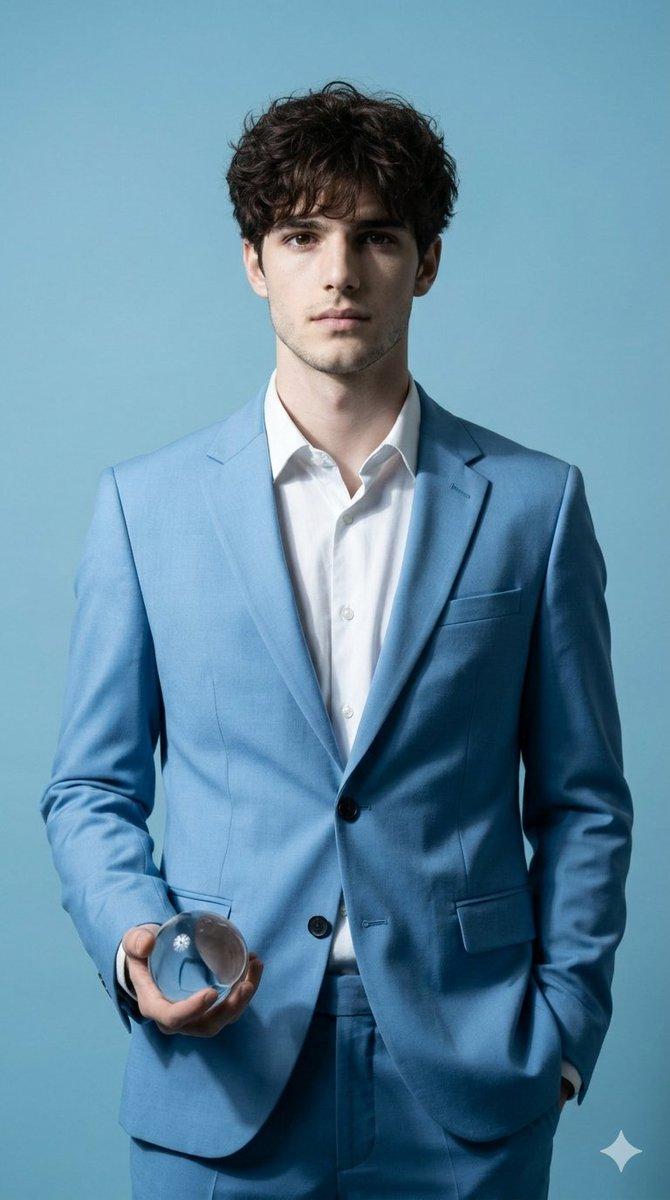
Ultra-realistic cinematic portrait of a confident middle-aged man with a full, well-groomed beard and neatly styled hair, wearing a tailored dark navy suit, black dress shirt, and black tie. Standing pose with one hand relaxed, subtle luxury wristwatch visible. Moody dark blue to black gradient background. Dramatic low-key studio lighting with soft key light on the face and subtle rim light outlining the shoulders. Sharp facial features, realistic skin texture, natural shadows, serious powerful expression. High-end corporate and luxury editorial photography style. Shot on a full-frame camera, 85mm lens, f/2.2, shallow depth of field, cinematic color grading, ultra-detailed, photorealistic, 8K quality.
Category
Architecture & Spaces
Model
Nano Banana Pro
Creator
@Taaruk_
Views68
Source ID
11259
Published
Apr 24, 2026

Guide

About "质感暗调商务精英男士肖像"

What is this prompt for?

"质感暗调商务精英男士肖像" AI image prompt for Nano Banana Pro (Architecture & Spaces). 一位自信的中年男士,蓄着浓密修剪整齐的胡须,发型一丝不苟,身穿量身定制的深海军蓝西装、黑色正装衬衫和黑色领带,呈现出超逼真的电影级肖像。他站立着,一只手自然放松,隐约…

The full copyable prompt and example visuals above are ready for AI image generation or one-click recreate in Picva.

How to use this prompt

  1. Step 1

    Open the prompt detail

    Review the example visuals, category, and full prompt text for "质感暗调商务精英男士肖像".

  2. Step 2

    Copy the prompt

    Copy the prompt body from this page, or load it directly in Studio.

  3. Step 3

    Pick a model (Nano Banana Pro)

    Prefer Nano Banana Pro. If you switch models, keep subject and composition and tweak style terms.

  4. Step 4

    Generate and export

    Recreate the look in Picva, or export into your workflow for editing and publishing.

FAQ

What is the "质感暗调商务精英男士肖像" prompt?
It is an AI image-generation prompt for Nano Banana Pro in the Architecture & Spaces category. This page includes the full prompt text, example visuals, and a one-click recreate path in Picva.
How do I use this prompt to generate an image?
Copy the prompt from this page, or use Generate / Studio. Paste it into a compatible image model, or recreate the look in Picva with optional reference images.
Which model is this prompt for?
This page lists Nano Banana Pro. Most descriptive prompts also transfer to nearby image models such as GPT Image, Flux, or Midjourney with light style tweaks.
Can I use the result commercially?
You can usually copy the prompt for creation, but commercial use of the final image depends on the model terms, reference-image rights, and the generated content. Follow the source author and platform rules.