20

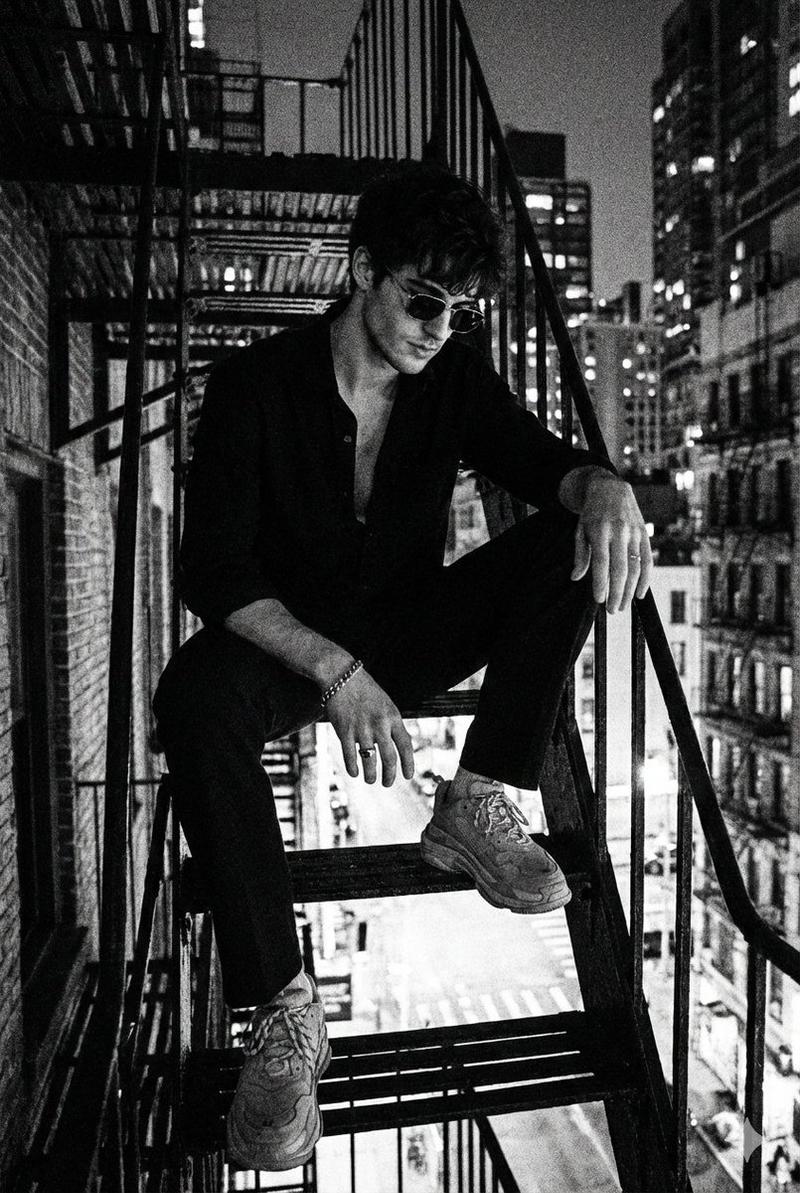
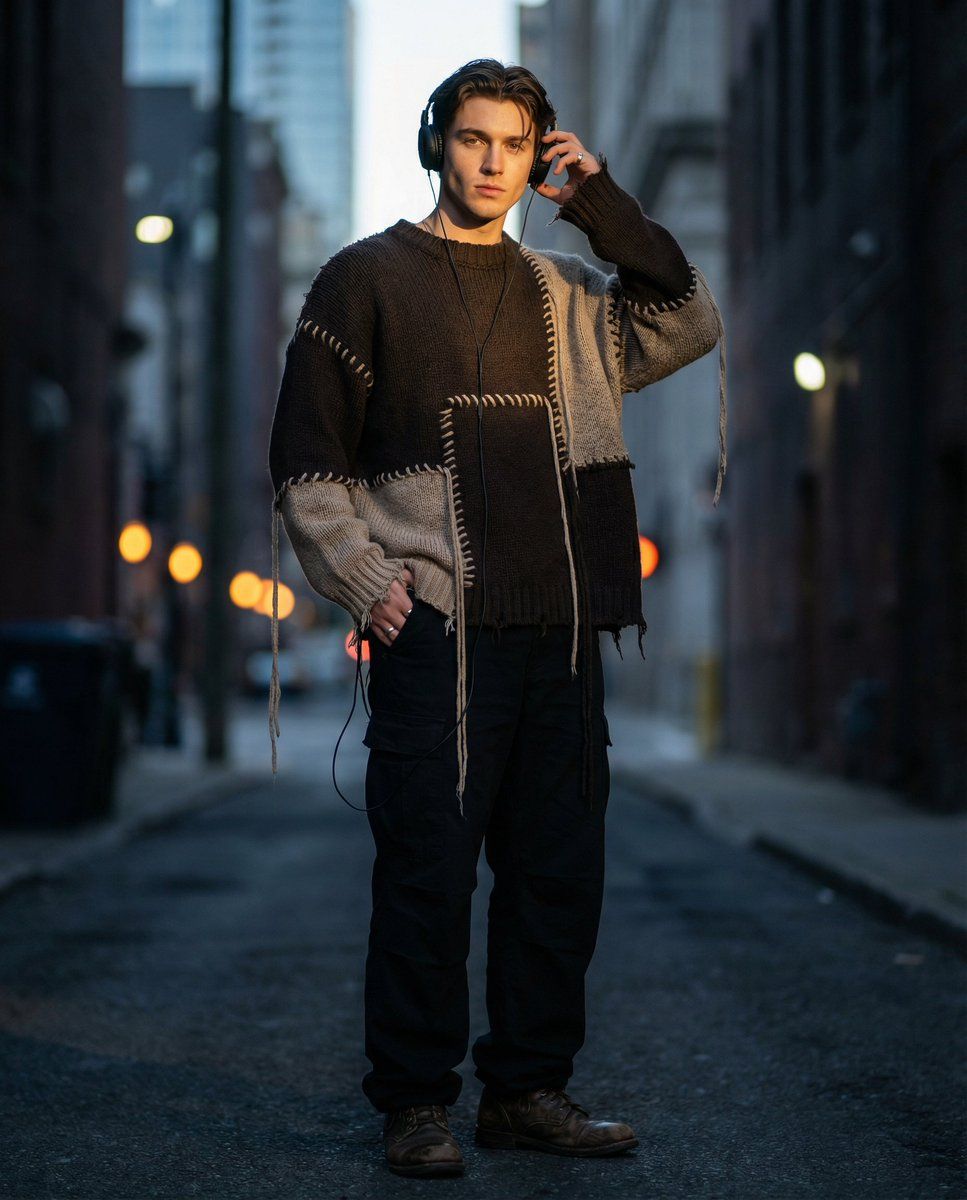
暗调街头少年戴耳机的前卫穿搭写真
Enlarge

暗调街头少年戴耳机的前卫穿搭写真

Prompt
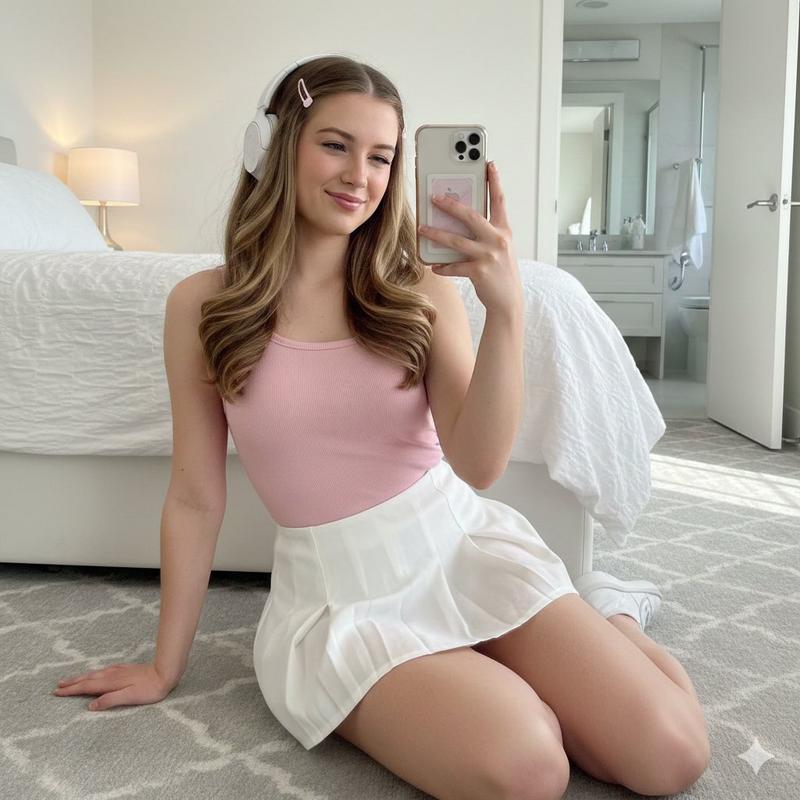
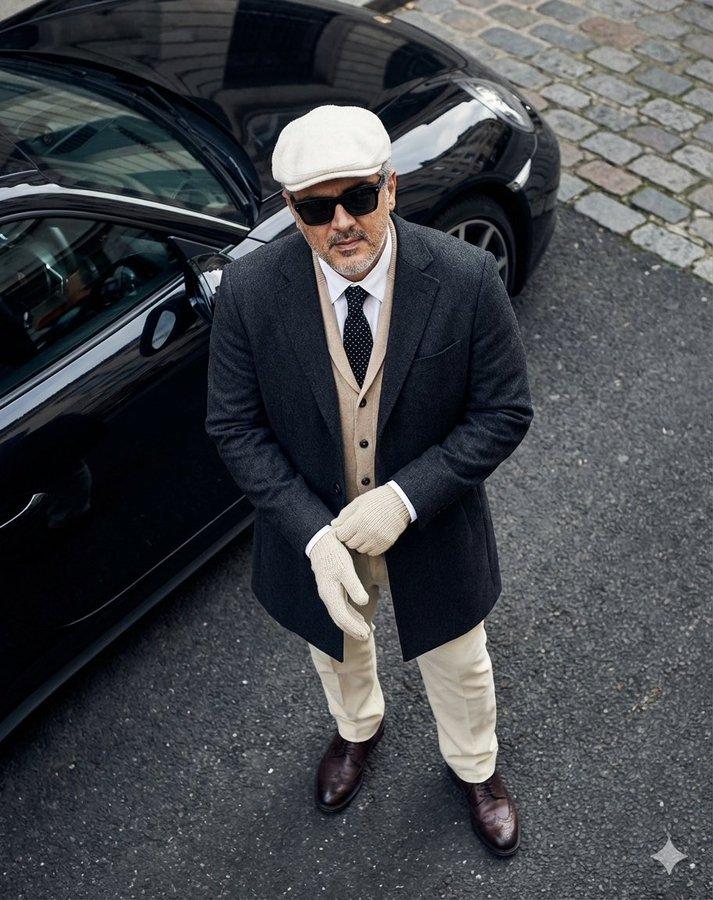
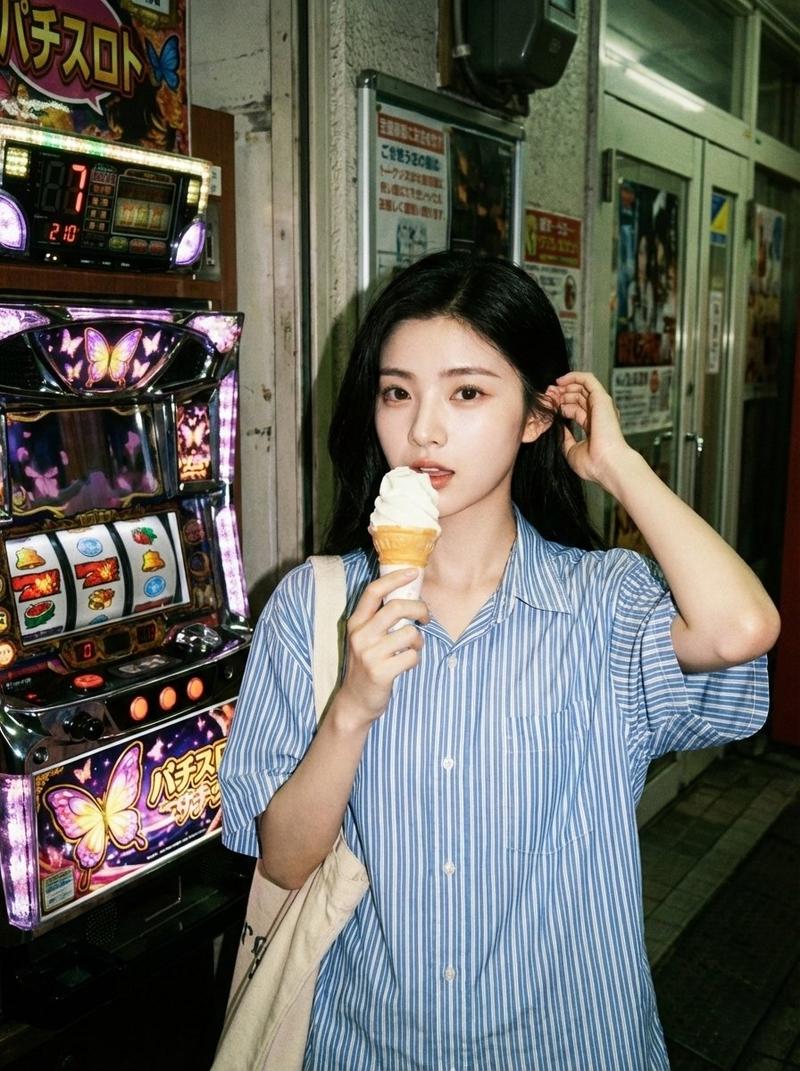
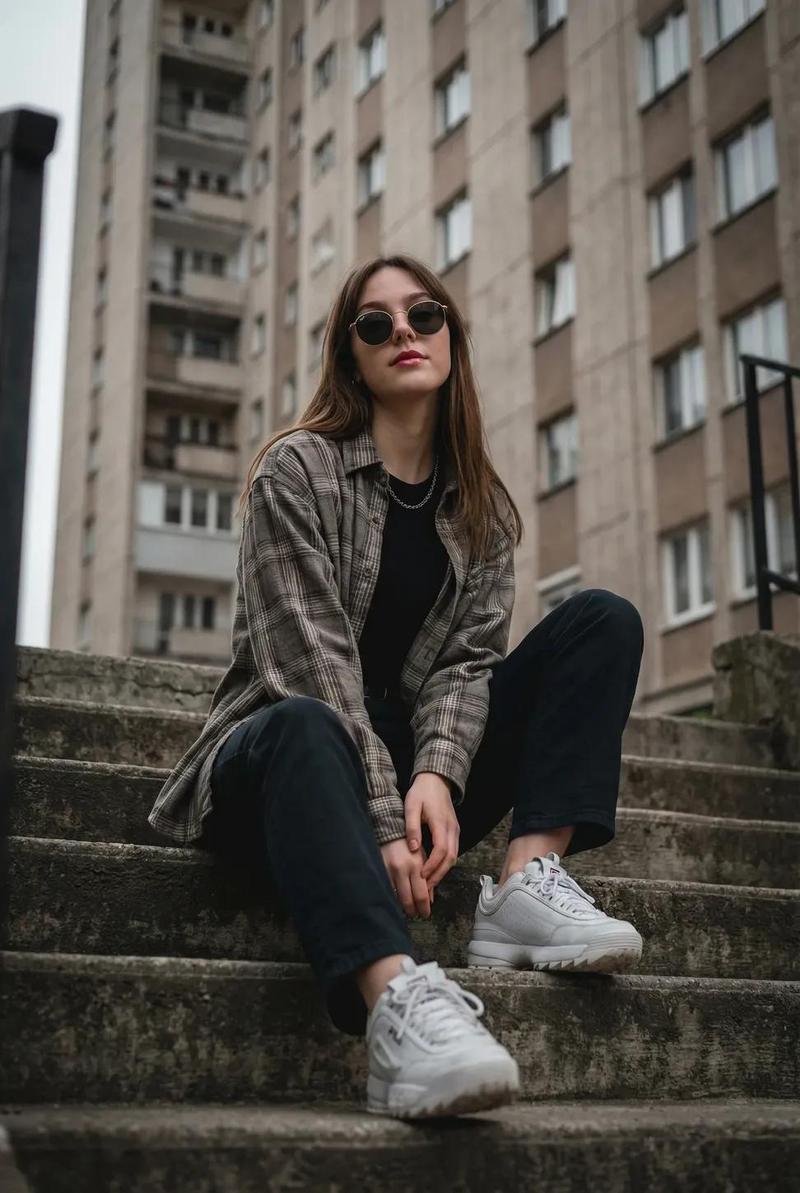
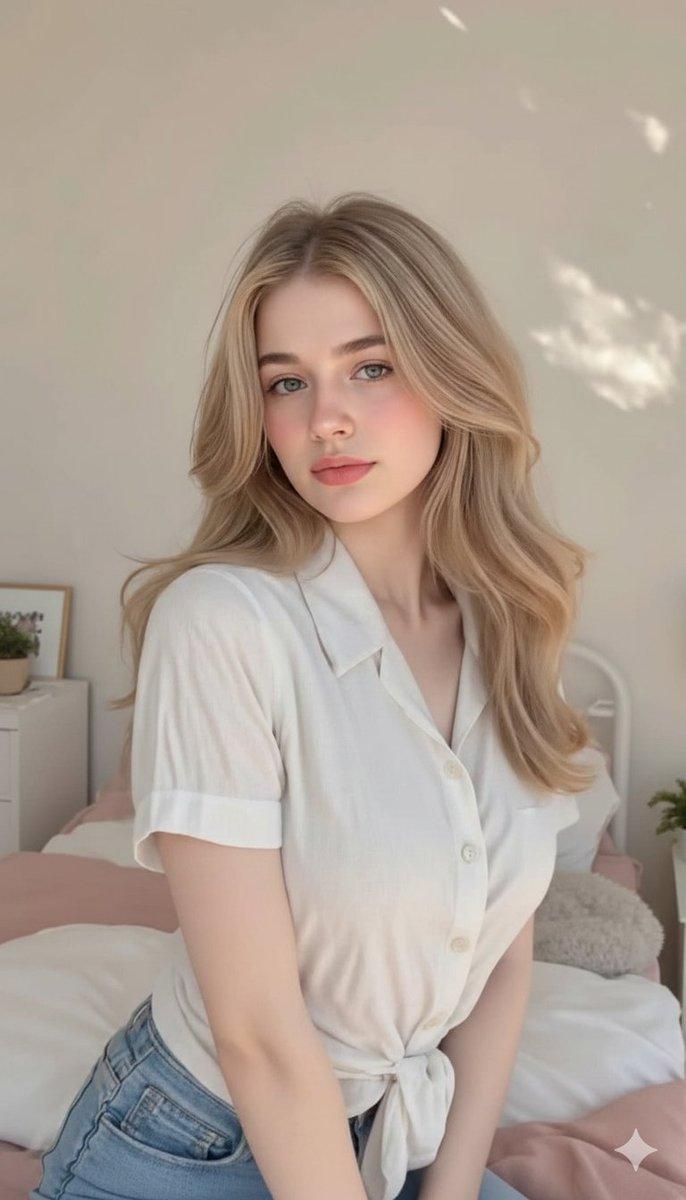
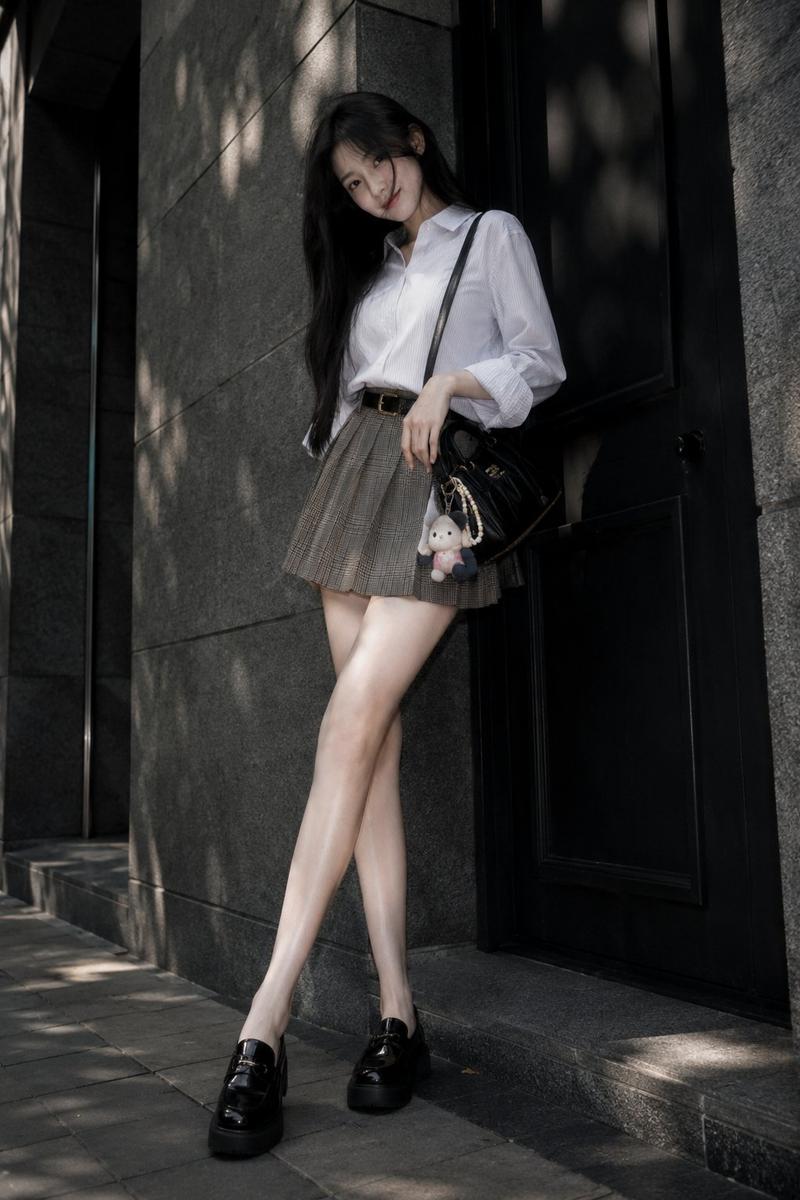
Create a hyper-realistic DSLR cinematic full-body portrait of a stylish young man with sharp, well-defined facial features and a confident, dynamic pose. He wears an oversized distressed dark brown and beige patchwork knit sweater with contrasting thick stitching, intentional worn holes, and long hanging cords or drawstrings for a raw, avant-garde look, paired with black relaxed-fit cargo pants. He has black over-ear “gloomyboy” style headphones with a clearly visible wired connection and a minimal metal ring on his hand. Editorial street-fashion aesthetic with ultra-detailed fabric textures, realistic skin tones, subtle film grain, cinematic color grading, shallow depth of field, high contrast, and a moody yet stylish atmosphere.
Category
Architecture & Spaces
Model
Nano Banana Pro
Creator
@hatman
Views166
Source ID
10161
Published
Mar 27, 2026

Guide

About "暗调街头少年戴耳机的前卫穿搭写真"

What is this prompt for?

"暗调街头少年戴耳机的前卫穿搭写真" AI image prompt for Nano Banana Pro (Architecture & Spaces). 创作一张超写实、单反电影风格的全身肖像,描绘一位时尚的年轻男子,他五官棱角分明,神情自信,姿态充满活力。他身穿一件宽松的做旧深棕色和米色拼布针织毛衣,毛衣带有…

The full copyable prompt and example visuals above are ready for AI image generation or one-click recreate in Picva.

How to use this prompt

  1. Step 1

    Open the prompt detail

    Review the example visuals, category, and full prompt text for "暗调街头少年戴耳机的前卫穿搭写真".

  2. Step 2

    Copy the prompt

    Copy the prompt body from this page, or load it directly in Studio.

  3. Step 3

    Pick a model (Nano Banana Pro)

    Prefer Nano Banana Pro. If you switch models, keep subject and composition and tweak style terms.

  4. Step 4

    Generate and export

    Recreate the look in Picva, or export into your workflow for editing and publishing.

FAQ

What is the "暗调街头少年戴耳机的前卫穿搭写真" prompt?
It is an AI image-generation prompt for Nano Banana Pro in the Architecture & Spaces category. This page includes the full prompt text, example visuals, and a one-click recreate path in Picva.
How do I use this prompt to generate an image?
Copy the prompt from this page, or use Generate / Studio. Paste it into a compatible image model, or recreate the look in Picva with optional reference images.
Which model is this prompt for?
This page lists Nano Banana Pro. Most descriptive prompts also transfer to nearby image models such as GPT Image, Flux, or Midjourney with light style tweaks.
Can I use the result commercially?
You can usually copy the prompt for creation, but commercial use of the final image depends on the model terms, reference-image rights, and the generated content. Follow the source author and platform rules.