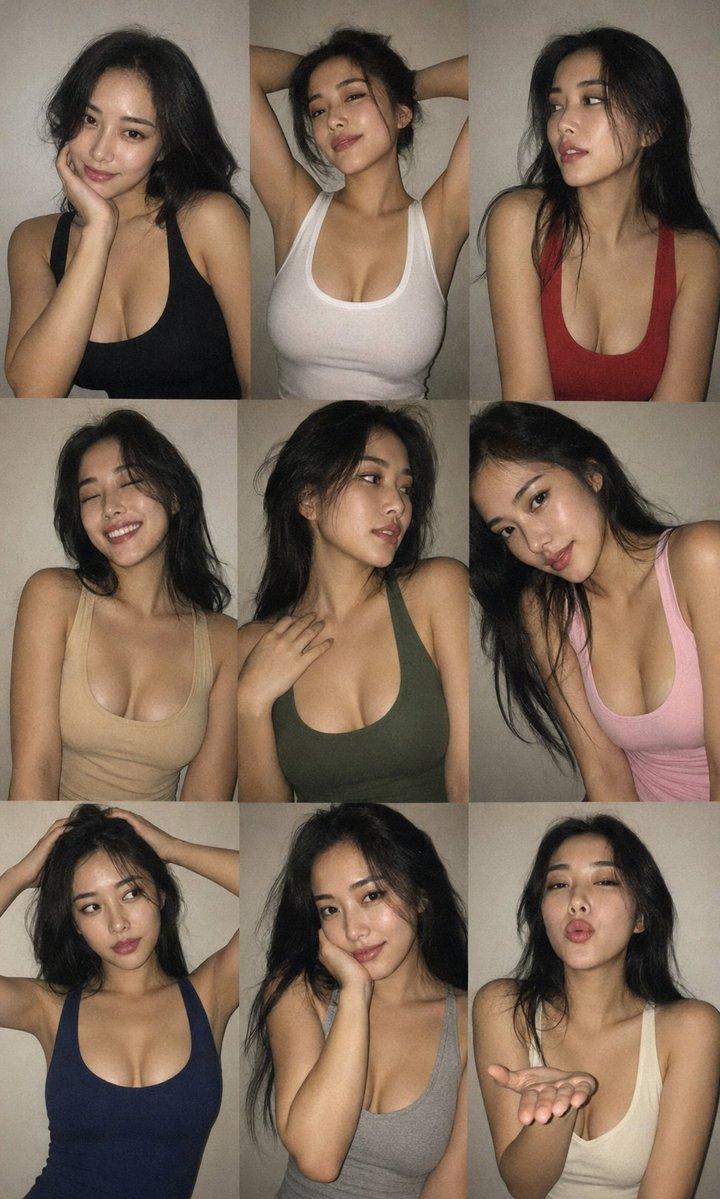
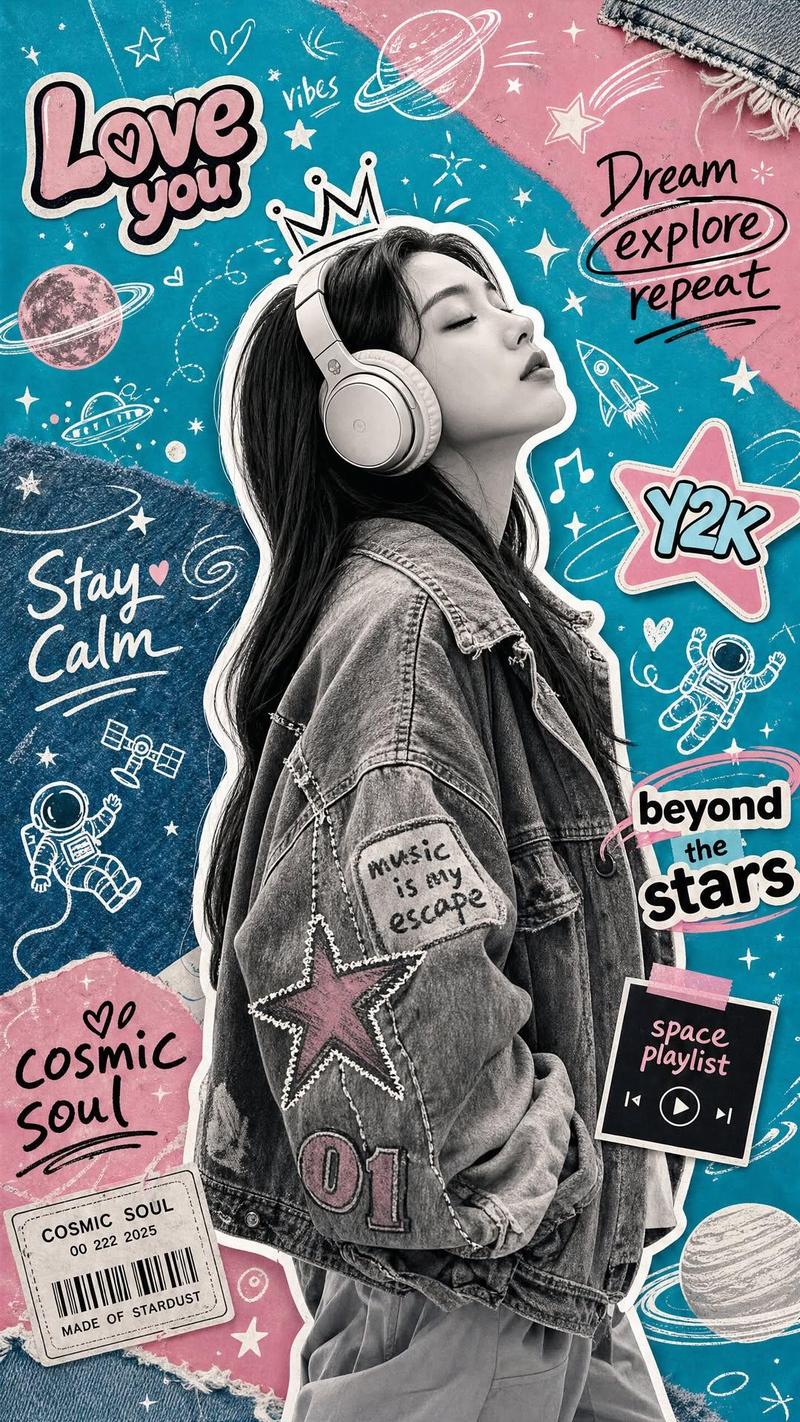
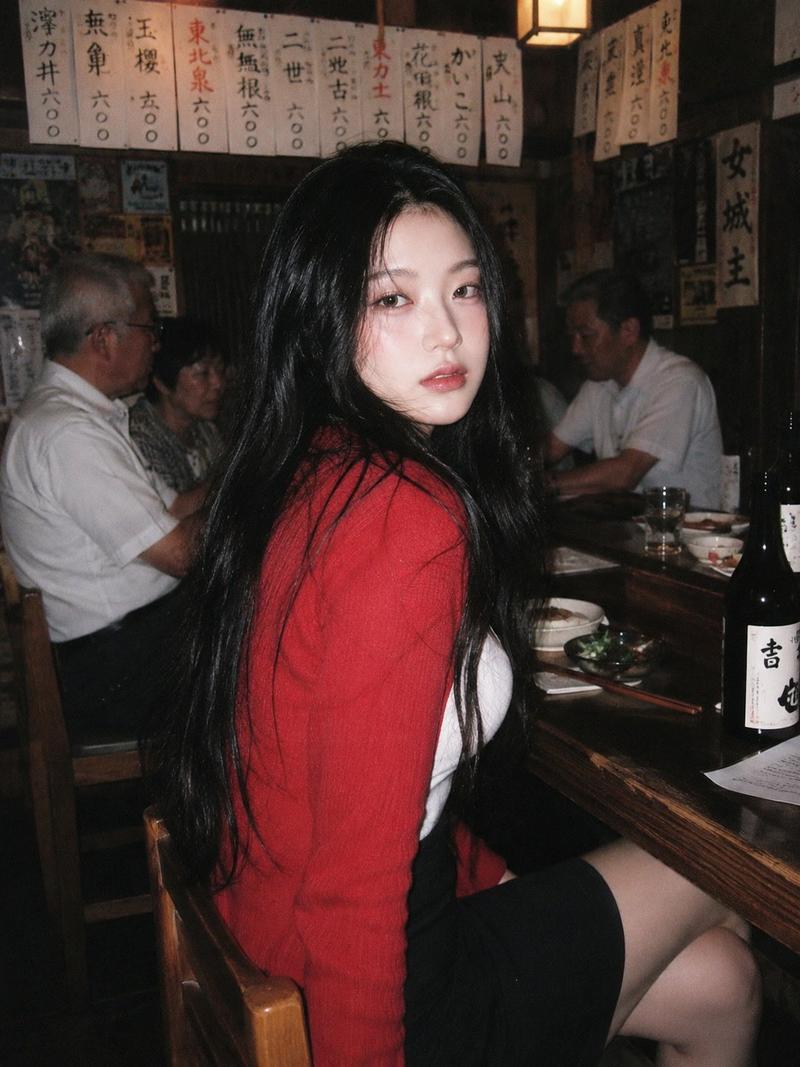
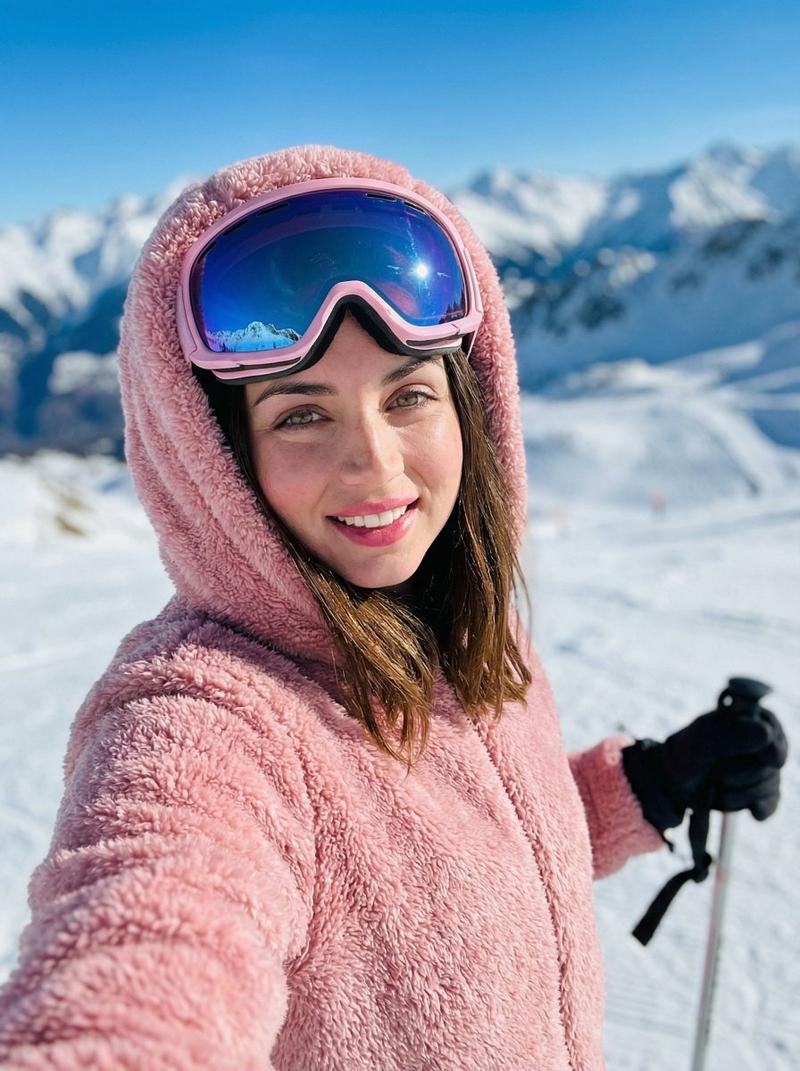
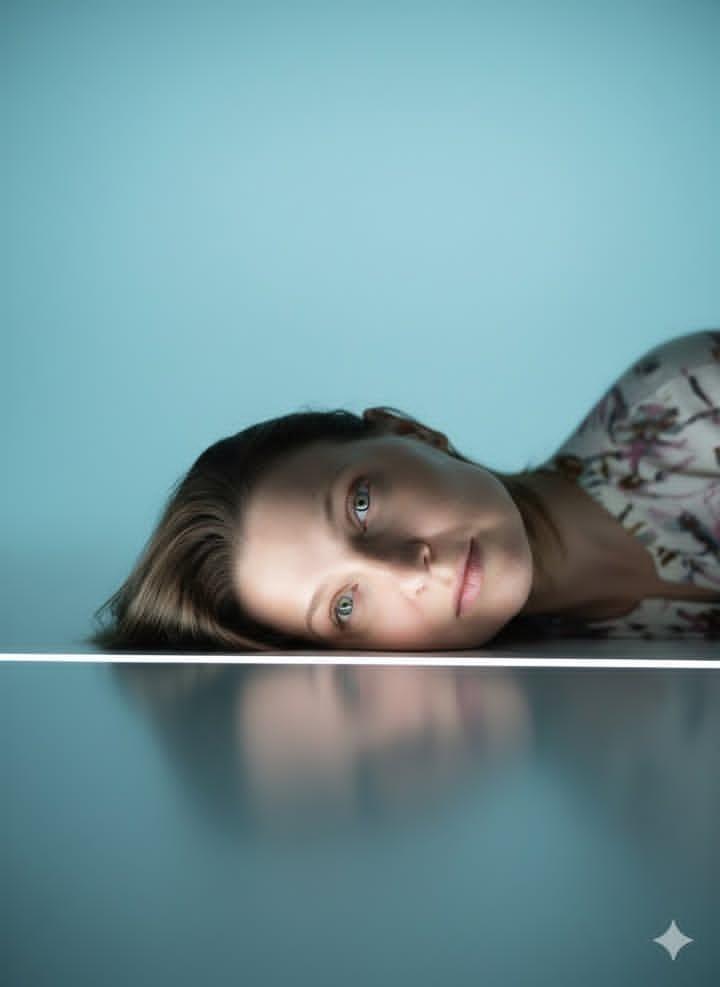
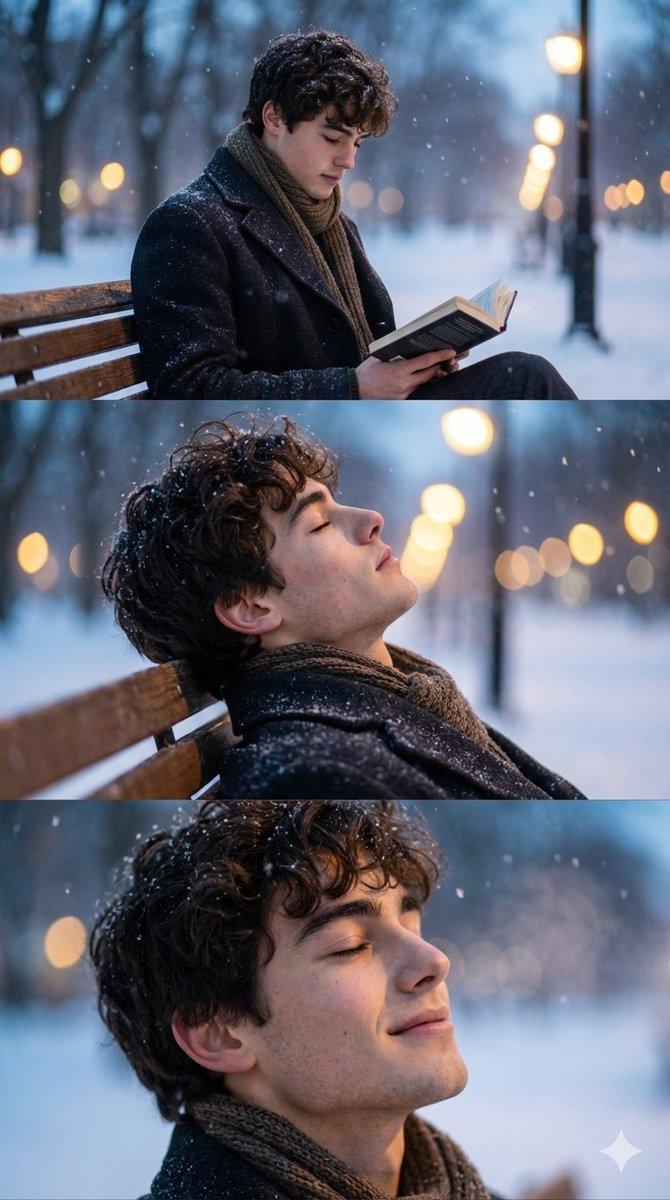
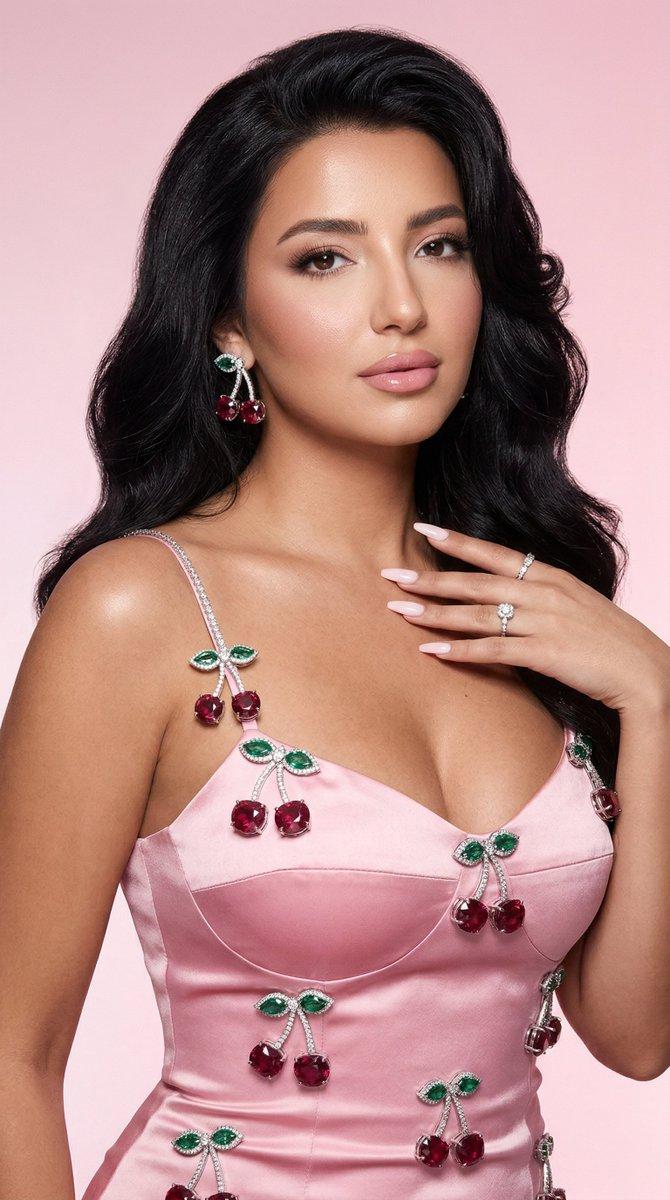
多重艺术宇宙风格对比渲染长图
Prompt
Use the uploaded image as the primary reality anchor.

Aspect ratio: 21:9 cinematic ultrawide.

Preserve the subject’s identity, face, expression, clothing, pose, silhouette, lighting, and emotional tone.

The subject must remain perfectly recognizable across all sections.

Expand the image horizontally.

Create 9 large vertical style regions spanning the full height of the frame.

Each region represents the exact same scene rendered by a different artistic universe.

The subject should continue seamlessly across all regions while being reinterpreted by each style.

Style regions:

Photorealism
Manga Ink Drawing
Anime Cel Shading
Watercolor Illustration
Oil Painting
Comic Book Halftone
Pixel Art
Blueprint / Technical Drawing
Futuristic Concept Art

Each section should maintain:

identical camera angle
identical facial expression
identical pose
identical composition
identical environment

Only the rendering style changes.

Transitions between regions should be narrow and clean.

The image should read left-to-right like a render comparison between artistic universes.

No worldbuilding.

No style invasions.

No style warfare.

No overlapping territories.

No mixed-style regions.

Each style occupies a clearly defined vertical slice.

The subject remains perfectly aligned across every slice.

The effect should feel like multiple rendering engines processing the exact same frame simultaneously.

Ultra-detailed.

High contrast between styles.

Professional concept-art presentation.

Clean gallery-style comparison.

Visually satisfying.

The viewer should instantly understand:

“This is the same image rendered by multiple artistic universes.”
- Category
- Posters & Typography
- Model
- ChatGPT
- Creator
- @GlitterPixely
- Source ID
- 15588
- Published
- Jun 7, 2026
Views45