新巴洛克风格名伶极致光影肖像
Prompt
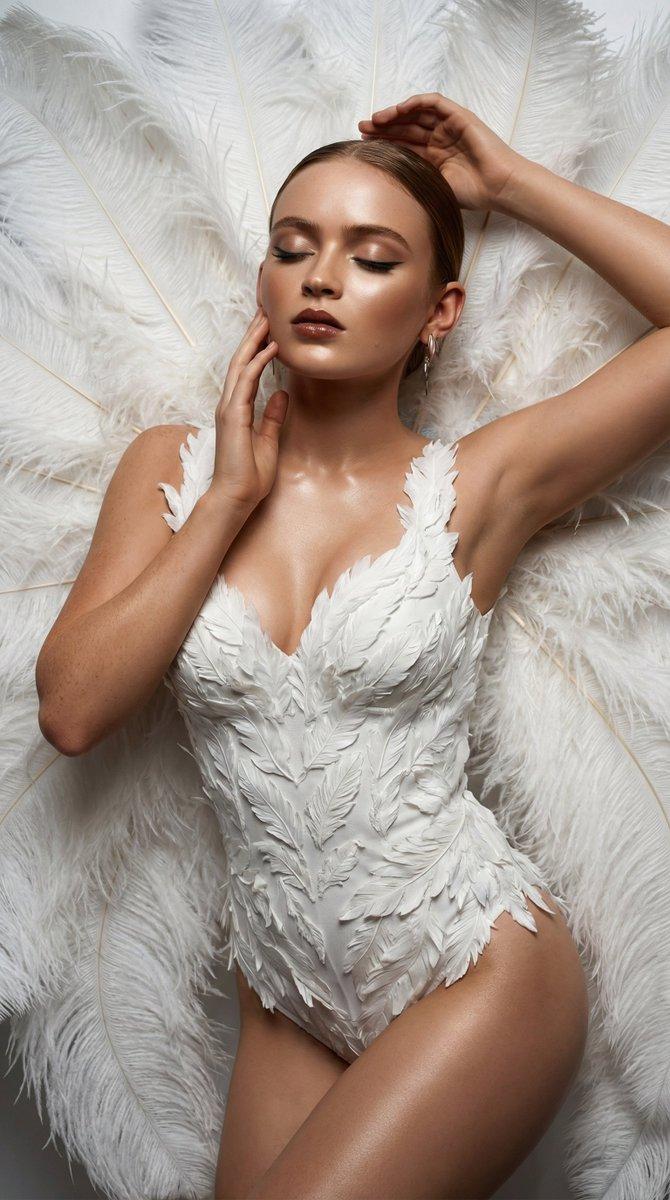
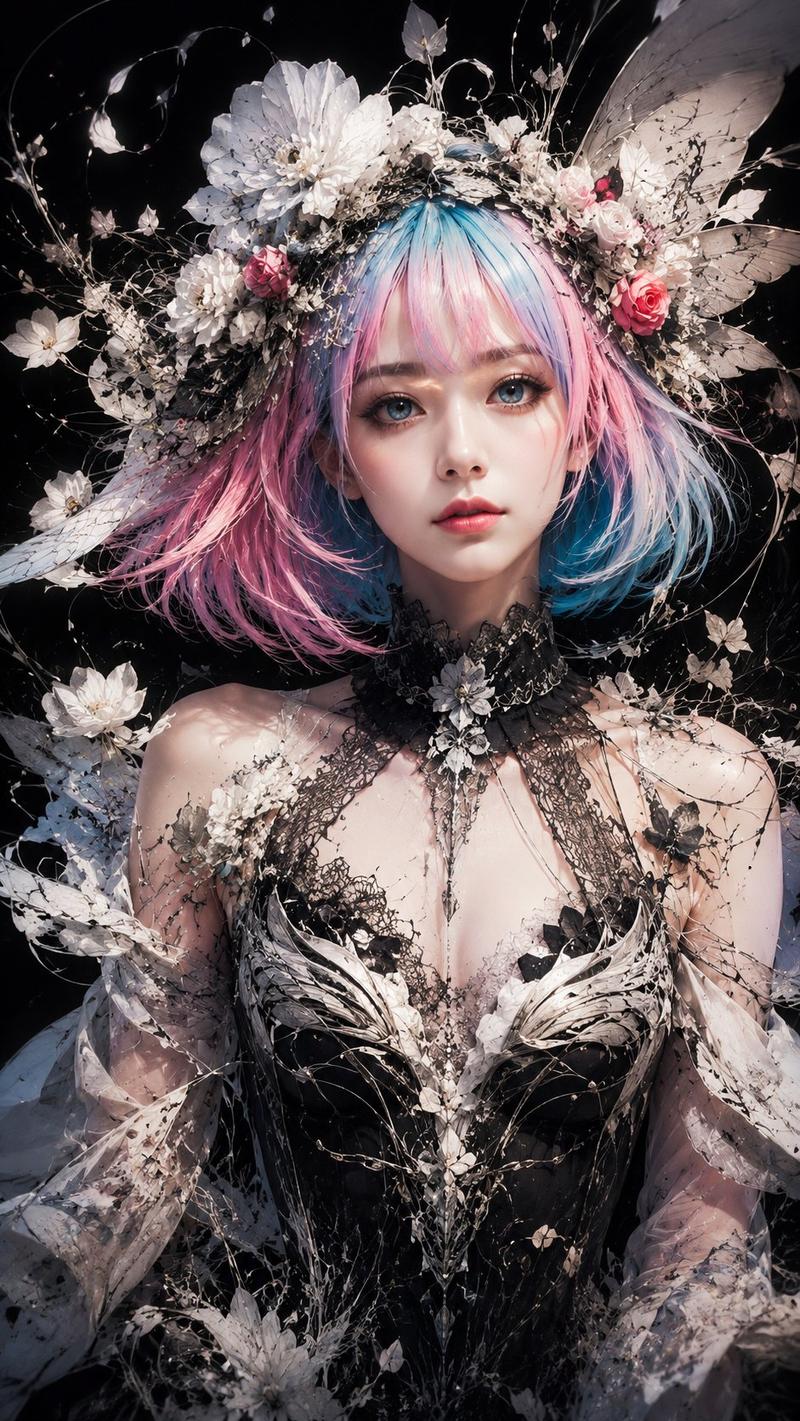
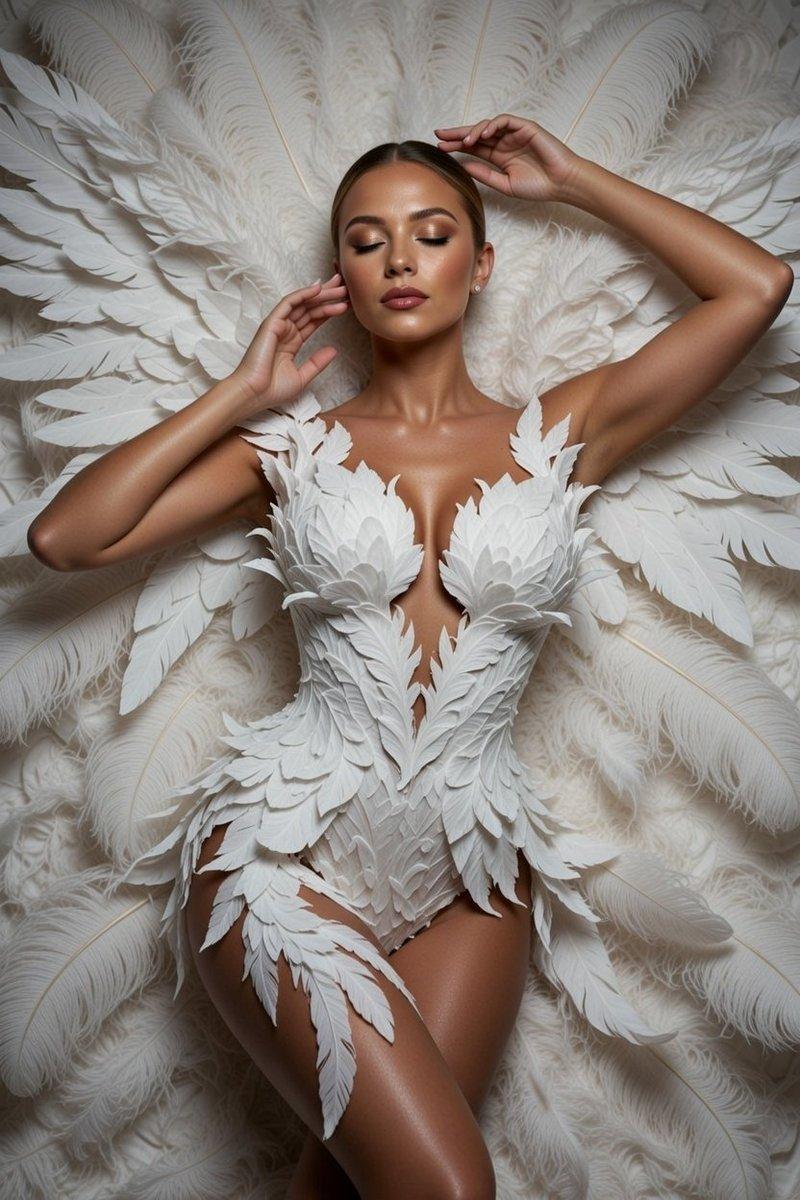
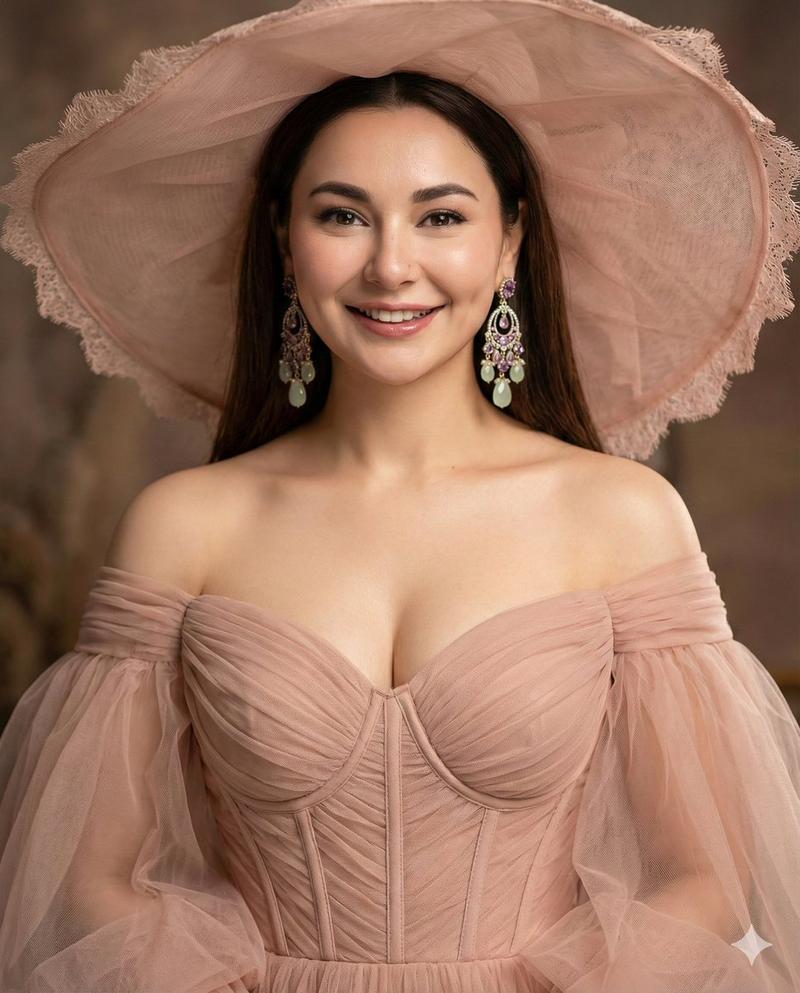
{ "image_type": "Studio Portrait", "shot": "Close-up Portrait", "shot_details": "Opulent, high-resolution, theatrical Burlesque/Cabaret staging, dramatic, hyper-stylized editorial photography.", "style": "Hyper-realistic photography, Cinematic, Low-Key Studio, Editorial, High Fashion, Neo-Baroque.", "quality": "16k UHD, Ultra-Definition, Photorealistic Masterpiece, Extreme textural fidelity, Professional studio quality.", "color_grade": "Extreme contrast low-key color grading, dominant pure white/ivory against deep absorbing black, highly saturated accent colors (Rich Red, Electric Blue).", "meta": { "aspect_ratio": "4:5", "resolution": "16K, Ultra High Definition" }, "camera": { "device": "Professional DSLR Photography", "lens": "Medium Telephoto Lens (85mm or 105mm)", "aperture": "f/1.8", "distance": "Tight", "angle": "Head-on", "framing": "Bust to Chest Portrait", "pov": "Eye-level", "focus": "Pin sharp focus on eyes and front of corset", "lens_effect": "Extremely Shallow Depth of Field (DOF), elegant bokeh transitioning background feathers to blur." }, "lighting": { "description": "Highly controlled, dramatic studio lighting setup.", "type": "Low-Key Lighting", "source": "Large Softbox or Octabox Key Light", "primary": "Soft, large Key Light, slightly elevated from above/front, uniform skin illumination on face and headdress.", "secondary": "Critical, precise Rim Light (Contour Light) sharply separating white feather edges, hair, and shoulders from the black background, maximizing spatial depth.", "highlights": "Intense, crisp Catchlights in the eyes; high sheen on brocade fabric.", "shadows": "Soft, graduated shadows on the décolleté; deep black shadows elsewhere." }, "scene": { "location": "Professional Photography Studio", "environment": "Seamless, absolute deep black backdrop (Vanta Black textureless background).", "atmosphere": "Theatrical, opulent, dramatic tension." }, "subject": { "gender": "Young woman", "appearance": "Cabaret Diva, Burlesque Performer, Highly styled.", "body": { "skin": "Porcelain-like, flawless, airbrushed texture, extremely pale." }, "expression": { "eyes": "Intense, serious, challenging gaze, bright turquoise-blue, thick false eyelashes.", "gaze": "Direct eye contact with the camera.", "mouth": "Perfectly defined, matte red lips.", "face_vibe": "Serious, stylized, doll-like aesthetic." }, "hair": { "color": "Rich, deep chestnut red (Kastanienrot).", "style": "Long, voluminous, wavy curls.", "details": "Soft strands falling over shoulders." }, "pose": { "description": "Self-assured, confident, shoulder-emphasizing stance.", "stance": "Upper body portrait pose.", "arms": "Implied placement (e.g., hands on hips) to enhance shoulder line.", "energy": "Commanding, dramatic."- Category
- Posters & Typography
- Model
- Nano Banana Pro
- Creator
- @iamdomprompt
- Source ID
- 8735
- Published
- Jun 4, 2026
Views5