15

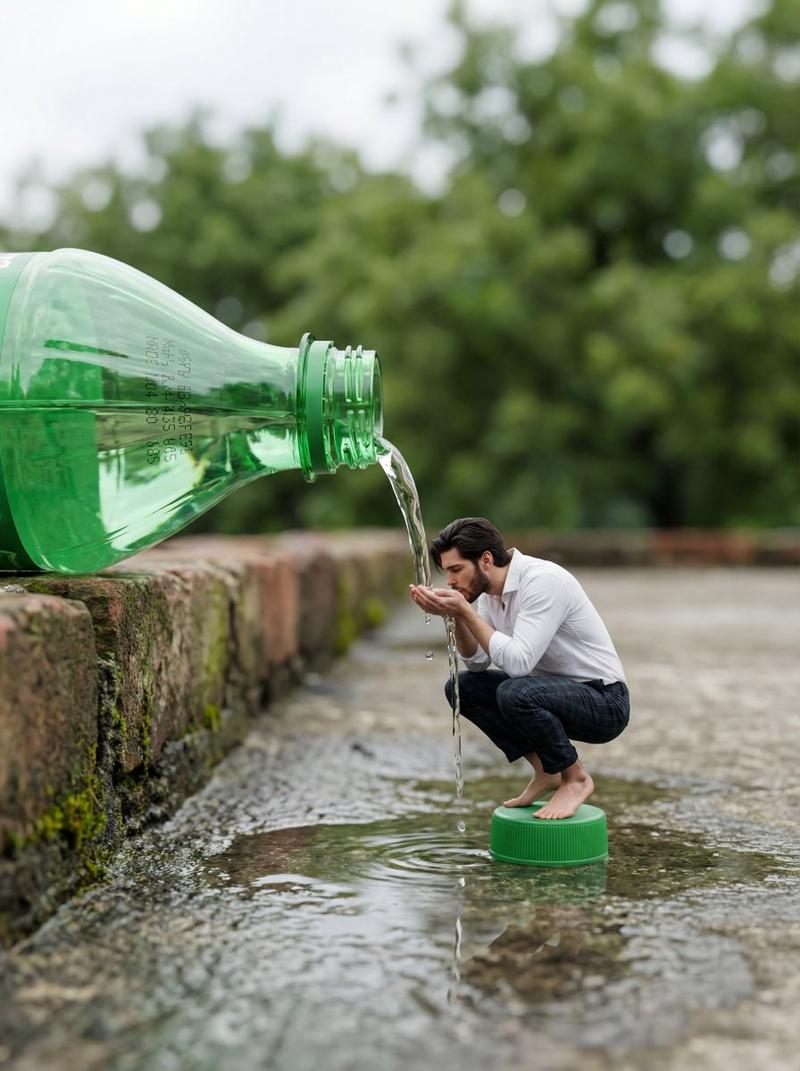
霓虹饮料跨越虚实边界
Enlarge

霓虹饮料跨越虚实边界

Prompt
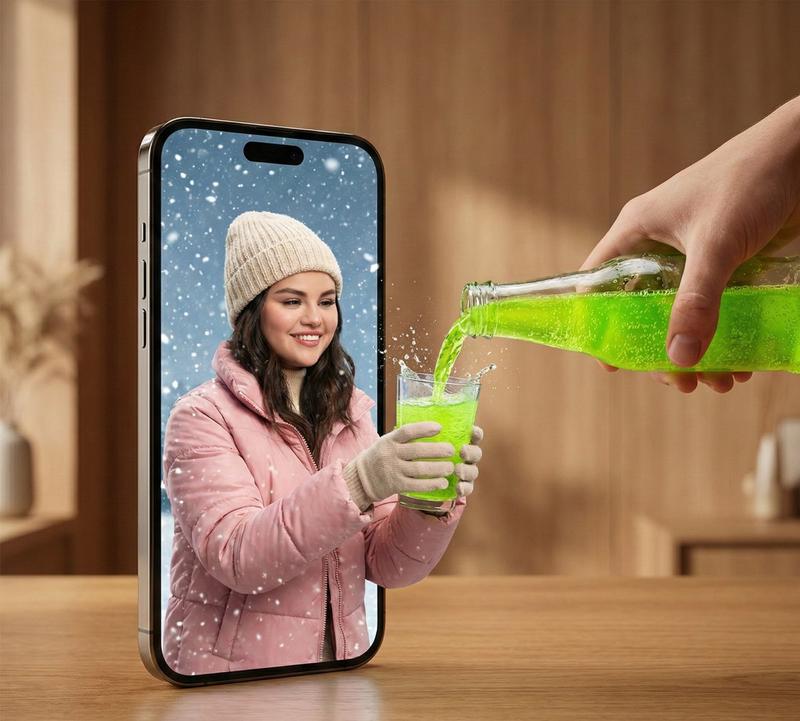
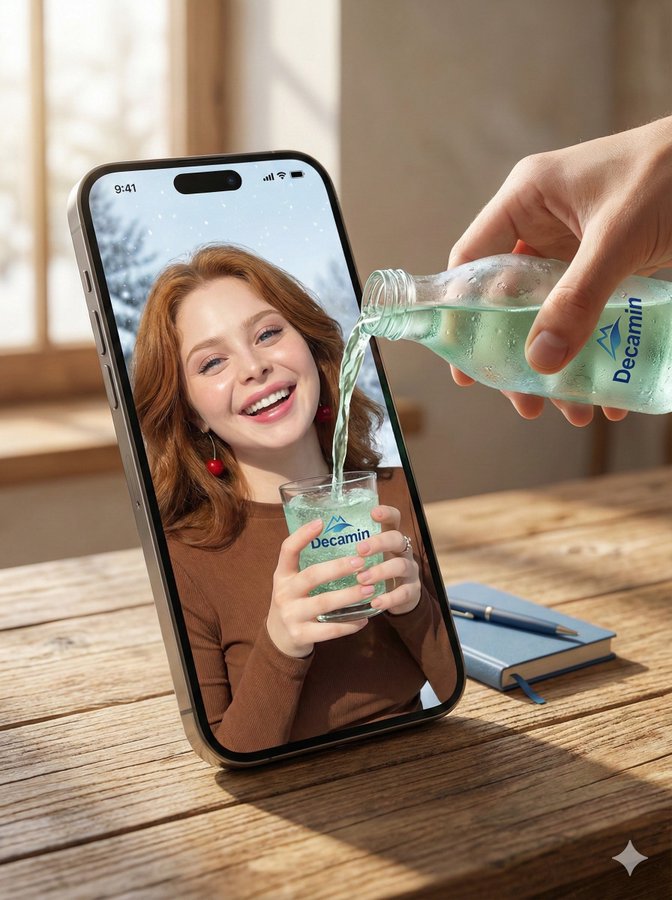
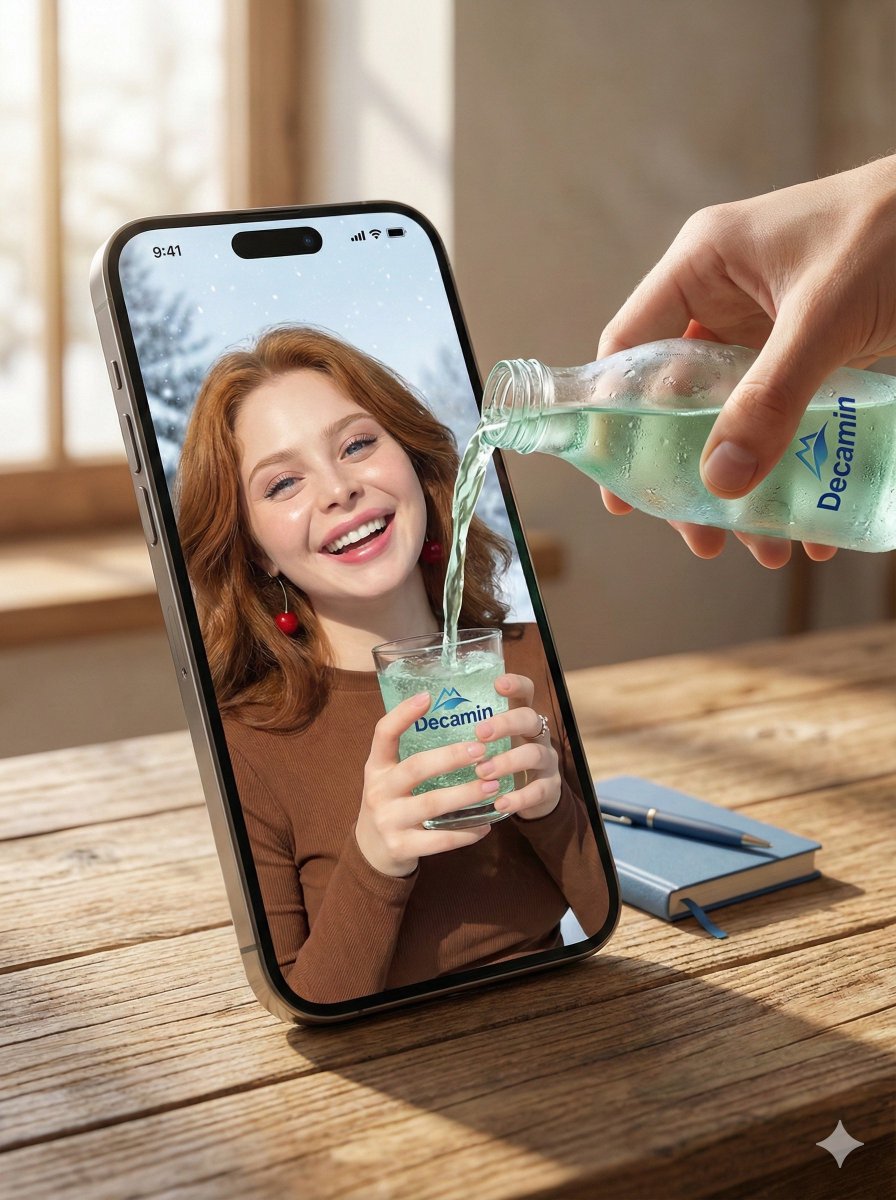
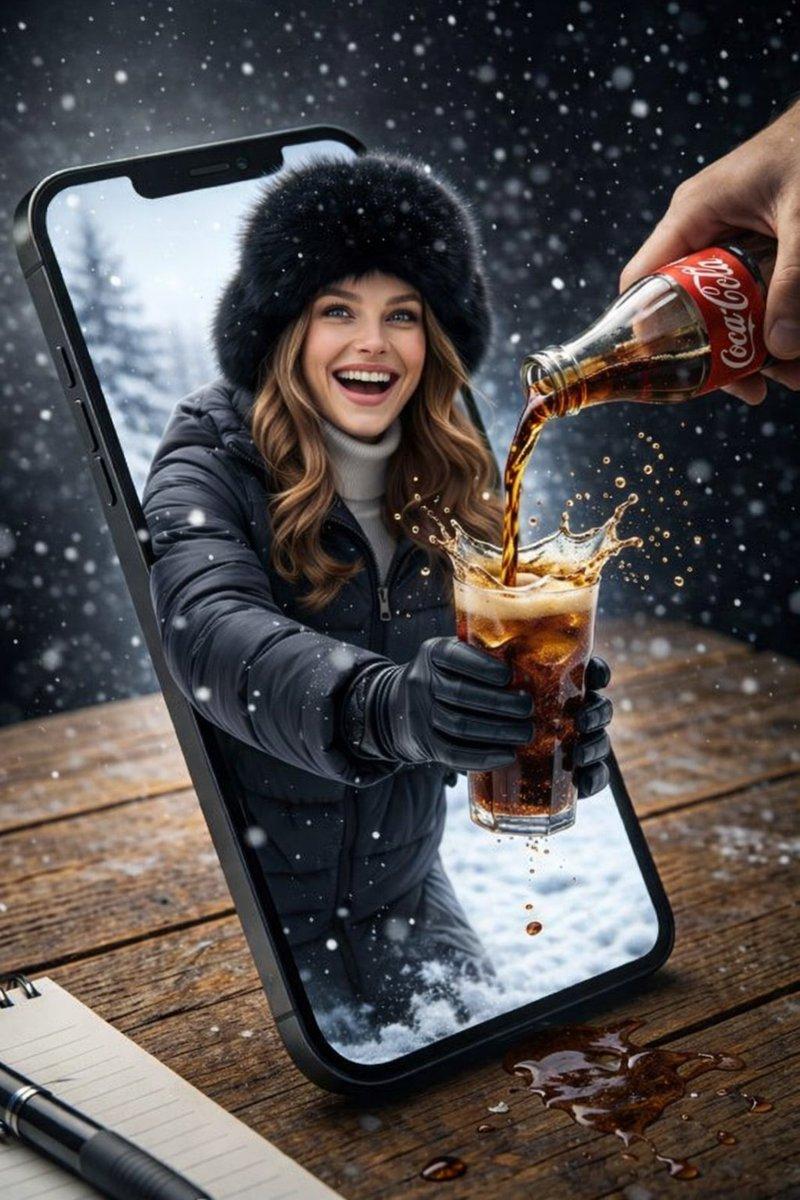
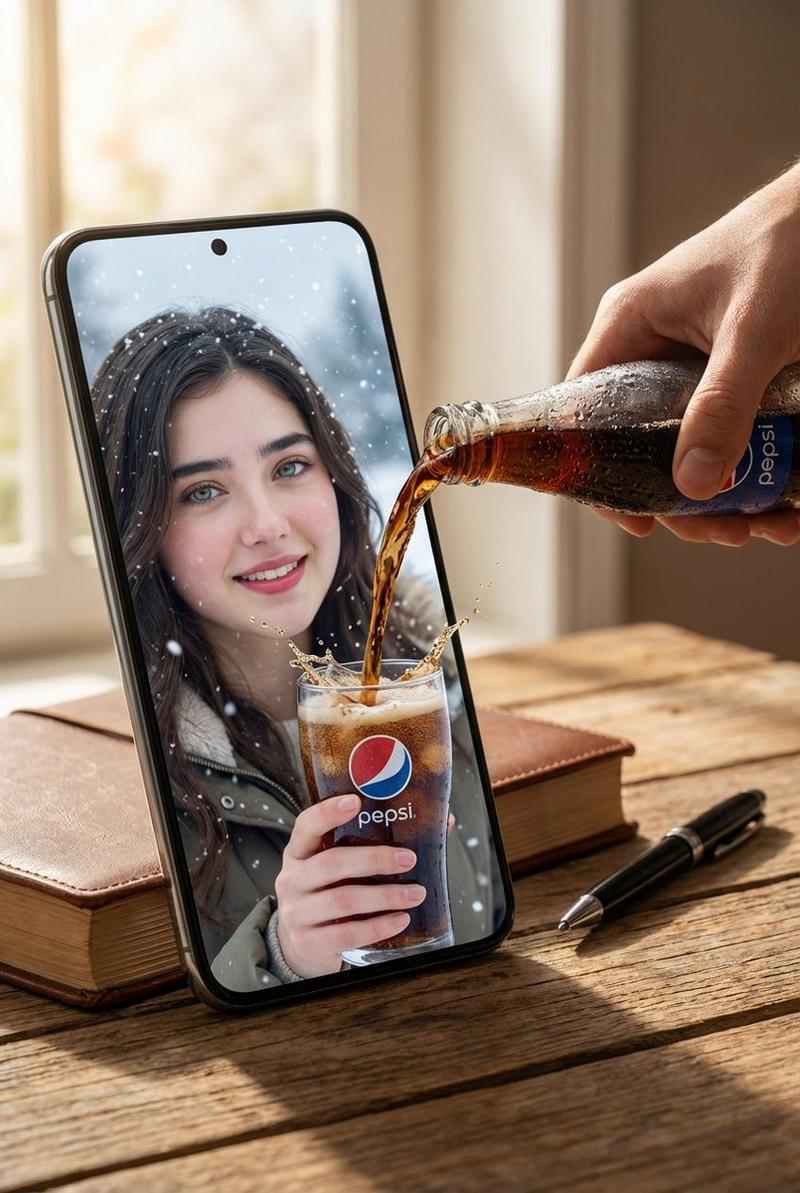
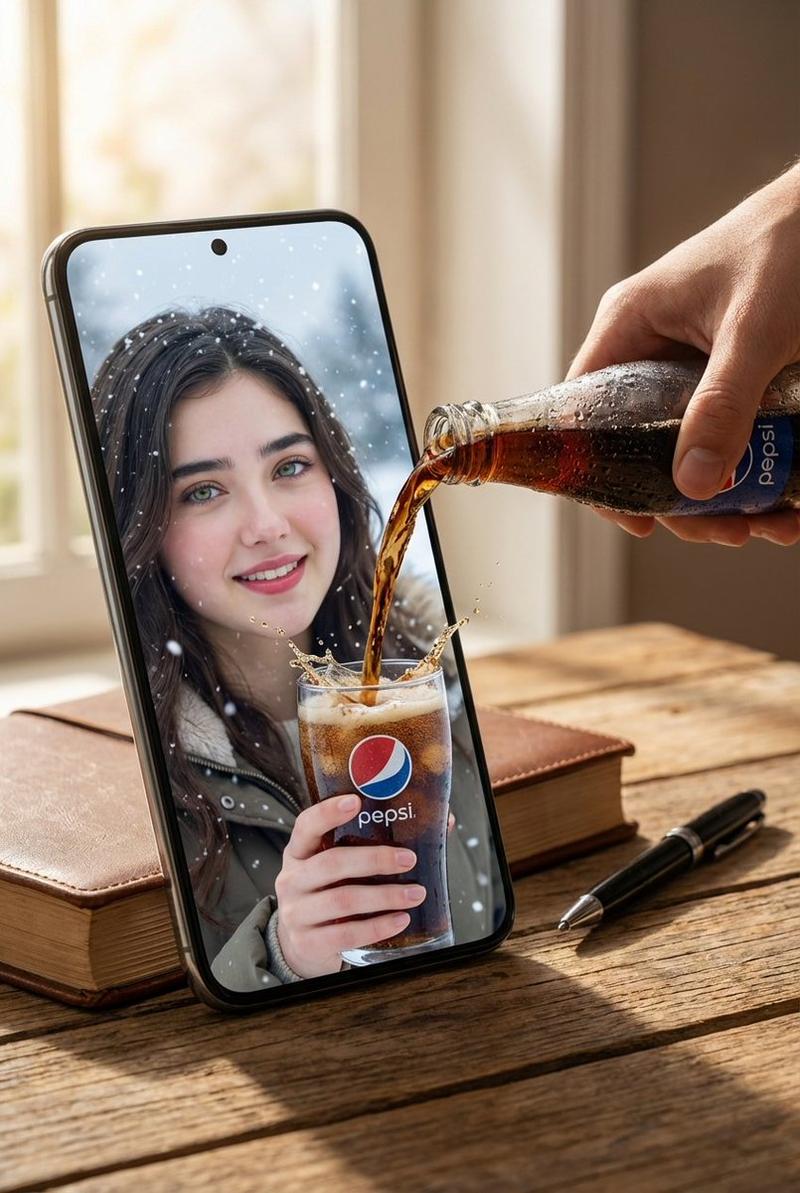
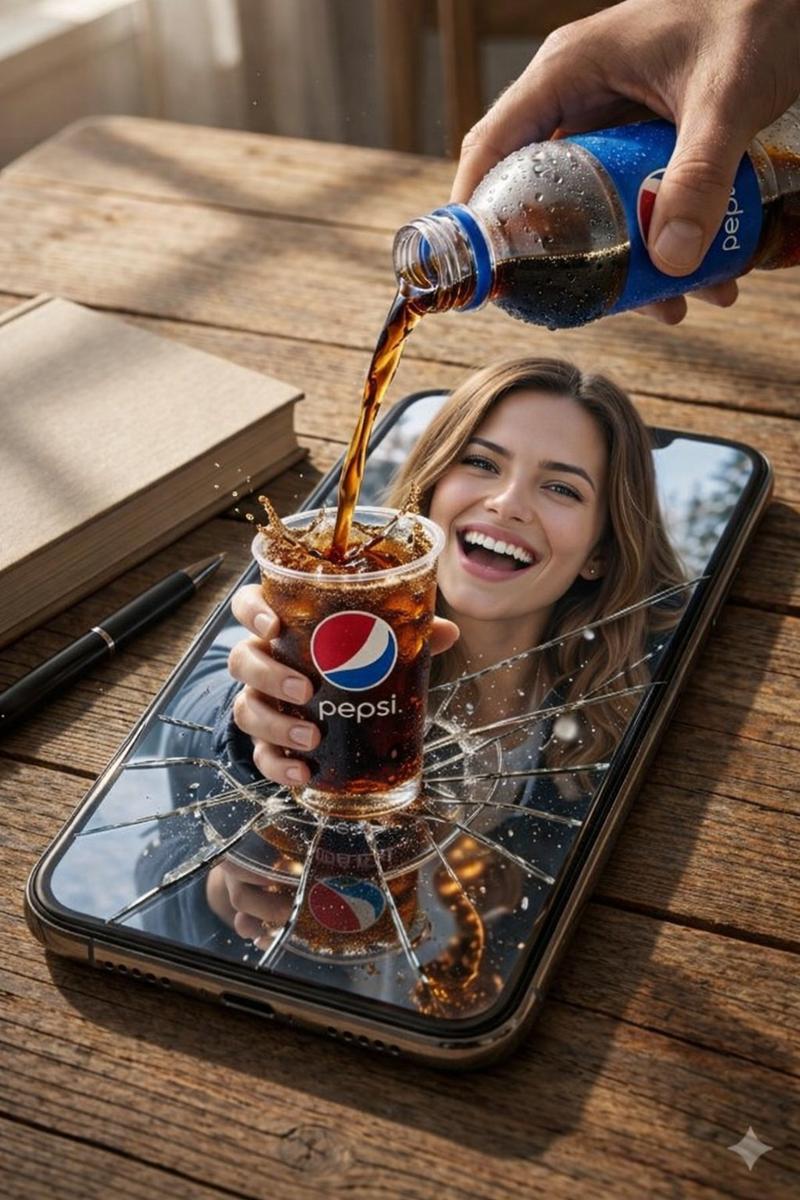
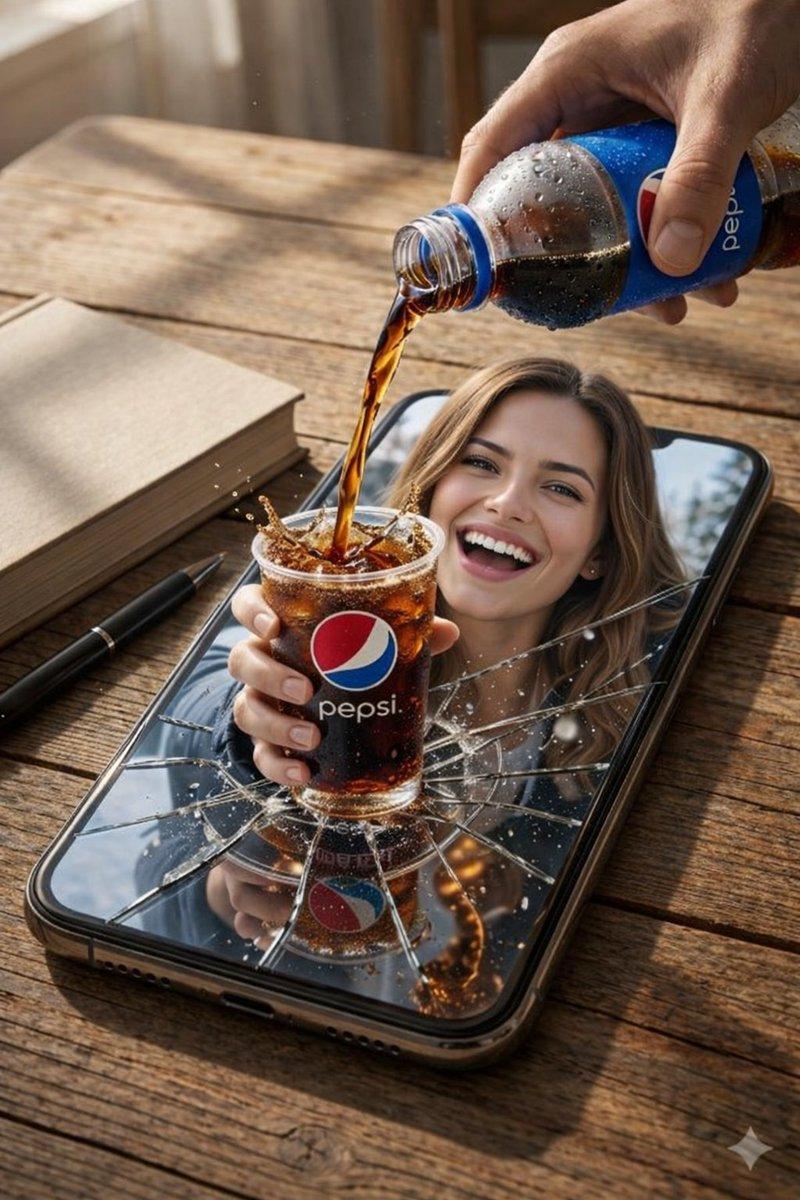
A hyper-realistic surreal photograph of a modern smartphone lying flat on a wooden table, its screen acting as a portal between two worlds. From inside the phone screen, a smiling young man dressed in winter clothing—puffer jacket, knit beanie, gloves—extends his hands outward into the real world, holding a clear glass. From outside the phone, a real human hand pours a bright neon-green carbonated drink into the glass, with liquid splashes frozen mid-air as it crosses the boundary between the digital screen and reality. Snowflakes drift inside the phone screen while the real environment remains warm and minimal. Ultra-detailed textures, cinematic lighting, shallow depth of field, photorealistic surrealism, high-resolution editorial photography.
Category
Products & E-commerce
Model
Nano Banana Pro
Views120
Source ID
2381
Published
Feb 4, 2026

Guide

About "霓虹饮料跨越虚实边界"

What is this prompt for?

"霓虹饮料跨越虚实边界" AI image prompt for Nano Banana Pro (Products & E-commerce). 一张超现实主义的超现实照片,一部现代智能手机平放在木质桌面上,其屏幕充当两个世界之间的传送门。从手机屏幕内部,一位穿着冬季服装——羽绒服、针织毛线帽、手套——的年轻微笑男…

The full copyable prompt and example visuals above are ready for AI image generation or one-click recreate in Picva.

How to use this prompt

  1. Step 1

    Open the prompt detail

    Review the example visuals, category, and full prompt text for "霓虹饮料跨越虚实边界".

  2. Step 2

    Copy the prompt

    Copy the prompt body from this page, or load it directly in Studio.

  3. Step 3

    Pick a model (Nano Banana Pro)

    Prefer Nano Banana Pro. If you switch models, keep subject and composition and tweak style terms.

  4. Step 4

    Generate and export

    Recreate the look in Picva, or export into your workflow for editing and publishing.

FAQ

What is the "霓虹饮料跨越虚实边界" prompt?
It is an AI image-generation prompt for Nano Banana Pro in the Products & E-commerce category. This page includes the full prompt text, example visuals, and a one-click recreate path in Picva.
How do I use this prompt to generate an image?
Copy the prompt from this page, or use Generate / Studio. Paste it into a compatible image model, or recreate the look in Picva with optional reference images.
Which model is this prompt for?
This page lists Nano Banana Pro. Most descriptive prompts also transfer to nearby image models such as GPT Image, Flux, or Midjourney with light style tweaks.
Can I use the result commercially?
You can usually copy the prompt for creation, but commercial use of the final image depends on the model terms, reference-image rights, and the generated content. Follow the source author and platform rules.