17

霓虹KTV包厢里的迷人女友

Prompt
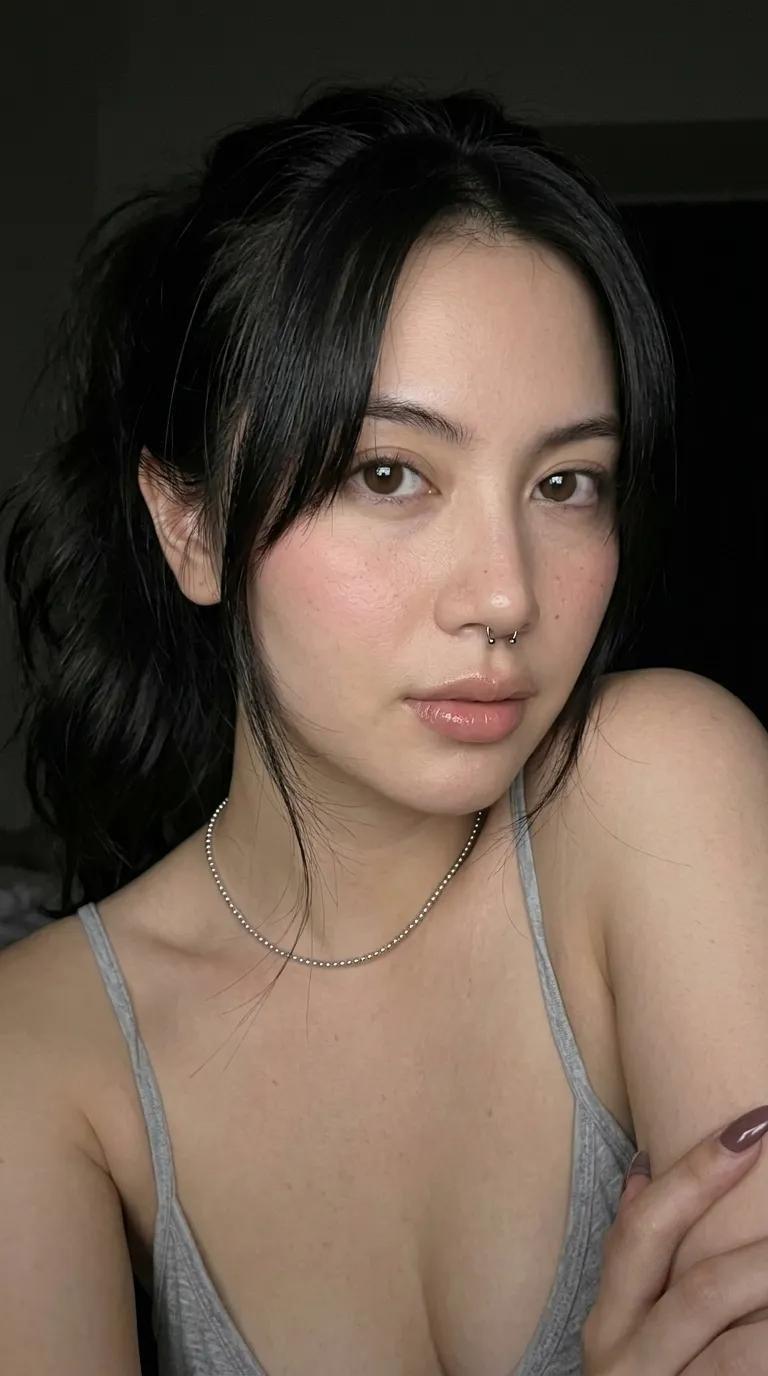
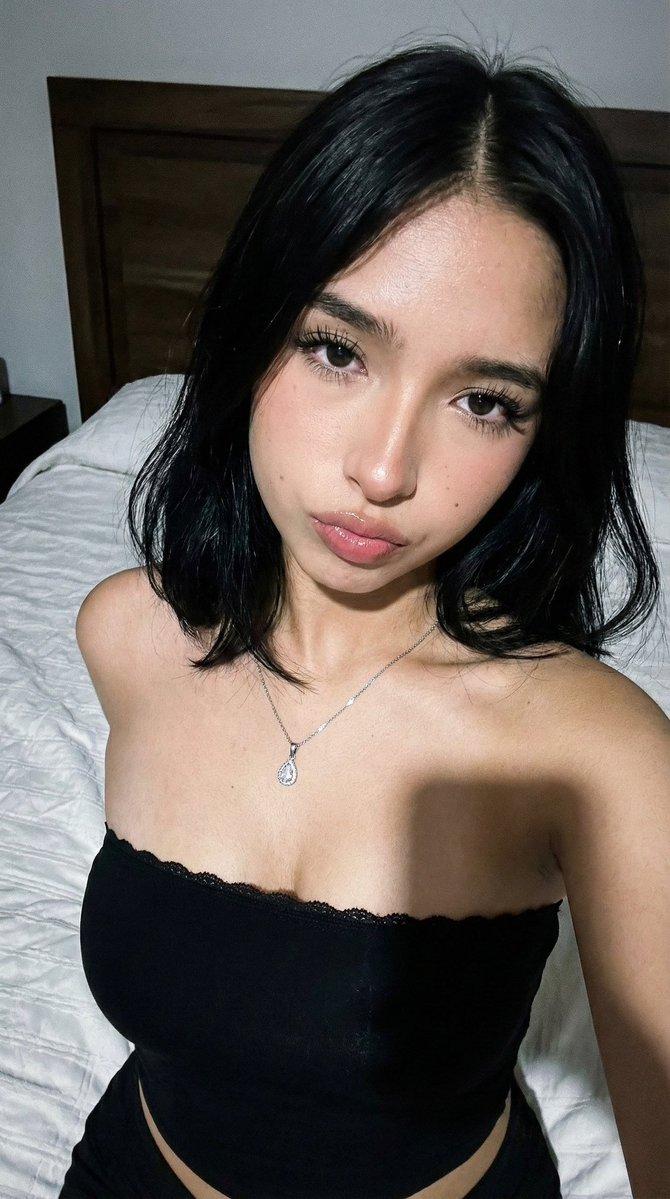
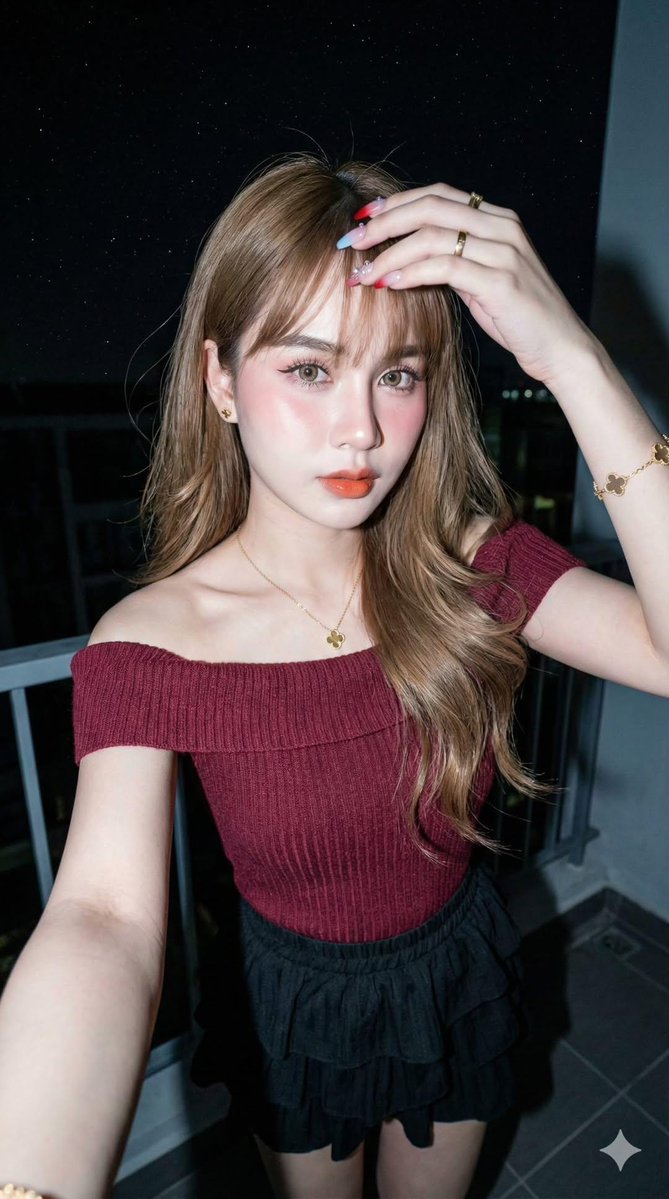
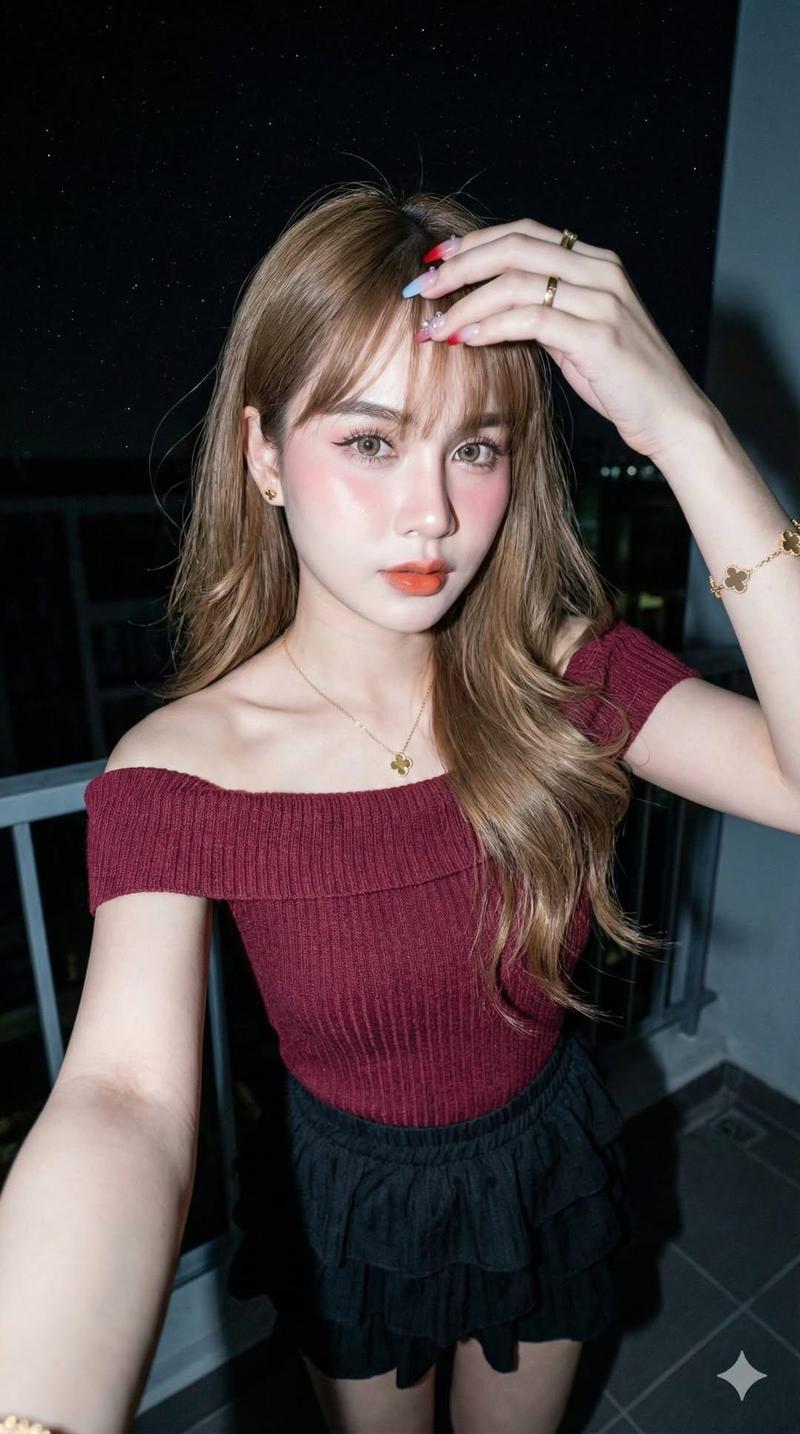
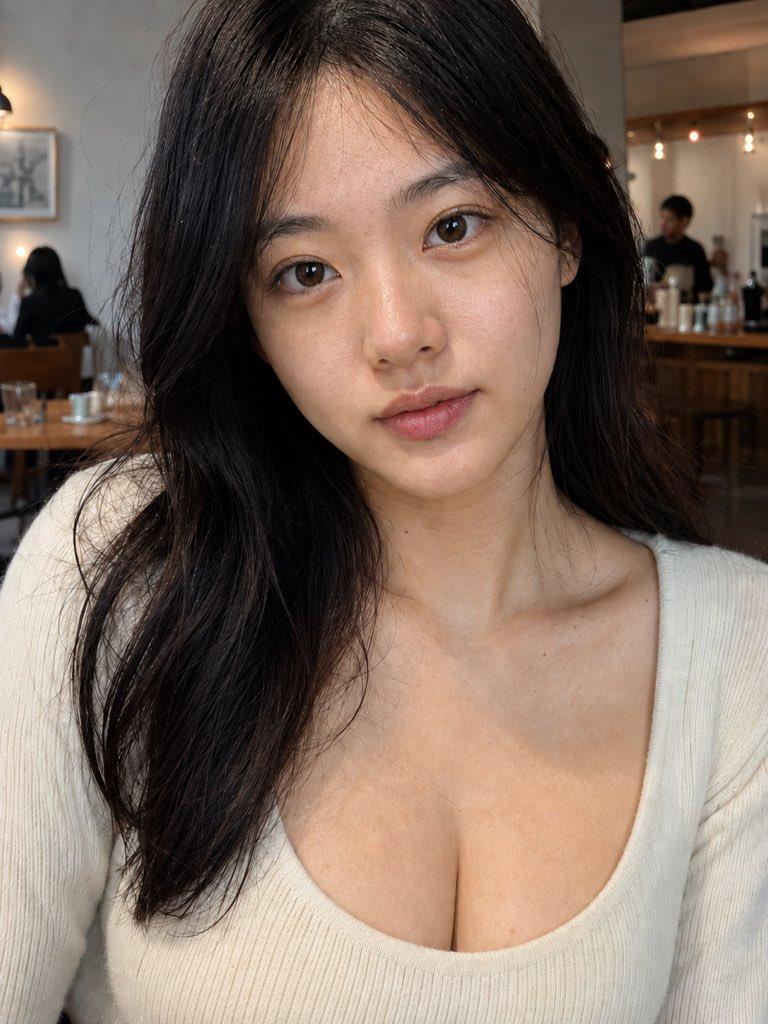
Photorealistic style, vertical screen, first-person boyfriend perspective. Inside a dimly lit KTV private room, background with purple and blue neon laser lights flickering. A beautiful young Asian woman sitting on a black leather sofa, long black hair draped over shoulders, wearing a black off-shoulder sequined sweater, wearing an exquisite necklace. Action description: Initially she looks to the side, then turns her head to look at the lens, with a sweet and coquettish smile on her face opening her mouth to speak: "Oh, big brother, why did you come so late?". The camera then smoothly moves down, showing her slender legs. She is taking off one silver full-diamond pointed high-heeled shoe, one foot already barefoot stepping on the reflective floor, movements natural and languid. Realistic lighting and shadow texture, high definition image quality.
Category
Video Prompts
Model
Seedance 2.0
Creator
OpenNana
Views399
Source ID
2652
Published
Feb 25, 2026

Guide

About "霓虹KTV包厢里的迷人女友"

What is this prompt for?

"霓虹KTV包厢里的迷人女友" AI image prompt for Seedance 2.0 (Video Prompts). 真人写实风格,竖屏,第一人称男友视角。在昏暗的KTV包厢内,背景有紫色和蓝色的霓虹激光灯闪烁。一位漂亮的年轻亚洲女性坐在黑色皮沙发上,黑色长发披肩,身穿黑色露肩亮片毛衣,戴着精致项链。…

The full copyable prompt and example visuals above are ready for AI image generation or one-click recreate in Picva.

How to use this prompt

  1. Step 1

    Open the prompt detail

    Review the example visuals, category, and full prompt text for "霓虹KTV包厢里的迷人女友".

  2. Step 2

    Copy the prompt

    Copy the prompt body from this page, or load it directly in Studio.

  3. Step 3

    Pick a model (Seedance 2.0)

    Prefer Seedance 2.0. If you switch models, keep subject and composition and tweak style terms.

  4. Step 4

    Generate and export

    Recreate the look in Picva, or export into your workflow for editing and publishing.

FAQ

What is the "霓虹KTV包厢里的迷人女友" prompt?
It is an AI image-generation prompt for Seedance 2.0 in the Video Prompts category. This page includes the full prompt text, example visuals, and a one-click recreate path in Picva.
How do I use this prompt to generate an image?
Copy the prompt from this page, or use Generate / Studio. Paste it into a compatible image model, or recreate the look in Picva with optional reference images.
Which model is this prompt for?
This page lists Seedance 2.0. Most descriptive prompts also transfer to nearby image models such as GPT Image, Flux, or Midjourney with light style tweaks.
Can I use the result commercially?
You can usually copy the prompt for creation, but commercial use of the final image depends on the model terms, reference-image rights, and the generated content. Follow the source author and platform rules.