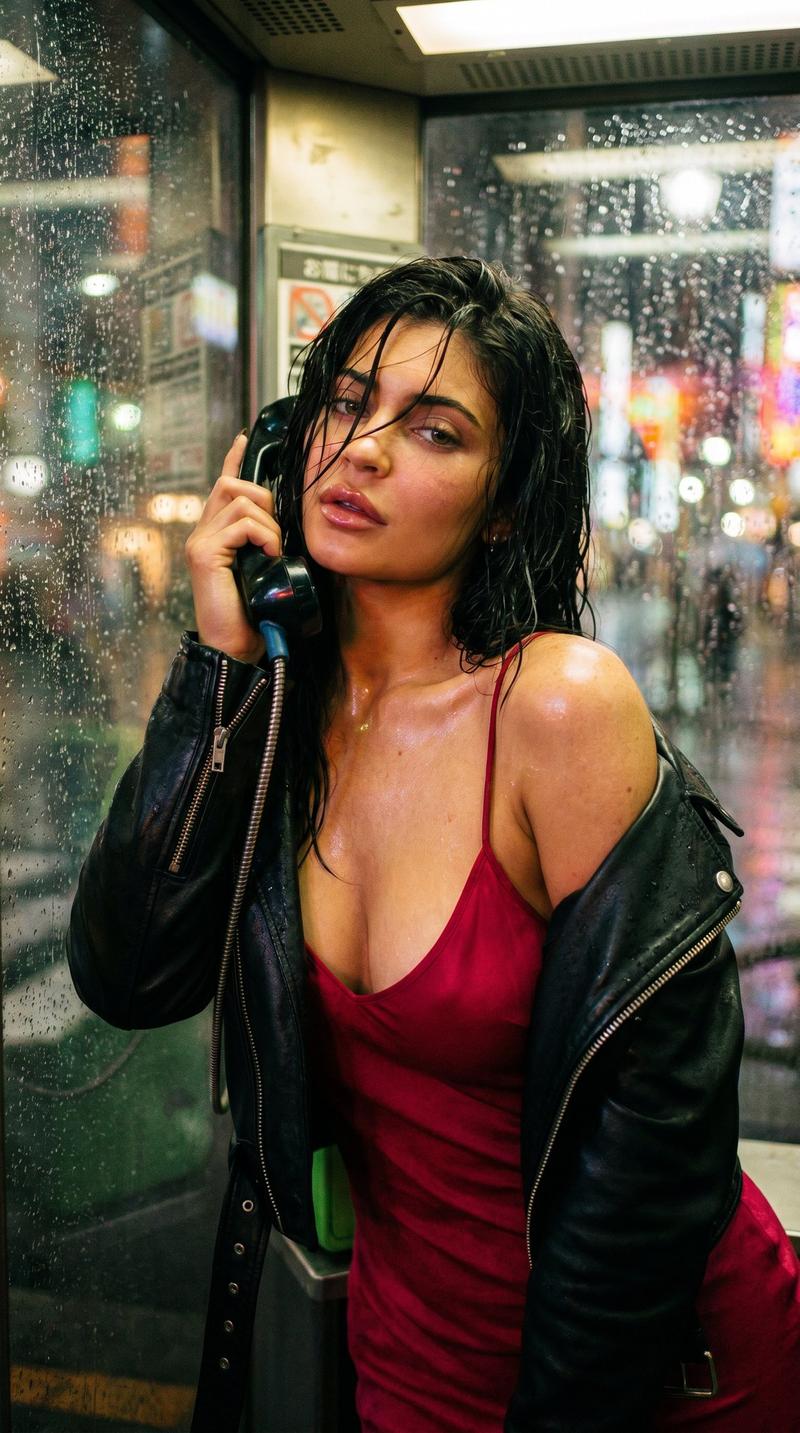
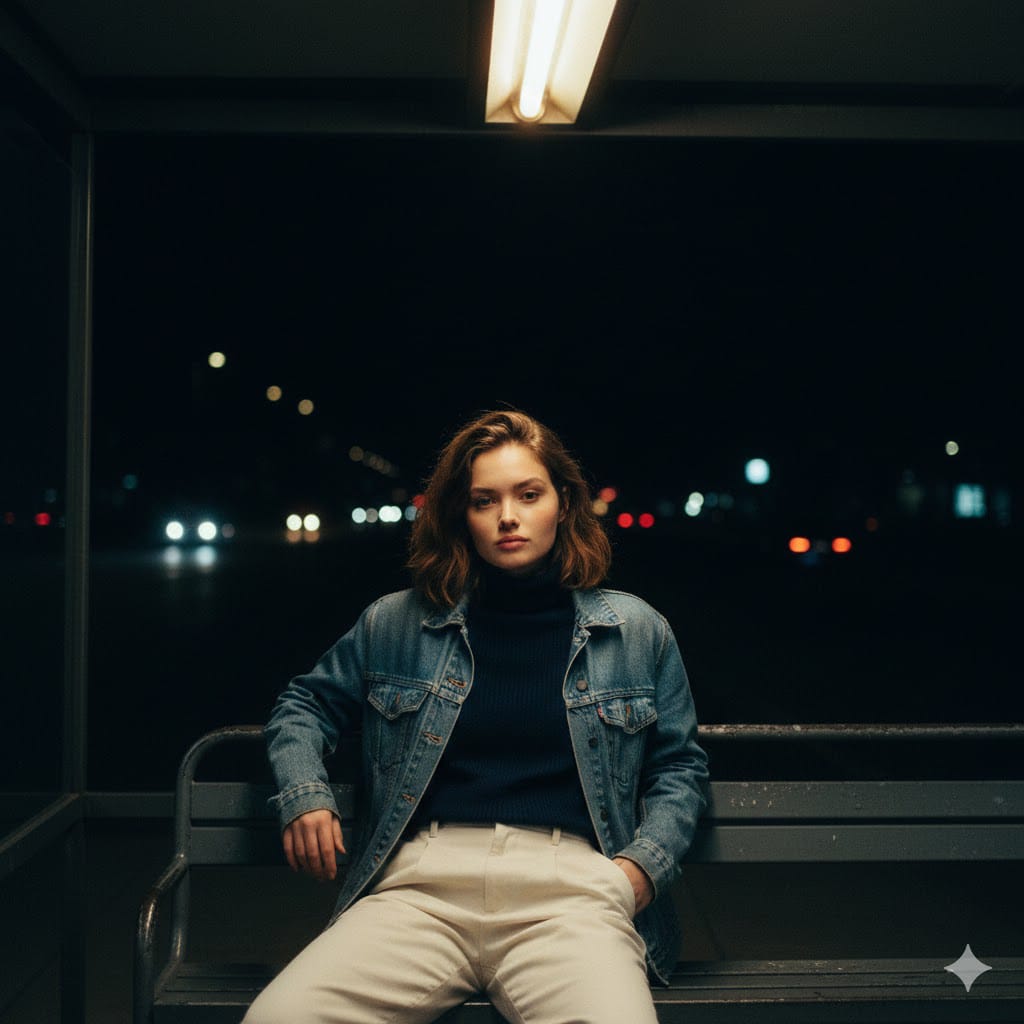
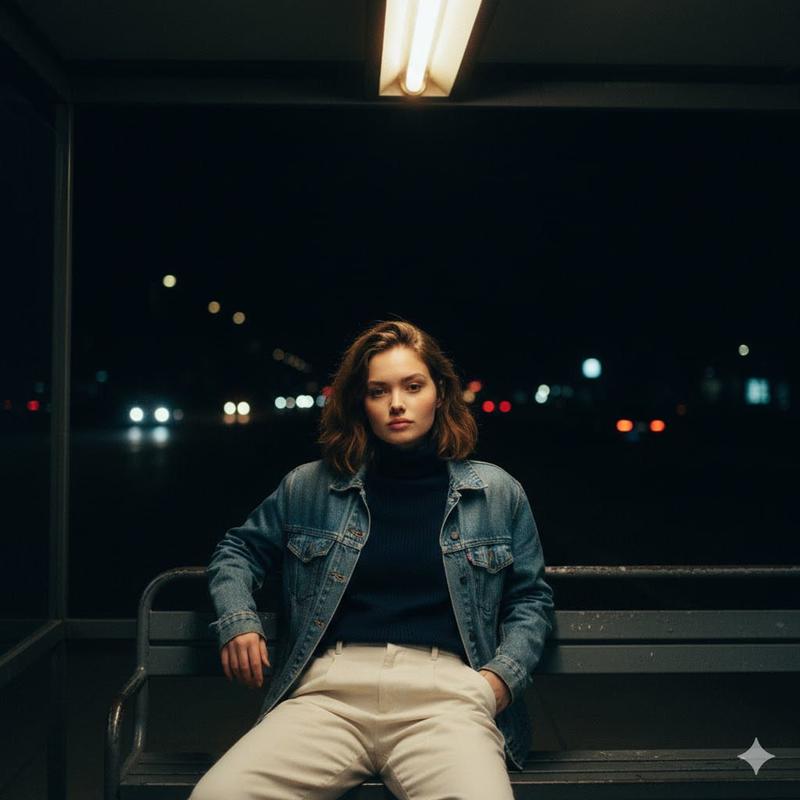
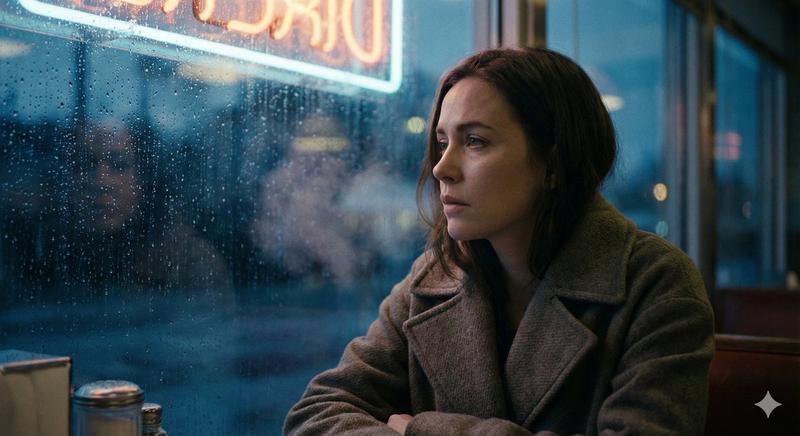
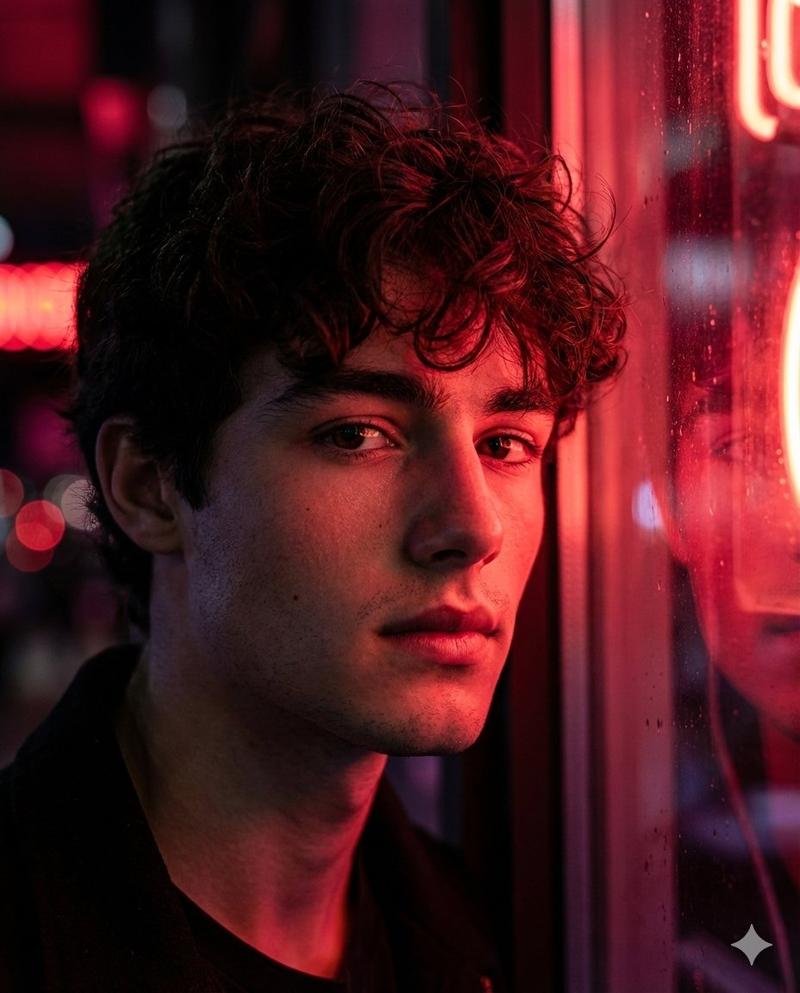
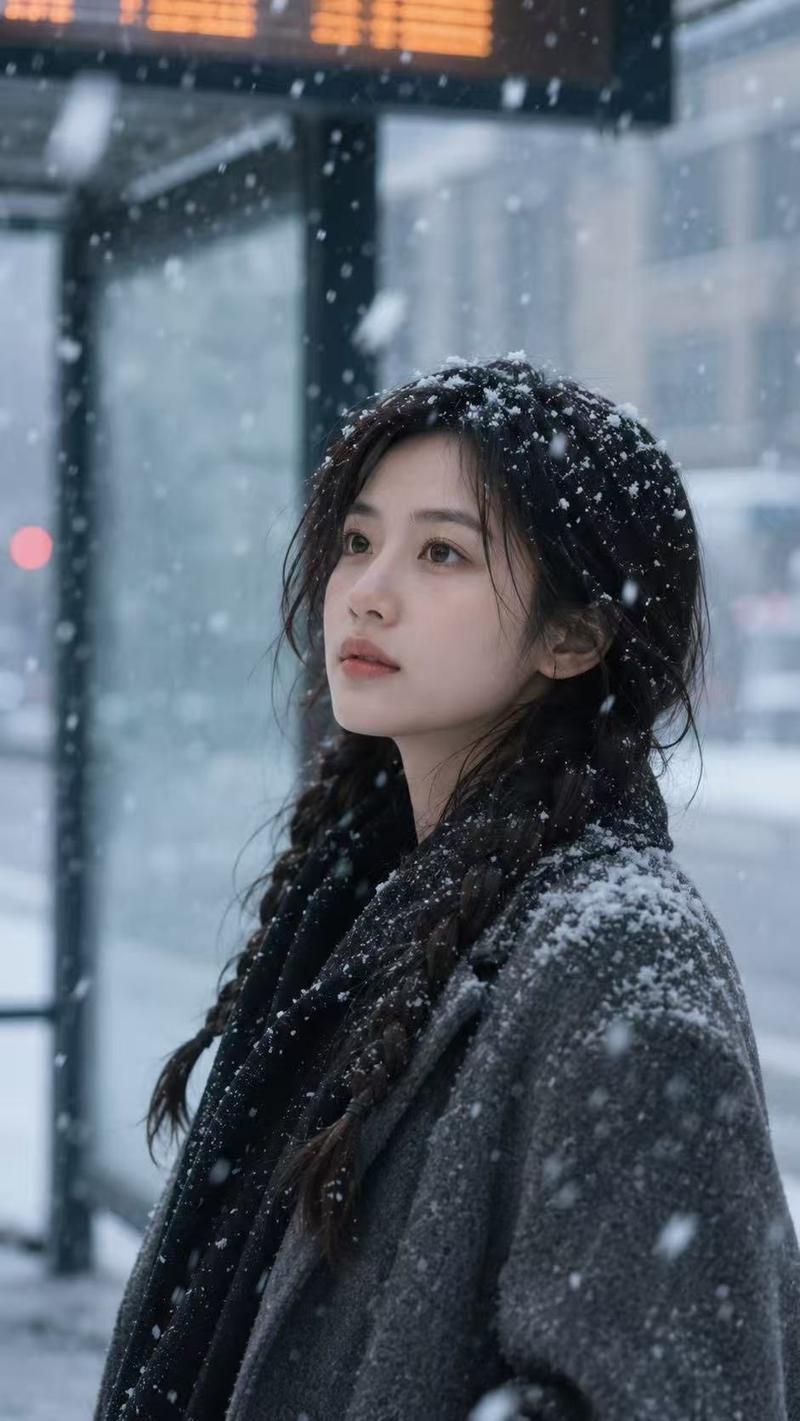
霓虹雨夜电话亭孤独女子写实电影感人像
Prompt
{ "prompt_name": "Neon Rain Phone Booth Noir", "type": "photo_realistic", "aspect_ratio": "4:5", "scene": { "location": "rainy city street at night", "setting_detail": "a glass phone booth at the sidewalk edge, wet pavement reflecting neon signage", "weather": "steady rain, raindrops streaking on glass, puddles and reflections", "background": "soft bokeh city lights, blurry car tail lights, distant neon diner sign glowing red and blue", "mood": "neo-noir, lonely, cinematic tension, quiet sadness" }, "subject": { "description": "a young woman standing inside the phone booth, leaning slightly against the glass panel", "expression": "tired and distant, hollow gaze, subtle melancholy", "pose": "one shoulder forward, head tilted slightly down, looking toward the camera through the rain-streaked glass", "hands": "one hand raised holding a cigarette near her face", "wardrobe": { "outerwear": "oversized beige trench coat, slightly worn texture, damp edges from rain", "innerwear": "dark top barely visible under the coat", "styling_notes": "minimal, grounded, realistic street styling" }, "hair": "messy wet hair clinging slightly to forehead and cheeks, natural volume", "skin_detail": "natural pores, soft under-eye shadows, no heavy makeup", "smoke": "thin cigarette smoke drifting upward, subtle and realistic" }, "composition": { "framing": "medium portrait, waist-up", "camera_angle": "eye level", "subject_position": "right side of frame, using the phone booth frame as strong vertical leading line", "foreground_elements": "glass reflections, raindrops in focus on some parts of the window", "depth_of_field": "shallow depth, subject sharp, background neon heavily blurred", "negative_space": "left side filled with rainy street, neon sign bokeh, cinematic breathing room" }, "camera_and_lens": { "camera_type": "cinematic full-frame digital", "lens": "50mm prime", "aperture": "f/1.8", "shutter_speed": "1/200", "iso": "2000", "focus": "sharp on subject eye and face, controlled softness through glass" }, "lighting_and_color": { "lighting_style": "neon practical lighting mixed with streetlight spill", "key_light": "soft cool-blue light from outside reflections", "fill_light": "faint warm-red neon bounce on cheek and coat edge", "color_palette": "deep blues, magenta/red neon accents, muted skin tones, dark shadows", "contrast": "medium-high contrast with smooth highlight rolloff", "reflections": "wet ground reflections, neon glow reflected on glass panels" }, "realism_and_texture": { "texture_priority": [ "raindrops on glass", "wet fabric trench coat texture", "skin pores and natural imperfections", "soft cigarette smoke trail" ], "grain": "subtle film grain for realism", "bokeh": "large c" }- Category
- Posters & Typography
- Model
- Nano Banana Pro
- Creator
- @Maercihh
- Source ID
- 8782
- Published
- Jun 3, 2026
Views2