19

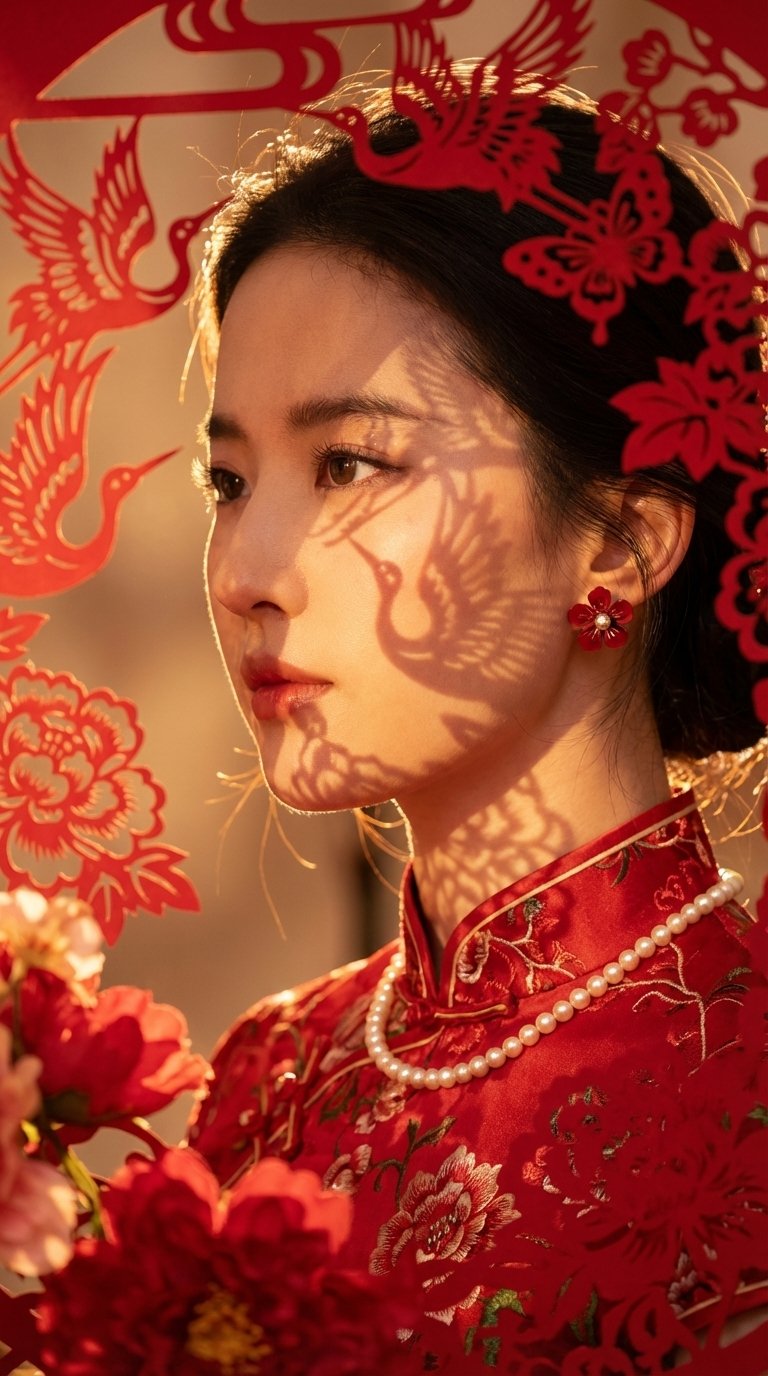
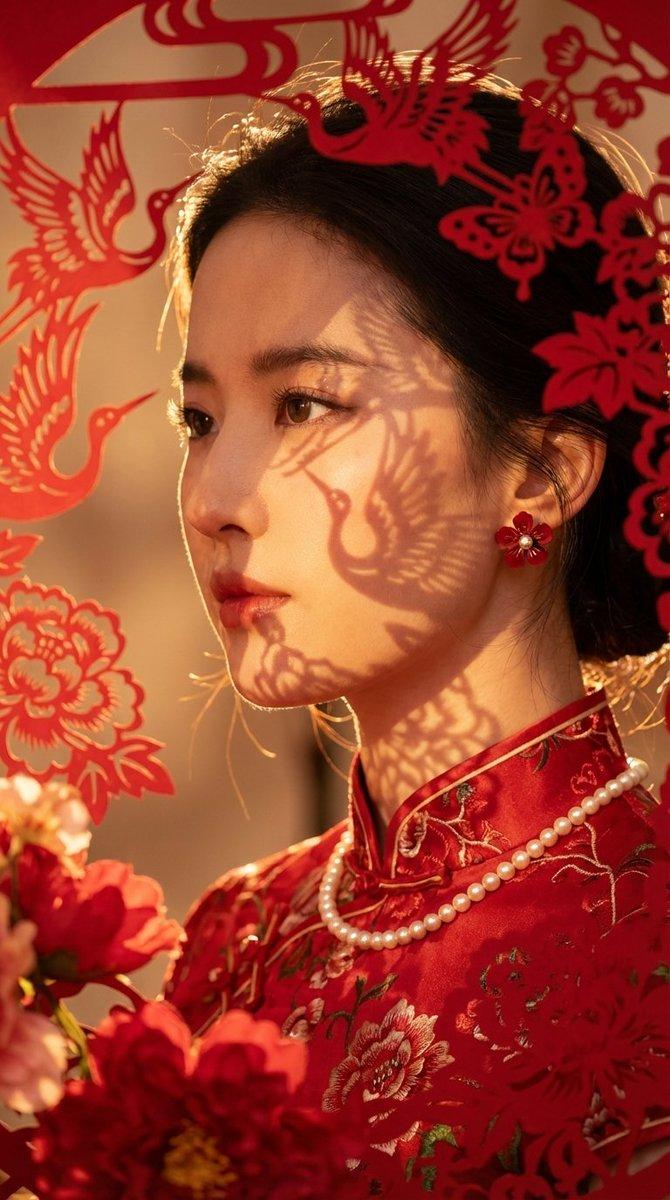
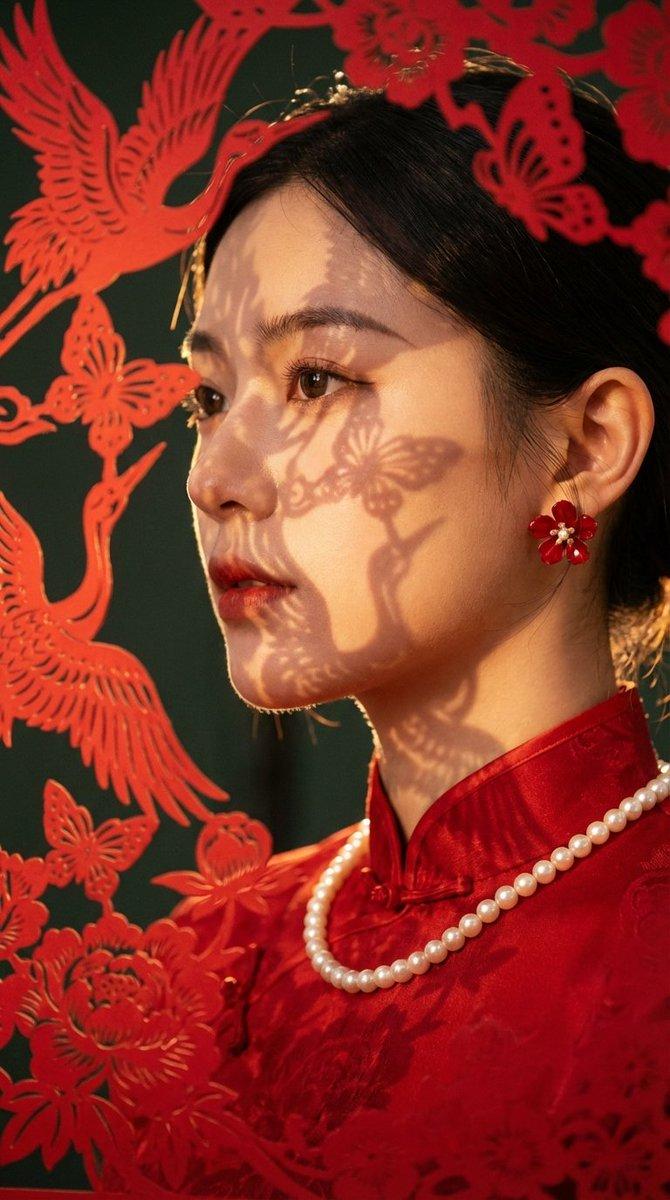
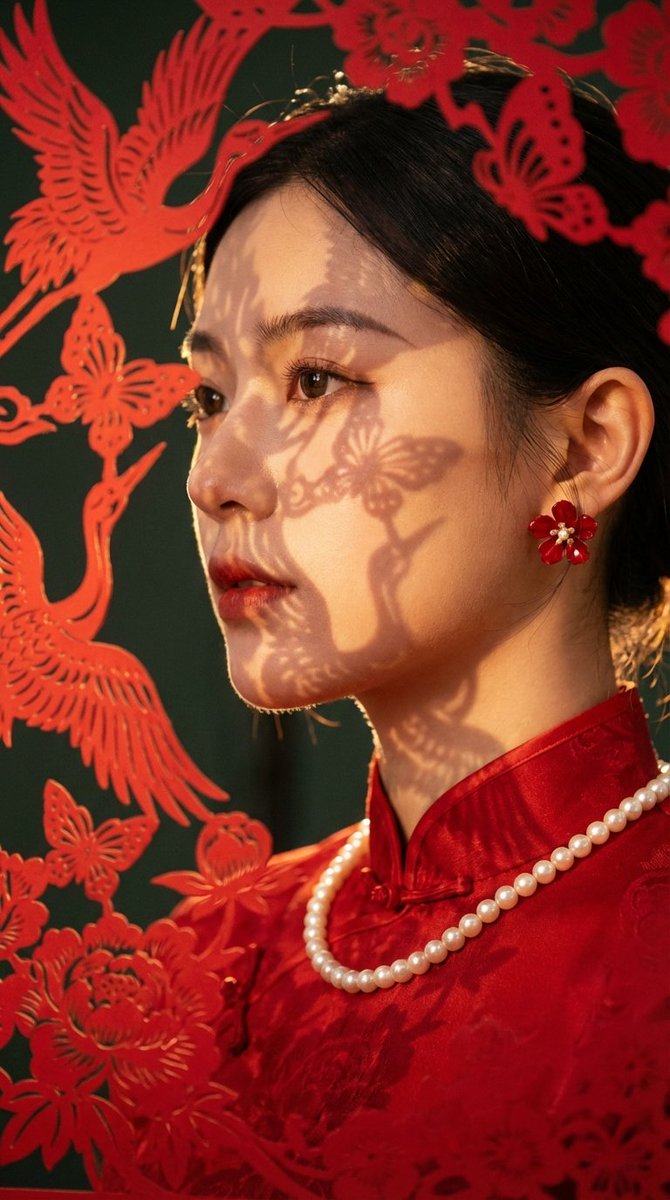
光影映衬下的新中式旗袍红妆丽人
Enlarge

光影映衬下的新中式旗袍红妆丽人

Prompt
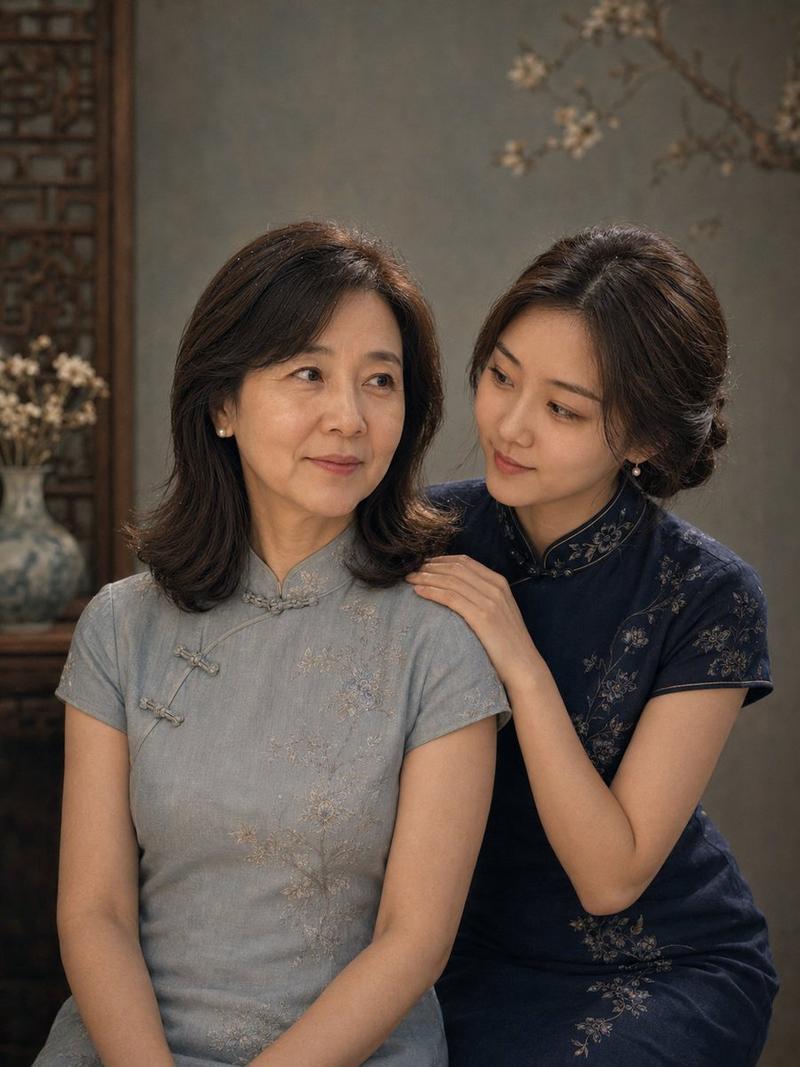
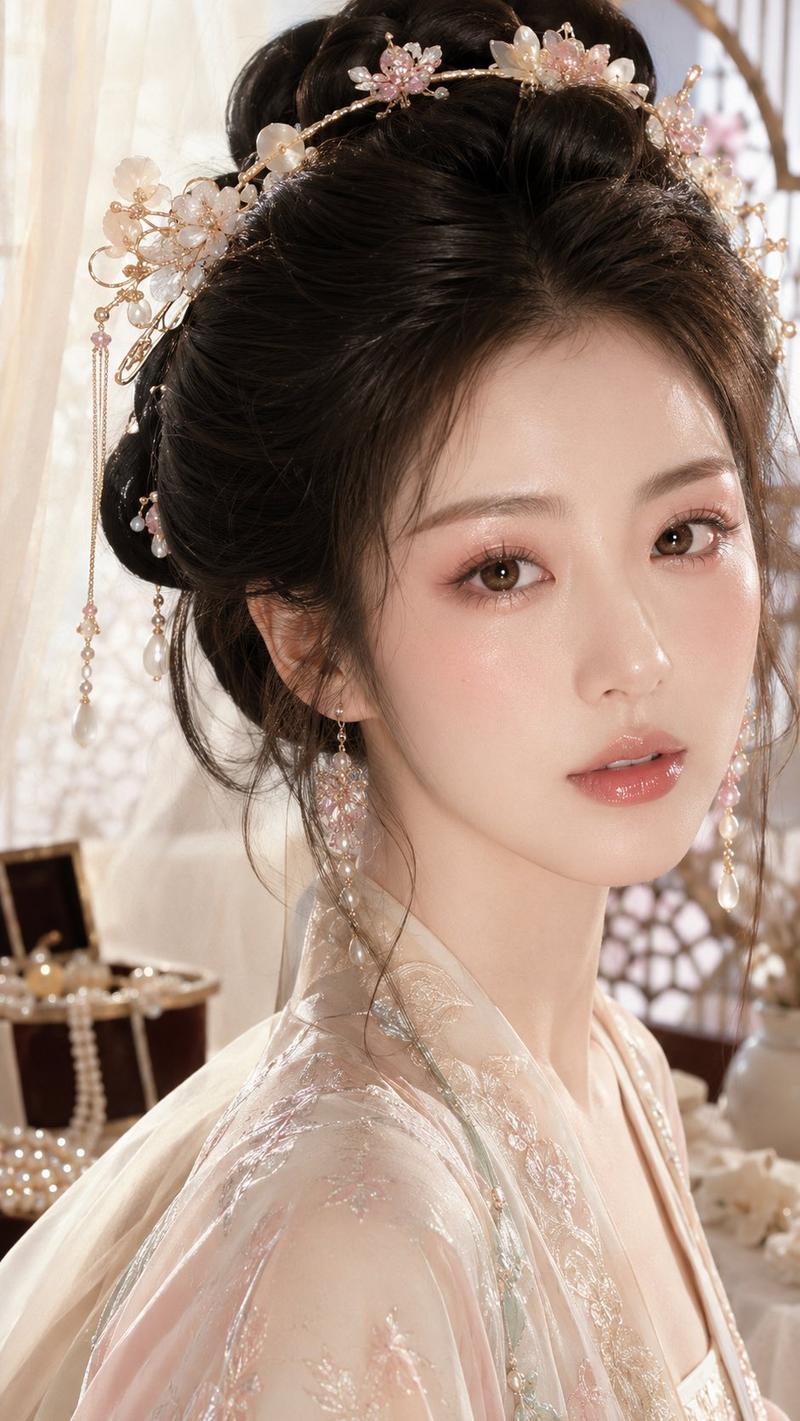
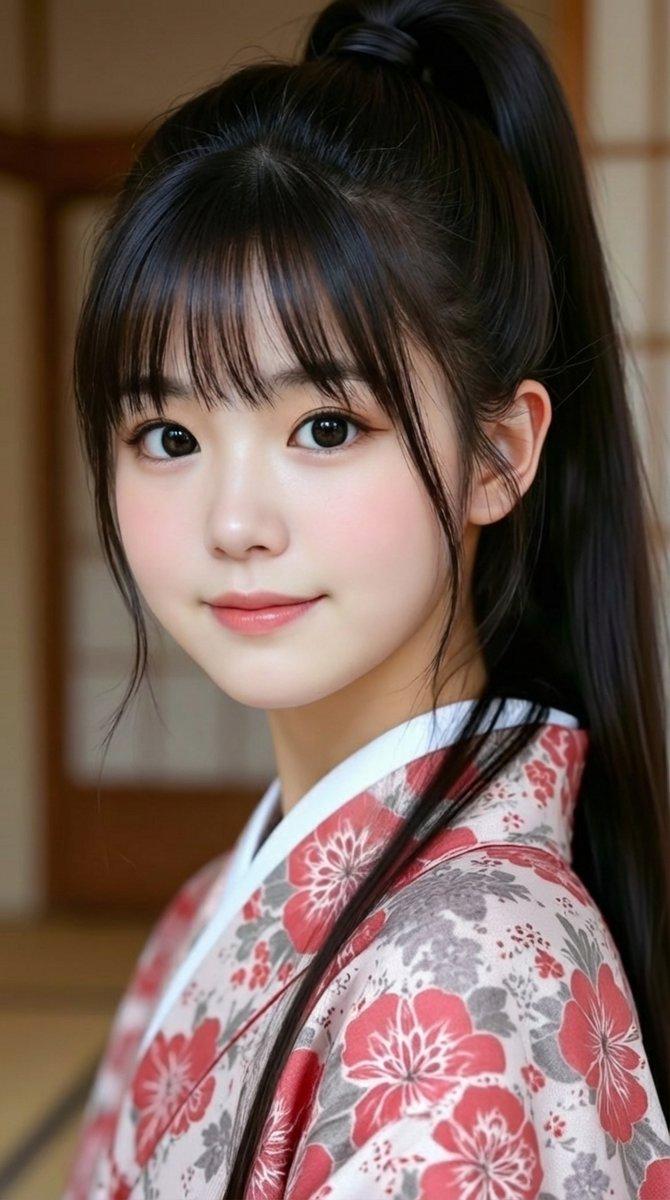
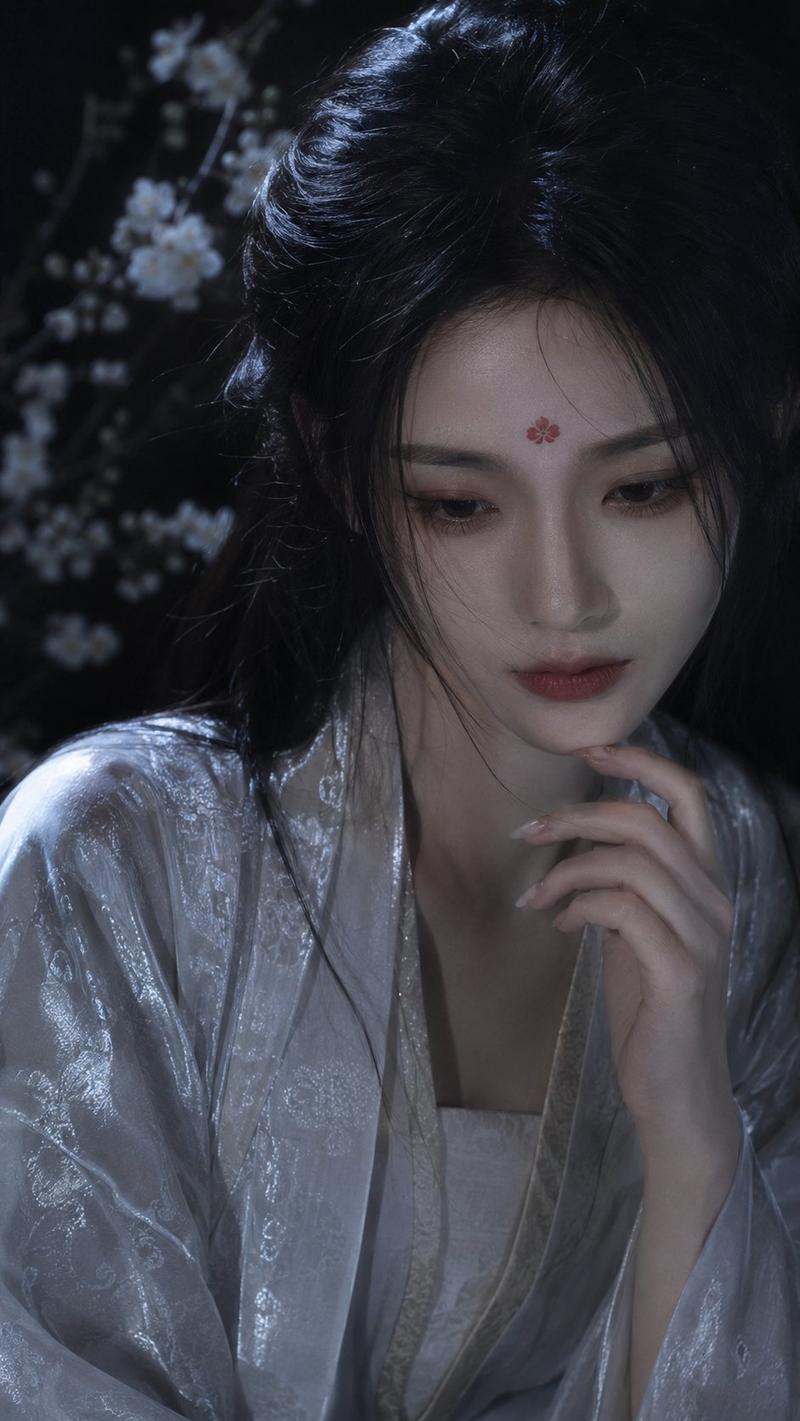
Ensure the person in the image maintains the facial features of the photo Subject: Young East Asian woman, close-up portrait. Expression: Gently smiling, face directly towards the camera Features: Delicate and translucent skin texture, natural and clear makeup. Hair, Makeup & Accessories: Hair: Black hair combed back and pinned up. Hair accessories: Hair is carefully decorated with traditional Chinese paper-cut artwork in red, with simple and elegant patterns. Jewelry: Wearing a single strand pearl necklace, with small gold stud earrings on the earlobes. Attire: Red silk Qipao (Qipao), with traditional mandarin collar and frog button details. Lighting: Warm side light (Golden Hour), light source entering from the left side of the frame. Light casts soft, warm shadows on the face and neck, creating a sense of dimension and luminescence. High contrast, warm, festive, and intimate atmosphere. Composition & Environment: Vertical orientation. Foreground: The left side of the frame is surrounded by a defocused (Bokeh) frame of thicker red paper-cut art (floral branch pattern), adding depth. Background: Deep red, pure, and blurred background. Also includes some light and shadow effects. Shallow depth of field, focus sharply concentrated on the person's face and eyes. Style & Medium: High-quality commercial portrait photography, cinematic lighting effects. New Chinese Style aesthetic, festive atmosphere (Chinese New Year). 8k resolution, ultra-high definition details.
Category
Photography & Realism
Model
Nano Banana Pro
Creator
@ttmouse
Views126
Source ID
7061
Published
Mar 18, 2026

Guide

About "光影映衬下的新中式旗袍红妆丽人"

What is this prompt for?

"光影映衬下的新中式旗袍红妆丽人" AI image prompt for Nano Banana Pro (Photography & Realism). 确保图像中的人物维持照片的五官 主体 (Subject): 年轻东亚女性,特写肖像。 表情:温柔地微笑着,脸部正对着相机 特征:皮肤质感细腻通透,自然清透的妆容…

The full copyable prompt and example visuals above are ready for AI image generation or one-click recreate in Picva.

How to use this prompt

  1. Step 1

    Open the prompt detail

    Review the example visuals, category, and full prompt text for "光影映衬下的新中式旗袍红妆丽人".

  2. Step 2

    Copy the prompt

    Copy the prompt body from this page, or load it directly in Studio.

  3. Step 3

    Pick a model (Nano Banana Pro)

    Prefer Nano Banana Pro. If you switch models, keep subject and composition and tweak style terms.

  4. Step 4

    Generate and export

    Recreate the look in Picva, or export into your workflow for editing and publishing.

FAQ

What is the "光影映衬下的新中式旗袍红妆丽人" prompt?
It is an AI image-generation prompt for Nano Banana Pro in the Photography & Realism category. This page includes the full prompt text, example visuals, and a one-click recreate path in Picva.
How do I use this prompt to generate an image?
Copy the prompt from this page, or use Generate / Studio. Paste it into a compatible image model, or recreate the look in Picva with optional reference images.
Which model is this prompt for?
This page lists Nano Banana Pro. Most descriptive prompts also transfer to nearby image models such as GPT Image, Flux, or Midjourney with light style tweaks.
Can I use the result commercially?
You can usually copy the prompt for creation, but commercial use of the final image depends on the model terms, reference-image rights, and the generated content. Follow the source author and platform rules.